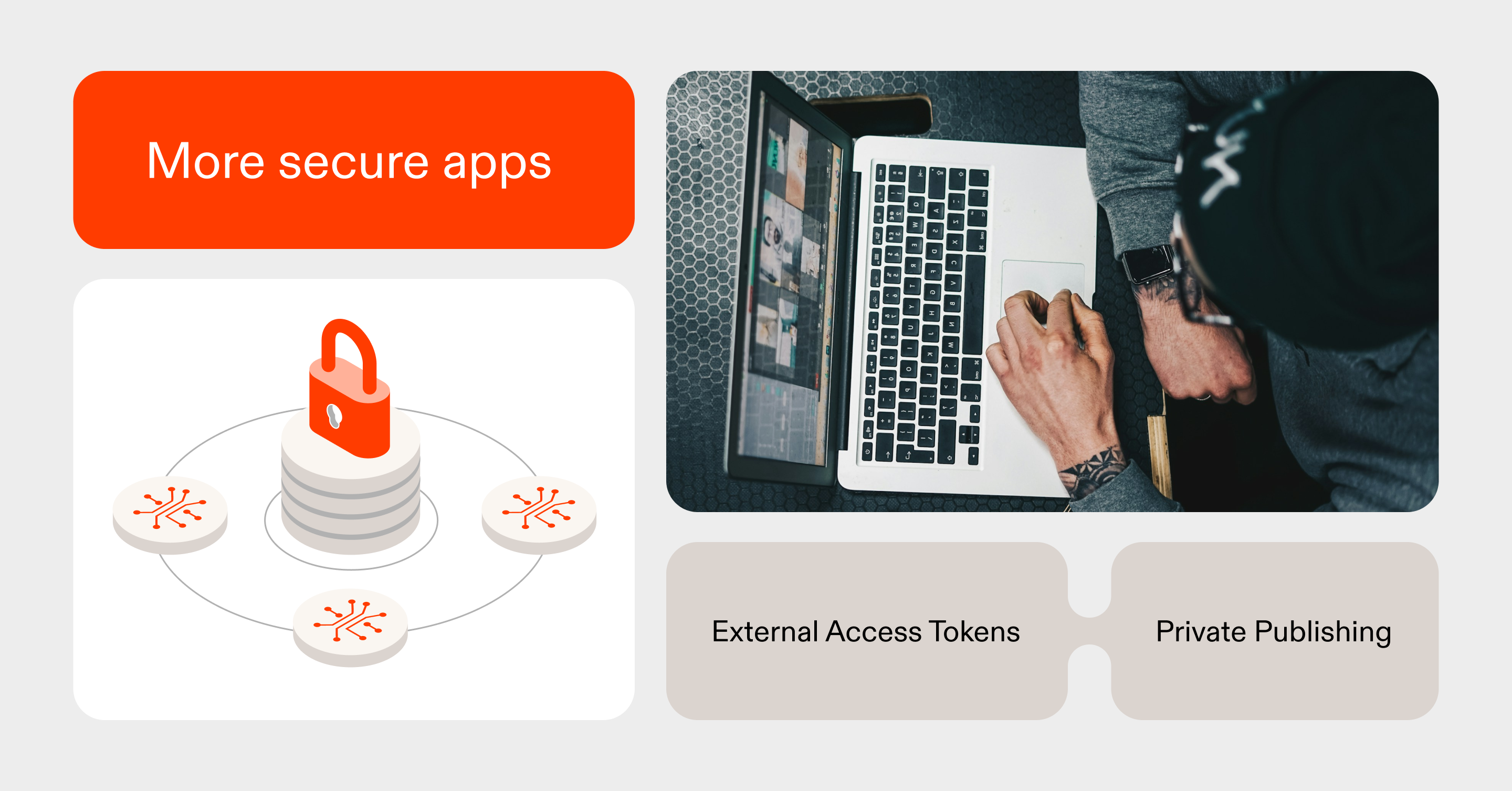

At Replit, we want all users to be able to build secure applications. In addition to features like Security Agent and Auto Protect, you can restrict access to your apps with Private Publishing.
Private Publishing is ideal for apps that should only be accessible to a specific set of users — whether that’s a personal tool, an internal app for teammates, or an early prototype shared with close collaborators.
Today, we’re introducing two updates that expand secure access for Replit builders:
- Private Publishing is now available to Core and Starter plan users. Previously, private deployments were limited to Pro and Enterprise plans.
- External Access Tokens are now available for all private apps. External Access Tokens let trusted external services securely access private apps without exposing the entire application to the public internet.
Private Publishing works at the network level. When publishing, simply choose your desired access level and Replit will prevent unauthorized user requests from ever reaching your app.


One challenge with privately published apps has been supporting integrations that still need to reach your app such as webhooks, callbacks, or other external services. Previously, enabling these integrations meant making your app publicly accessible.
External Access Tokens remove that tradeoff.
These tokens are secure credentials for trusted services. You can generate a token and provide it only to the external services that need access to your app. Replit then verifies incoming requests before sending them to your app, ensuring that only authorized users and services can reach it.
For privately published apps, you’ll now see a new External Access Tokens section under Security in the Publishing pane, where you can create and manage tokens.


Tokens can be scoped to either your development or production environment. When creating a token, you can optionally add a label to help identify its purpose and set an expiration date for temporary access.
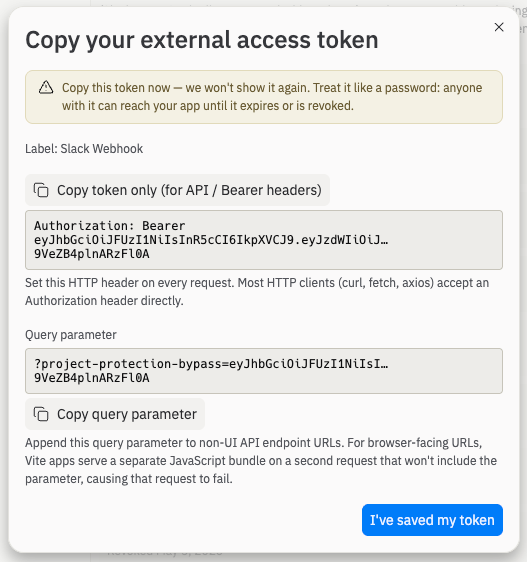
After the token is created, you’ll be shown the token value and given a one-time opportunity to copy it for use in your external service, such as GitHub or Slack.
External services can authenticate using the token in one of two ways:
- HTTP headers (recommended)
- URL query parameters
The best method for your app depends on the external service you’re integrating with, so check that service’s documentation for setup instructions.
Finally, you have the ability to revoke tokens at any time. Simply click the trash icon next to a token to immediately disable it and remove its access to your application.

Replit is the most secure place to vibe code. Enjoy securing more of your apps with Private Publishing.