Start with a prompt
Explain the subject, audience, and outcome you want. Agent can turn that direction into a structured presentation.
Start with a doc, choose a template and get polished, structured decks ready to present.














Whether you're closing a deal, raising a round, or sharing architecture, Replit slides get you to your objective faster.

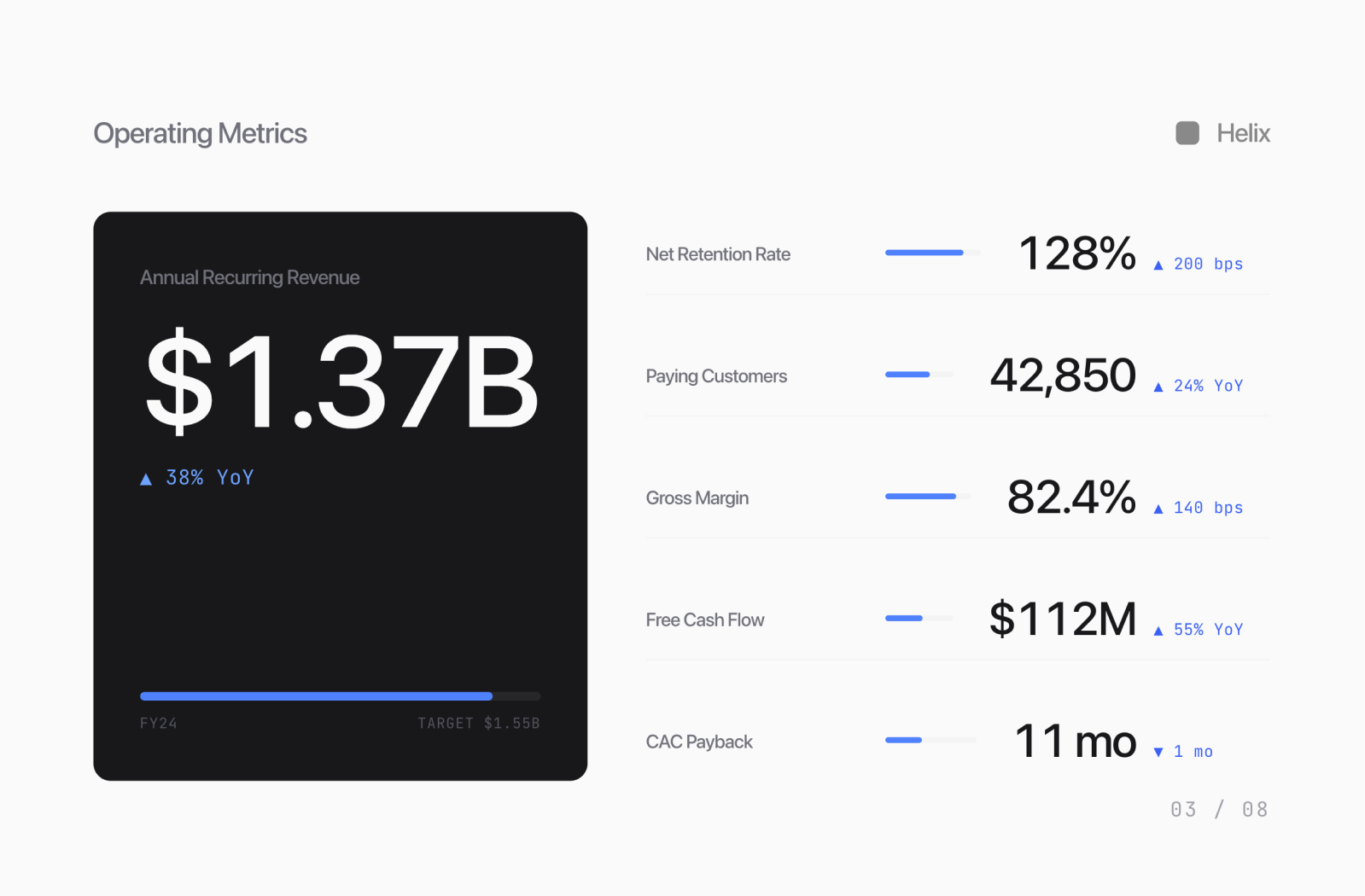
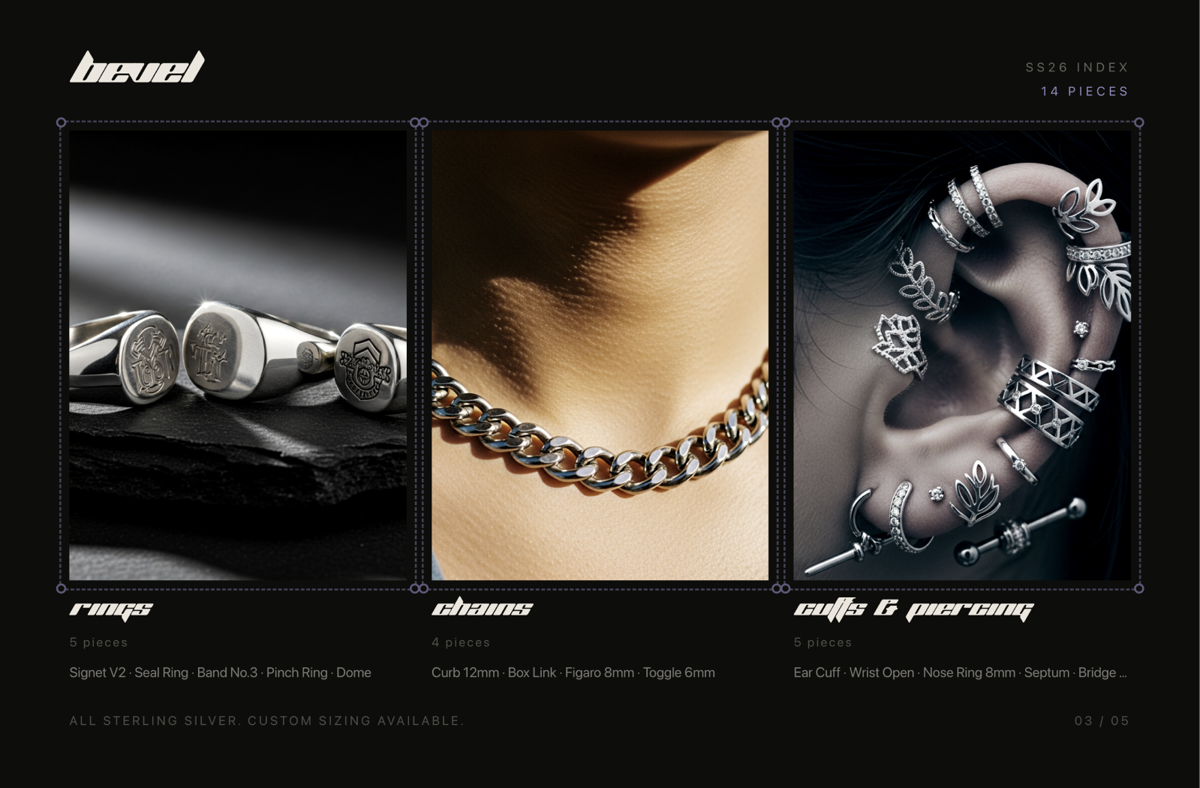
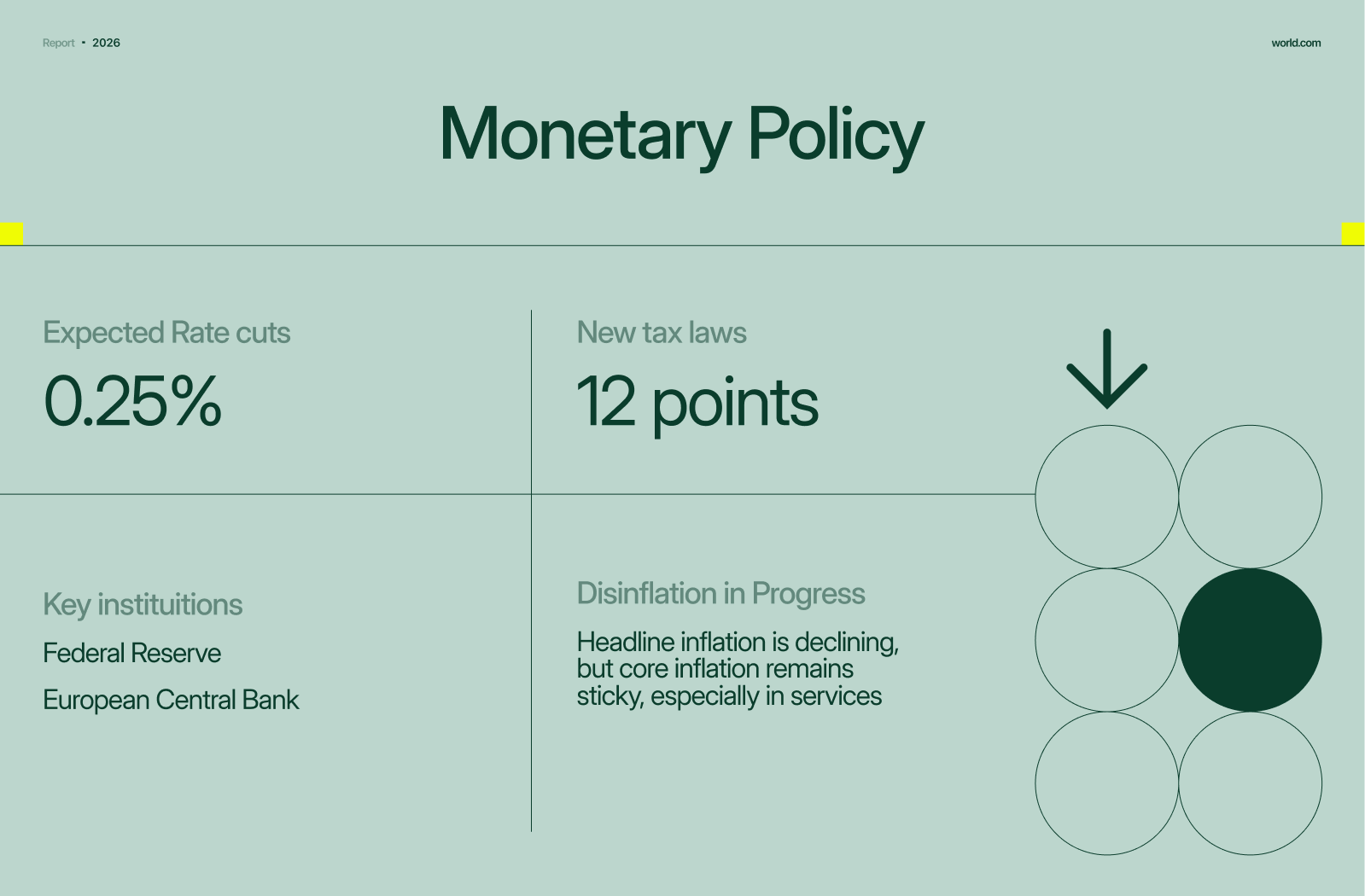


Replit Slides streamline the slide creation process from start to finish.
Build
Turn content into slides instantly
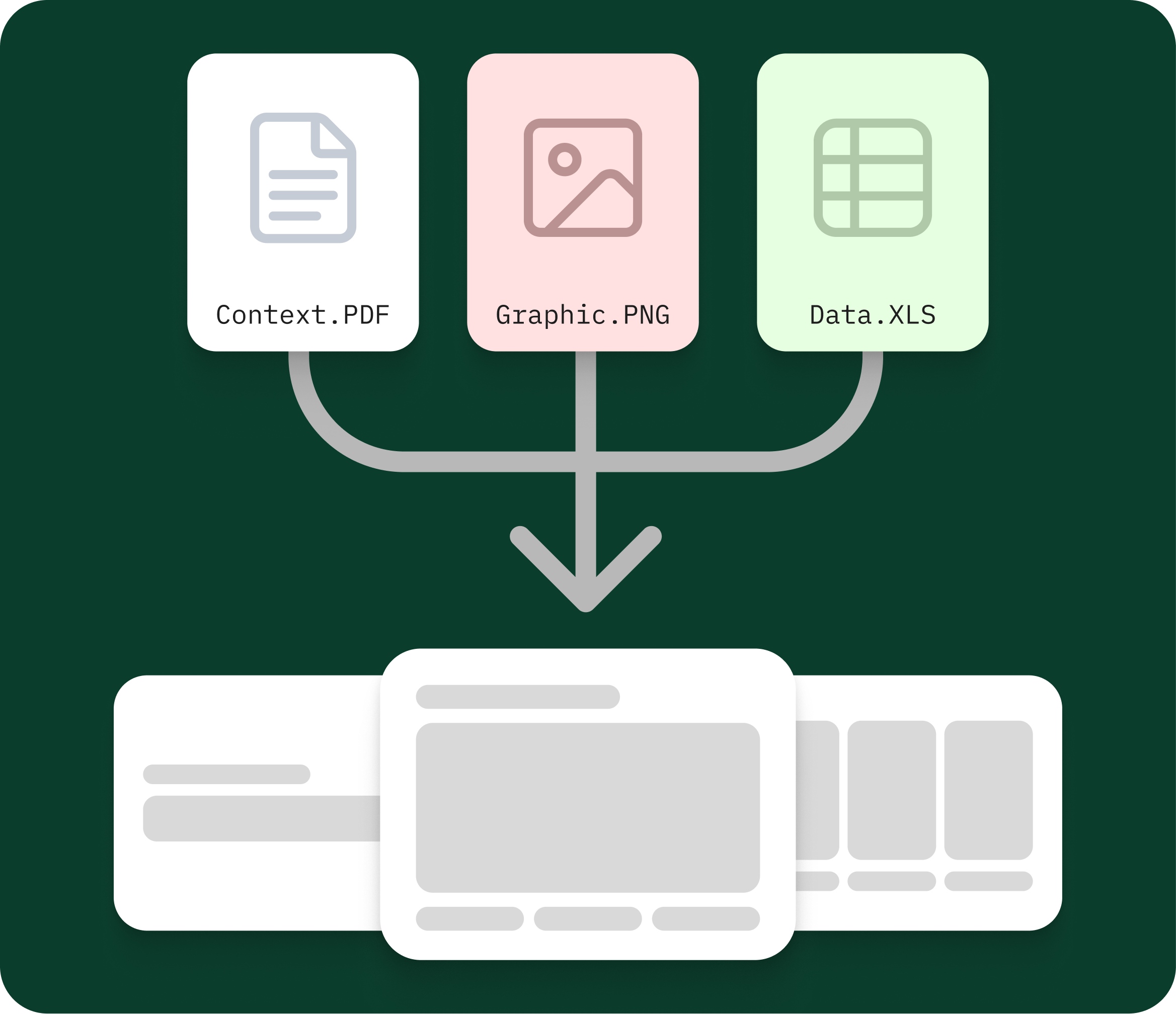
Drop in a doc or rough ideas and get a complete slide deck in minutes.
Design
Get polished designs with zero effort
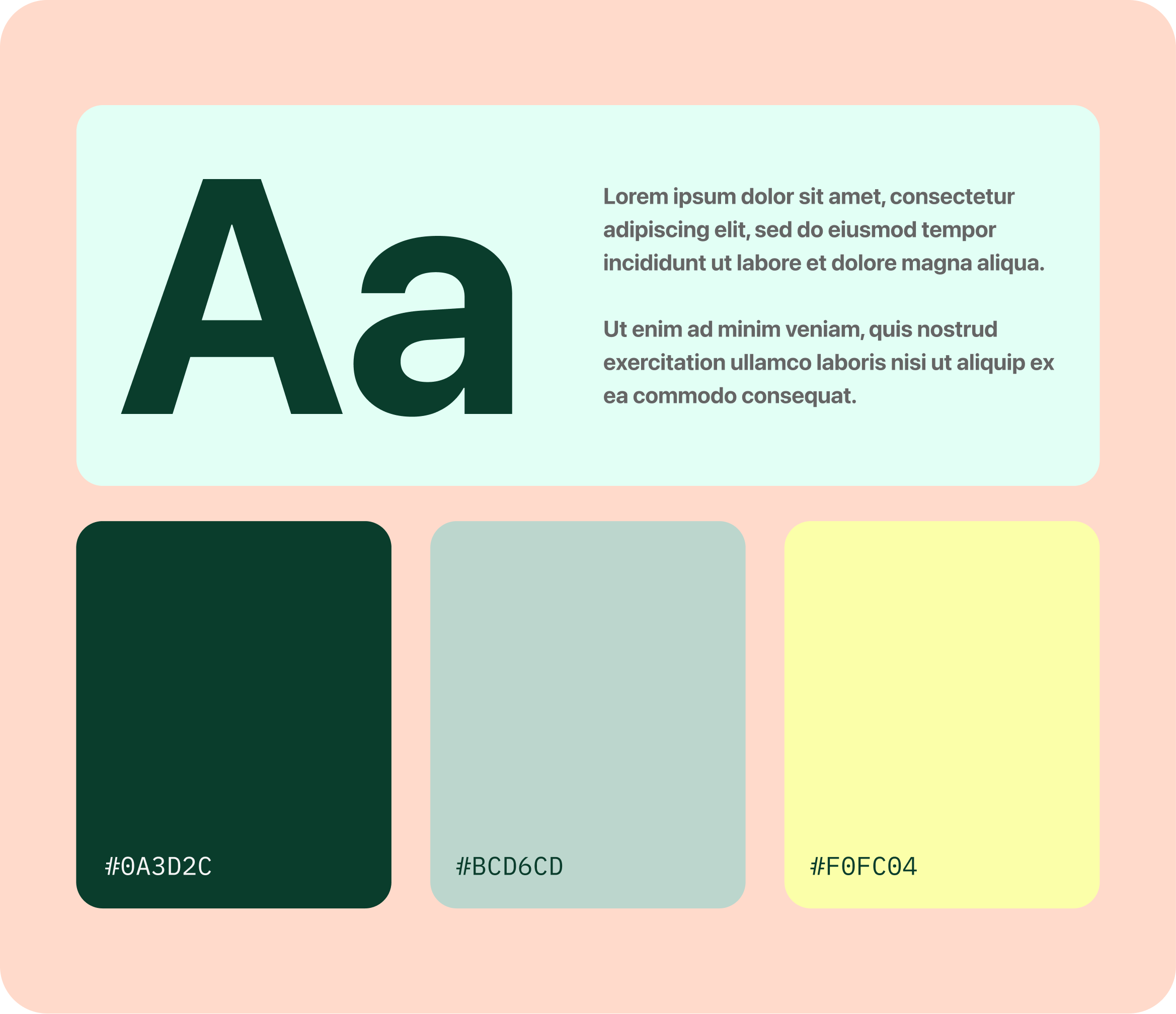
Start with beautiful pre-built templates or import existing brand templates.
Customize
Tailor every detail to your needs
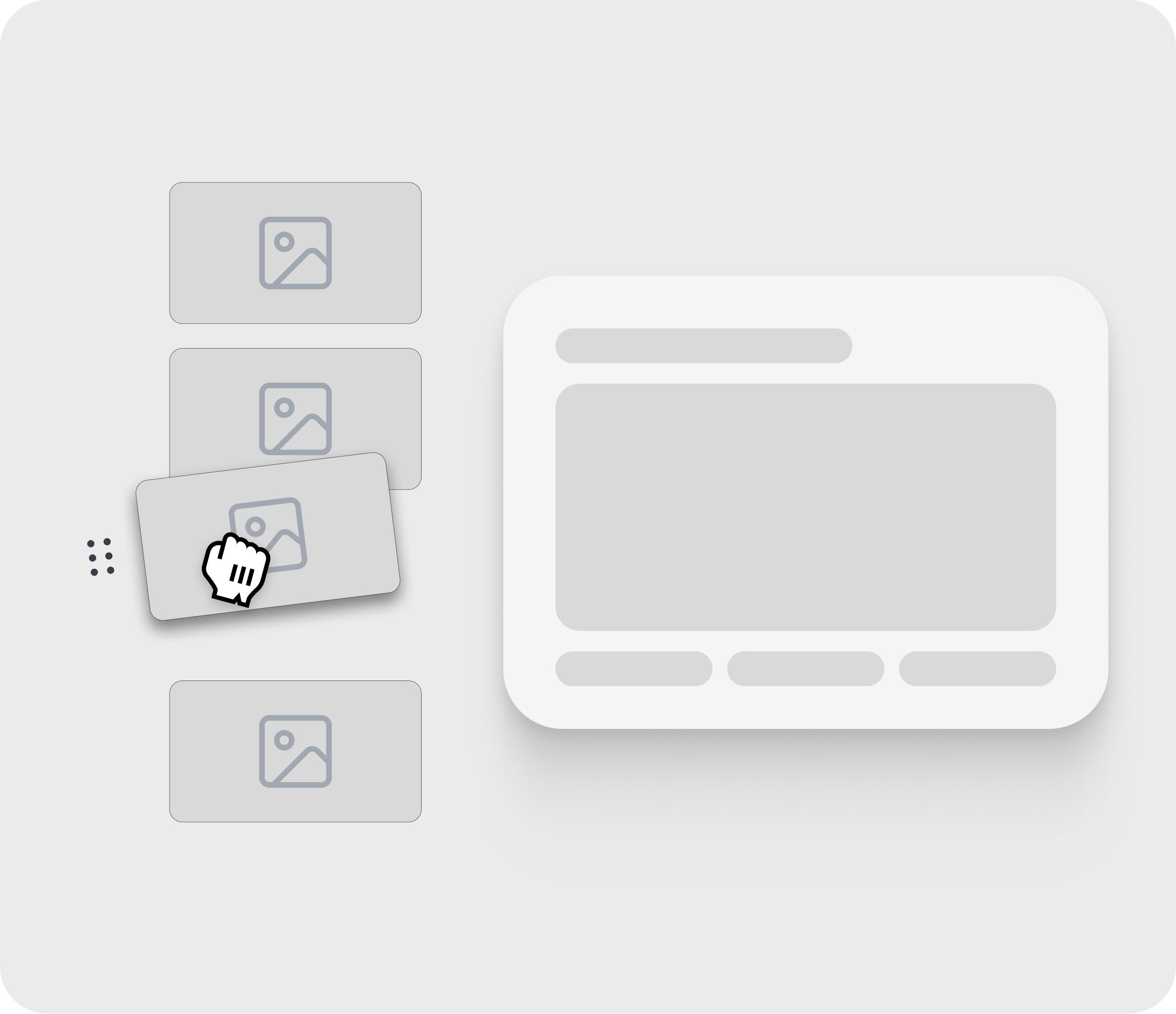
Customize number of slides, slide order, slide template & more.
Narrate
Get structured storytelling by default
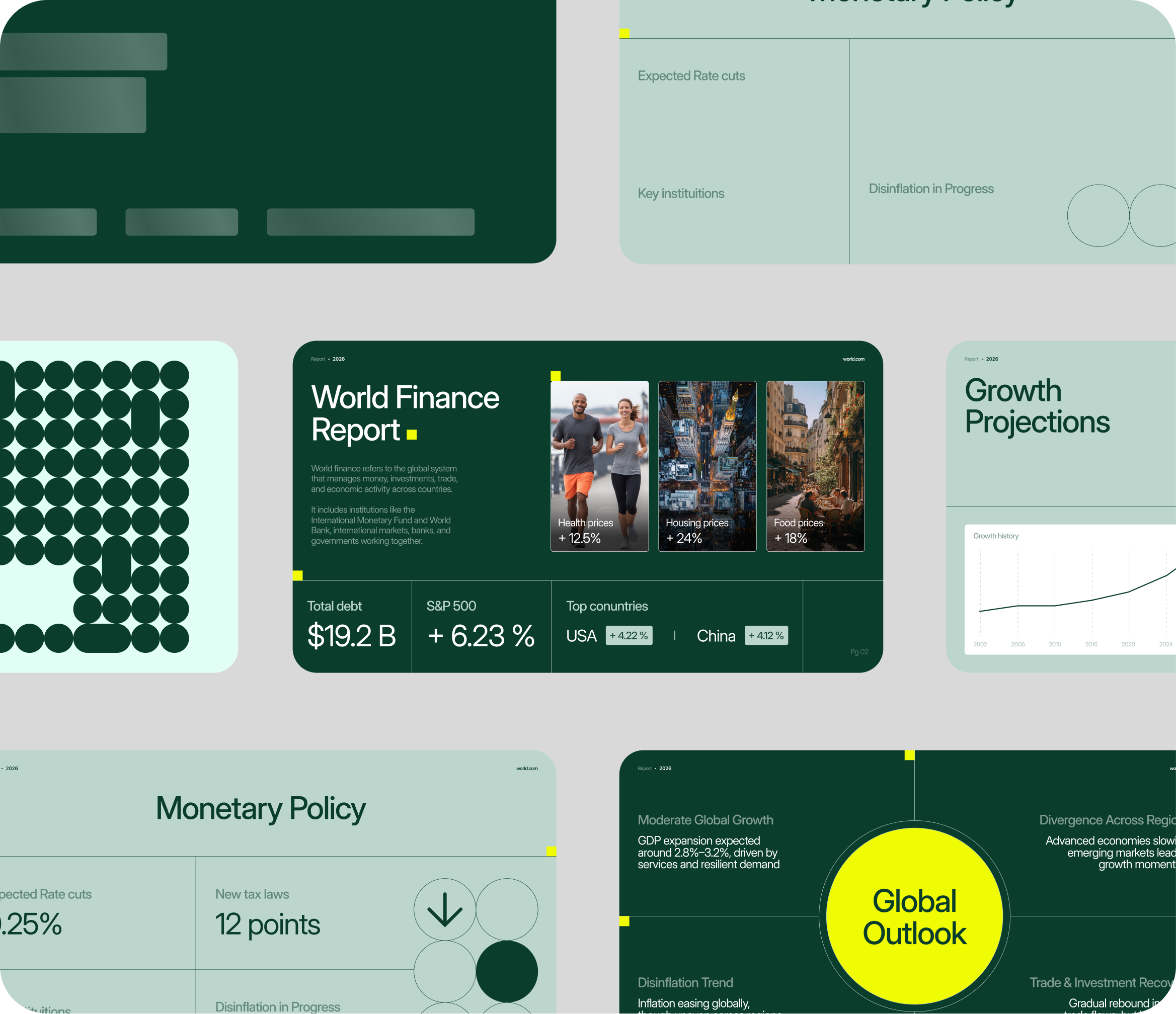
Automatically organize your content into a clear narrative with the right flow.
Build
Turn content into slides instantly
Drop in a doc or rough ideas and get a complete slide deck in minutes.
Design
Get polished designs with zero effort
Start with beautiful pre-built templates or import existing brand templates.
Customize
Tailor every detail to your needs
Customize number of slides, slide order, slide template & more.
Narrate
Get structured storytelling by default
Automatically organize your content into a clear narrative with the right flow.
Build
Turn content into slides instantly
Drop in a doc or rough ideas and get a complete slide deck in minutes.
Design
Get polished designs with zero effort
Start with beautiful pre-built templates or import existing brand templates.
Customize
Tailor every detail to your needs
Customize number of slides, slide order, slide template & more.
Narrate
Get structured storytelling by default
Automatically organize your content into a clear narrative with the right flow.
Replit Slides is an AI presentation maker built into Replit. Give Agent a prompt, outline, screenshots, source material, or an existing PowerPoint and it can create a complete slide deck that you can refine, present, publish, and export.
Instead of starting with a blank canvas, start with the story you need to tell. Agent can help organize the structure, create the slides, incorporate your source material, and revise the presentation as your ideas develop.
Learn how slide decks work in ReplitStart with context
Describe the presentation you need, paste an outline, add screenshots and supporting material, or import an existing PowerPoint. Give Agent the audience, objective, and important details so the resulting presentation reflects the actual work.
Explain the subject, audience, and outcome you want. Agent can turn that direction into a structured presentation.
Include screenshots, research, product information, and other relevant context that should appear in the deck.
Bring an existing PPTX into Replit when you want to work from a presentation you already have instead of starting over.
Create with Agent
Agent can organize your ideas into a presentation structure and build the complete deck in a visual direction that fits the subject. Review the flow, request changes, and keep refining the content and design without rebuilding the presentation from scratch.
Turn scattered ideas into a clear sequence with an opening, supporting argument, evidence, and conclusion.
Use your product screenshots, examples, data, and source material so the presentation is grounded in the work—not just a generic template.
Ask Agent to rewrite a section, simplify a slide, change the visual direction, reorganize the story, or add missing context.
Present from Replit
Add speaker notes yourself or ask Agent to help draft them. Presenter view keeps your notes available while you present, and live sync lets you control the deck from one device while sharing it from another.
Write notes for each slide or ask Agent to create a first draft based on the presentation.
See the current slide, upcoming content, and your notes while your audience sees the presentation.
Present from one screen and move through the deck from another connected device.
Use the format your audience needs
Download your presentation as a PowerPoint or PDF, or open the exported deck in Google Slides. Continue working in the tools your team, customer, classroom, or event already uses.
Export a PPTX that you can open and continue editing in PowerPoint or Keynote.
Move the presentation into Google Slides when that is where your team collaborates and presents.
Create a static version for sharing, reviewing, or printing.
Use Replit Slides for a quick first draft or a presentation that incorporates detailed project context.
Explain the problem, product, market, traction, and opportunity in a clear investor narrative.
Turn customer context, product capabilities, and supporting evidence into a presentation tailored to the conversation.
Share launches, roadmap decisions, results, screenshots, and what comes next.
Organize operating metrics, decisions, priorities, and progress into a deck that is easy to follow.
Create structured educational material with examples, explanations, and discussion prompts.
Turn source material and findings into a narrative with supporting evidence and conclusions.
Gamma, PowerPoint, Google Slides, and Claude can all be useful ways to create presentations. Replit is a strong fit when you want Agent to turn project context and source material into a complete deck, then keep creation, iteration, presenting, publishing, and export in one workflow.
The right tool depends on how you prefer to edit and collaborate. Replit Slides is designed for people who want to begin with an idea or existing material and work with an AI agent to develop the presentation.
Replit Slides is an AI presentation maker built into Replit. Give Agent a prompt, outline, screenshots, source material, or an existing PowerPoint and it can create a complete slide deck that you can refine, present, publish, and export.
Yes. Describe the audience, goal, subject, and preferred direction. Replit Agent can organize the presentation and create the complete deck. You can then review the slides and ask Agent to revise the content, structure, or design.
Yes. You can import a PPTX and use it as the starting point for your presentation instead of beginning with a blank deck. Complex presentations may still need review after import.
Yes. You can export a presentation to PowerPoint or PDF, or open the exported deck in Google Slides.
Yes. You can add speaker notes yourself or ask Agent to help write them. Presenter view keeps your notes available while you present, including a live-synced workflow that lets you control the deck from another device.
Yes. Add screenshots and supporting material to give Agent the context it needs. This is useful for product demos, sales decks, project updates, lessons, research, and other presentations that need to reflect real work.
Replit can be an alternative when you want to create a complete presentation with AI, incorporate project context and source material, present with speaker notes, and export to PowerPoint, Google Slides, or PDF. The better fit depends on the editing and collaboration workflow you need.
You can create, refine, and present a complete deck in Replit. You can also export the presentation to PowerPoint, Google Slides, or PDF when your audience or team prefers one of those formats.
No. Describe the presentation in everyday language and work with Agent to create and refine it.
Stop fighting with formatting. Start creating slides that look like they took days, in just minutes.
Start creating for free