Building software used to mean weeks of setup, debugging, and frameworks. Now it takes a few sentences and an AI agent.
The rise of vibe coding (where natural language, visual interfaces, and autonomous agents handle the heavy lifting) has changed how developers and non-developers build web applications. Some tools add AI to your editor. Others take the prompt and build, host, and deploy the entire app themselves.
This guide explores the best vibe coding tools of 2026: what they are, how they work, and which AI-powered platforms fit different use cases, from rapid prototyping to full production apps.
What Is Vibe Coding?
Vibe coding is a new category of AI-powered software development environments that let you build apps in natural language instead of code. Think of it as a mix between a no-code tool, a coding assistant, and a full IDE.
You give a prompt like “Build a mobile app that tracks habits,” and the tool, powered by models like OpenAI, Anthropic Claude, or Google Gemini, creates a working prototype, complete with UI, backend logic, and deployment setup.
Typical features include:
- Natural language input for code generation and refinement
- Real-time collaborative editors with AI pair programmers
- Built-in authentication, database, and hosting tools
- Auto debugging and dependencies management
- Automatic deployment for production-ready apps
This new workflow replaces syntax with creativity. Whether you’re building prototypes or automating company dashboards, vibe coding makes modern software development conversational.
Why Are Vibe Coding Tools Trending?
Three shifts are driving this wave of innovation.
1. Better AI models. New LLMs like GPT-4, Claude Sonnet, and Gemini 2 deliver higher accuracy in multi-file reasoning, code completion, and backend logic.
2. Seamless development environments. Browser-based IDEs like Replit remove local setup and let you go from prompt to deploy instantly.
3. Automation as a new normal. Autonomous AI assistants now test, refactor, and deploy without manual intervention. That frees developers to focus on UX, design, and real-world functionality.
The use cases keep expanding: internal tools, Python APIs, mobile apps, serverless backends, or full web applications. Teams use vibe coding tools to reduce context switching, while non-developers use them to ship real apps without deep technical knowledge.
How We Selected the Best Vibe Coding Tools
The list spans four ways to vibe code. Prompt-to-app platforms build and host the whole product, AI-native editors replace your desktop setup, extensions add an agent to the editor you already run, and open source tools hand you the keys.
To make the cut, a tool had to be actively maintained, publicly priced, and verifiable hands-on against its vendor's own product and pricing pages.
Top Vibe Coding Platforms Compared (2026)
This quick reference highlights the top vibe coding tools of 2026.
| Tool | Best for | Free plan | Paid plans from |
|---|---|---|---|
| Replit | Prompt-to-production apps with hosting built in | Yes | $20/month |
| Cursor | AI-native editing in a VS Code-style IDE | Yes | $20/month |
| Lovable | Full products built and run from a chat | Yes | $25/month |
| Bolt.new | In-browser prompt-to-app building | Yes | $25/month |
| v0 by Vercel | React and Next.js interfaces from prompts | Yes | $30/user/month |
| Base44 | Business apps with backend and auth built in | Yes | $16/month billed annually |
| GitHub Copilot | AI inside the IDEs you already use | Yes | $10/month |
| Windsurf (now Devin Desktop) | Agent-first desktop IDE workflows | Yes | $20/month |
| Cline | Full control over models and spend | Yes | Pay per model use |
| Aider | Terminal pair programming with Git | Yes | Pay per model use |
Product and pricing information: vendor product and pricing pages, August 2026.
Best Vibe Coding Tools – Detailed Descriptions
Replit
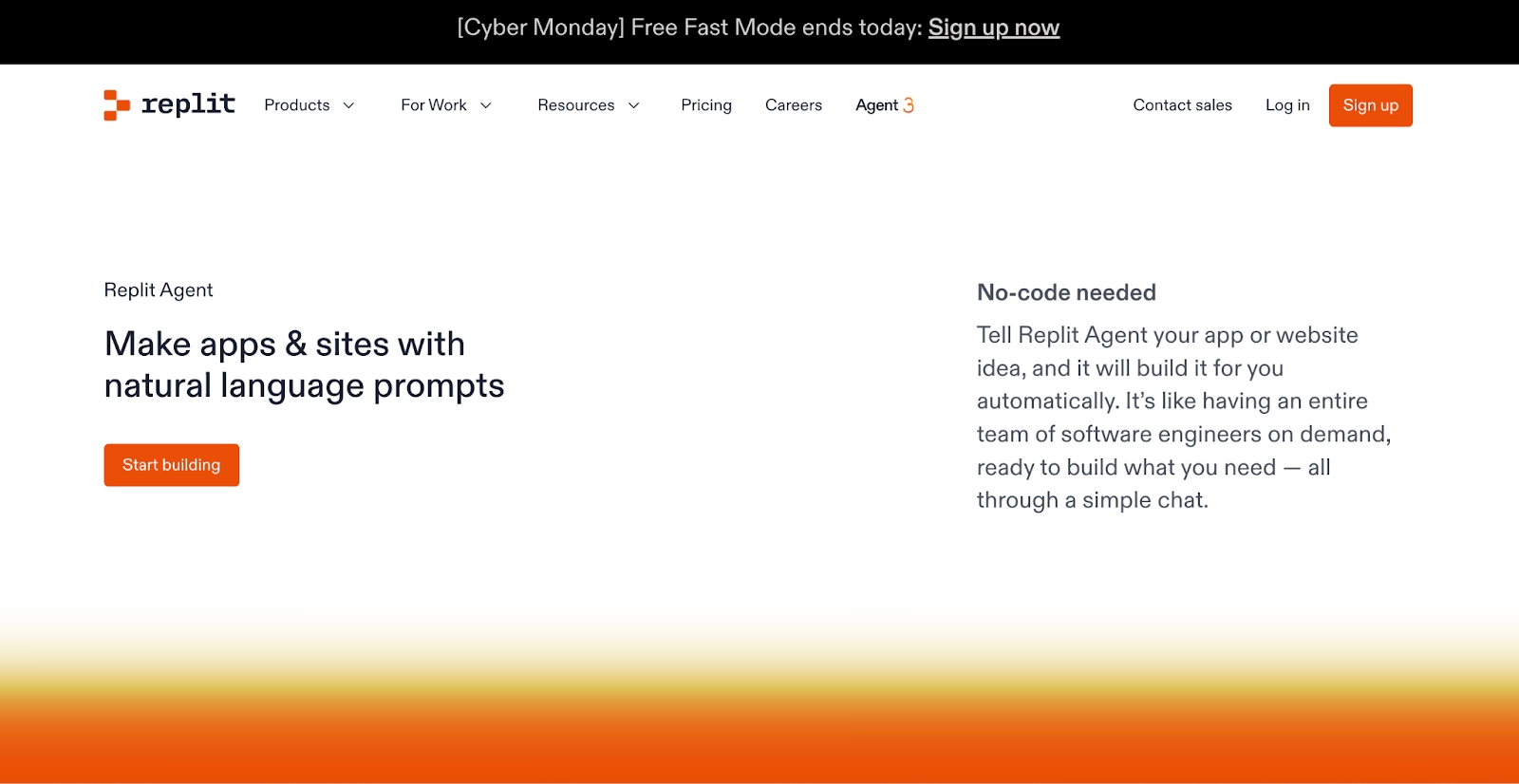
Replit takes a different path from every editor and extension here. There is nothing to install. The workspace, database, hosting, and deployment all live in one browser tab.
Agent 4 turns a prompt into a plan, then builds, tests, and publishes. Our agents run tasks in parallel, so auth, database work, and front-end design move at the same time.
The output covers full web apps, internal tools and dashboards, data pipelines, automations, and slide decks. The public gallery shows what people actually ship.
A partnership with Microsoft Azure brings SOC 2 Type 2 infrastructure, SAML SSO, and private deployments to enterprise workspaces. Plaid built a production SLA dashboard this way and reports 96+ hours saved per person.
Replit pricing runs on an effort-based model, so simple requests cost less than complex ones. Starter is free, and paid plans start at $20/month.
Pros:
- Finished, deployed output: full web apps, dashboards, pipelines, and slide decks
- Zero setup, with building, running, and publishing in one browser workspace
- Agent 4 runs parallel tasks and tests its own code before publishing
Cons:
- Browser-first work is an adjustment if your habits live in a desktop IDE
- Big agent builds draw more credits under effort-based pricing
Bottom line: Replit is the pick when the goal is working software with the infrastructure already attached. Agent 4 and built-in hosting leave nothing waiting on setup. Start on the free Starter plan and see how far a single prompt goes.
Cursor
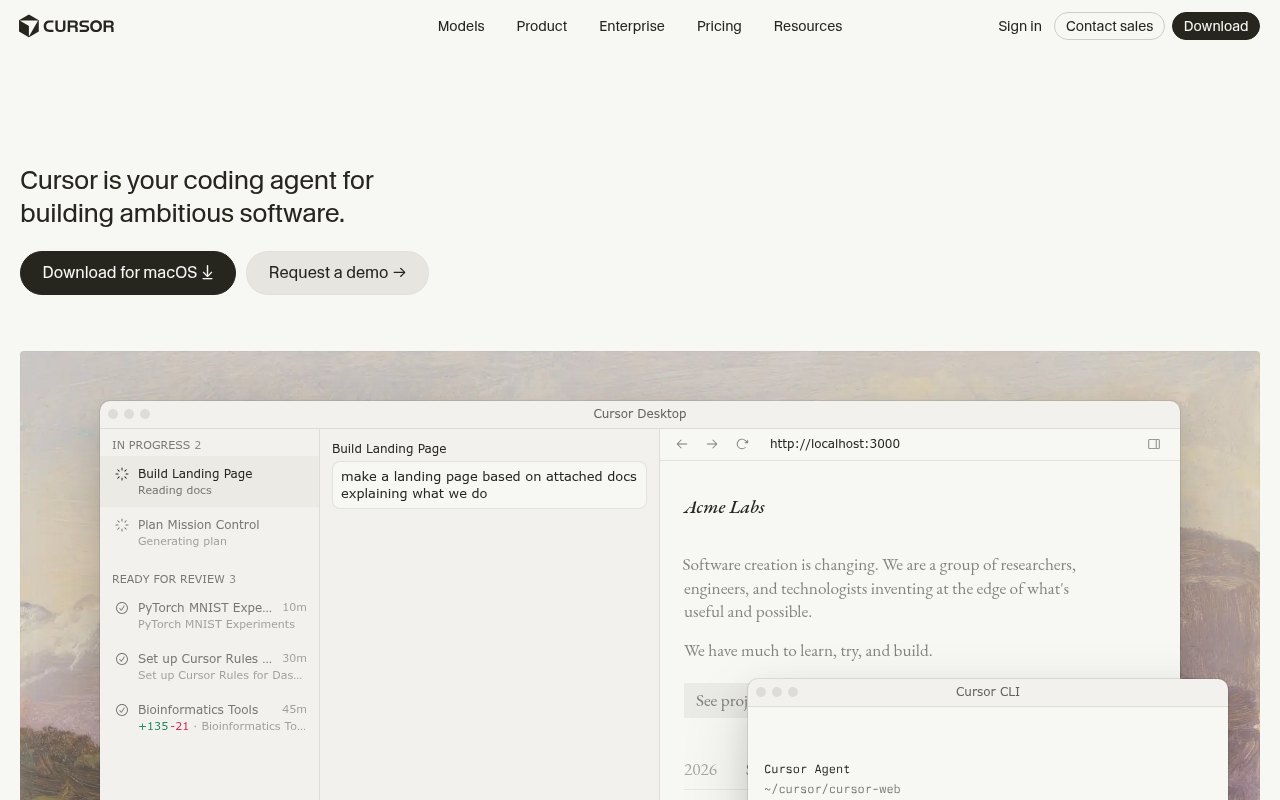
Cursor is the tool the rest of this list gets measured against. It turned VS Code into an AI-native editor, and your extensions, keybindings, and themes carry over in one import.
Agents are the core of the product now. Hand one a task and it works across files, runs commands, and shows you a reviewable diff. Background agents keep longer jobs running while you keep typing.
Model choice stays open. You can switch between Claude, GPT, and Gemini models, or pin the one you trust for a given job.
The free Hobby plan covers light use. Pro starts at $20/month, and heavy agent work bills usage beyond the included allowance. That usage-based layer is the cost pattern to watch.
Pros:
- Works like VS Code from the first minute, extensions included
- Switch between frontier models inside one editor
- Background agents handle multi-file tasks with reviewable diffs
Cons:
- Usage-based billing can climb fast in agent-heavy weeks
- Closed source, unlike several tools on this list
- The tier ladder above Pro takes some reading before you commit
Bottom line: Cursor set the pace that most tools on this list now chase. It rewards developers who live in an editor all day and want an agent one keystroke away. Watch the usage meter during agent-heavy weeks.
Lovable
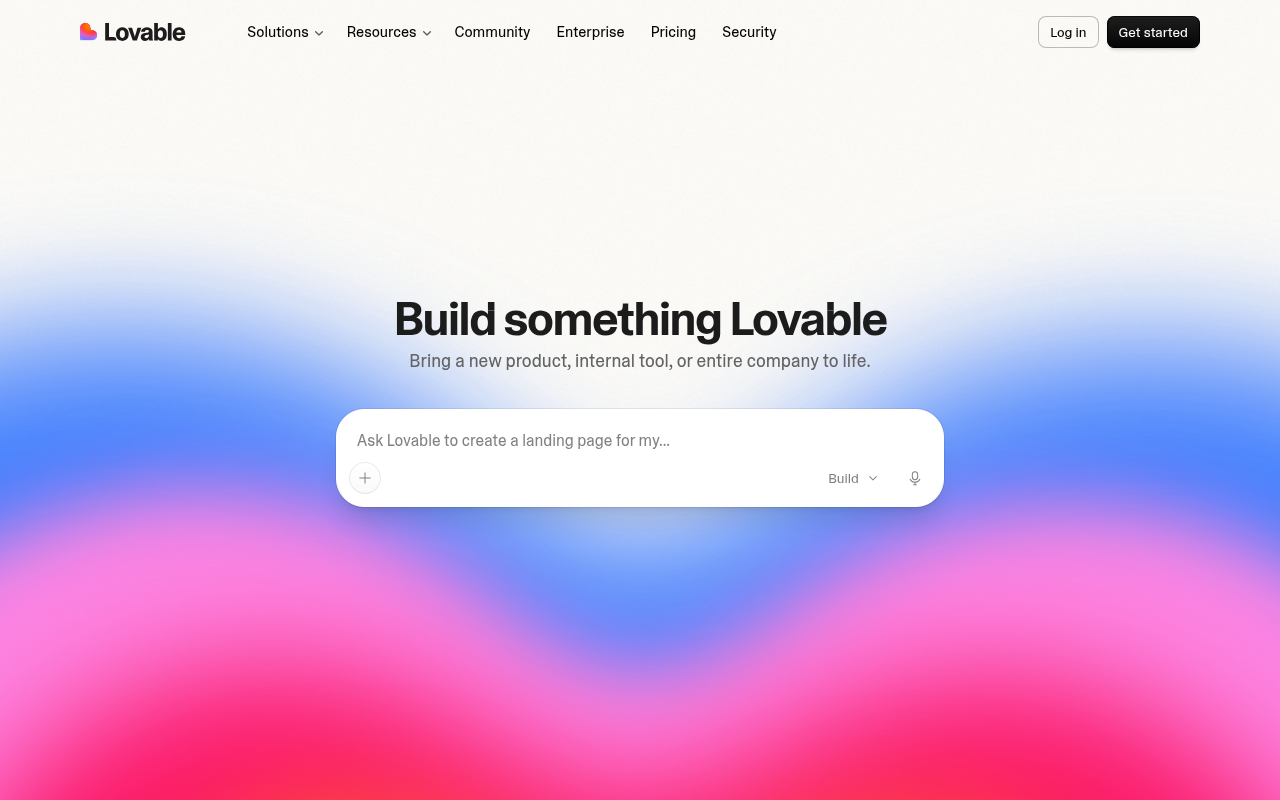
Describe a product in plain language and Lovable builds it in front of you, front end and back end together. Users start 1.2 million new projects on it every week.
The platform runs the whole stack for you. Hosting, authentication, payments, and integrations are handled end to end, and designs can come in straight from Figma.
Pricing follows workspaces instead of seats. Every plan allows unlimited collaborators, and shared credits meter what the workspace builds.
The results run real businesses. eXp Realty cancelled millions in SaaS contracts for custom software built with Lovable. The Scion Group followed the same path, with more than 100 apps deployed in under four months.
The free plan grants five build credits a day. Pro starts at $25/month and includes 100 monthly credits for the whole workspace.
Pros:
- Full products with hosting, auth, and payments included
- Unlimited collaborators on every plan, including the free one
- Figma import for teams that start from designs
Cons:
- Credit consumption varies with task complexity, so budgeting takes practice
- Unused monthly credits expire after two months
- SSO waits behind the Business tier
Bottom line: Lovable has grown from a front-end generator into a platform that runs whole products. Founders and teams who want checkout, hosting, and auth handled in one chat get the most out of it. Developers who prefer living in the code will feel boxed in.
Bolt.new
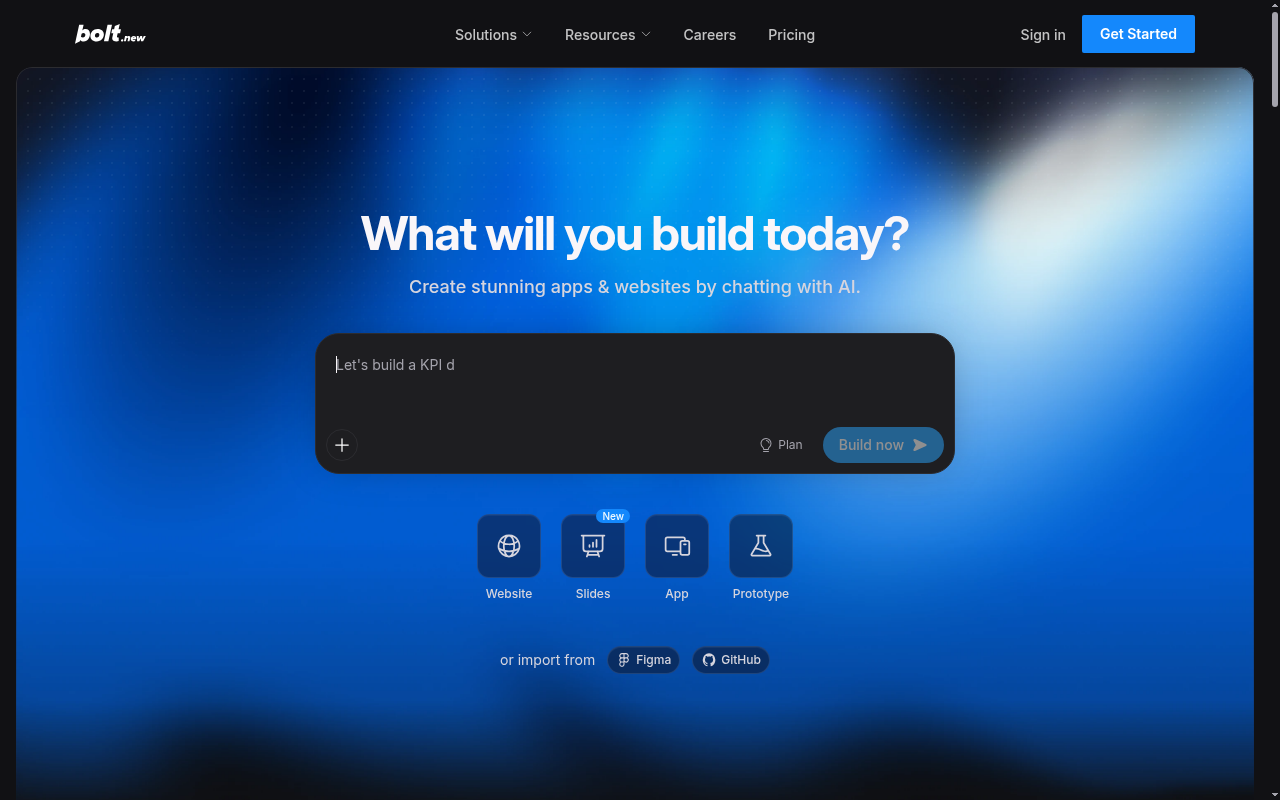
StackBlitz runs Bolt.new as a commercial product. The open source engine formerly described in this guide lives on separately as the community bolt.diy project.
Everything happens in a browser tab. Type what you want and Bolt scaffolds the app, wires up a database, and hosts the result on the spot. GitHub integration keeps the code in your own repos.
Tokens are the meter. Bigger projects send more of their file system to the model, so cost grows with the size of the app.
The free plan includes a daily token allowance. Unused paid tokens roll over for a month, and Pro starts at $25/month with 10 million tokens, custom domains, and private sharing.
Teams plans add centralized billing and admin controls, and SSO waits at the Enterprise tier.
Pros:
- Nothing to install, with hosting and databases built in
- Free daily tokens, and paid tokens roll over a month
- GitHub sync keeps generated code in your own repositories
Cons:
- Token use scales with project size, so larger apps cost more per message
- Free-plan sites carry Bolt branding
- SSO and compliance support sit behind the custom Enterprise plan
Bottom line: Bolt.new is the quickest of the browser builders to simply start typing in. Small, focused apps keep its token meter friendly. On large projects, budget for messages that each carry more of your codebase.
v0 by Vercel
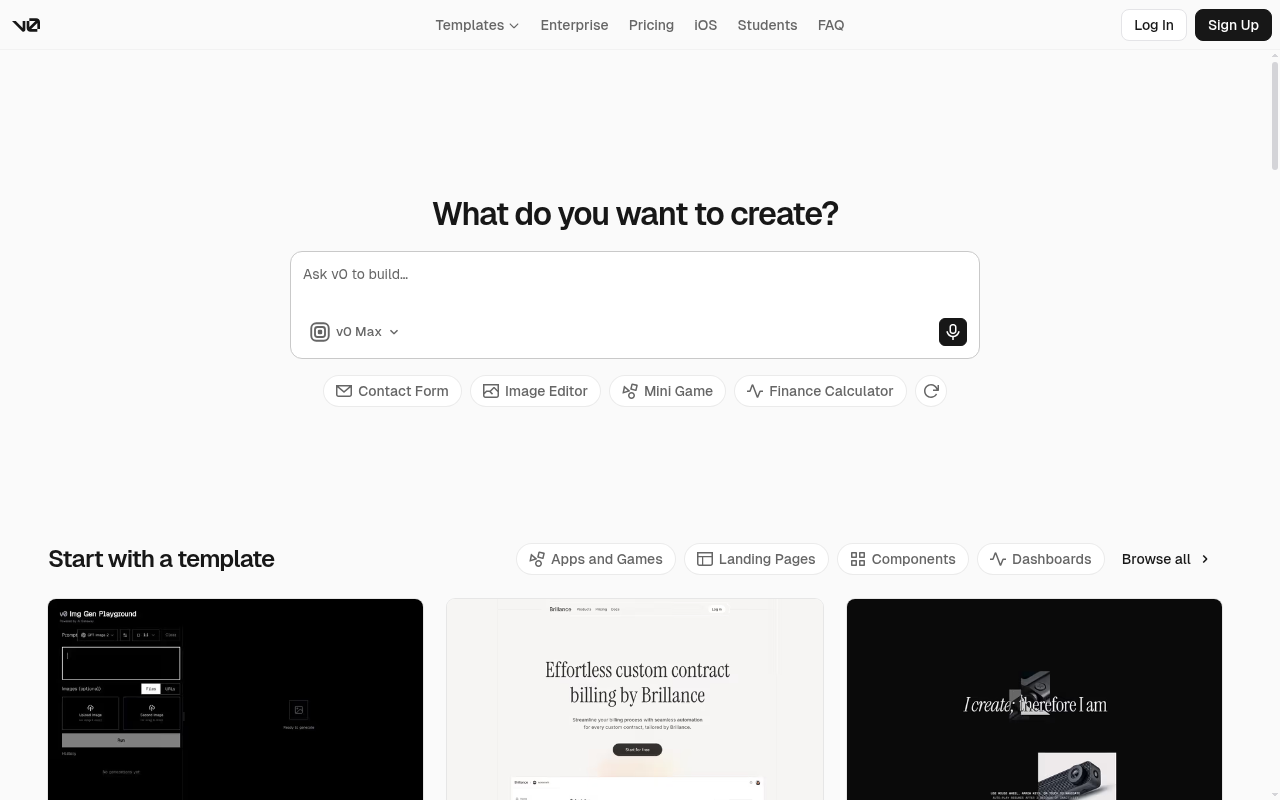
v0 turns a text prompt into working React and Next.js interfaces, running on Vercel's own v0 model family. Its models come tuned for UI work at different price-performance levels.
The scope has widened past components. Vercel now positions v0 for full-stack web apps, with GitHub sync, a visual Design Mode, and one-click deploys. Design Mode lets you adjust the generated UI visually instead of re-prompting.
The product also moved homes. It lives at v0.app now, with plans rebuilt around usage credits.
A free tier includes monthly credits and a daily message cap. Paid plans start at $30/user/month, and heavier model use draws down the included monthly credits before any top-ups. Enterprise adds SAML SSO and role-based access control.
Pros:
- The fastest route from prompt to production React UI
- Design Mode edits output visually without another generation
- GitHub sync and instant deploys to Vercel
Cons:
- Happiest inside the Vercel and Next.js stack
- The entry price rose when the Plus plan replaced the old tier
- Credit-metered model usage sits on top of the subscription
Bottom line: v0 remains the specialist of this list. Teams shipping React on Vercel get design-to-production speed that nothing else on this page can match. Everyone else should count how much of their stack it actually touches.
Base44
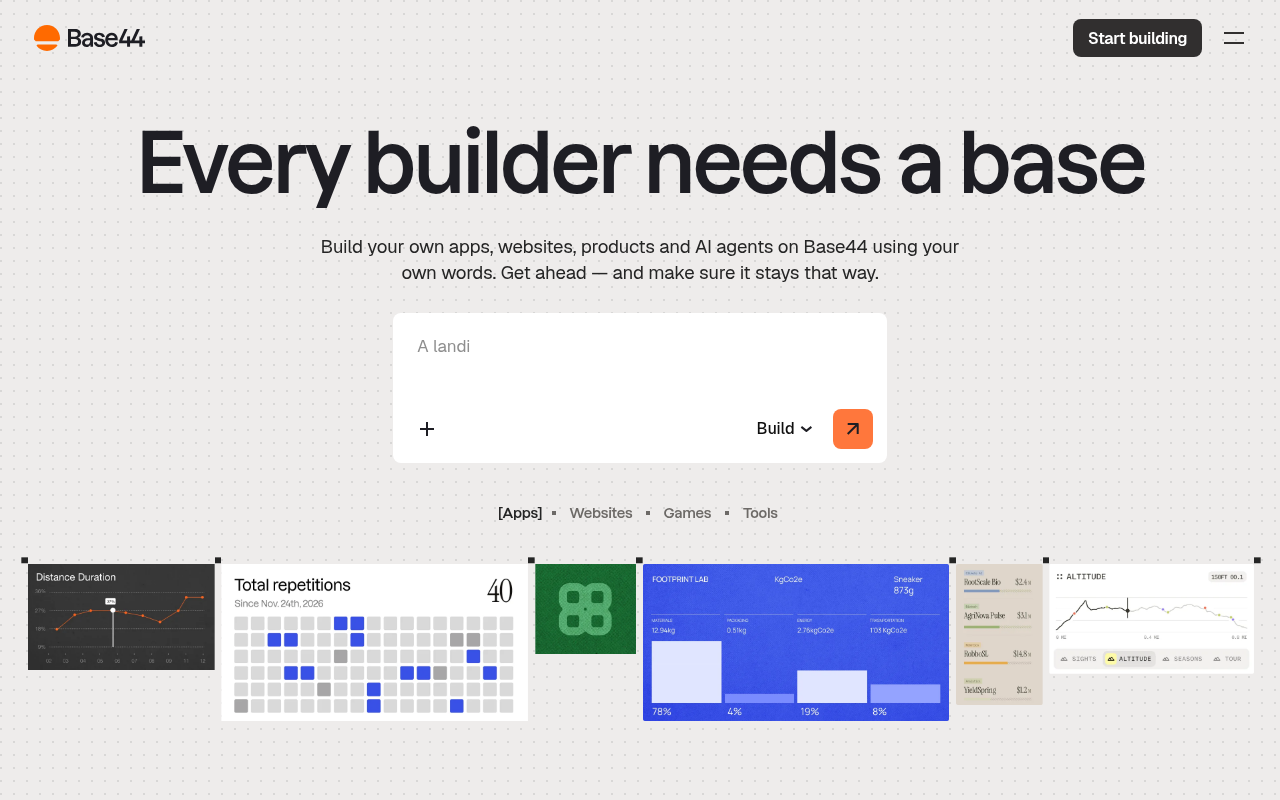
Base44 goes after business apps. One prompt returns the front end, the back end, a database, and user auth, with nothing external to wire up. Departments use it for the internal tools IT never has time to build.
The backend is its own. Authentication, data, and analytics ship on every plan, including the free one.
It now runs on Wix's enterprise security infrastructure. SOC 2 Type 2, ISO 27001, and GDPR compliance come with that footing, and enterprise plans add SSO and audit logs.
Nothing stays locked in. Two-way GitHub sync exports the full source code to your own repository at any time.
Credits meter the building. The free tier includes 25 message credits a month, and paid plans start at $16/month billed annually.
Pros:
- Full-stack apps with auth and database from one prompt
- Code export through two-way GitHub sync
- Enterprise-grade security footing via Wix infrastructure
Cons:
- Message credits go quickly on complex builds
- SSO and audit logs are enterprise-only
- Smaller template and community ecosystem than the older builders
Bottom line: Base44 owns the business-app lane of the prompt-to-app group. Departments that need internal tools with real data and permissions will get the most from it. Builders chasing consumer polish may reach for Lovable or Bolt first.
GitHub Copilot
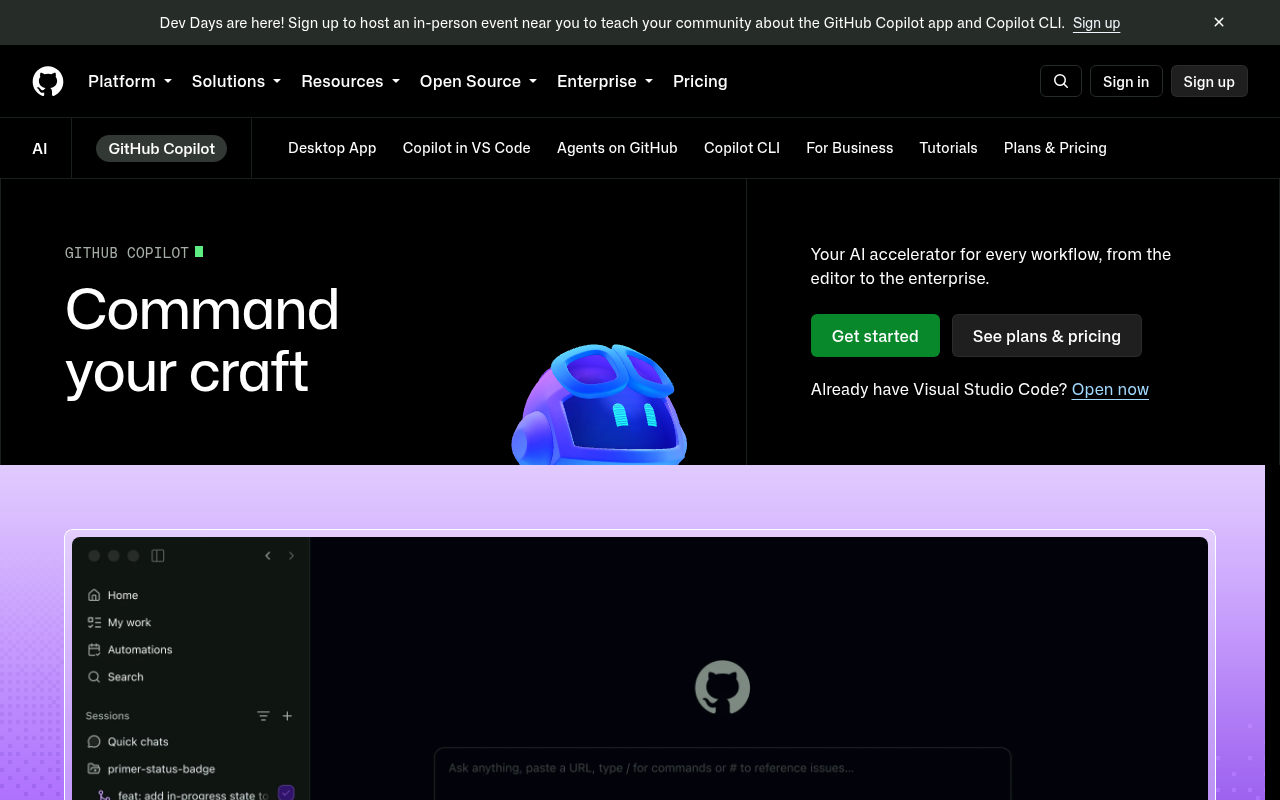
If your code lives on GitHub, Copilot is the shortest path to AI assistance. It runs inside VS Code, JetBrains IDEs, Neovim, and Visual Studio, so the editor you know stays exactly as it is.
Autocomplete was only the start. The subscription now spans chat, AI code review, a cloud coding agent, and a terminal CLI. Repository context feeds all of it.
Hand the cloud coding agent a GitHub issue and it comes back with a finished pull request. Claude Code and Codex plug in as third-party agents on paid plans.
The free tier includes 2,000 completions a month. Pro starts at $10/month, which is the lowest paid entry anywhere on this roster. Business seats add organizational policy controls and IP indemnity.
Pros:
- Deep GitHub, repository, and pull-request integration
- The lowest-priced paid plan on this list
- Agent, code review, and CLI in one subscription
Cons:
- Monthly AI credits cap heavy agent use
- Thinner value outside GitHub-centric workflows
- No prompt-to-hosted-app path like the platform builders here
Bottom line: Copilot is the safe, mainstream choice when your code already lives on GitHub. Repository context makes its ordinary suggestions noticeably smarter. It assists the way you already build instead of running the build for you.
Windsurf (now Devin Desktop)
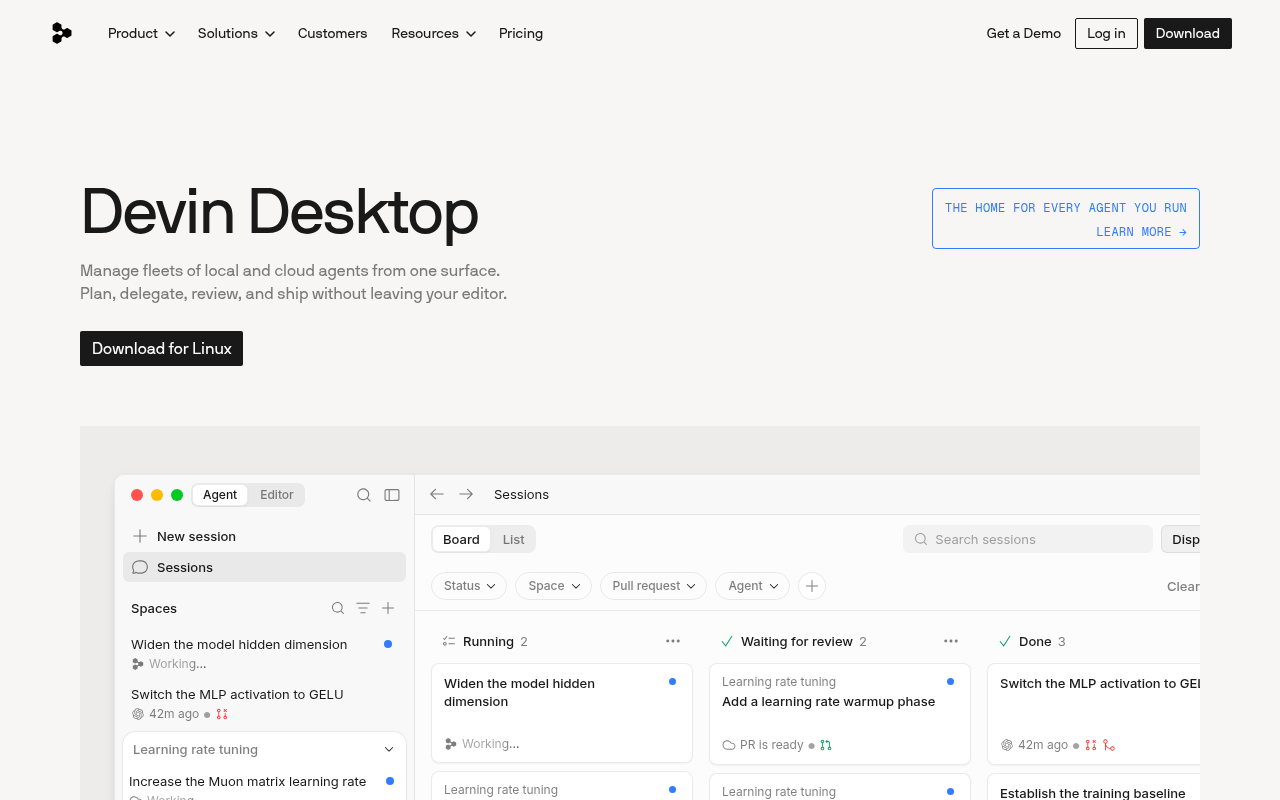
Windsurf built its following on Cascade, an agent that could carry whole tasks inside a desktop IDE. Today it carries a new name.
Cognition acquired the company and renamed the editor Devin Desktop. windsurf.com now resolves to devin.ai, and your existing plans, extensions, and settings migrate over automatically.
The new build adds an agent command center for running local and cloud agents side by side. You also get unlimited free use of Cognition's SWE-1.7 coding model. Fast Context finds the files an agent needs, and Supercomplete aims at whole next edits.
A free plan keeps unlimited completions and inline edits. Pro starts at $20/month for new users, and legacy Windsurf plans keep their existing terms. Windsurf for JetBrains stays available as a separate download.
Pros:
- Polished agent workflows with free unlimited SWE-1.7 usage
- Existing Windsurf setups migrate automatically
- Command center runs local and cloud agents together
Cons:
- Two rebrands in two years cloud the roadmap
- The old price advantage over rival editors is gone
- JetBrains users need a separate plugin outside the flagship app
Bottom line: The editor under its new badge remains one of the strongest agent-first IDEs anywhere. What changed is the name, and a second rename in two years makes the roadmap harder to read. Let the free plan earn your trust before the subscription does.
Cline
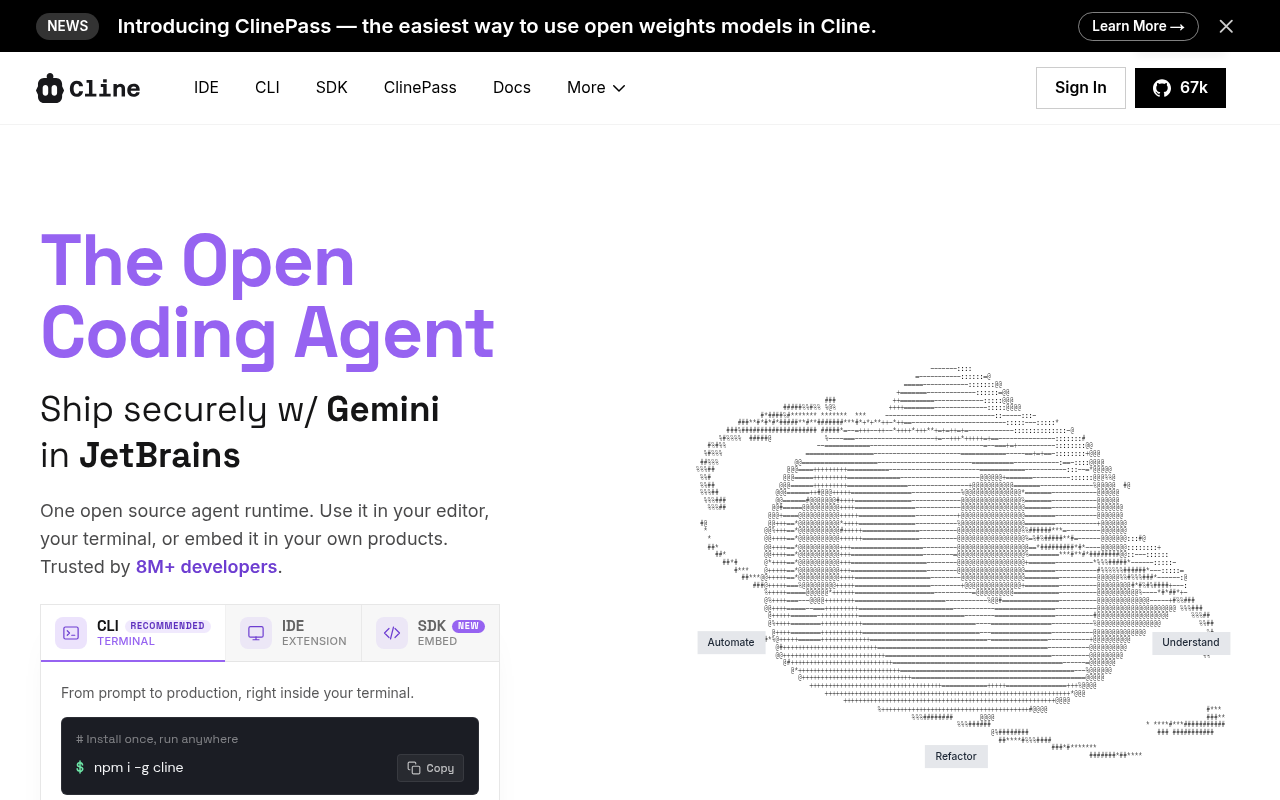
More than 8 million installs make Cline the most used open source agent on this roster. The license is Apache 2.0, and there is no subscription to buy.
It runs in VS Code, in JetBrains IDEs through early access, and in the terminal as a CLI. The same agent follows your builds into CI.
Plan and Act modes split the work. You agree the approach first, then approve each change or switch on auto-approval.
Bring your own keys for Anthropic, OpenAI, Google, or local models through Ollama. MCP support connects it to databases and internal tools, and the only bill is the model usage itself. Rules files teach it your coding standards along the way.
Pros:
- Free, open source, and model-agnostic
- Plan and Act modes keep agent changes reviewable
- Runs fully local models for privacy
Cons:
- Setup takes longer than subscription tools
- Costs track your API usage, which takes discipline
- Output quality depends on the models you bring
Bottom line: Cline is the control pick of this entire roster. Every step, from the plan to the API bill, stays visible and yours to change. Expect a configuration evening before it feels smooth.
Aider
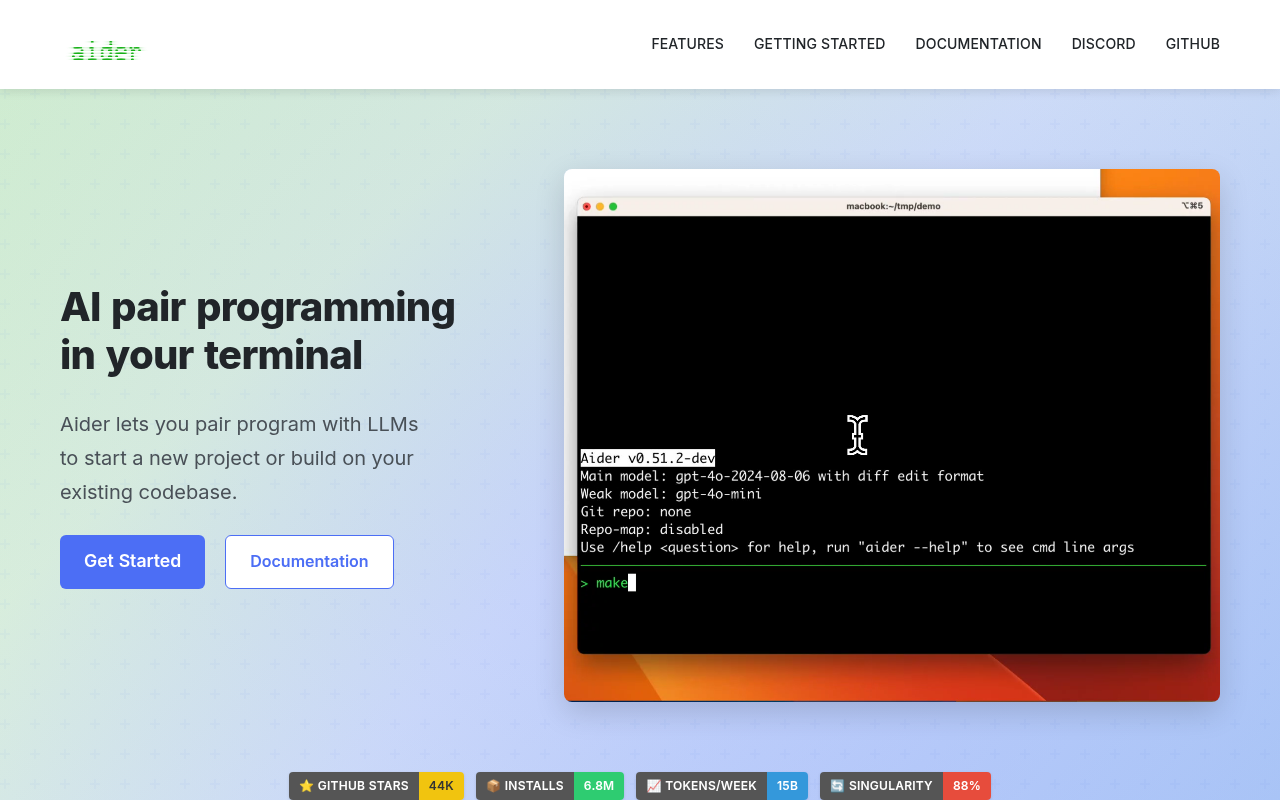
Aider works from a terminal prompt beside your editor, pointed at a Git repository. You ask for changes in plain language.
Every edit lands as a Git commit with a clear message. Automated changes become easy to review, and just as easy to undo with the Git tools you already trust. It supports more than 100 programming languages.
A repository map keeps it oriented in larger codebases. After each edit it runs your linters and tests, then fixes whatever they catch. Voice input and image context come included.
It is free and open source. The project carries 44,000 GitHub stars, and the only cost is the model usage you pay your provider.
Pros:
- Completely free, with Git-native review built in
- Repo map holds up on larger projects
- Works with cloud or fully local models
Cons:
- Terminal-only, with no visual layer at all
- Bring-your-own-keys setup takes effort up front
- No hosting or deployment story, unlike the platforms here
Bottom line: Aider is the sharpest pick here for developers who already think in Git. Its habit of landing every change as a commit builds exactly the trust that autonomous editing needs. Everyone else will want more interface than a shell provides.
Benefits of Vibe Coding Tools
Vibe coding changes how people build software. Instead of setup cycles and debugging sessions, you describe what you want and the AI handles the rest. Whether you're a professional developer or a beginner with your first idea, these tools create faster, more flexible ways to turn imagination into production-ready applications.
- Build complete apps in hours, not weeks. Natural language prompts and automated workflows compress traditional development timelines, helping you move from prototype to deploy almost immediately.
- Work through conversation, not syntax. AI coding tools translate your intent into code, freeing you from boilerplate and framework setup so you can focus on functionality and user experience.
- Empower non-developers to create. No-code and low-code interfaces mean founders, designers, and operators can build working prototypes or internal tools without formal programming training.
- Collaborate in real time across teams. Shared editors and built-in pair programming assistants let multiple users develop, review, and refine code together directly in the cloud.
- Deploy instantly with secure infrastructure. Integrated hosting, authentication, and backend services remove external dependencies, allowing one‑click launches to the web or mobile.
- Learn by building. Many platforms include guided tutorials and AI feedback that teach best practices, version control, and debugging as you work, building real projects while improving your skills.
Together, these advantages make AI‑powered development environments not just faster but genuinely more creative. Vibe coding tools turn the act of writing code into an interactive collaboration between builder and AI, reshaping what’s possible in modern software development.
Limitations of Vibe Coding Tools
While vibe coding offers speed and accessibility, it also introduces new challenges that creators should understand before using these tools at scale. Recognizing these limits helps you choose the right approach for long‑term success.
Generated code quality varies by model. Output depends heavily on the underlying LLM’s training data and accuracy. Some AI agents handle structure and logic well but miss edge cases or complex dependencies. Reviewing and testing your generated code remains essential for production‑ready builds.
Internet access is required for most vibe coding sites. Because LLM processing happens in the cloud, connectivity issues or outages can pause your workflow. Developers needing offline flexibility may prefer open source builders that support local models via Ollama.
AI‑generated dependencies can complicate version control. Automatic package installation can bloat repositories or break compatibility over time. Using GitHub integration and dependency pinning helps stabilize updates.
Strict compliance teams may need advanced governance. Highly regulated industries often require data residency controls, private deployments, or SOC‑compliant infrastructure that not every tool offers.
Prompt clarity still determines consistency. The AI only performs as clearly as its instructions. Complex requests benefit from step‑by‑step prompts and iteration rather than single descriptions.
How Replit Addresses These Limitations
- Every app built in Replit exists as a full codebase, not a locked template. You can fork projects instantly, export to GitHub, or download all files locally. That makes iteration and long‑term maintenance straightforward, a major gap left by many no‑code platforms.
- Instead of asking users to configure infrastructure, Replit’s Autoscale Deployments spin resources up or down depending on real traffic. Developers can monitor performance, run benchmarks, and update environments without leaving the IDE.
- With Replit's Agent 4 running inside secure containers, the platform keeps data isolated while maintaining context across edits, tests, and deploys, critical for complex or cooperative AI‑driven projects.
- Through its Microsoft Azure relationship, Replit provides SOC 2 Type 2‑compliant infrastructure, role‑based access, and SAML SSO for enterprise workspaces. It also supports private deployments, allowing teams to govern who can view or ship internal code.
- Instead of fixed pricing tiers that penalize experimentation, costs scale with actual compute time. That approach benefits startups and classrooms exploring multiple prototypes without overspending.
Which Vibe Coding Tool Should You Choose?
The best vibe coding platform for you depends on your use case, technical comfort level, and workflow goals.
The quickest way to choose is to start from how you want to work.
| Use case | Recommended tools | Notes |
|---|---|---|
| Keeping your existing editor | GitHub Copilot, Cursor, Windsurf (now Devin Desktop) | Copilot fits existing IDEs, the others are agent-first editors |
| Enterprise security requirements | Replit, Base44 | SOC 2 Type 2, SAML SSO, SCIM, and audit logs |
| Keeping costs low | Aider, Bolt.new | Free open source or a free daily token allowance |
| Control over models and code | Cline | Any provider's key, local models through Ollama, Apache 2.0 |
| Design-file starting point | Lovable, v0 by Vercel | Turns descriptions and Figma files into running products |
| Shipping a working product | Replit | Agent builds, tests, and publishes from one workspace |
You want AI in the editor you already use: GitHub Copilot adds it to VS Code, JetBrains IDEs, Neovim, and Visual Studio with the least friction here. Cursor and Windsurf, now Devin Desktop, cover the switch to a whole agent-first editor.
Enterprise security sets the pace: Replit leads here, pairing SOC 2 Type 2 infrastructure with SAML SSO and private deployments through its Azure partnership. Base44 covers department-level building, with SSO, SCIM provisioning, and audit logs on its enterprise plan.
Cost is the constraint: Aider is free and open source, and you pay only for the model calls you make. Bolt.new's free daily token allowance covers real experiments before any subscription starts.
Control matters most: Cline runs on any provider's key, local models through Ollama, and an open Apache 2.0 codebase. Give it a setup evening before you judge the experience.
Your work starts in a design file: Lovable turns plain descriptions and Figma files into finished products it then runs for you. v0 by Vercel plays that role for React and Next.js teams.
The point is shipping a working product: Replit fills that gap too, since its Agent takes a description, then builds, tests, and publishes the app from one workspace. Hosting, a database, and deployments are already part of that workspace.
Get Started with Replit
AI has reshaped the meaning of building. What once took teams of software engineers now happens through a conversation between you and an AI agent.
Replit is one of the best vibe coding tools making that shift possible. Its Agent 4 writes, tests, and deploys applications end to end. Azure integration adds enterprise reliability, and GitHub export keeps the full code in your own hands.
Whether you’re validating a startup idea or optimizing enterprise workflows, Replit removes the friction. In 2026, building software is about describing what you want and letting AI handle the rest.
Frequently asked questions
How do pricing models differ across vibe coding tools?
Most platforms use tiered subscriptions, but Replit’s effort‑based pricing stands out because it scales with actual compute time rather than fixed credits. Others, like Cursor and Windsurf (now Devin Desktop), use usage‑based billing tied to AI prompt frequency, while open source tools like Aider remain free apart from API costs.
Which vibe coding tools integrate best with existing development workflows?
If you already work in GitHub or VS Code, GitHub Copilot, Cline, and Cursor provide direct integration with your repositories and terminals. Aider goes a step further for Git‑centered teams, landing every AI edit as a reviewable commit in your existing repository.
Are vibe coding tools suitable for enterprise‑grade projects?
Yes, platforms like GitHub Copilot, Base44, and Bolt.new now support enterprise compliance features such as SOC 2 Type 2, audit logs, and controlled deployments. Combined with private hosting and version‑controlled exports, they’re increasingly used for production apps and internal automation.
What’s the best vibe coding setup for learning and experimentation?
For free vibe coding while you learn the fundamentals, start with Lovable’s visual editor or Bolt.new’s daily token allowance. Both teach prompt engineering and debugging concepts while letting you publish real web apps. Once you’re comfortable, tools like Cursor or Cline offer deeper control and custom LLM configurations.
What is the best vibe coding tool?
It depends on what you want to build. Replit is a strong choice for full-stack apps because Agent 4 takes a single prompt from plan to deployed app. Cursor and Windsurf (now Devin Desktop) suit developers who want AI inside an IDE. Lovable and v0 focus on visual frontends.
What are the best vibe coding tools for non developers?
Lovable and Replit are the most approachable starting points. Lovable generates a working frontend from a plain description, and Replit’s free Starter plan lets you prompt, build, and publish a full app in the browser without installing anything. No programming background is needed to publish a first version.