Getting a professional website up and running once required weeks of manual coding or outside help. Now, AI website builders let you design, launch, and scale a business website in just hours.
The 2026 market is competitive. Wix and Squarespace still lead with polished templates and marketing tools. Webflow and Framer give designers full control through advanced features and custom code access. Replit goes further and builds a production-ready site from a plain-language prompt, backend included.
Here are the ten website builders to consider in 2026, from simple template editors to full development platforms.
What Is a Website Builder?
A website builder is a tool that lets you create a live site without manual coding. It combines design tools, hosting, and domain management on one platform. Most include drag-and-drop editors, customizable templates, and ecommerce features to sell products or services. Modern builders now use AI tools to generate layouts, write text, and even optimize your site for search engines.
There are two main types of builders:
- Visual builders like Wix, Squarespace, and Framer, built for ease of use and design freedom.
- Developer-oriented platforms like Replit and Webflow, which support deeper control with HTML, CSS, and JavaScript, plus hooks for custom code and automation.
The best option depends on your type of website, skill level, and design goals, whether you’re launching a small business, portfolio, or full ecommerce website.
Why Are Website Builders Trending?
AI has changed everything. Builders now use AI-generated suggestions for copy, color palettes, and layout. Platforms automate SEO setup, add content, and even fix design inconsistencies for you. It’s faster for business owners starting a simple site, and smarter for freelancers or entrepreneurs running multiple client projects.
The tools have also matured. Businesses expect more: SSL certificates, built-in web hosting, brand analytics, and marketing automation. Today’s site builders meet both creative and enterprise needs, helping business websites grow with built-in scalability, automation, and smart integrations.
How we picked these tools
The best website builders fall into three lanes, starting with the template editors built for speed: Wix, Squarespace, GoDaddy, Hostinger, and Weebly. Webflow and Framer expose the CSS itself, while Shopify starts from the store and works outward. WordPress.com owns content, and Replit builds whole sites from one prompt.
We tested each builder for ease of use, design flexibility, and AI features. Three cuts followed. Each tool must still be maintained, publish its prices, and allow a hands-on build before you pay. Each cut applies to every tool in this website builder comparison.
Best Website Builders – Comparison Table
| Tool | Best for | Free plan | Paid plans from |
|---|---|---|---|
| Replit | Full sites with a backend, plus apps, dashboards, and slides from one prompt | Yes (Starter) | $20/mo (Core) |
| Wix | First websites and small businesses that want a template and an editor | Yes | $19/mo (annual) |
| Squarespace | Portfolios and brand sites where design comes first | Trial only (14 days) | $25/mo (Basic) |
| Shopify | Online stores | Trial only (3 days) | $39/mo (Basic) |
| Hostinger | A simple business site with hosting and a domain on one bill | Trial only (14 days) | $11.99/mo (Premium) |
| GoDaddy | Service businesses that need a site and booking fast | Yes (50 AI credits/mo) | $14.99/mo (Starter) |
| Webflow | Designers and agencies who want CSS-level control | Yes | $25/mo (Basic) |
| Framer | Interactive marketing sites from a design canvas | Yes | $15/mo (Basic) |
| WordPress.com | Blogs and content sites with a plugin ecosystem | Yes | $9/mo (Personal) |
| Weebly | Simple sites for businesses already on Square | Yes | $16/mo (Personal) |
Product and pricing information: vendor product and pricing pages, August 2026.
Detailed reviews of the best website builders
Here’s a closer look at the leading builders, their key features, pricing, and who they work best for.
Replit
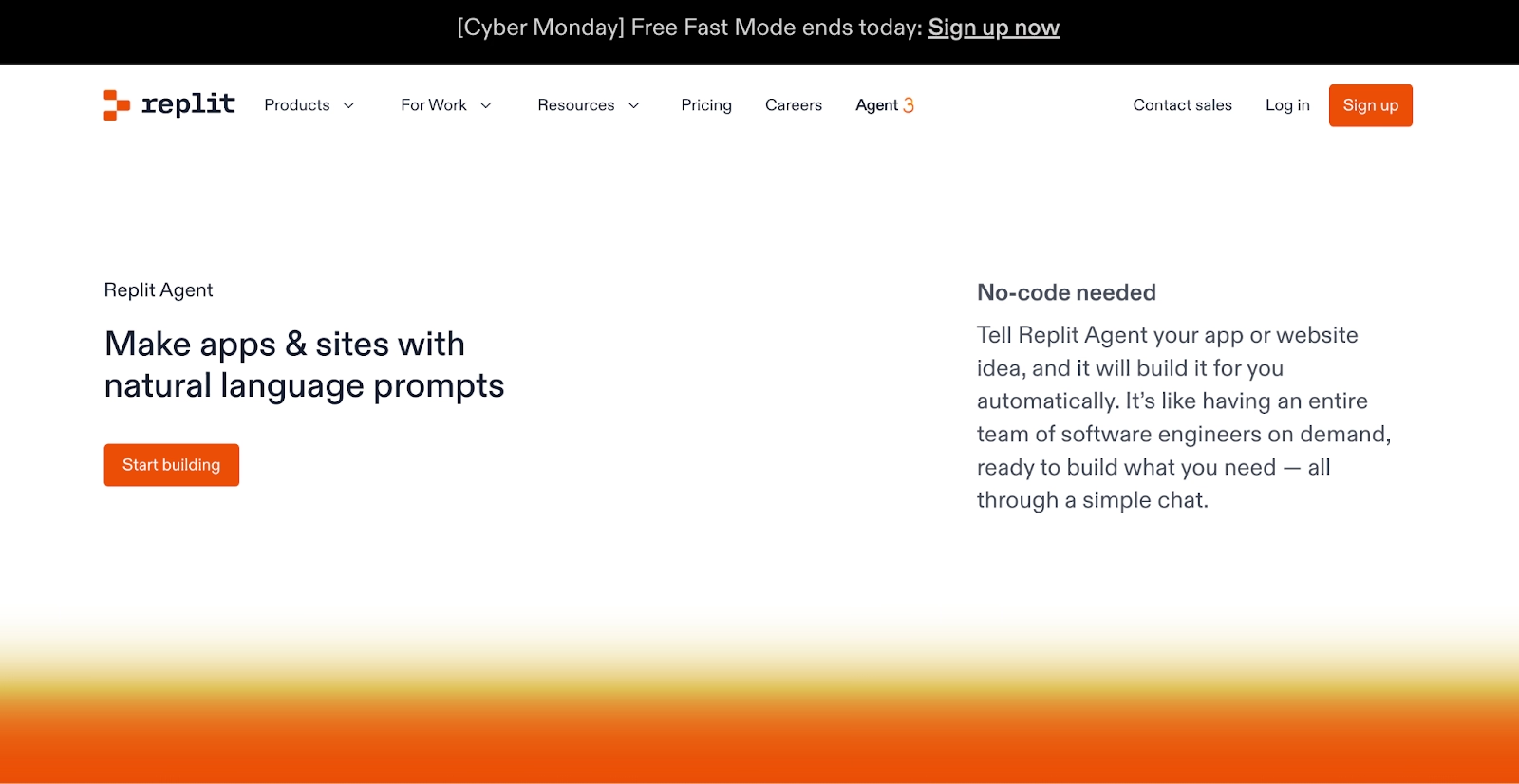
Replit is the only entry here where a full development environment, the AI agent, and deployment are one product. Describe the site, and Replit Agent builds, tests, and publishes it on its own.
A website is only one output. Full web apps, internal tools and dashboards, and slide decks come from the same prompt box. Each one ships with a database, login, and hosting attached. Our public gallery shows finished examples.
The Microsoft Azure partnership runs Replit on Azure infrastructure, and Enterprise plans layer SAML SSO and private deployments on top of SOC 2 Type II compliance. At Rokt, more than 700 employees built 135 working internal apps in a 24-hour hackathon.
Starter is free with daily agent credits, and Core starts at $20 per month, with Replit Agent work beyond the included credits billed by effort.
Sites publish to a free Replit subdomain or your own domain, and the mobile app updates them.
Pros:
- A finished site with the backend, login, and hosting included, from one prompt.
- Replit Agent tests its own work in a browser and fixes what it finds.
- The same workspace builds web apps, dashboards, and slide decks.
Cons:
- Full build mode and third-party connectors need a Core plan, so the free tier suits smaller sites.
- Replit Agent spend is billed by effort, so the first few builds take some watching before the bill feels predictable.
Bottom line
Replit is the pick when the site has to do something beyond pages. The fit is people shipping a product. A five-page brochure site is still quicker in a template editor.
Wix
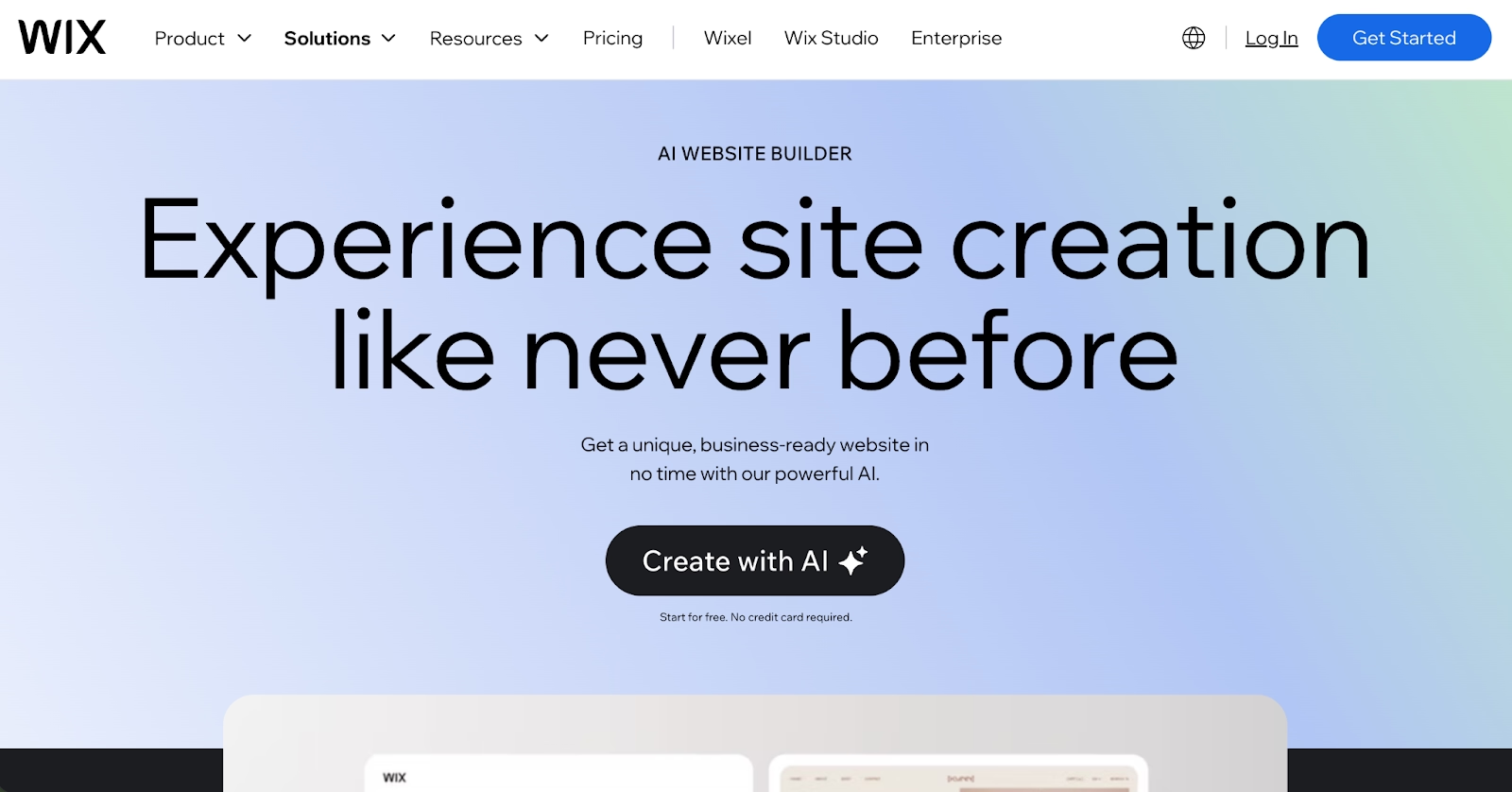
Wix is where many first websites get built, and the editor is the reason. You can start from a prompt and let Wix generate the site, then drag and drop every detail into place.
More than 2,000 templates cover most industries. An app market adds bookings, restaurants, events, and courses without code. Wix Studio serves agencies.
The free plan publishes on a Wix subdomain with Wix branding. Light starts at $19 per month on yearly billing and adds a custom domain, and Core adds payments and a basic store.
Templates are the trap. Changing one later means rebuilding the whole design. Pages heavy with apps, galleries, and embedded video slow down as well.
For a beginner, a freelancer, or a small business that wants a site live this week, it is the easiest website builder on this list to get going in.
Pros:
- Prompt-generated first draft plus a full drag-and-drop editor.
- App market and 2,000-plus templates cover most business types.
- Free plan to build on before paying.
Cons:
- Switching templates resets the design.
- Media-heavy pages slow down.
- Payments and ecommerce start on the Core plan.
Bottom line
A first website usually starts on Wix, where the current editor mixes prompts with drag and drop. It rewards owners who want to tweak every detail themselves. Designers who want pixel control will outgrow it and move to Webflow or Framer.
Squarespace
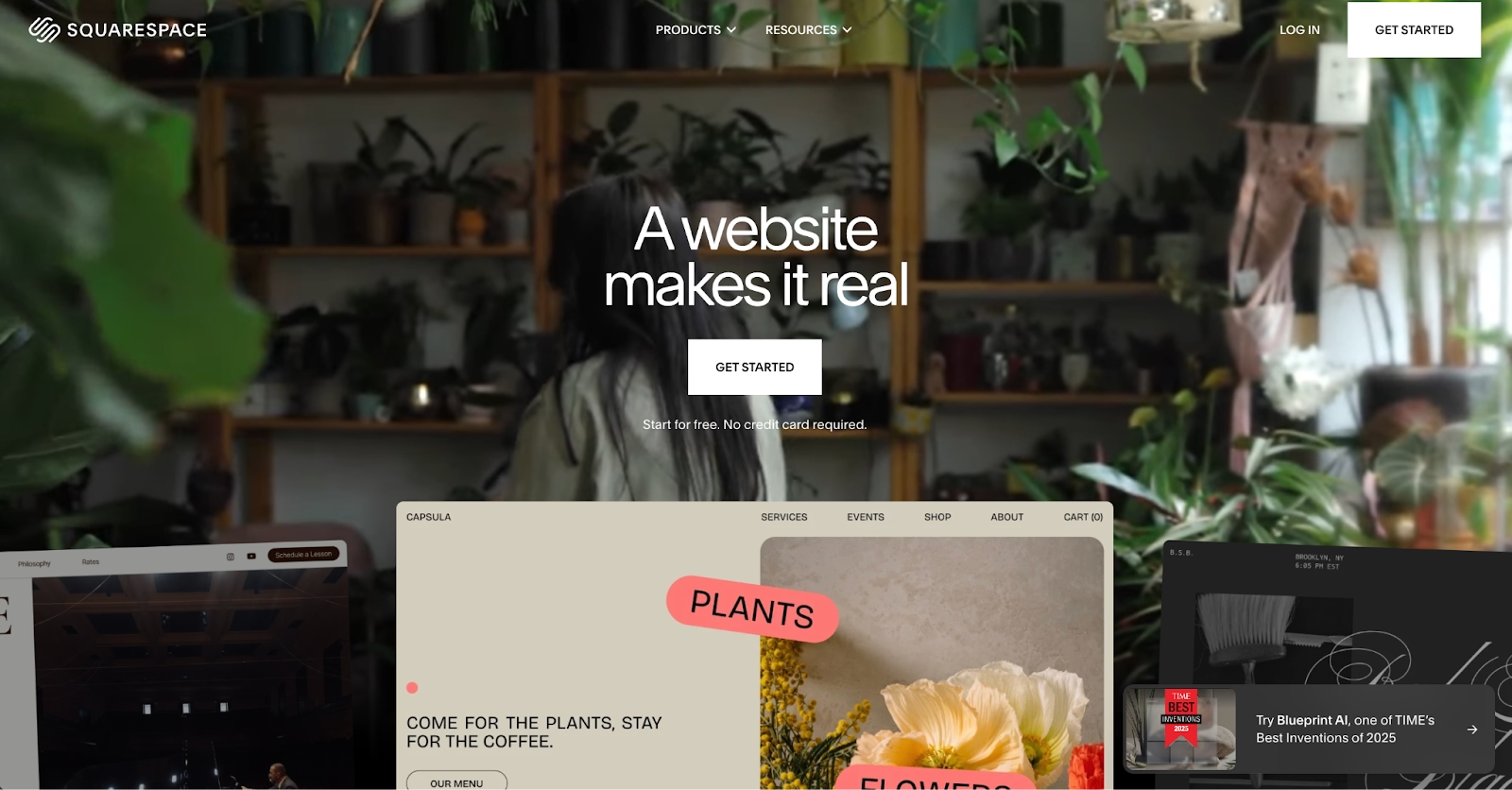
If the look of the site matters more than anything else, Squarespace is where non-coders end up. Its templates are the reason. The editor keeps a page looking designed after you move things around, which is rarer than it sounds.
Built-in AI tools draft text and images on a credit allowance. Every plan sells products and services.
Squarespace has no free plan, and the trial runs 14 days. Basic runs $25 per month on monthly billing, and Core lifts the 2 percent store transaction fee and adds CSS and JavaScript customization.
Third-party apps are thin next to Wix, and Basic caps you at two contributors. Premium plans add SSO, SOC 2 Type II compliance, and multi-site control, and they are sold through the sales team.
Pros:
- Templates that stay polished after editing.
- Selling and invoicing on every plan.
- Premium plans with SSO and SOC 2 Type II for multi-site businesses.
Cons:
- No free plan, and the trial runs 14 days.
- Fewer third-party apps than Wix or WordPress.com.
- Basic allows only two contributors.
Bottom line
Nothing here beats Squarespace for a portfolio, a studio, or a brand sold on looks. Creatives who want polish without CSS get the most from it. A heavy custom build belongs with Webflow.
Shopify

Shopify runs the checkout, the inventory, and the shipping before you ever think about a home page. Everything else on the platform, from the theme store to the reporting, exists to move products out the door a little faster.
You sell on the web, in person through POS, and inside AI chat channels from one catalog. Thousands of apps extend the store. A built-in AI assistant and the AI site builder come with every plan.
There is no free plan. A three-day trial comes first, then Basic at $39 per month on monthly billing.
Content pages are the weaker side of the platform. A blog or a magazine-style site needs apps to feel at home, and store customization past the theme often needs a developer.
For a store that expects to grow past a few hundred orders a month, the Grow and Advanced plans add staff accounts and lower card rates as volume climbs.
Pros:
- Checkout, inventory, and shipping built in from the first order.
- Sells on the web, in person, and in AI chat channels from one catalog.
- Thousands of apps, plus a built-in AI assistant on every plan.
Cons:
- No free plan, only a three-day trial.
- Content-heavy sites need apps to work well.
- Deeper customization tends to need a developer.
Bottom line
Shopify owns the store lane on this list, and nothing else here matches its checkout. Merchants expecting real order volume will feel at home. If the site is mostly pages with a small shop attached, Wix or Squarespace will cost less.
Hostinger
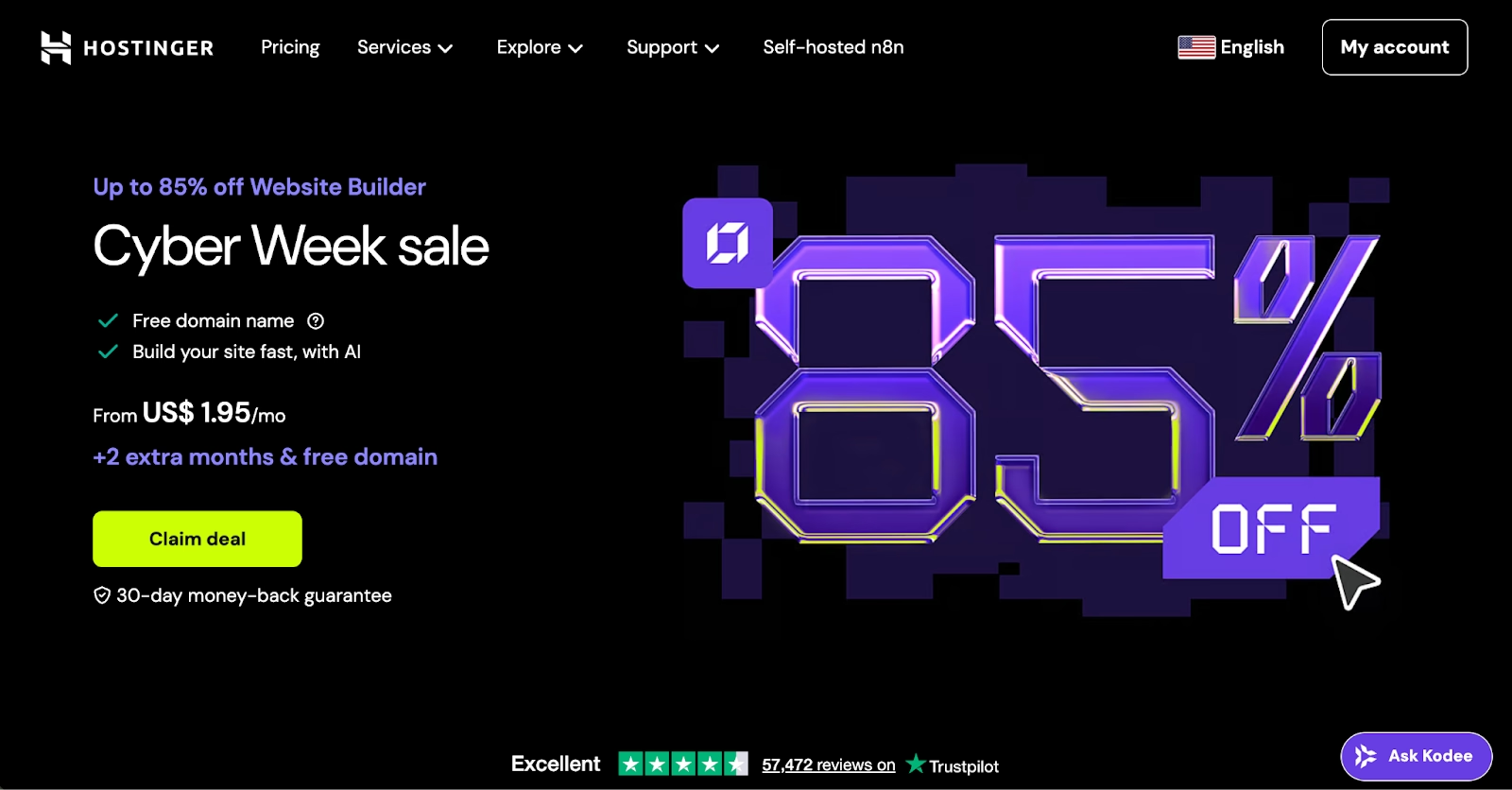
Hostinger folds hosting, a domain, and an AI site builder into one plan, which is the whole pitch. The builder drafts the whole site, pages and copy included, from a plain description of the business you are setting up online.
Premium includes five AI credits for site and app drafts, and Unlimited adds ecommerce and unlimited sites. Templates number 400 or more when you would rather pick a design.
There is no free plan. Premium is $11.99 per month at the regular price. Plans are paid up front.
The compromises show up in the ecosystem around the builder. Integrations and templates are fewer than Wix offers, and the editor stays simple by design.
For a first business site, the appeal is that the hosting, the domain, and the builder are managed by one company.
Pros:
- Hosting, a domain, and the builder on one bill.
- AI builder drafts the whole site from a description.
- The Unlimited plan adds ecommerce and unlimited sites.
Cons:
- No free plan, only a 14-day trial.
- Fewer integrations and templates than Wix.
- The simple editor leaves little room to grow.
Bottom line
Hostinger makes sense for a business site that wants one bill. The people it fits set the site up once and then leave it alone for years. Growth past a simple site means moving on.
GoDaddy
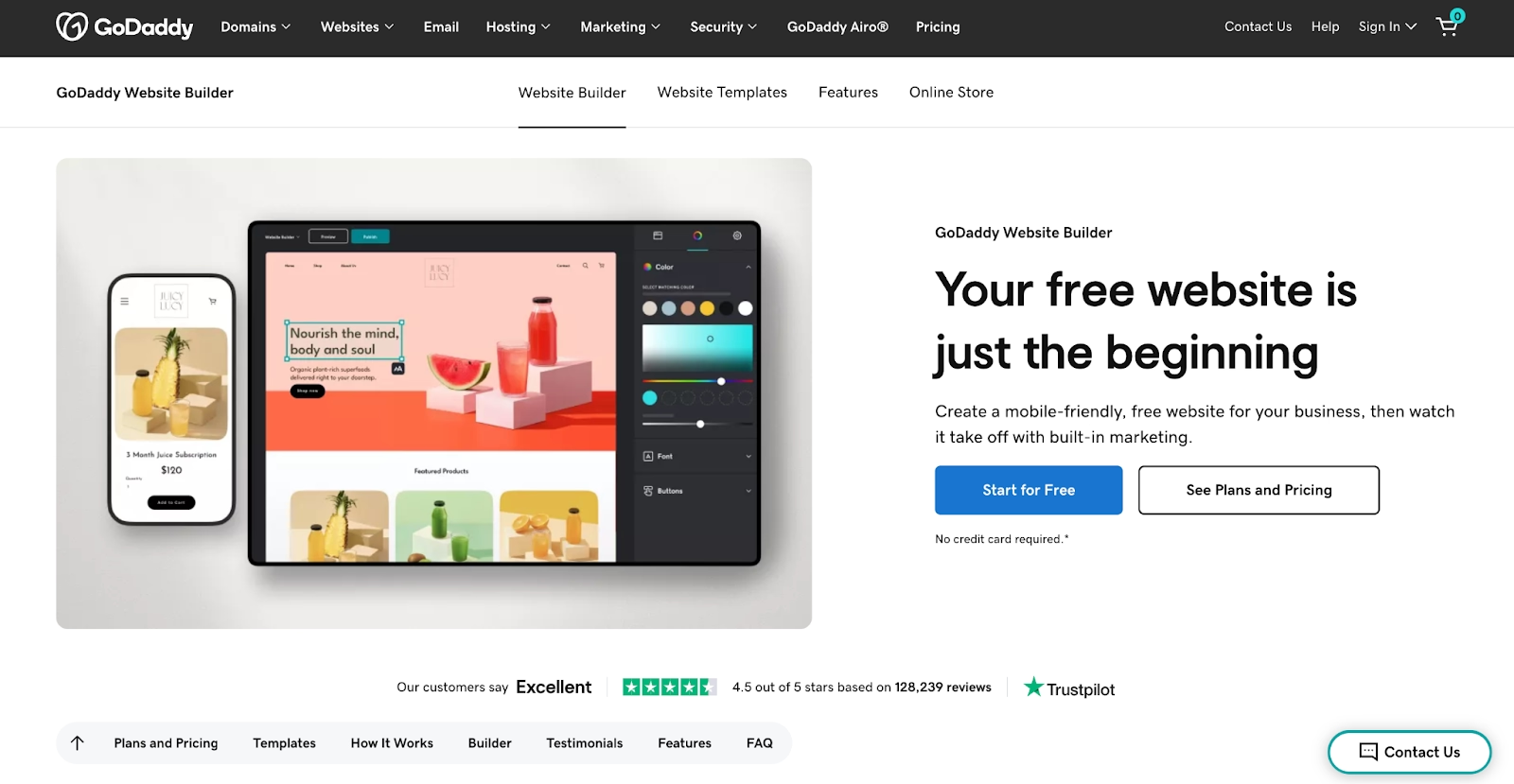
A plumber, a salon, or a consultant who needs a five-page site with booking by Friday is who GoDaddy builds for. Its Airo AI Builder generates the site, and now web apps and stores, from a few prompts.
One click publishes to GoDaddy hosting with SSL, forms, and analytics attached. Online booking, payments, and an inbox for chats and form messages come with every paid plan.
A free plan with 50 AI credits a month needs no card. Starter runs $14.99 per month on monthly billing and adds a custom domain, and Professional adds GitHub sync and ten sites.
Credits are the constraint. Every generation draws on the allowance, and unused credits expire each cycle. Editing text and images by hand costs nothing.
Pros:
- Prompt to published site with hosting, SSL, and booking included.
- Free plan with a monthly credit allowance and your own domain allowed.
- Code export on every paid plan, GitHub sync on Professional.
Cons:
- AI credits cap how much you can generate each month.
- Design options are thinner than Squarespace or Webflow.
- Fewer third-party integrations than Wix or WordPress.com.
Bottom line
For a service business that wants booking and a clean site in one afternoon, GoDaddy is the best site builder here. Its audience types a description and skips the editor. Designing pages by hand is a job for Webflow or Framer, further down this list.
Webflow
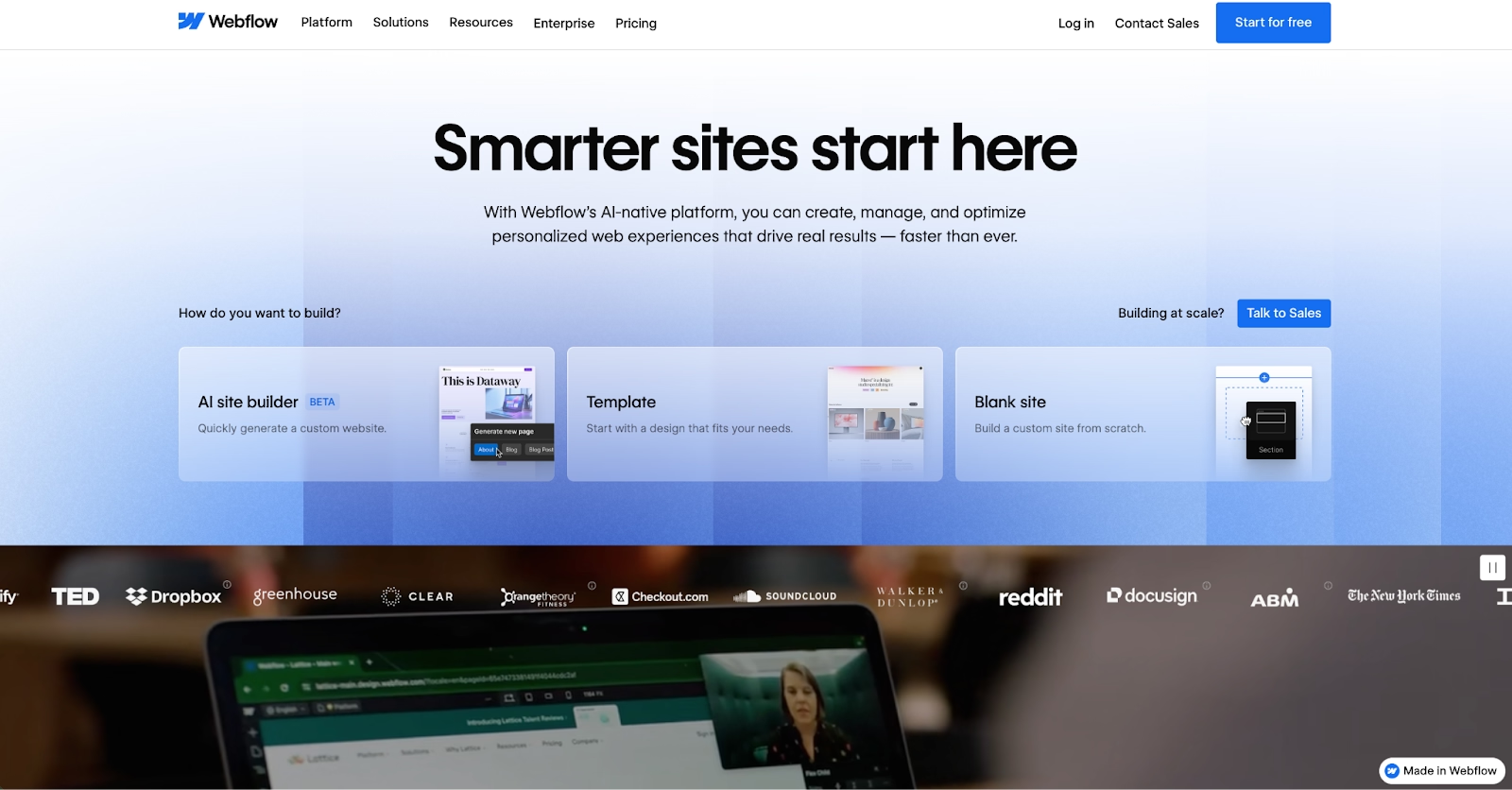
Where Wix hides the CSS, Webflow puts it on screen. Classes and grids are set visually. The output is HTML, CSS, and JavaScript you can export.
Agencies choose it for the CMS. Collections drive blogs, listings, and client sites, and Webflow AI now sits inside the editor, with an MCP server for outside AI tools on every plan.
Starter is free on a webflow.io domain. Basic runs $25 per month on monthly billing with a custom domain. Premium adds the CMS.
Plan on a learning curve of a week or two. The editor assumes you understand the box model, and Team plans jump to an annual contract, which puts governance features out of reach for small teams.
For a marketing site that a designer owns and a developer never has to touch, it remains the professional standard.
Pros:
- CSS-level control in a visual editor, with exportable code.
- A real CMS for blogs, listings, and client work.
- Free Starter plan and an AI MCP server on every tier.
Cons:
- Steep learning curve for non-designers.
- Team plan requires an annual contract.
- Ecommerce is a separate plan on top of the site plan.
Bottom line
Designers and agencies get production-grade control from Webflow without hand-coding. Think in CSS already, and the editor will feel familiar by the end of the first day. Beginners pay for that control in learning time.
Framer
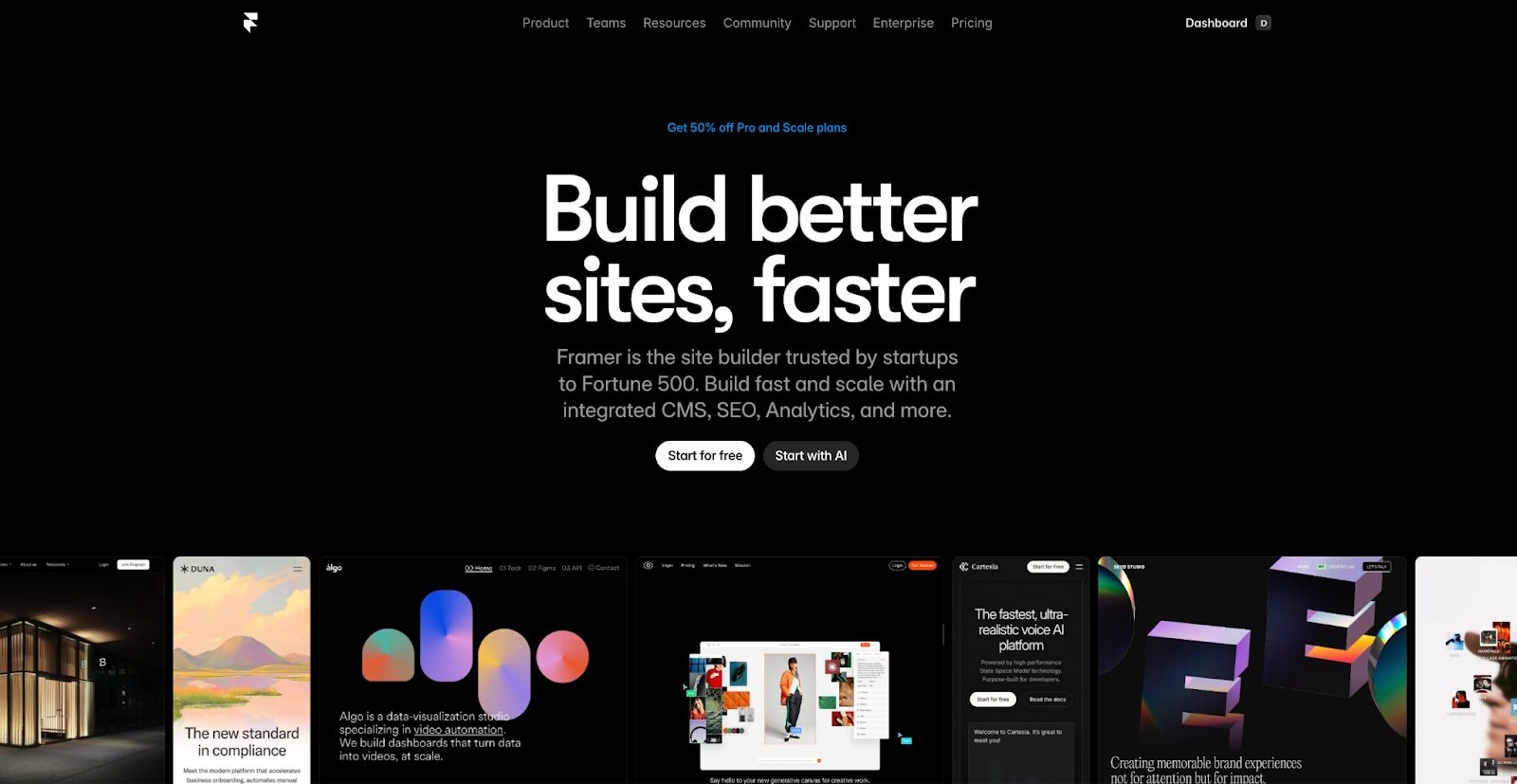
Framer publishes a design canvas straight to a live site, animations included. Product teams and designers who already work in Figma pick it because the canvas feels the same and the result is the website itself.
Components, CMS collections, and localization live inside the same file. AI credits on every plan power the agents that draft and edit pages from a prompt.
The free plan publishes on a Framer domain, and Basic runs $15 per month on monthly billing with a custom domain. Pro adds staging, branching, and more CMS collections.
Ecommerce is the gap. There is no native store, and each extra editor adds $20 a month.
The trade-off is that Framer is a designer's tool first, so a marketing team without one will lean on templates and AI drafts and miss most of what it does.
Pros:
- Design canvas that is the live site, animations included.
- Free plan, and a Basic tier with a custom domain.
- Staging, branching, and localization for growing sites.
Cons:
- No native ecommerce.
- Extra editors are $20 a month each.
- Built for designers, so non-designers lean on templates.
Bottom line
Framer exists for interactive marketing sites and product portfolios that need to look like a product. Design-led SaaS teams are the natural users. Skip it for a store or a content-heavy site, where Shopify or WordPress.com fits better.
WordPress.com
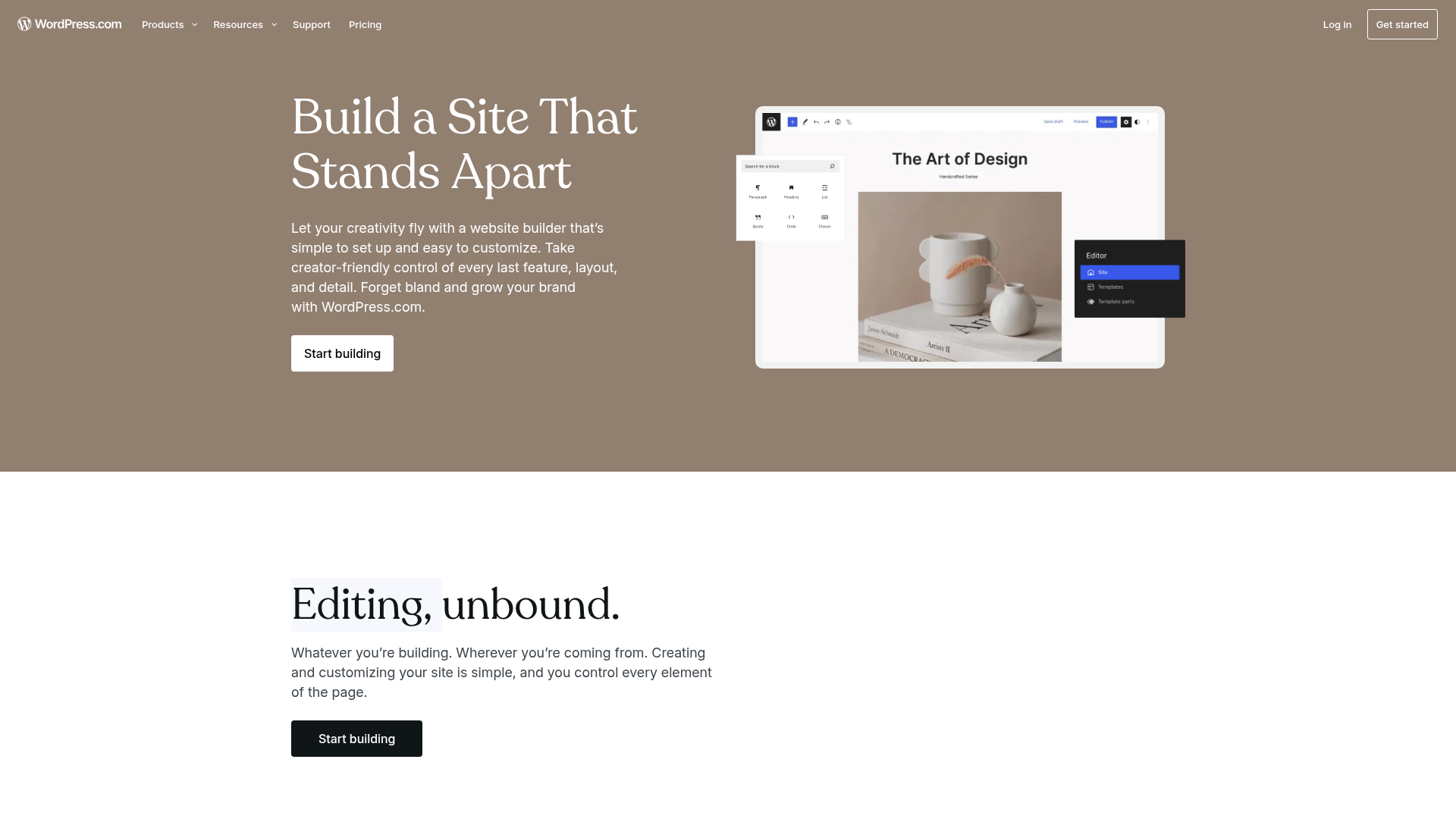
WordPress.com is the hosted version of the open-source WordPress software, with the hosting, updates, and security handled for you. That makes it the content platform on this list, the one that blogs, magazines, and small newsrooms have relied on for many years.
A guided builder now sets up the site from a chat. Paid plans unlock 50,000 or more plugins. Themes, newsletters, and a mature blog editor come with every plan.
The free plan publishes on a WordPress.com subdomain and shows the company's ads to your visitors. Personal runs $9 per month and removes the ads. A custom domain and plugin installation come with that plan, which is where most people start.
The editor is the learning curve. The block editor and plugin catalog take longer to learn than a template.
For a blog, a magazine, or any site where search traffic is the point, the plugin depth and the structure control are why it keeps showing up in these lists.
Pros:
- Plugin catalog of 50,000 or more on every paid plan.
- Free plan, and a guided AI setup that builds the first version from a chat.
- Mature blogging, newsletters, and SEO plugins.
Cons:
- Free sites show WordPress.com ads.
- More to configure than a template editor.
- Plugins add upkeep as the site grows.
Bottom line
WordPress.com stays the content pick, with the hosting and updates handled for you. Structure-minded writers and publishers belong here. Squarespace gets a visual-first brochure site done with far less setup.
Weebly
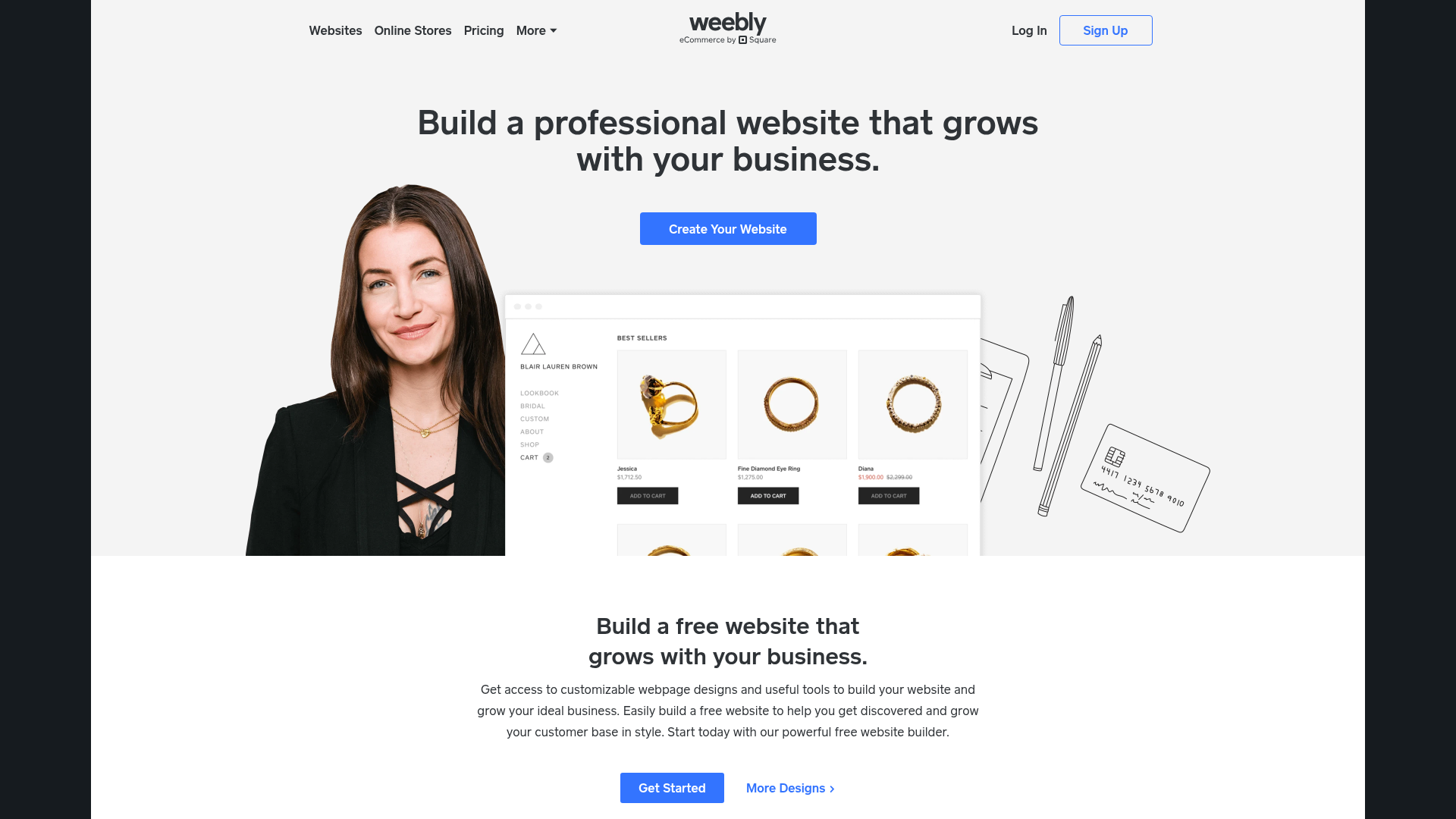
Plainness is the point of Weebly. A personal site or a small shop gets an editor with nothing to learn, and Square, which owns it, builds payments, gift cards, and coupons in.
Every plan includes free SSL, and the free plan lets you publish with Square ads on the page. Personal runs $16 per month and connects your own custom domain. Higher tiers add customization and shop tools.
The product pages on weebly.com name no AI feature at all. The App Center is small next to Wix, and the pricing page still carries a copyright line dated 2019 at the bottom.
Pick it for a small site tied to Square, since anyone who adds features yearly will outgrow it.
For a first site it costs nothing to try, and most people learn the whole editor in an hour or two at most.
Pros:
- Simplest editor on this list, learnable in an hour.
- Square payments, gift cards, and coupons built in.
- Free plan and free SSL on every tier.
Cons:
- No AI feature named on its product pages.
- Small App Center compared with Wix.
- Custom domains start on the paid Personal plan.
Bottom line
Weebly keeps a small Square-linked site simple. A shop that already runs its payments through Square will find it enough. For AI drafting or growth, go back to Wix.
Benefits of Website Builders
AI website builders compress creation timelines from weeks to hours, letting you go from idea to published site faster than ever. By combining AI-generated layouts, automated content, and one-click deployment, they remove technical friction and make professional website design accessible to anyone.
AI turns web creation into a guided, collaborative process where you focus on vision, while the system handles structure, SEO, and hosting.
- Faster launch: Automated setup and AI features shorten the path from concept to live site. Perfect for small businesses or entrepreneurs testing new ideas without developer help.
- Lower cost and complexity: By removing manual coding and web hosting headaches, these AI website builders cut costs and simplify maintenance while keeping scalability built in.
- Accessibility for first-time builders: Drag-and-drop editors, visual prompts, and plain-language creation tools make it easy for beginners to design and publish their first business website.
- Continuous optimization: Many platforms improve automatically, refining layouts, performance scores, and search engine rankings based on usage analytics and interaction data.
- Built-in automation: Native connections to email, marketing, and ecommerce features streamline operations, no custom code needed.
Together, these benefits redefine how websites are built, merging creativity, automation, and intelligence into one seamless, AI-powered workflow.
Limitations of Website Builders
Even the best AI website builders come with a few trade-offs. Knowing their limits helps you plan ahead and decide when you may need a more advanced setup or traditional development support.
- Design constraints: Many builders rely on preset templates that can restrict layout flexibility. You can tweak colors, fonts, and elements, but full creative freedom often requires building from scratch or adding custom code.
- Pricing tiers: Most platforms offer a free plan or starter option, but scaling often means upgrading to higher, paid plans. Advanced AI use, extra storage, or ecommerce upgrades can raise monthly costs as your brand grows.
- Vendor lock-in: Some builders use proprietary frameworks that prevent easy export or external web hosting. Always check data portability and custom domain settings before committing long-term.
- AI precision limits: While AI-generated layouts and content accelerate setup, they aren’t perfect. You’ll still need to review SEO metadata, fix tone inconsistencies, and manually refine visual details to ensure high-quality results.
- Technical ceilings: Complex ecommerce sites, web apps, or projects requiring deeper backend logic may outgrow no-code builders. In those cases, integrating APIs or switching to more customizable platforms like Replit gives you full control.
Together, these constraints don’t outweigh the benefits, but understanding them ensures you pick a tool that matches your business stage, design expectations, and scalability goals.
How Replit Addresses These Limitations
Most AI website builders stop at visual design, offering limited flexibility or export control. Replit takes a different approach, bridging no-code speed with the power of full development. Here’s how it overcomes many industry-wide challenges:
- Full code ownership: Unlike closed systems that keep your site locked in, Replit gives you complete access to your underlying code. You can download your project as a ZIP file or push it directly to GitHub, ensuring your work is portable, editable, and never confined to one platform.
- Scalable performance: Replit’s Autoscale Deployments handle real-world traffic surges automatically, then scale down when idle to save resources. This makes it ideal for both quick MVPs and enterprise-grade business websites.
- Enterprise-grade security: Partnering with Microsoft Azure, Replit includes SOC 2 Type 2 compliance, SAML-based single sign-on, and role-based access control for team environments. Your projects are safeguarded with AES-256 encryption and can be deployed privately for sensitive data protection.
- Transparent pricing: Replit’s effort-based pricing means you pay for compute power used, not arbitrary limits or hidden tiers. This keeps scaling fair and predictable as your traffic grows or your project expands.
By combining open access, automatic scaling, and enterprise security, Replit resolves the most common limitations of traditional site builders, letting you keep creative freedom, data ownership, and professional-grade performance in one AI-powered workspace.
Which Website Builder Should You Choose?
The quickest way to choose is to start from how you want to work.
| Use case | Recommended tools | Notes |
|---|---|---|
| Staying in your current tools | WordPress.com, Weebly | Plugins and themes carry over, or Square payments wired in |
| Keeping costs low | Hostinger, GoDaddy | One bill for everything, or a free start with credits |
| Design and code control | Webflow, Framer | Clean exportable code, or a canvas that becomes the site |
| Ecommerce | Shopify, Wix | Full checkout and inventory, or a small catalog section |
| Enterprise security and compliance | Replit, Squarespace | SOC 2 compliance and SSO, or brochure sites on Premium plans |
| Sites that need a backend | Replit | Replit Agent builds and publishes, database and login included |
- You want to stay in the tools you already use: WordPress.com fits if you or your team already know the WordPress editor, because the plugins and themes carry over. Weebly plays the same role for a business already on Square, with payments wired in.
- Cost is the constraint: Hostinger folds hosting, a domain, and the builder into one bill, so there is nothing else to buy. GoDaddy starts free instead, with a monthly credit allowance that covers a small site.
- Keep the design and the code in your own hands: Webflow wins when you think in CSS and want a CMS behind the pages, with clean code you can export. Framer covers the same ground for design-led teams that want the canvas to be the site.
- Everything runs through the store: Shopify is the store, with checkout, inventory, shipping, and in-person sales from one catalog. Wix fills the same slot for a small catalog attached to a template site, where the site comes first and the shop is a section.
- Enterprise, security, and compliance come first: Replit pairs SOC 2 Type II compliance and SAML SSO with its Microsoft Azure partnership, and Enterprise plans add private deployments. Squarespace covers the same ground for brochure sites through its Premium plans, sold by its sales team.
- The site has to do something: that is the job we built Replit for, and the editor, AI, and hosting come as one product. Describe the site, and Replit Agent builds and publishes it, database and login included, starting free on the Starter plan.
Build Smarter with Replit
AI has turned website creation from a technical project into a creative process. What once demanded coding skills or outside developers can now be done through natural language instructions.
Replit is one of the few platforms doing this end to end. Replit Agent builds, tests, and publishes a whole website from a plain-language prompt, backend logic and hosting included. The code is yours. Download it as a ZIP or sync it straight to GitHub.
Autoscale Deployments scale up for traffic spikes and scale back down when the site is idle. SOC 2 Type II compliance, AES-256 encryption, and Microsoft Azure infrastructure sit underneath, which makes it fit for serious business use.
The top website builders here each do one job well. The best website builders in 2026 get a working site live in a single afternoon. Replit ships the backend with it. Start free on Replit and publish your first site today.
FAQs
Which site builder is best for beginners?
Wix and Hostinger are easiest for new users thanks to user-friendly editors and smart AI features. Wix pairs a prompt-generated first draft with a drag-and-drop editor and a free plan. Hostinger suits a first business site by putting hosting, a domain, and the builder on one bill.
Is Shopify better for ecommerce than GoDaddy?
Yes. Shopify offers deeper ecommerce features like inventory tracking and multi-channel selling. It runs checkout, shipping, and in-person sales from one catalog, with thousands of apps behind it. GoDaddy is faster for basic stores, and it fits a service business adding a small shop to a booking site.
Is WordPress better than Wix for SEO?
WordPress gives more control over plugins and structure. Dedicated SEO plugins manage redirects, schema, and sitemaps at a level template editors rarely match. Wix is simpler, with reliable built-in SEO tools. For most small sites, either ranks well when the content is strong.
Which site builder offers the best AI tools?
Replit offers the most advanced AI automation, since Replit Agent builds, tests, and publishes a whole site from one prompt. Wix’s AI generates a full first draft you can edit, and Squarespace’s tools draft text and images inside its templates.
What is the best website builder for small business?
GoDaddy and Hostinger get a service business online fastest. Wix is the best website builder for small business owners who plan to add a shop or bookings later. Replit is the choice when the site needs a client portal or dashboard behind it.
Which of the best website builders have a free plan?
Seven of the ten have a free plan: Replit, Wix, GoDaddy, Webflow, Framer, WordPress.com, and Weebly. Squarespace, Shopify, and Hostinger sell trials instead. For the best free website builder for a site that stays free, Wix and WordPress.com publish on their own subdomains in exchange for branding or ads.