Building apps no longer means writing lines of code for weeks. In 2026, you describe your idea in natural language and an AI tool turns it into a working web app, mobile app, or internal tool. Deployment is part of the same step.
This guide explores the best no-code AI tools for app builders, entrepreneurs, and enterprises looking to automate processes, integrate APIs, and ship faster. Free and paid options both appear, from AI app builders to automation platforms.
Every one of the ten no-code AI tools below was re-checked against its vendor's own site in August 2026.
What Are No-Code AI Tools?
No-code platforms let you build apps, automate tasks, and manage data using drag-and-drop interfaces instead of programming languages. AI-powered builders add natural language creation, AI models for decision-making, and automated deployment. They turn complex backend logic into visual workflows that anyone can understand and use.
While no-code tools remove coding entirely, low-code platforms combine this simplicity with optional scripting for flexibility. Many modern app builders blend both, ideal if you want to start quickly and customize later.
In practice, these platforms let you use AI to build chatbots, automate workflows between multiple SaaS providers, and create web apps or iOS and Android mobile apps with authentication, databases, and AI assistants built in. You can connect APIs, optimize your processes, and manage everything through intuitive templates.
Why No-Code AI Tools Are Trending in 2026
The rapid evolution of large language models (LLMs) like ChatGPT from OpenAI and tools from Microsoft have pushed automation into everyday app development. AI coding assistants write boilerplate code, generate UI layouts, and guide you through builds step-by-step with real-time suggestions.
AI agents now help you create, test, and deploy apps end-to-end. Builders like Replit integrate these agents directly into their environments. Replit Agent can plan, build, test, and debug an app on its own, letting you move from idea to deployment without switching tools.
Inside organizations, “citizen builders” are automating internal tools without burdening engineering teams. Operations teams streamline reporting, marketing automates lead scoring, and customer success builds AI-powered bots, all in visual interfaces that explain what’s happening.
No-code AI tools now bridge creativity and technical power. That’s why startups and enterprises alike are adopting them: they compress time, cut costs, and expand who can build software.
How we picked these tools
Replit, Lovable, Bubble, Adalo, Appy Pie, and BuildFire build apps. Zapier and Make automate the work that moves between the apps you already run. Airtable and GlideOS start from your existing data. Levity, Obviously AI (now Zams), and Akkio were retired because each now sells by demo only.
We evaluated leading no-code AI tools based on six core criteria: ease of use, AI sophistication, integration depth, scalability, pricing, and ROI proof. Three cuts followed. Each tool must still be maintained, publish its prices, and allow a hands-on trial. We checked every claim on vendor pages in August 2026.
Best No-Code AI Tools: Comparison Snapshot
| Tool | Best for | Free plan | Paid plans from |
|---|---|---|---|
| Replit | Full web apps, internal tools, dashboards, and slides from one prompt | Yes (Starter) | $20/mo (Core) |
| Bubble | Complex web apps and SaaS products with a visual logic editor | Yes | $59/mo (annual) |
| Zapier | Automations between the apps you already use | Yes (100 tasks/mo) | $19.99/mo |
| Airtable | AI fields, automations, and internal apps on data you already keep | Yes | $20/user/mo |
| Appy Pie | Simple native iOS and Android apps from a prompt | Trial only (7 days) | $32/mo |
| Adalo | Phone apps published to both app stores | Yes | $45/mo |
| BuildFire | Branded enterprise mobile apps with vendor support | No | $165/mo |
| GlideOS | Internal business apps built from a spreadsheet, prompt, or file | Yes | $25/mo |
| Lovable | Full-stack web apps with real, exportable code | Yes | $25/mo |
| Make | Visual automation scenarios with AI agents inside them | Yes (1,000 credits/mo) | $12/mo |
Product and pricing information: vendor product and pricing pages, August 2026.
Replit
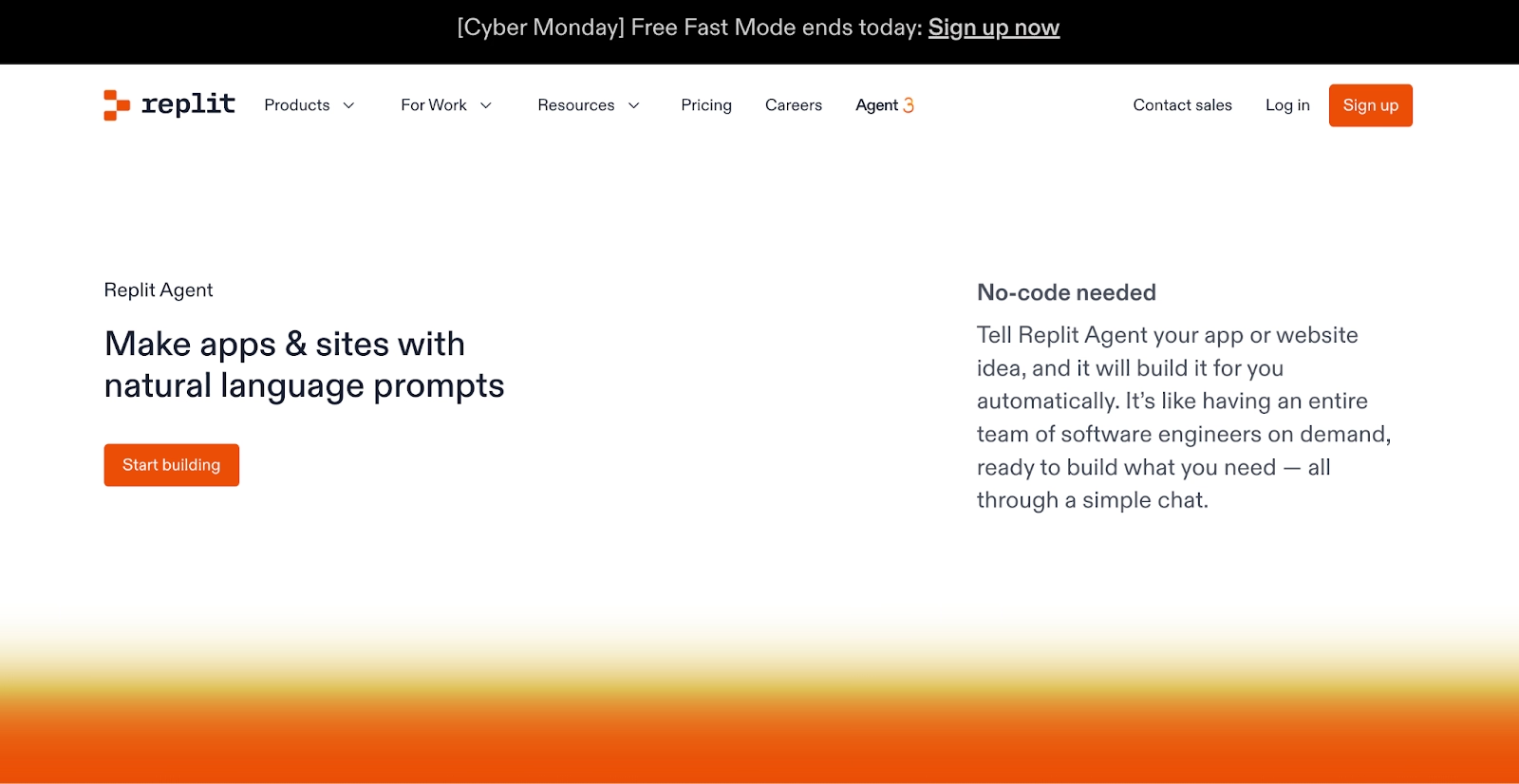
Replit is the one platform in this set where the coding environment, the AI, and the hosting are a single product. Describe what you want, and our Agent builds and tests it in the workspace it publishes from.
The outputs are concrete. Full web apps, internal tools and dashboards, data pipelines, automations, and slide decks all come out of the same prompt box. Our public gallery shows what people are shipping, with view and use counts on each template.
The Microsoft Azure partnership pairs Replit with Azure infrastructure, and Enterprise plans add SAML SSO and private deployments on top of SOC 2 Type II compliance.
At Rokt, more than 700 employees built 135 fully functional internal apps in one 24-hour hackathon. At Plaid, a single production SLA dashboard saved 96 or more hours per person.
Starter is free with daily Agent credits. Core starts at $20 per month, with Agent work beyond the included credits billed by effort.
Pros:
- Ready-to-run output across apps, dashboards, and slides from one prompt, with hosting, a database, and authentication included.
- Agent tests its own work in a browser and fixes what it finds before you see it.
- Native iOS apps, previewed on your phone and submitted to the App Store from the same workspace.
Cons:
- Full build mode and third-party connectors need a Core plan, so the free tier suits smaller projects.
- The first few effort-based requests take some getting used to before spend feels predictable.
Bottom line
Replit is the choice when the goal is a live product with the database and hosting already attached. It suits people who ship whole products. If all you need is one automation or one spreadsheet view, lighter tools on this list get there faster.
Bubble
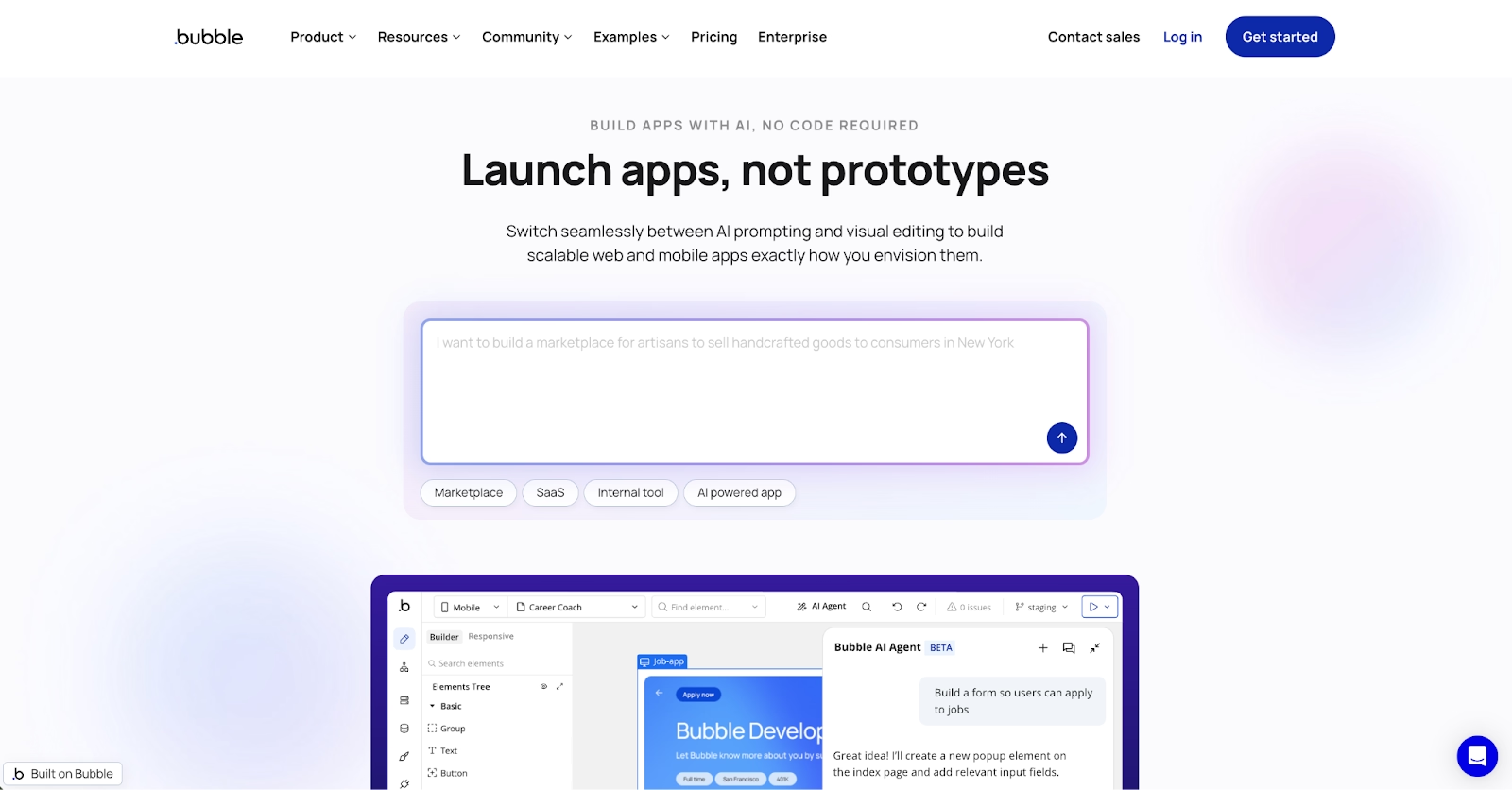
Bubble hands you more direct control over a web app than any other tool on this list. AI drafts the first version, and then a visual editor exposes the design, database, workflows, and privacy rules for you to shape.
That editor is why Bubble has outlived most no-code platforms. Privacy rules run on the server. Plugins extend the built-in database, and native mobile apps now ship from the same platform.
Expect a week before the workflow logic feels natural. Once the database grows, performance tuning also lands on you, plugin by plugin.
Development is free, and Starter runs $59 per month billed annually, above the other web app builders on this list.
For a marketplace, a membership site, or a SaaS product with precise logic, Bubble is the most complete visual no-code AI platform on this list. Its plugin and agency ecosystem means most integrations already exist.
Pros:
- Full visual control over design, data, logic, and access rules after the AI draft.
- Built-in database plus a large plugin marketplace.
- Web and native phone apps from one platform.
Cons:
- Steeper learning curve than chat-first builders.
- Performance tuning is your responsibility as data grows.
- Apps live on Bubble hosting, with no code export.
Bottom line
Bubble goes deeper than any other visual builder here once the AI's first draft is done. It rewards builders who have a complex product in mind and intend to own every workflow, screen, and permission rule themselves. Anyone who hates editors belongs with the prompt-first tools.
Zapier
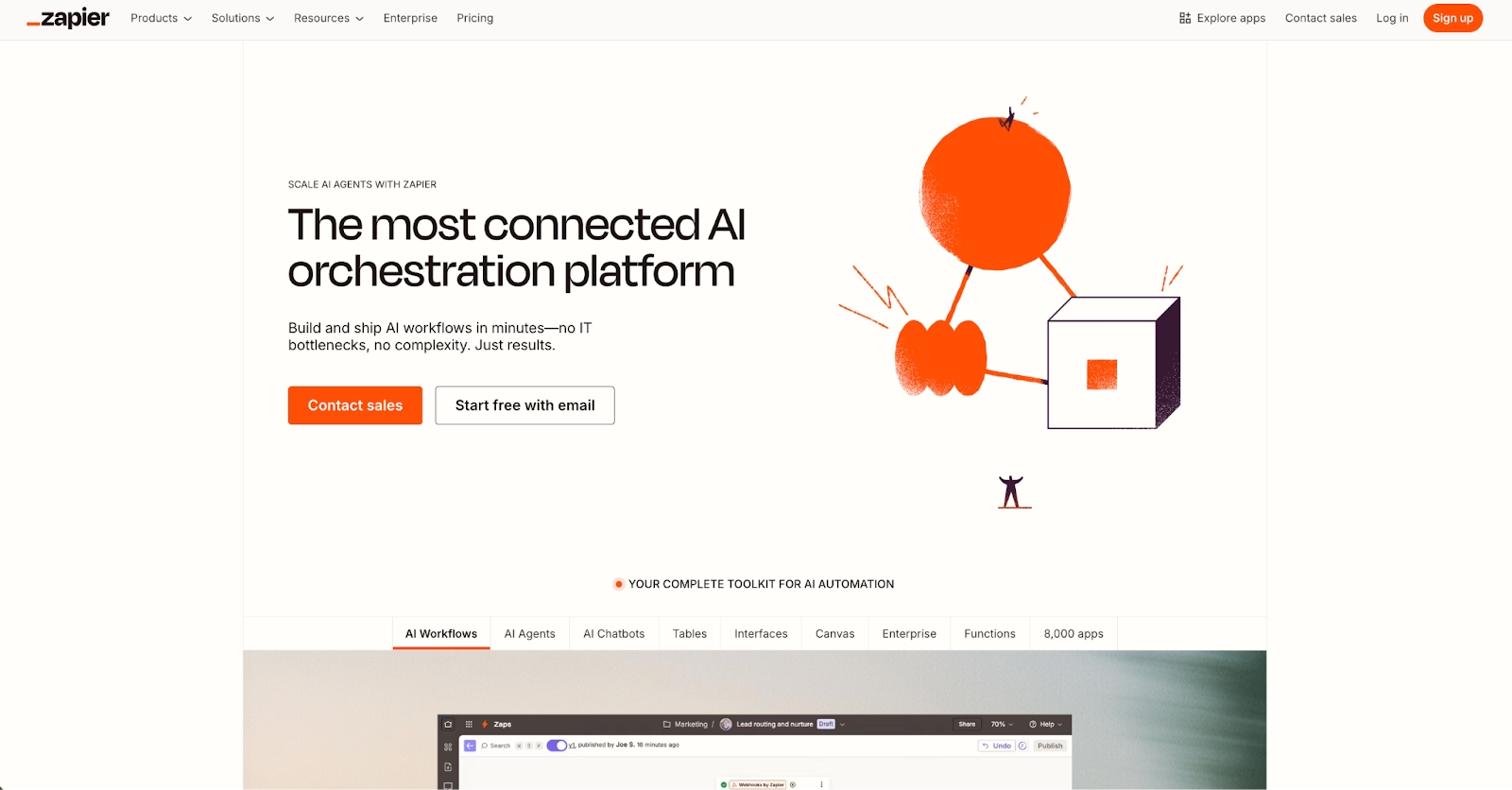
Type 'summarize new support emails and post the highlights in Slack' into Zapier, and it drafts the workflow for you across 9,000 or more connected apps.
AI Agents act on their own. The product has grown well past plain Zaps by now. AI Chatbots answer customers, and Tables, Forms, and Canvas give the workflows a home inside Zapier.
Conditional logic, filters, and webhooks are still the core, which is why it remains the default way to wire a CRM to a spreadsheet to a chat channel.
The free plan includes 100 tasks a month. Professional is $19.99 per month on monthly billing.
Task-based pricing rewards light workflows and punishes heavy ones, so a busy automation can cost more here than on a credit-priced tool like Make, later in this list.
Pros:
- The widest catalog here, at more than 9,000 apps.
- AI agents, chatbots, and natural-language workflow drafting on the same platform.
- Built-in tables, forms, and a canvas hold data and interfaces without another tool.
Cons:
- Task-based pricing climbs fast on busy workflows.
- It moves data between apps but is no place to build a product of your own.
- Complex branching gets hard to read in a linear editor.
Bottom line
Zapier is the default connector between the SaaS tools you already pay for. Teams that need a reliable handoff between apps this afternoon get the most from it, with AI steps where they help. Heavy volume is where the bill grows fastest.
Airtable
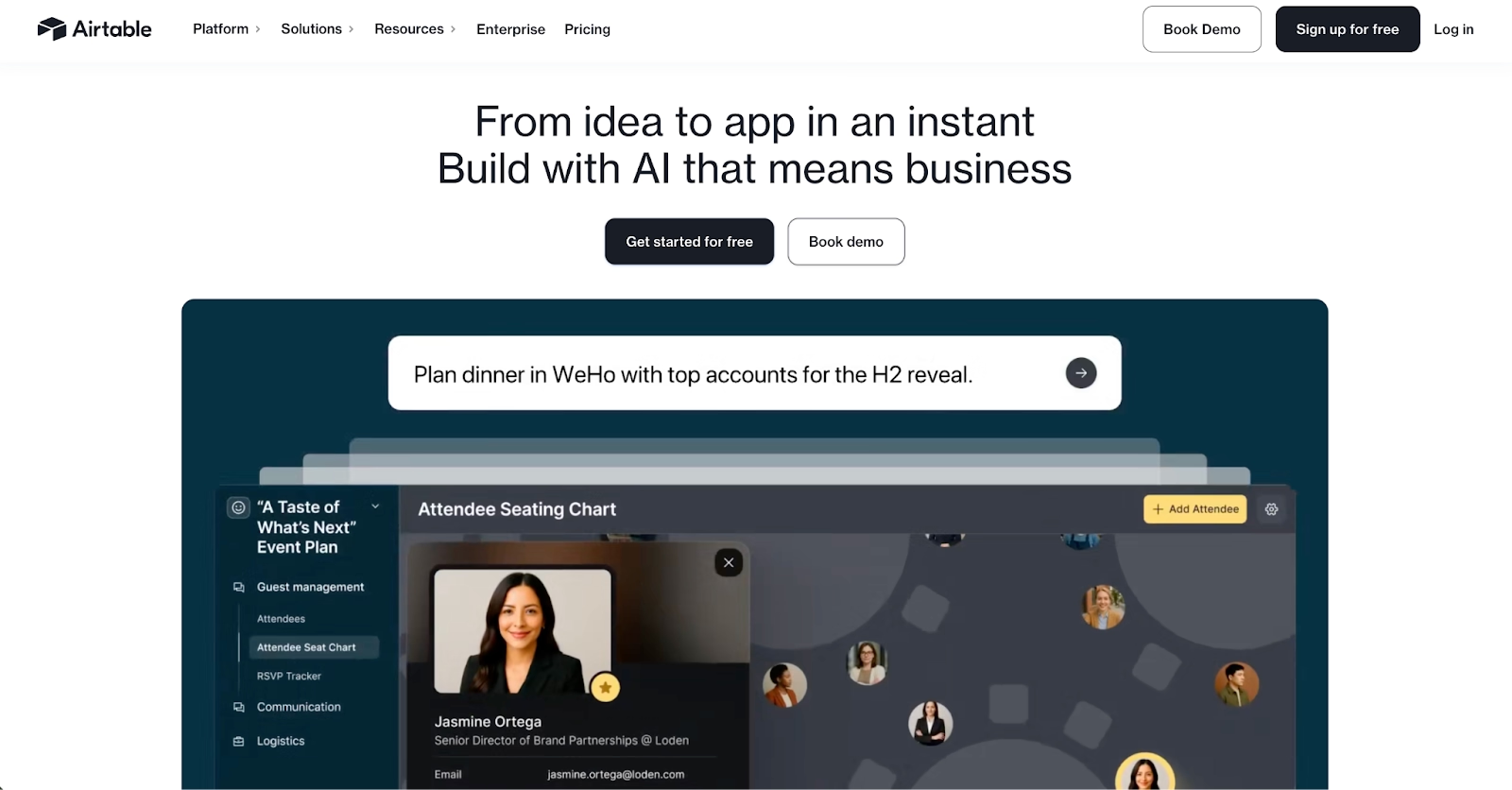
If your records already live in a base, Airtable puts no-code AI to work on them fastest. AI fields summarize, categorize, and draft text right inside the table, while automations route approvals and updates with no script involved.
Interfaces turn a base into a simple internal app. Agents now work from the same data your team does, on the same permissions.
Slack, Salesforce, and Google tools connect out of the box, and Enterprise Scale adds the governance controls larger deployments need.
Team runs $20 per user per month on annual billing. The free plan covers 1,000 records per base, five editors, and 500 AI credits per editor each month.
AI credits are metered, so heavy use is capped by plan, and per-user pricing adds up once everyone needs edit access.
Pros:
- AI fields and automations work directly on data you already keep in Airtable.
- Interfaces and agents share the base's data and permissions.
- Free plan with a real AI allowance to test on.
Cons:
- Per-user pricing climbs as editors are added.
- AI credits are capped per plan.
- Apps stay inside Airtable, so there is no standalone product to ship.
Bottom line
Airtable is the strongest pick for teams whose work already lives in its bases. The people it pays off for are operations groups that want AI summaries, routing, and a lightweight internal app without leaving the base. A customer-facing product needs a builder further up this list.
Appy Pie
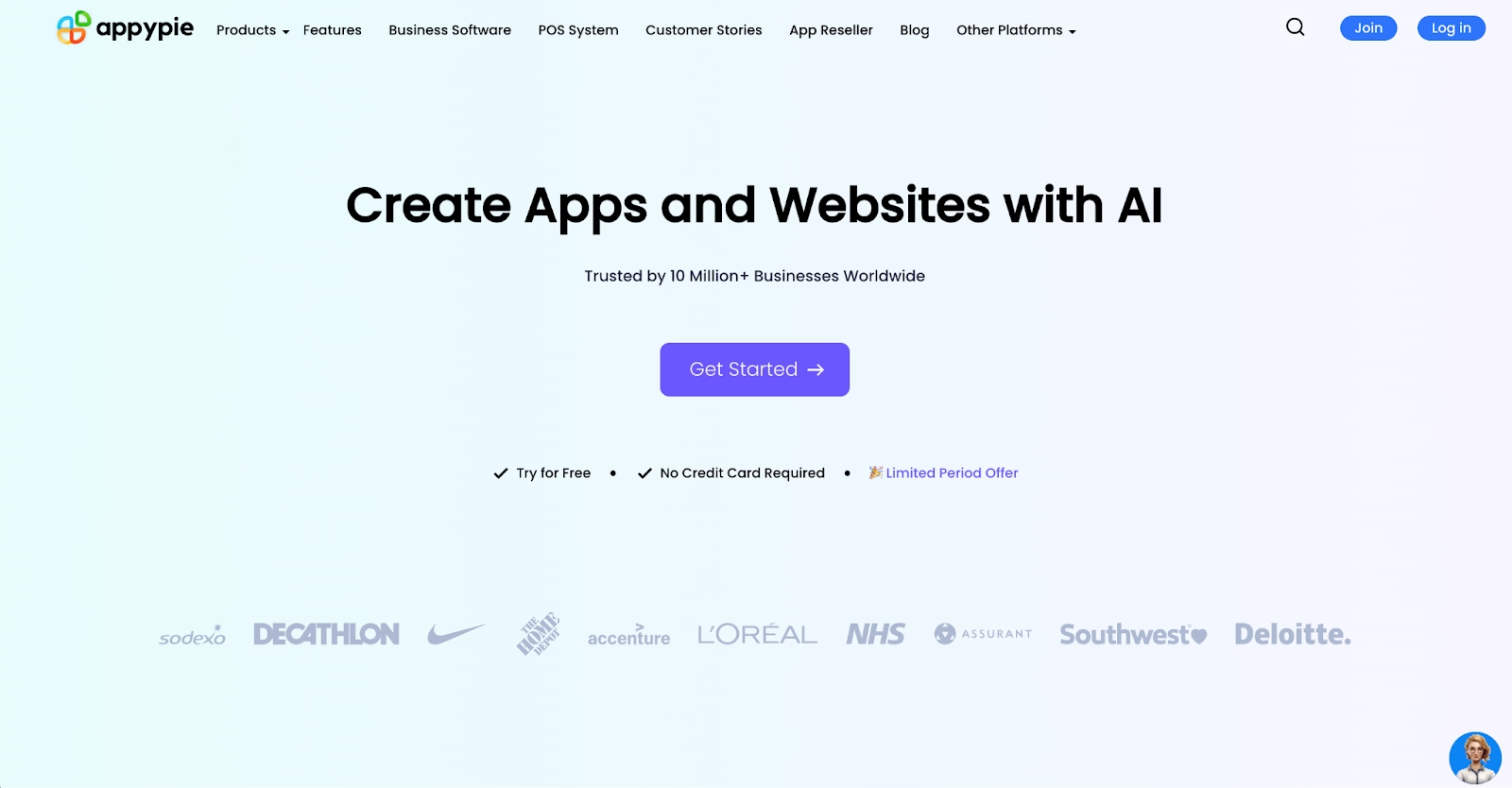
For a small business that needs a phone app this week, Appy Pie turns a text prompt into a native iOS and Android app and hosts the backend for it. A visual editor then handles every change from that point on.
Push notifications and in-app payments come included, while the same company also sells chatbot, website, and workflow builders.
The catch sits in the plan ladder. The Basic plan publishes to Google Play only, and Apple App Store publishing needs a higher tier.
There is a seven-day trial instead of a free plan, and Basic is billed at $32 a month on monthly plans, with a lower rate paid annually.
Customization stays shallow next to Adalo or Bubble, which suits a loyalty app or a menu and little beyond that.
Pros:
- Prompt in, native phone app out, with hosting included.
- In-app payments and push notifications on the platform.
- The lowest entry price of the mobile app builders here.
Cons:
- Only a week-long trial, with no free plan.
- App Store publishing is locked to higher tiers.
- Shallow customization once you move past templates.
Bottom line
Appy Pie is the quick, inexpensive route to a branded phone app for a local business. Pick it when you need an app in the stores this month and have no wish to learn a proper builder. Anything with real business logic belongs with Adalo or Bubble instead.
Adalo
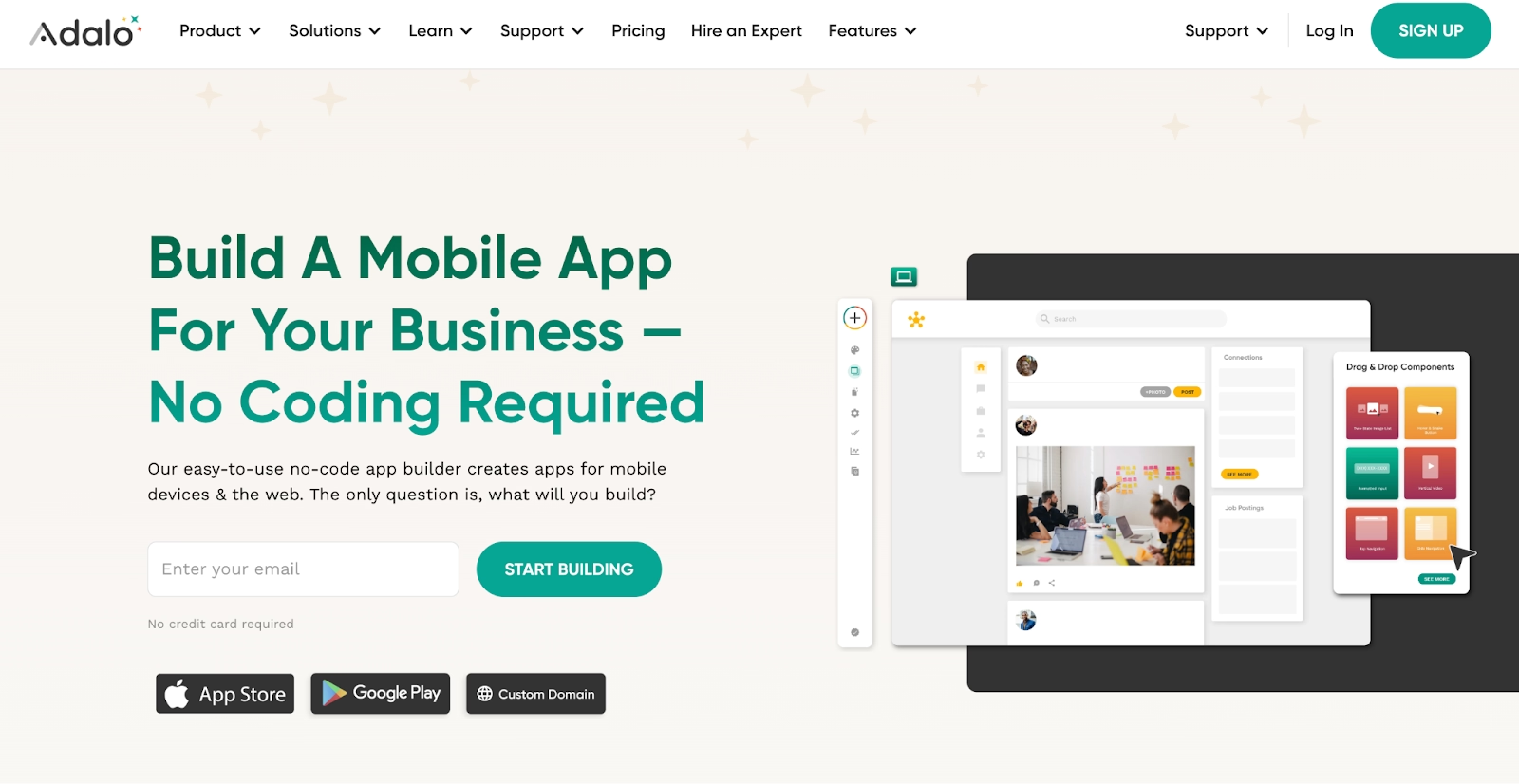
Where most builders start on a desktop canvas and adapt for phones later, Adalo starts on the phone screen and stays there. One project publishes to iOS, Android, and the web. Push notifications and store submission are handled inside the builder instead of separate tools.
Every plan includes AI app generation for the first screens, while Ada, the prompt-editing assistant, is still in beta.
After that first draft, the visual canvas takes over. It follows the conventions of mobile UX closely enough to pass as native. A booking or community app needs little tuning.
Records live in Adalo's own database, with outside services connected through an integrations menu. Web output is the weaker side of the platform, and heavy data logic strains that built-in database once an app starts to grow beyond a prototype.
Building and testing is free up to 500 records, and the Starter plan then costs $45 per month.
Pros:
- Publishes to both app stores from one project.
- Store submission and push notifications run inside the builder.
- AI generation on every tier, including the free one.
Cons:
- Web apps are secondary, so desktop-heavy products fit poorly.
- Performance drops on data-heavy screens.
- App store review adds days to every launch and update.
Bottom line
Adalo is the mobile-first no-code AI app builder of the ten. It rewards founders whose users open a phone first, from booking apps to community apps. Desktop-first products and data-heavy logic belong with another tool.
BuildFire
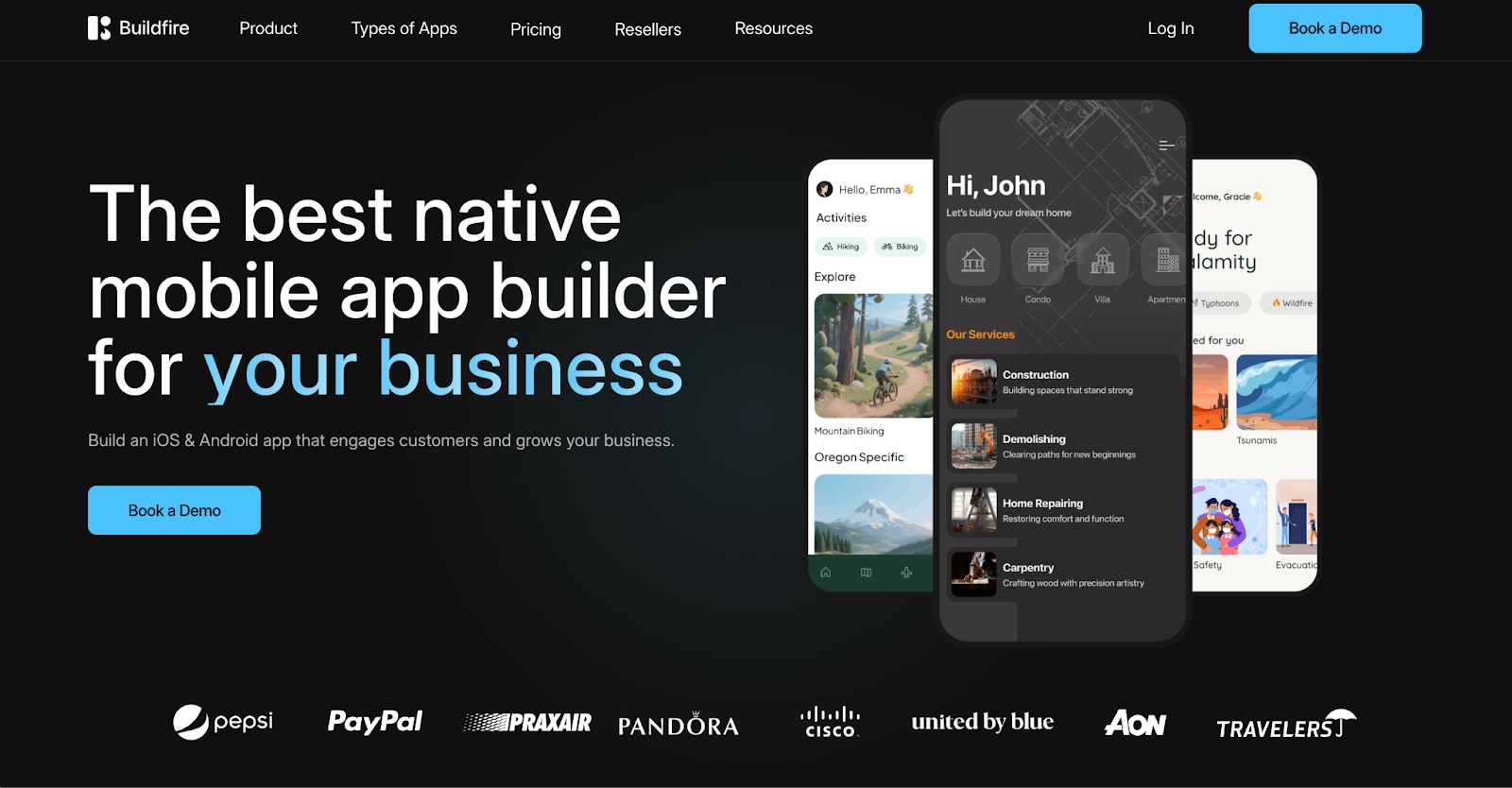
BuildFire is built for organizations that want a branded app on both phone platforms with someone to call when it breaks. A plugin marketplace with 150 or more modules covers loyalty, events, commerce, and content, while the company also sells full development services alongside the builder itself.
That services layer is the difference. Agencies and enterprises use it because publishing support, maintenance, and custom development come from one vendor.
AI is where the platform trails the rest of this list, since its pricing and plugin pages name no AI generation or assistant feature.
There is no free plan. Standard begins at $165 per month, with Growth and Scale above it.
For a small company the price is hard to justify, and for anyone who wants to prompt an app into existence the builder will feel traditional.
Pros:
- A catalog of 150-plus ready plugins.
- Publishing support and development services from the same vendor.
- Built for branded, governed apps at organization scale.
Cons:
- No free tier, and the entry price assumes a business budget.
- Nothing AI-driven on its public feature pages, whether generation or an assistant.
- Customization beyond plugins routes through paid services.
Bottom line
BuildFire is the managed-service option among the mobile builders here. Its best fit is an organization that wants a branded, published app with a vendor behind it, and has the budget for both. Builders who want AI to do the first draft should look elsewhere on this list.
GlideOS
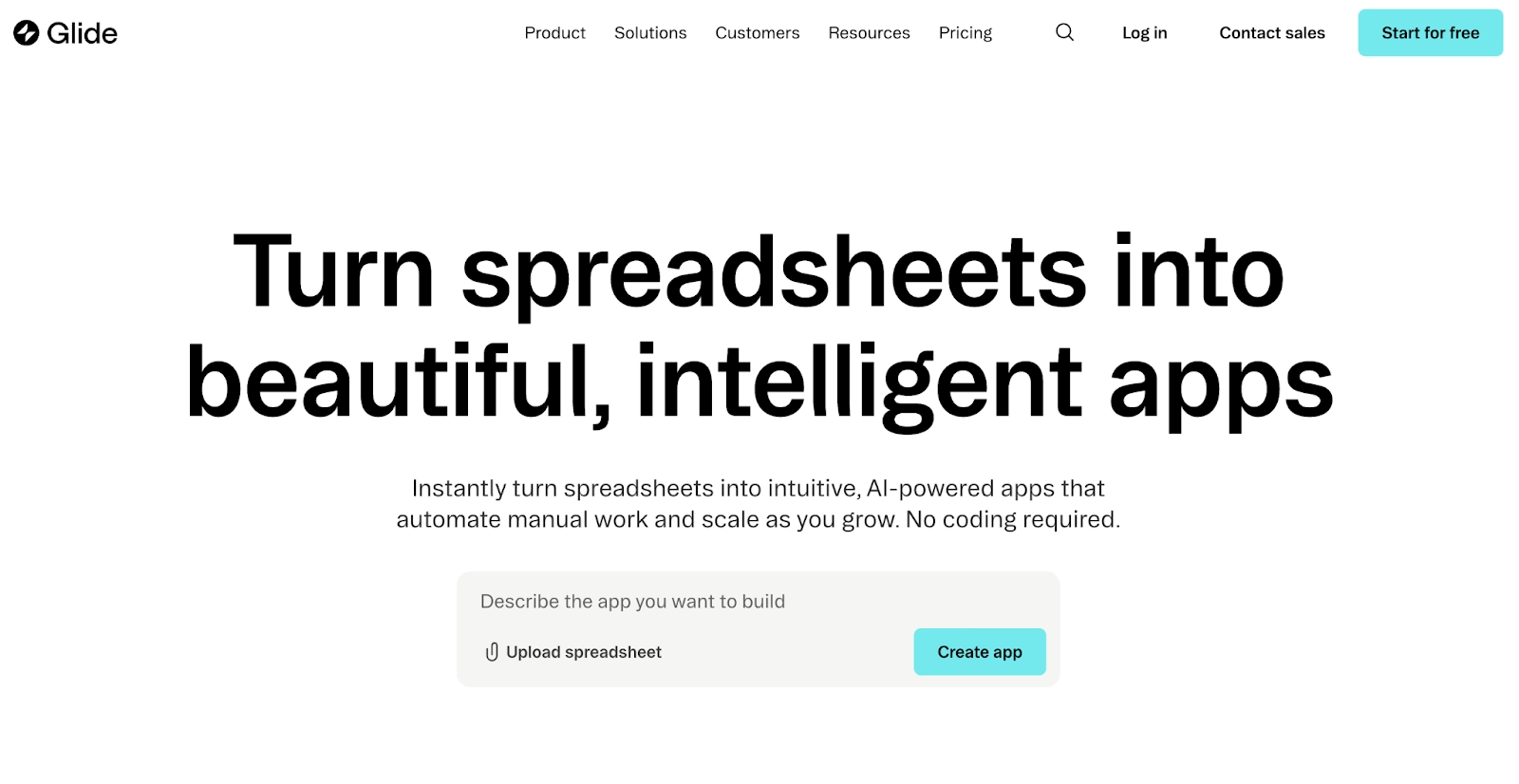
A Google Sheet is all GlideOS needs to start. GlideOS, the newer platform from the makers of Glide Classic, also builds internal software from a prompt or a file.
Data sources reach past Sheets and Excel to Airtable, Salesforce, QuickBooks, PostgreSQL, and Snowflake. A Glide Agent handles the AI work inside the app on a credit budget, while Glide Classic apps keep running on their original plans.
Phones and desktops get the same build. Operations teams use it for inventory, work orders, and field sales.
One project is free, with limited credits, and the Solo plan is $25 per month.
GlideOS is built for internal tools first, so customer-facing apps are possible but templates, use cases, and pricing all assume a team running operations.
Pros:
- Spreadsheet in, working app out, with navigation and forms generated for you.
- Connects to Salesforce, QuickBooks, Snowflake, and PostgreSQL as well as Sheets.
- Its own database, plus a team dashboard on paid plans.
Cons:
- GlideOS is a separate product from Glide Classic, with its own subscription.
- App complexity is capped by how your data is structured.
- Agent credits run out fast under heavy use.
Bottom line
GlideOS is the best spreadsheet-to-app option here, and it also takes prompts and files. Operations teams that keep working data in a sheet and need an app by Friday are its natural audience. Custom backend logic will hit the ceiling of the data model.
Lovable
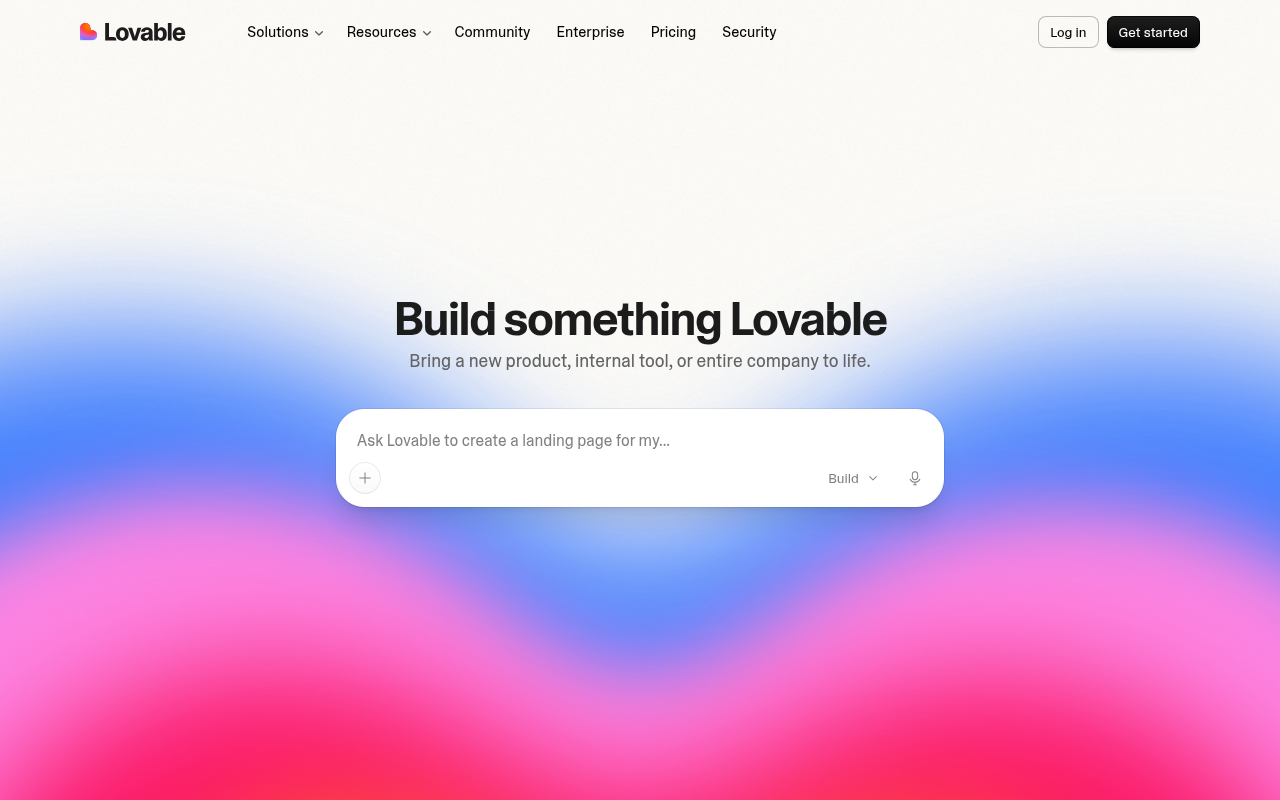
Lovable's whole pitch is a finished web app from a chat, with the code attached. Every build from this no-code AI builder is a real React codebase you can open, edit, or sync to GitHub. Lovable Cloud supplies the database, authentication, storage, and edge functions.
Payments and custom domains are included. A security scan runs before you publish, checking API keys, database access rules, and dependencies. One click puts it on a live URL.
Output is web only, and one credit balance covers building, hosting, and the app's own AI features, so a long debugging session draws down the same pool.
The free plan gives you five build credits a day. Pro costs $25 a month.
Design polish still takes a few rounds of prompting, which is the price you pay for a first draft that arrives in well under a minute.
Pros:
- Real, exportable React code with two-way GitHub sync.
- Backend, payments, and security scans included, so a real product needs no extra services.
- One of the fastest first drafts in the category from a single prompt.
Cons:
- No native mobile output.
- One credit pool pays for builds, hosting, and in-app AI, so usage is easy to underestimate.
- Visual polish needs several extra prompting passes.
Bottom line
Lovable is the reference point for prompt-to-web-app building, and its output holds up when you open the code. Founders who want a working MVP by tonight are exactly who it serves. Native mobile is out of scope.
Make
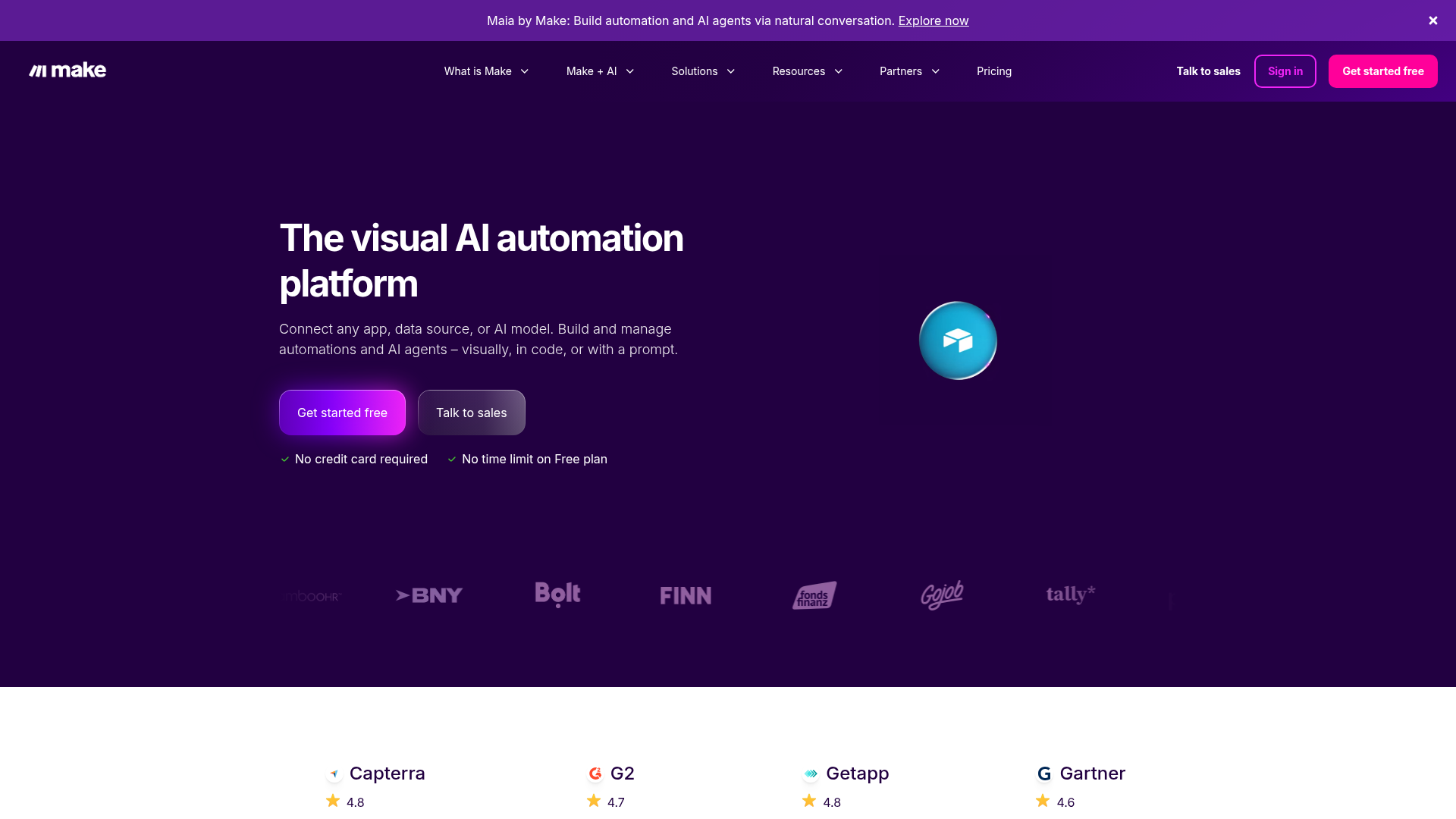
Make lays an automation out as a visual diagram, so every step and the data passing through it are on screen at once. That view is the reason people who outgrow linear automation tools end up here.
It connects 3,000 or more apps. AI Agents can sit inside a scenario to decide the next step or draft a reply. Maia, its conversational assistant, builds a scenario from a plain description.
Pricing is by credit, with every operation drawing on the balance, and a scenario with many small steps burns through them faster than you expect.
The free plan carries 1,000 credits a month with no time limit. Core comes in at $12 per month.
Give yourself an afternoon to learn the interface, since mapping fields and handling errors take longer than in Zapier, though the result is easier to read once it grows.
Pros:
- Visual scenario builder that shows every step and its data at once.
- AI Agents and a conversational builder inside the same platform.
- Credit-based pricing that stays low for light workloads.
Cons:
- Harder to learn than a linear automation tool.
- Credits drain quickly on multi-step scenarios.
- Fewer app integrations than Zapier.
Bottom line
Make is the visual automation pick once a simple trigger-and-action tool feels cramped. Builders who want the whole workflow on one screen, with every step open to tuning, are its people. Zapier is quicker for a five-minute automation.
Benefits of No-Code AI Tools
No-code AI tools make development faster and more collaborative across technical and non-technical teams.
- Speed: Build apps and workflows in a fraction of the time.
- Accessibility: Anyone can automate without writing code.
- Integration: Connect all your SaaS tools via APIs.
- Scalable pricing: Start free and scale as you grow.
- AI assistance: Let bots and coding assistants suggest, debug, and optimize your workflows in real time.
Limitations and How Replit Solves Them
Some no-code platforms still have limits. Visual builders restrict deep backend logic. Heavy workflows can slow down during peak load. Vendor lock-in and opaque pricing can worry startups.
How Replit addresses these:
- You own your source code. Export or push directly to GitHub.
- Autoscale Deployments handle spikes up to millions of requests.
- Azure integration adds enterprise compliance with SAML SSO and SOC 2 controls.
- Transparent effort-based pricing ensures you only pay for actual usage.
- AES-256 encryption and private deployments keep your data protected.
Replit combines the freedom of traditional code tools with the speed of no-code platforms, without sacrificing control.
Which No-Code AI Tool Should You Choose?
The quickest way to choose is to start from how you want to work.
This quick reference matches the best no-code AI platforms to common use cases:
| Use case | Recommended tools | Notes |
|---|---|---|
| Staying in tools you already use | Airtable, Zapier | AI fields act on existing records, Zapier wires apps together |
| Keeping costs low | GlideOS, Make | Free plans cover one project or a monthly credit allowance |
| Control over models, spend, or code | Lovable, Bubble | Lovable syncs to GitHub, Bubble offers a visual editor |
| Native apps in both stores | Adalo, Appy Pie | One project ships to both stores, Appy Pie needs less learning |
| Enterprise security and compliance | Replit, BuildFire | SOC 2 Type II, SAML SSO, and private deployments |
| Shipping a working product fast | Replit | Agent builds the app with database, authentication, and hosting |
- You want to stay in the tools you already use: Airtable is the pick when your records already sit in a base, because its AI fields act on that data in place. Zapier plays the same role for the apps around that base and wires them together without code.
- Cost is the constraint: GlideOS lets you build and run one project on its free plan, which is enough to learn whether a spreadsheet-to-app build fits. Make also starts free with a monthly credit allowance, so a light automation runs for nothing.
- You want control over models, spend, or the code itself: Start with Lovable if you want the code, since every build syncs to GitHub. Bubble offers the same control through a visual editor over layout, data, logic, and permissions, for builders who prefer clicking to prompting.
- You need a native app in both stores: Adalo comes first, since a single project ships to both stores with push notifications included. Appy Pie covers the same job with less to learn, since a prompt and a template produce the whole app.
- Enterprise, security, and compliance come first: Replit covers this with SOC 2 Type II compliance, SAML SSO, and private deployments through its Microsoft Azure partnership. BuildFire fits when a vendor should maintain the app for you, though it leans on plugins and services more than other no-code AI platforms.
- You want a working product out the door: Describe the app, and Replit Agent builds it in a workspace with the database, authentication, and hosting in place. Starter is free and includes one live published project.
Get Started with Replit
AI has turned app development into a conversation you can have in an afternoon. What once took months of coding now happens in minutes with no-code AI tools and AI agents that build, test, and deploy automatically.
Replit is one of the platforms leading this change. Replit Agent builds a working app from a prompt and handles the database and authentication. It then publishes the app with hosting attached. Microsoft's Azure partnership and effort-based pricing both sit behind that same workflow, on the enterprise and billing sides.
In 2026, building means describing your idea and letting AI bring it to life. The best no-code AI tool is whichever one ships what you described, from the database to the live URL. Start free on Replit and publish your first app today.
FAQ
What’s the best no-code AI tool for building full-stack applications?
Replit works best for creating complete AI-powered apps with backend logic, APIs, and real-time collaboration. Replit Agent automates coding, testing, and deployment, making it ideal for MVPs, internal tools, and production-ready projects that need complex functionality. Hosting and a database come included, so builds go live immediately.
Which no-code AI platforms automate workflows across multiple SaaS tools?
Zapier and Airtable AI let you automate marketing, CRM, and data tasks through natural language commands and AI-powered triggers. They’re most effective when you need to connect data pipelines, sync APIs, and optimize repetitive workflows without managing backend code. Make covers the same ground with a visual scenario builder.
What’s the best option for mobile app creation on iOS and Android?
Adalo and Appy Pie simplify mobile development with AI-generated layouts, templates, and built-in publishing tools. They’re ideal for building cross-platform apps, prototypes, or branded customer portals when you want to ship quickly without coding. Both host the backend for you, so publishing is the final step.
Which tools support AI model training or custom business logic?
None of these tools trains a custom model anymore. For custom business logic, Bubble gives you a visual workflow editor with server-side privacy rules, and Replit builds that logic in real code you can export. Airtable's AI fields cover the classifying and routing jobs that model-training tools used to handle.
Which of the best no-code AI tools have a free plan?
Eight of the ten start free. Replit, Bubble, Zapier, Airtable, Adalo, GlideOS, Lovable, and Make all let you build before you pay. Appy Pie only offers a trial, and BuildFire has no free tier. Free allowances differ, from tasks to credits, so check each plan’s limits first.