AI coding assistants evolved from autocomplete tools into autonomous programming partners. The best of them now take a task from a one-line description, write the code, run the tests, and open a pull request while you review the result.
That shift changes the buying question. The best AI coding assistant for you depends on where you want the work to happen, and under how much supervision. Each of the seven tools answers it differently.
This guide evaluates leading AI coding platforms based on real-world performance, integration capabilities, and value for developers across different workflows and skill levels.
What Is an AI Coding Assistant?
AI coding assistants are LLM-powered programming companions that generate, complete, review, and refactor code through intelligent automation. Unlike traditional IDEs that require manual configuration and scripting, these tools understand natural language prompts and translate them into functional software.
Modern AI coding assistants leverage large language models trained specifically on code repositories. They understand project context, maintain coding standards, and perform complex multi-file operations. The most advanced platforms function as autonomous agents capable of handling entire development workflows from initial concept to production deployment.
Why AI Coding Assistants Dominated 2026
Several factors converged to make 2026 the breakthrough year for AI-powered development:
Advanced Model Capabilities: Code-specialized LLMs achieved sophisticated performance on software engineering benchmarks, with context windows large enough to understand entire repositories rather than isolated code snippets.
Real-time Integration: Native IDE plugins and cloud-based development environments eliminated friction between AI assistance and actual coding workflows. This enabled seamless collaboration between human developers and AI agents.
Autonomous Features: Tools evolved beyond simple code completion to autonomous debugging, testing, and full application generation. This fundamentally changed how developers approach software creation.
Cost Efficiency: Usage-based pricing models made enterprise-grade AI coding accessible to individual developers and small teams. This democratized advanced development capabilities.
How we picked these tools
The best AI coding assistants here span four lanes. Copilot, Cursor, and Devin Desktop live in the editor, and Claude Code works from the terminal. Tabnine and Amazon Q Developer serve a cloud or a compliance need, and Replit puts editor, agent, and hosting in one browser workspace.
Three cuts applied to every tool. Each AI code assistant here is still actively maintained and publishes its prices. Every product claim was checked against the vendor's own pages in August 2026, so you can verify it yourself. Tools that hide pricing behind a sales call were cut.
Best AI Coding Assistants - Comparison Table
| Tool | Best for | Free plan | Paid plans from |
|---|---|---|---|
| Replit | Full-stack apps built, tested, and hosted from one browser workspace | Yes (Starter) | $20/mo (Core) |
| GitHub Copilot | VS Code and GitHub workflows, from completions to a coding agent | Yes | $10/mo (Pro) |
| Cursor | Agent-driven editing across large repositories | Yes (Hobby) | $20/mo (Pro) |
| Claude Code | Agentic coding from the terminal and IDE | No | $20/mo (Pro) |
| Amazon CodeWhisperer (now Amazon Q Developer) | AWS-native development and application transformation | Yes | $19/user/mo (Pro) |
| Tabnine | Private, on-premises, or air-gapped deployment | No | $39/user/mo |
| Windsurf (now Devin Desktop) | Local and cloud agents managed from one editor | Yes | $20/mo (Pro) |
Product and pricing information: vendor product and pricing pages, August 2026.
Best AI coding assistants in detail
Replit
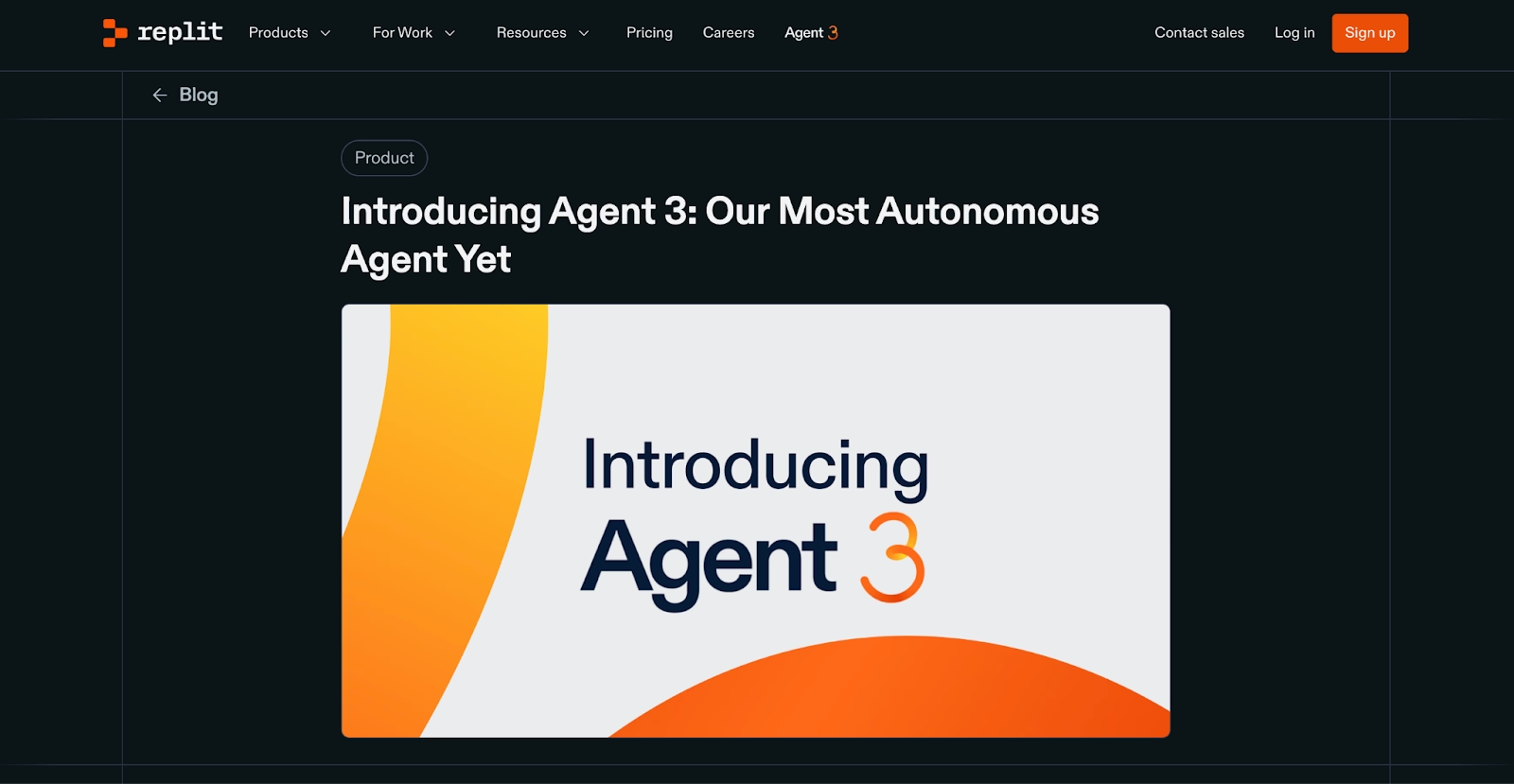
Replit is the one tool on this list where the editor, the AI, and the hosting are a single product. Describe the app, and Replit Agent builds, tests, and publishes it from the same workspace.
The outputs are concrete. Full web apps, internal tools and dashboards, data pipelines, automations, and slide decks all come from one prompt box. Design frames do too. Our public gallery shows what people have shipped, with view and use counts.
Developers keep their usual tools, with GitHub sync and SSH from the local IDE they already use. A model selector offers Auto or your own choice.
At Rokt, 700 or more employees built 135 apps in a single day. Plaid's SLA dashboard saved over 96 hours per person.
Enterprise plans add SAML SSO and private deployments to SOC 2 Type II compliance, and the Microsoft Azure partnership runs Replit on Azure infrastructure. Starter is free with daily credits for our Agent, and Core starts at $20 per month. Heavier Agent work is billed by effort.
Pros:
- Ready-to-run output across apps, dashboards, and slides, with hosting, a database, and authentication included.
- Agent tests its own work in a real browser and fixes issues before you see them.
- Your code stays yours, with GitHub sync, zip export, and SSH access from a local IDE.
Cons:
- Backend functionality and third-party connectors need a Core plan, so the free tier suits smaller projects.
- Effort-based billing takes a few requests to feel predictable.
Bottom line
Replit is the pick when the goal is a live product with database and hosting attached. Builders who ship whole apps are its natural audience. If you live in an existing repo all day, the editor-native tools below will feel closer to home.
GitHub Copilot
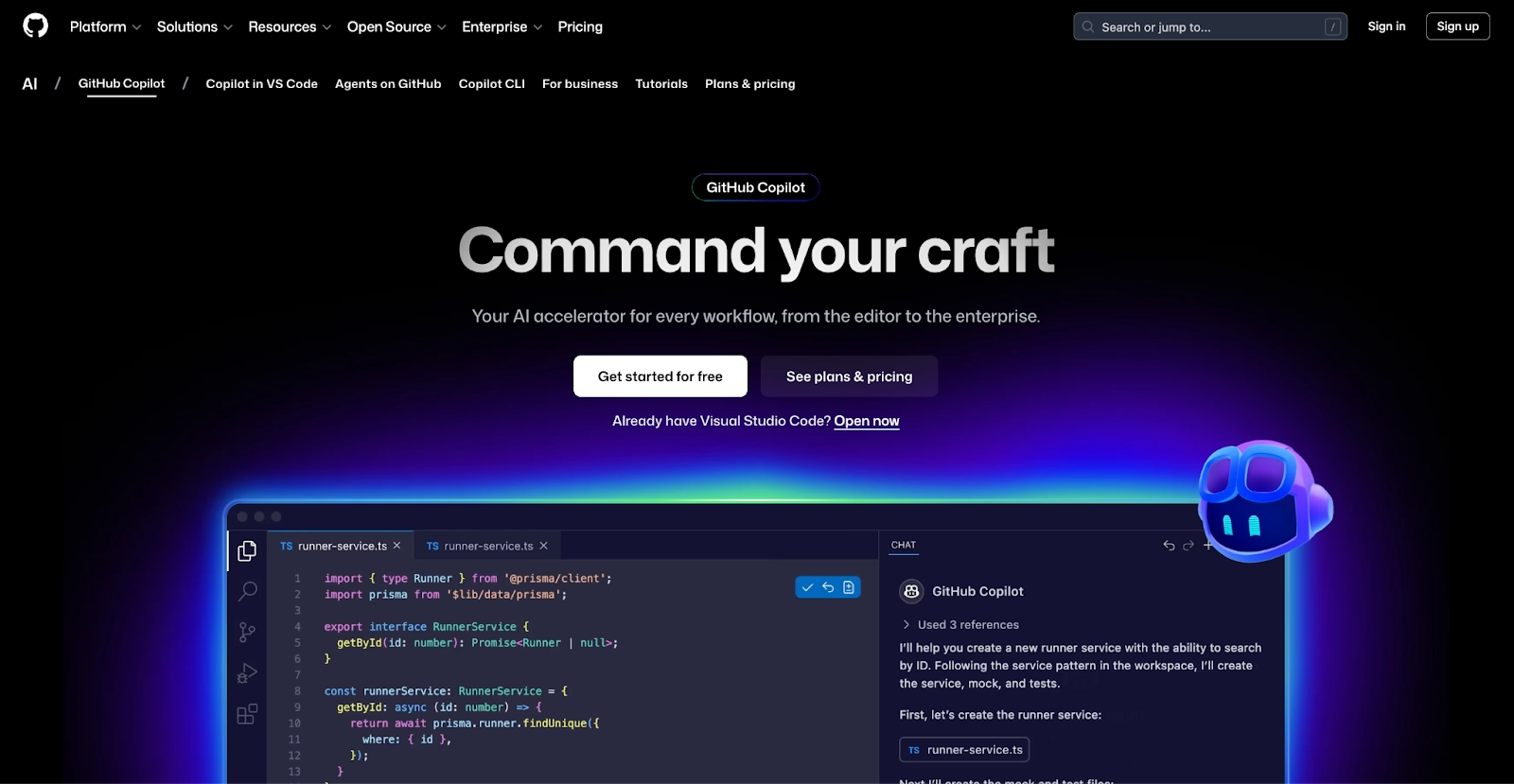
GitHub Copilot remains one of the most widely adopted AI coding tools among programmers who use Visual Studio Code, GitHub Actions, or command-line workflows. The free plan gives you 2,000 completions a month plus the Copilot CLI, at no cost.
The bigger change is the coding agent. Assign it a GitHub issue and it works in the cloud, opens a pull request, and waits for your review. Agent mode inside VS Code makes multi-file edits in your local checkout.
It runs in VS Code, JetBrains, Visual Studio, Xcode, Neovim, and the terminal, so a team rarely has to change editors to adopt it.
Model choice spans OpenAI, Anthropic, and Google, with premium requests metered above each plan's allowance. It also reviews pull requests, and the Business and Enterprise plans add admin controls for organizations that manage seats at scale.
One developer pays $10 per month for Pro, the lowest paid entry among these seven.
Pros:
- Coding agent takes a GitHub issue to a pull request in the cloud.
- Plugins for VS Code, Visual Studio, JetBrains, Xcode, and the terminal.
- The cheapest paid seat on this list, with a usable free plan.
Cons:
- Premium model requests are metered, so heavy agent use climbs past the base plan.
- Repository-wide reasoning trails Cursor and Claude Code on large refactors.
- Deepest value assumes your code already lives on GitHub.
Bottom line
Copilot is the default choice for teams already on GitHub. Pick it when you want AI help and would rather not change your editor. Heavy agent users will find that the metered premium requests add up faster than the sticker price suggests.
Cursor
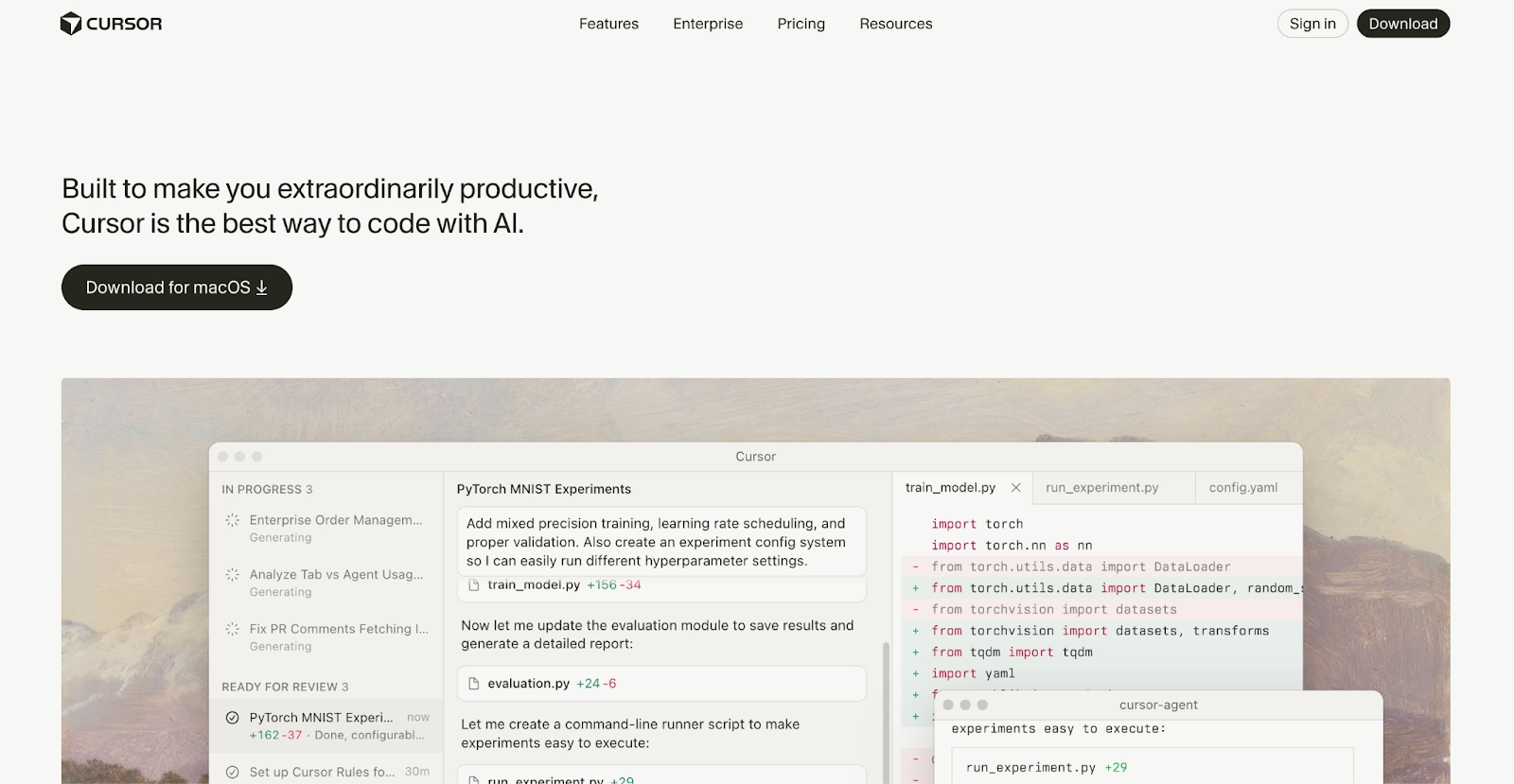
If your day is spent inside one large repository, Cursor is the editor built around that, with Tab predicting your next edit and where it lands. The editor forks VS Code, so your themes, keybindings, and extensions all come along with you.
Agent handles multi-file edits with the whole codebase indexed for context, and Composer runs longer tasks in the background while you keep typing. Cloud agents pick up work from Slack or the web and return pull requests. Rules files pin project conventions so every edit follows them.
Model choice is the selling point, since every task can run on an OpenAI, Anthropic, Google, or SpaceXAI model, on Cursor's own Composer, or on Auto.
Hobby is free with limited agent requests, and Pro is $20 per month for individual developers.
Cursor became part of SpaceX in August 2026. The editor keeps its name, and the plans above are still on its pricing page.
Pros:
- Agent, background Composer, and cloud agents cover short edits and long tasks alike.
- Switch models per task across OpenAI, Anthropic, Google, and SpaceXAI.
- VS Code compatibility means nothing to relearn.
Cons:
- Agent requests on Pro have limits, and busy weeks push you toward Pro+ or Ultra.
- A separate editor to install and keep updated, unlike a plugin.
- Large monorepos still need care with context and rules to stay accurate.
Bottom line
Cursor is the strongest editor-native AI coding assistant on this list. It rewards developers who want to pick their own model and hand off long tasks while they keep working. Copilot is the lighter change if you would rather keep the editor you already run.
Claude Code
Claude Code runs in your terminal and works through the whole repository on its own, editing your files and running commands until the task is done. Anthropic built it as an agent first, with no autocomplete layer at all.
It also runs inside VS Code and JetBrains, on the web, in Slack, and as a GitHub Action. Plan mode has you approve the approach first.
Hooks, subagents, and MCP servers let you script the workflow around it, which is why many developers keep it as the AI assistant for coding they reach for when a bug beats everything else.
There is no free tier for Claude Code, and Pro includes it at $20 a month. Usage is metered against a rolling limit, so long sessions can hit the ceiling before the day is over.
Pros:
- Reads and edits an entire repository from the terminal, with commands run for you.
- Plan mode, hooks, and subagents give you control over how the work happens.
- Available in the terminal, VS Code, JetBrains, Slack, the web, and GitHub Actions.
Cons:
- No free plan, and the free Claude tier does not include it.
- Usage limits on Pro reset on a rolling window, which interrupts long sessions.
- No inline autocomplete, so it replaces a different habit than Copilot does.
Bottom line
Claude Code is the strongest pure agent on this list for hard, multi-file work. It pays off for developers who are comfortable in a terminal and want to approve a plan before the edits land. Inline completions are somebody else's job.
Amazon CodeWhisperer (now Amazon Q Developer)
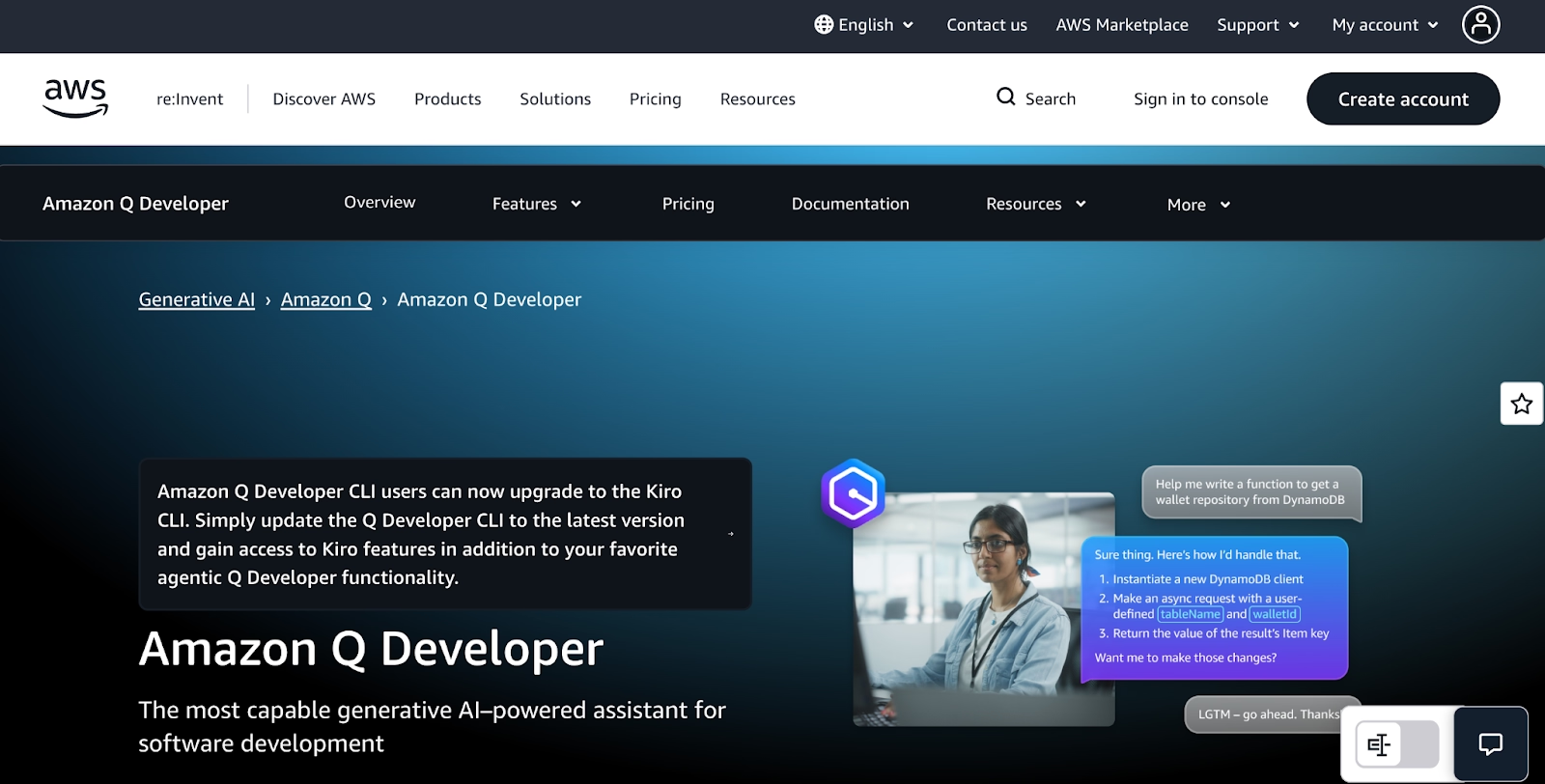
Amazon CodeWhisperer now ships as Amazon Q Developer, and everything about it still points at AWS. It writes SDK calls, answers questions about your own account from inside the console, and troubleshoots the services you already run.
In the IDE, agents take on feature development, unit tests, and documentation across a project. A separate transformation agent upgrades Java and .NET applications.
It works in JetBrains, Visual Studio, Eclipse, VS Code, and the command line. It also answers in Slack and Microsoft Teams.
Free tier users get 50 agentic chat interactions a month, with security scans and code suggestions included. Pro raises that limit and adds the Java and .NET transformation agent for $19 per user per month, billed per seat.
Outside AWS it is an ordinary assistant, and other clouds get more from the tools above.
Pros:
- Knows AWS services, SDKs, and the account you are signed into.
- Modernizes Java and .NET code with its transformation agent.
- Free tier with agentic requests, and a low per-seat Pro price.
Cons:
- Little advantage outside an AWS-centric codebase.
- Agentic requests are capped on both tiers, so heavy use hits the limit.
- The CodeWhisperer name still appears in older docs and tutorials, which confuses search.
Bottom line
Amazon Q Developer stands apart as the assistant built for AWS-first teams. Developers who live in Lambda, ECS, and CloudFormation get the most from it, because it understands the account. Everyone else gets more from a general-purpose tool.
Tabnine
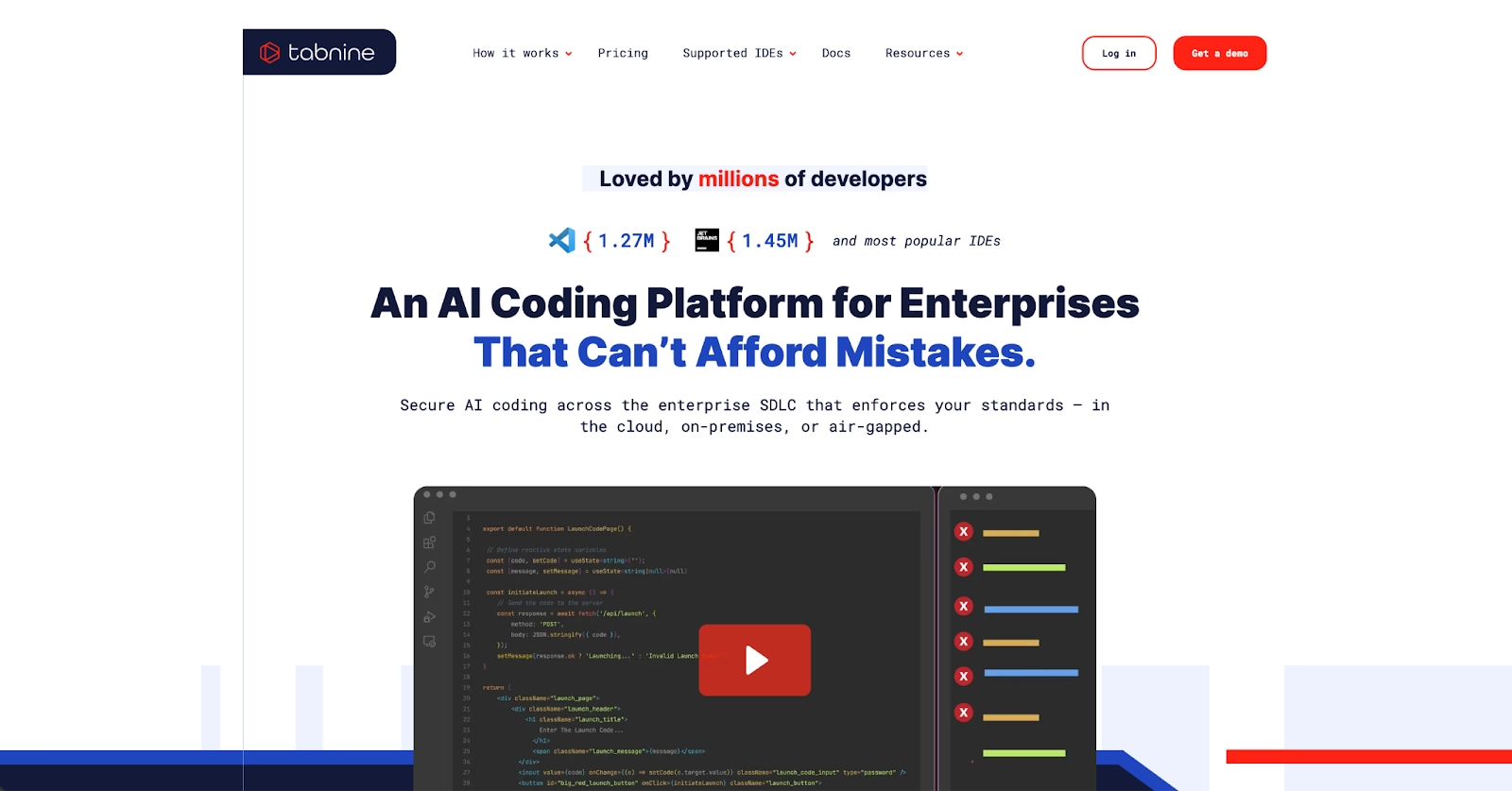
Tabnine focuses on privacy-first AI coding tools with local inference, air-gapped deployment, and enterprise governance. It runs as SaaS, on your own servers, or fully air-gapped with no outside connection at all, which is the point for its buyers.
The product now comes in two tiers. A code assistant covers chat and completions, and an agentic platform adds agents for development and review. Both can use models trained on your own code.
Provenance checks and IP indemnification cover the generated code, which is why regulated industries keep it on the shortlist.
Tricentis, a software testing company, now owns Tabnine, and the product keeps its own name.
The free plan is gone, and the Code Assistant tier costs $39 per seat per month, with every plan sold that way.
Pros:
- Air-gapped and on-premises deployment, with IP indemnification on the generated code.
- Enterprise controls including SSO, SCIM, audit logs, and admin policy.
- Custom models built from your code base.
Cons:
- Pricing starts at team scale, with no individual seat and no free option.
- Agentic development tools sit on a separate, higher tier above the Code Assistant plan.
- Setup for a private deployment takes real IT time.
Bottom line
Tabnine is the compliance pick, and the only tool here that will run with the network cable unplugged. Its best fit is a security team that must keep code in the building. Solo developers should look elsewhere.
Windsurf (now Devin Desktop)

Cognition, the company behind the Devin cloud agent, bought Windsurf and now sells the editor under the Devin Desktop name. The editor stayed, and it now manages local and cloud agents from one screen.
Plan a task and hand it off to one local agent or a whole fleet of cloud agents. Review the diffs and ship from the editor. Agents from other vendors join the same board through the Agent Client Protocol. Tab completions and inline edits are unlimited everywhere.
JetBrains users get a separate plugin for IntelliJ IDEA, PyCharm, and WebStorm, still under the Windsurf name.
The free plan's agent quota is light, and the model list is short. The Pro plan adds frontier models from Anthropic, OpenAI, and Google, plus cloud agents, for $20 a month.
The unlimited free tier from the Codeium days is gone, while the Windsurf name still shows up on the JetBrains plugin and in older docs.
Pros:
- Runs local agents and cloud agents side by side in one editor, with a free plan to start.
- Unlimited Tab and inline editing on every tier.
- JetBrains coverage alongside its own editor.
Cons:
- Two names in the wild, so plugins, docs, and tutorials point in different directions.
- Agent work on the free plan runs out quickly, and the best models sit behind Pro.
- A young product under new ownership, with the roadmap still settling.
Bottom line
Devin Desktop keeps what made Windsurf popular and adds a way to run several agents at once. It suits developers who delegate in batches. Anyone after a settled, predictable product should give the rename a few more months to shake out.
Benefits of AI Coding Assistants
AI coding assistants deliver tangible productivity gains across the entire development lifecycle, from initial prototyping through production deployment.
Faster Development Cycles: Intelligent code generation and debugging reduce implementation time from hours to minutes for routine tasks. This lets you focus on complex architectural decisions and business logic.
Learning and Skill Development: AI assistants serve as always-available mentors. They explain code patterns, suggest improvements, and help you learn new languages and frameworks through practical examples.
Reduced Context Switching: Integrated assistance eliminates the need to constantly reference documentation, Stack Overflow, or external resources. This maintains flow state during development sessions.
Better Code Quality: Automated testing, security scanning, and best practice suggestions help maintain consistent quality standards across teams and projects.
Accessible Development: Natural language programming interfaces lower the barrier to software development, enabling non-technical users to build functional applications.
Limitations and Common Drawbacks
Even well-designed AI coding assistants come with trade-offs. Understanding these helps set expectations and identify when traditional approaches may still be necessary.
- Accuracy and Hallucination Risks: AI-generated code may contain subtle bugs or implement incorrect logic. This requires careful review and testing before production deployment.
- Data Privacy Concerns: Cloud-based assistants may expose proprietary code and business logic to external services. This creates compliance risks for regulated industries.
- Over-reliance and Skill Atrophy: Heavy dependence on AI assistance may reduce your deep understanding of underlying systems and debugging capabilities.
- Integration Complexity: Some tools require significant setup and configuration to work effectively with existing development workflows and toolchains.
- Cost Unpredictability: Usage-based pricing models can result in unexpected charges for complex tasks or heavy AI model utilization.
How Replit Addresses These Limitations
Replit takes a different approach to common AI coding challenges:
Code Ownership: Unlike platforms that lock code in proprietary formats, Replit provides full access to your source code. Download projects as ZIP files or push directly to GitHub. This prevents vendor lock-in while maintaining cloud-based AI benefits.
Transparent Pricing: Effort-based billing means you pay for actual compute usage rather than hitting arbitrary feature limits. The pricing model scales predictably with your project complexity.
Enterprise Security: The Azure partnership adds SOC 2 Type 2 compliance, SAML SSO, and role-based access controls. AES-256 encryption and private deployment options protect sensitive code while maintaining AI capabilities.
Performance at Scale: Autoscale Deployments handle traffic spikes (tested up to 2.5M requests) and drop to zero when idle. This balances performance needs with cost efficiency without manual infrastructure management.
Learning Support: Replit Agent explains its reasoning as it generates code, which helps you understand implementation choices rather than just accepting suggestions blindly.
Which AI Coding Assistant Should You Choose?
The quickest way to choose is to start from how you want to work.
| Use case | Recommended tools | Notes |
|---|---|---|
| Staying in your current tools | GitHub Copilot, Claude Code | Copilot for GitHub workflows, Claude Code for the terminal |
| Keeping costs low | Devin Desktop | Unlimited Tab completions and a light agent quota on the free plan |
| Control over models and code | Cursor | Choose the model per task, code stays in your editor |
| Building on AWS | Amazon Q Developer | Understands your account, SDKs, and services from the console and IDE |
| Enterprise security and compliance | Replit, Tabnine | Replit for SOC 2 Type II and SSO, Tabnine for air-gapped |
| Shipping a working product | Replit | Replit Agent handles building, testing, and deployment in one workspace |
- You want to stay in the tools you already use: GitHub Copilot is the pick if your code and reviews already live on GitHub, since it works inside VS Code, JetBrains, and the terminal. Claude Code plays the same role for developers who work from a terminal.
- Cost is the constraint: Devin Desktop, the renamed Windsurf, gives you unlimited Tab completions and a light agent quota on its free plan. The trade-off is that the frontier models and the cloud agents wait behind the paid plan.
- You want control over models, spend, or the code itself: Cursor fits here because you choose the model for each task, and the code never leaves an editor that you control yourself. You take on another editor to maintain, plus agent limits that a busy week will test.
- You build on AWS: Amazon Q Developer is the obvious choice when your account, SDKs, and services are on AWS, since it understands them from within the console and the IDE. Away from AWS it turns into a generic assistant, so mixed-cloud teams should look at the editor tools above.
- Enterprise, security, and compliance come first: Replit covers these teams with SOC 2 Type II compliance, SAML SSO, and private deployments through the Microsoft Azure partnership. Tabnine remains the answer when code cannot leave the building, with on-premises and air-gapped deployment.
- You want to ship a working product: Replit is made for exactly that, and Replit Agent takes your description through building, testing, and deployment in a workspace with the database and hosting attached. Starter is free and includes one live published project.
Start Building with AI Assistance
AI coding assistants compressed what used to take hours of manual implementation into minutes of conversation. The barrier moved from writing thousands of lines of code to describing what you want built and reviewing what comes back.
Replit Agent shows that shift end to end. It takes a description through architecture, testing, and deployment, with autoscale hosting, SOC 2 compliance, and GitHub integration for code ownership already in place.
Choose tools that match how you work. Then test two or three AI coding assistants against a project you actually maintain before you commit. Start free on Replit and publish your first tested app today.
Frequently asked questions
What is the best AI coding assistant in 2026?
One of the best AI coding assistants is Replit Agent, which offers advanced autonomous capabilities and handles complete application development, testing, and deployment from a single browser workspace. For traditional IDE workflows, Cursor and GitHub Copilot integrate with VS Code and fit an editor you already use.
What is the best AI coding assistant for VS Code?
GitHub Copilot provides native integration with VS Code and GitHub workflows, while Cursor offers more advanced repository-level reasoning in a VS Code fork. Both support multi-model LLM access, including OpenAI, Claude, and Gemini, so you can match the model to the task without leaving the editor.
Is ChatGPT a good coding assistant?
ChatGPT excels at code explanation, architectural planning, and debugging guidance through conversational interfaces. However, it lacks native IDE integration and real-time coding assistance compared to specialized development platforms. Treat it as a place to reason about code, then use a dedicated assistant to make the edits.
Is Cursor AI better than Copilot?
Cursor offers superior repository-level context understanding and multi-model flexibility, while Copilot provides deeper GitHub workflow integration and more affordable pricing at $10 per month. Choose Cursor for large refactors across a big codebase, and choose Copilot when your team's reviews already run through GitHub.
Is there a best AI code assistant for beginners?
For a beginner, the best AI code assistant is the one that shows its work and needs the least setup. GitHub Copilot's free plan needs no setup inside VS Code. Replit turns one description into a tested, published app, so you see a working result first.