iPhone App Builder
Build a iPhone app in minutes for free with AI. Write in plain English or tap buttons to create your app.
How to Use the iPhone App Builder
Step 1: Share your iPhone app's features and requirements.
Step 2: Replit generates your app instantly.
Step 3: Customize features and user experience.
Step 4: Launch your new iPhone app.
iPhone App Builder Example
Built with Replit.
Build your vision in minutes for free without writing a single line of code.
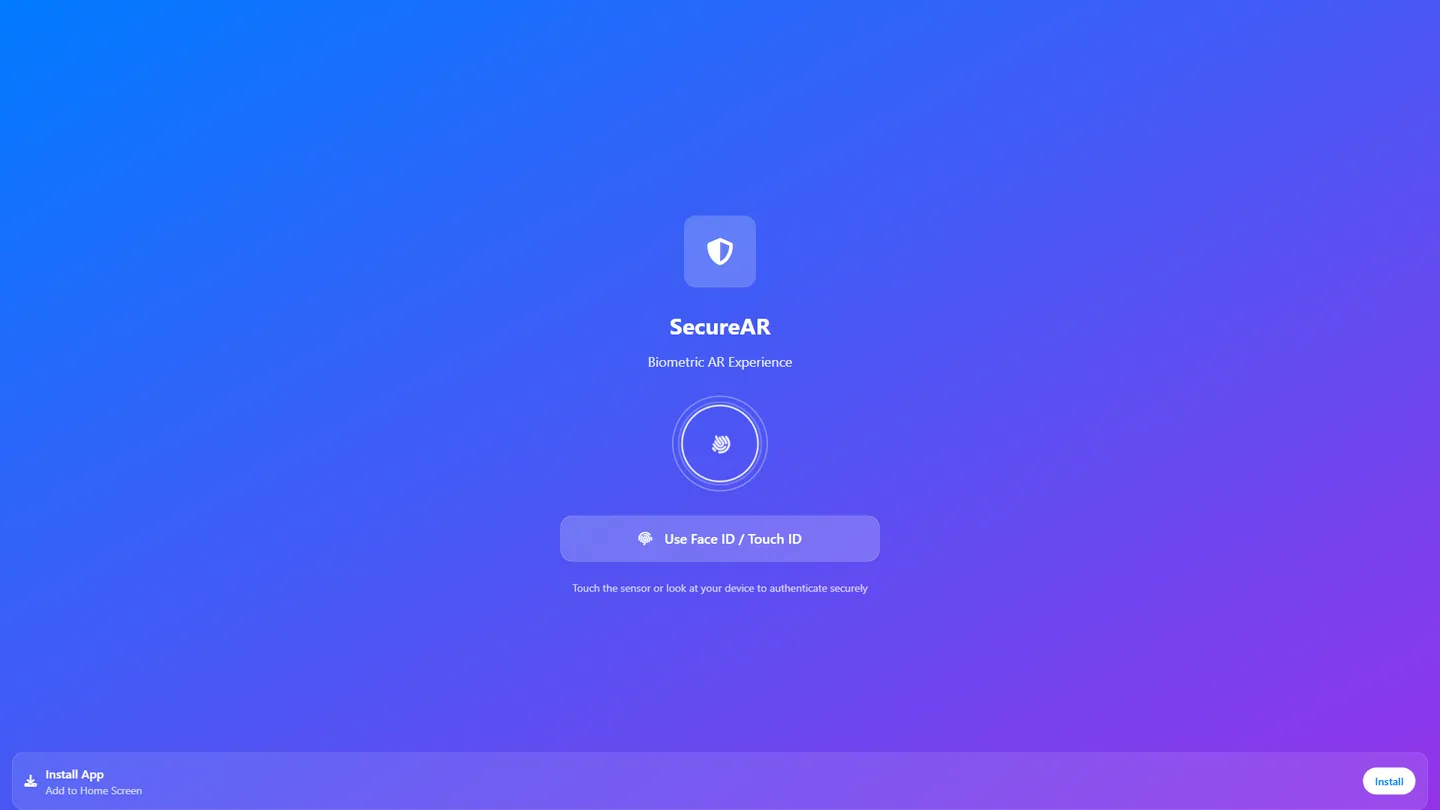
Example
iPhone App Builder
Prompting the iPhone App Builder
Native iPhone App Builder Prompt
Build a native iPhone app that uses Face ID/Touch ID for secure login, Live Activities for real-time Lock Screen/Dynamic Island updates, an ARKit-powered interactive 3D AR experience, and Siri Shortcuts to trigger core actions via voice and Suggestions.
Use promptCross-Platform iPhone App Builder Prompt
Build a cross-platform iOS/Android/web app with a unified theming design system for consistent branding, offline read/edit with conflict-aware auto sync, universal/app deep links to route users to the correct screens from emails/web/other apps, and remote feature flags to safely toggle and roll out updates.
Use promptGame iPhone App Builder Prompt
Build an iPhone game with Game Center leaderboards, achievements, and friend challenges; nuanced haptic feedback for hits, rewards, and critical moments; daily login rewards with streak mechanics; and transparent, optional in‑app purchases via StoreKit for cosmetic items, boosts, and expansions.
Use promptBusiness iPhone App Builder Prompt
Build an iPhone business app with role-based access controls for granular permissions, a document scanner using the iPhone camera with auto-crop and OCR, native calendar sync to schedule/view/manage events, and a mobile-first analytics dashboard showing real-time KPIs, charts, and alerts.
Use promptTop iPhone App Features by Type
Face ID Login
Authenticate users instantly with Face ID or Touch ID for a frictionless, secure sign-in. It leverages native biometrics to increase trust and reduce login abandonment on iPhone.
Live Activities
Show real-time updates on the Lock Screen and Dynamic Island for ongoing tasks. This keeps users engaged with glanceable status without opening the app.
ARKit Experience
Use ARKit to overlay interactive 3D content in the real world. Native AR delivers smooth tracking and graphics that only iOS hardware can guarantee.
Siri Shortcuts
Let users trigger core actions via Siri voice commands and Suggestions. Deep integration with the system reduces friction and boosts repeat usage.
Unified Theming
Provide a consistent look and feel across iOS, Android, and web with a shared design system. This consistency reduces user confusion and strengthens brand recognition.
Offline Sync
Enable reading and editing data offline with automatic conflict-aware sync when online. Cross-platform users get reliability regardless of network or device.
Deep Links
Support universal and app links that route users to the right screen from emails, web, or other apps. Seamless routing works uniformly across platforms for better acquisition and retention.
Feature Flags
Toggle features remotely to roll out updates safely across all platforms. This reduces risk and allows quick iteration without full app releases.
Game Center
Integrate leaderboards, achievements, and friend challenges with Game Center. This social layer increases competition and long-term engagement.
Haptic Feedback
Use nuanced haptics for hits, rewards, and critical moments. Tactile cues heighten immersion and make gameplay feel more responsive.
Daily Rewards
Offer a daily login bonus to encourage consistent play. Streak mechanics drive habit formation and improve retention.
In‑App Purchases
Sell cosmetic items, boosts, or expansions with StoreKit. Transparent, optional monetization aligns with player choice and scales revenue.
Role-Based Access
Control who sees and edits data with granular roles and permissions. This protects sensitive information and aligns with enterprise compliance needs.
Document Scanner
Scan, auto-crop, and OCR documents using the iPhone camera. Fast digitization saves time and reduces manual data entry errors.
Calendar Sync
Integrate with native calendars to schedule, view, and manage events. Employees get unified scheduling without jumping between apps.
Analytics Dashboard
Provide real-time KPIs, charts, and alerts for key metrics. Executives can make quick decisions with clear, mobile-first insights.
The iPhone App of Your Dreams
Get started freeFAQ about the iPhone App Builder
Can I build a native iPhone app from my browser without installing Xcode?
Yes—Replit enables browser-based development with no installation, and the AI Agent can scaffold mobile codebases while you collaborate and preview in your tab. It can generate projects using React Native, Expo, or SwiftUI so you can iterate quickly online. To produce a native iOS build and ship, you’ll still finalize in Xcode with provisioning profiles, then use App Store Connect and TestFlight outside Replit. This split lets you keep coding and teamwork in the cloud while handling Apple’s packaging steps on a Mac.
How do I go from an idea to a working iPhone-ready app with AI?
Start with Replit Agent: describe your idea in natural language to app and it performs full-stack generation with a clear project plan. It installs dependencies, completes environment setup, and boots a live preview so you can iterate instantly. If you’re targeting iOS later, ask Agent to structure the codebase for React Native or SwiftUI so you can export to Xcode when ready.
Can I import designs (e.g., from Figma) to speed up my app’s UI?
Yes—use Figma import to convert frames into React components with responsive layout, assets, and CSS via AI design-to-code. Replit generates a mobile-first scaffold you can refine immediately. You can then ask Agent to adjust responsiveness or polish details while you continue building features.
Does this platform support drag-and-drop app building?
Replit includes a Visual Editor for quick UI tweaks, giving a lightweight no-code and low-code way to adjust text and styles. For app structure, backend logic, and state management, Replit remains a code-first workflow assisted by AI. This balance lets non-technical users polish interfaces while developers keep full control over the code.
How do I add login, payments, and email to my iPhone app?
Mention what you need and Agent wires it up: Replit Auth, Google OAuth, or Firebase Auth for sign-in; Stripe or PayPal for payments; SendGrid or Twilio for email/SMS. Store credentials securely with Secrets Manager and reference API keys from your code. The AI generates the integration code and configuration so you can focus on your product.
How do I test on an iPhone and share quickly before App Store submission?
Deploy to the cloud in minutes and share a live preview URL that works on any iPhone over HTTPS. You can connect a custom domain and even structure your web app as a PWA for on-device testing. Invite collaborators or users for instant sharing and let them Remix your project to iterate together. When you’re ready to go native, export and finish the iOS-specific steps outside Replit.
How do I debug, make changes safely, and roll back if needed?
Use Replit Assistant for guided debugging with autocomplete, error detection, and code diffs you can review before applying. Automatic checkpoints let you roll back any change with one click if something goes wrong. You can also ask the Assistant for documentation generation to keep your project clear and maintainable.
Can I import or migrate an existing project to build an iPhone app here?
Yes—start with GitHub import, Bolt migration, Lovable import, or Figma import and keep your history via built-in version control. Agent can help with data migration and seeding as you integrate databases or services. From there, continue development in the browser and prepare any iOS-specific packaging steps when you’re ready to publish.
What are you waiting for?
Build an app without knowing how to code. Tell Replit what you have in mind, then make it your own.