Understanding the v0 landscape
V0 by Vercel is a UI component generator that creates React components from text descriptions and images. That focus is the point, and also the ceiling.
Many developers explore alternatives because they need comprehensive full-stack development capabilities beyond frontend component generation, including backend logic, database integration, deployment, and enterprise-level features. Choosing a v0 alternative starts with naming the gap you need closed.
Some tools stay inside your current editor. Others swap the editor out, or skip code and generate the entire application from one prompt. This guide compares ten of them, verdict by verdict.
How we picked these tools
The list spans four ways to replace v0. Full-stack platforms build and deploy the whole app, coding assistants work inside an editor, open-source tools run wherever you choose, and no-code builders drop the code layer altogether.
To make the cut, a tool had to be actively maintained, publicly priced and independent of v0 and Vercel.
| Tool | Best for | Free plan | Paid plans from |
|---|---|---|---|
| Replit | Building and deploying full apps from prompts | Yes | $20/month |
| Bolt.new | Full-stack apps generated in the browser | Yes | $25/month |
| Cursor | AI-first coding in a familiar IDE | Yes | $20/month |
| Windsurf (now Devin Desktop) | Agent-first desktop IDE workflows | Yes | $20/month |
| GitHub Copilot | AI inside the IDEs you already use | Yes | $10/month |
| Aider | Terminal pair programming with Git | Yes | Pay per model use |
| Claude Artifacts | Prototypes built in a chat conversation | Yes | $17/month billed annually |
| Lovable | Design-first app building with AI | Yes | $25/month |
| Bubble | No-code web and mobile business apps | Yes | $59/month billed annually |
| Dyad | Local, open-source app building | Yes | $20/month |
Product and pricing information: vendor product and pricing pages, August 2026.
Enterprise-grade full-stack development platforms
Replit
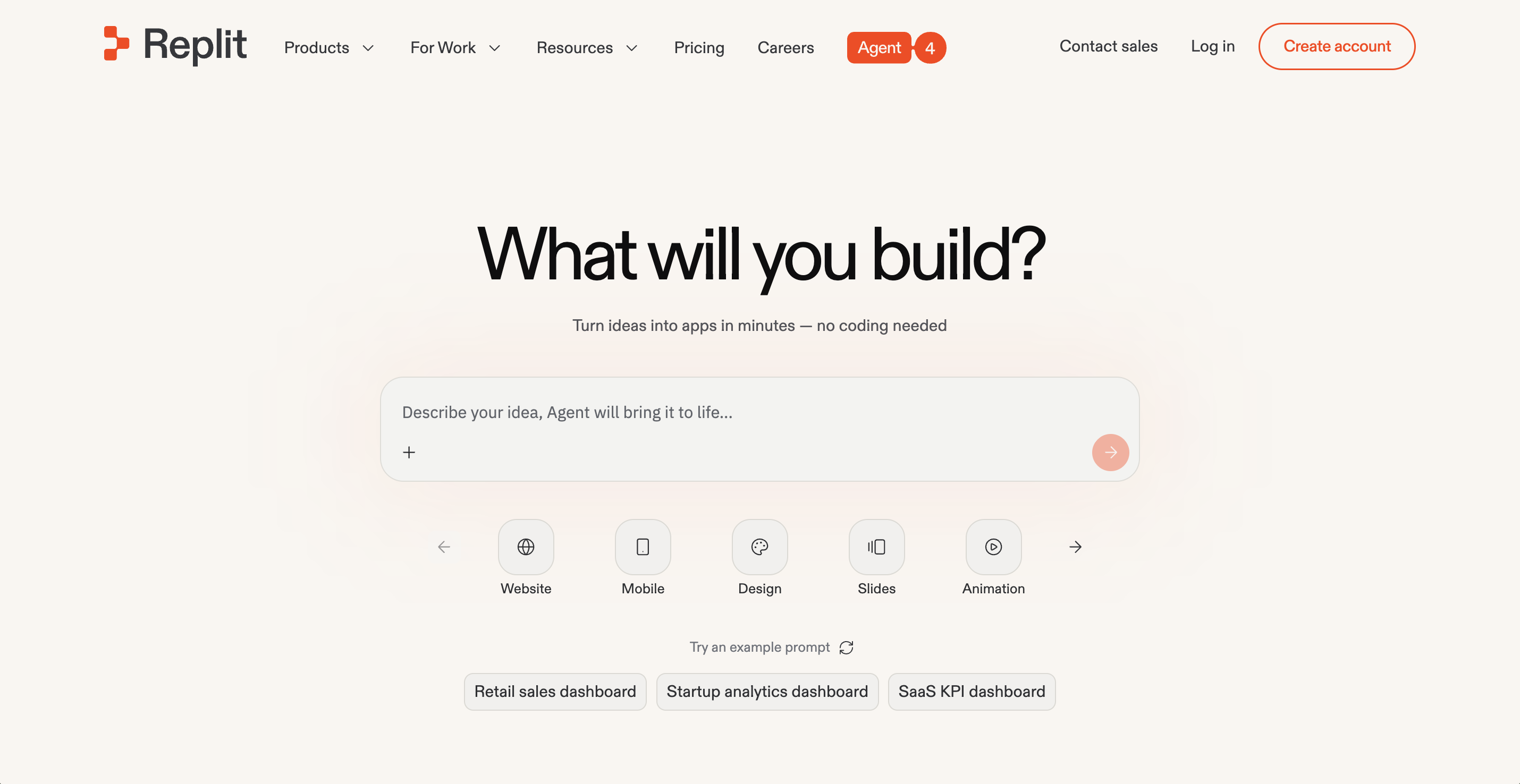
Replit stands out with vibe coding, the practice of building software through natural language. Where v0 hands you components to wire into a project elsewhere, Replit keeps the environment, the AI and the deployment in one product.
It implements this through Agent 4, which provides autonomous development with extended thinking capabilities and continuous app testing. You describe the app. Our Agent plans, builds, tests and publishes it.
The output is ready to run: full web apps, internal tools and dashboards, data pipelines, automations, even slide decks. The public gallery shows what other people ship.
A partnership with Microsoft Azure anchors the enterprise side, and Replit is SOC 2 Type 2 compliant with SAML SSO and single-tenant environments available. Connections reach Snowflake, Databricks and BigQuery. Rokt built 135 internal apps in one 24-hour hackathon, and BatchData cut $62,000 in annual software spend.
Replit pricing is effort-based, so simple requests cost less than complex ones. Starter is free. Paid plans start at $20/month.
Pros:
- Ready-to-go output, from full web apps and dashboards to pipelines and slide decks
- Agent 4 plans, builds, tests and deploys from one prompt
- Hosting and a database are already in the workspace, so nothing needs wiring up
Cons:
- A browser-first workflow is an adjustment if you are settled in a desktop IDE
- Ambitious agent builds draw more credits under effort-based pricing
Bottom line: Replit is the only tool here that owns the whole path from prompt to production app. Agent 4 builds, the platform runs and hosts. Start on the free Starter plan and judge it by what it actually ships.
Bolt.new
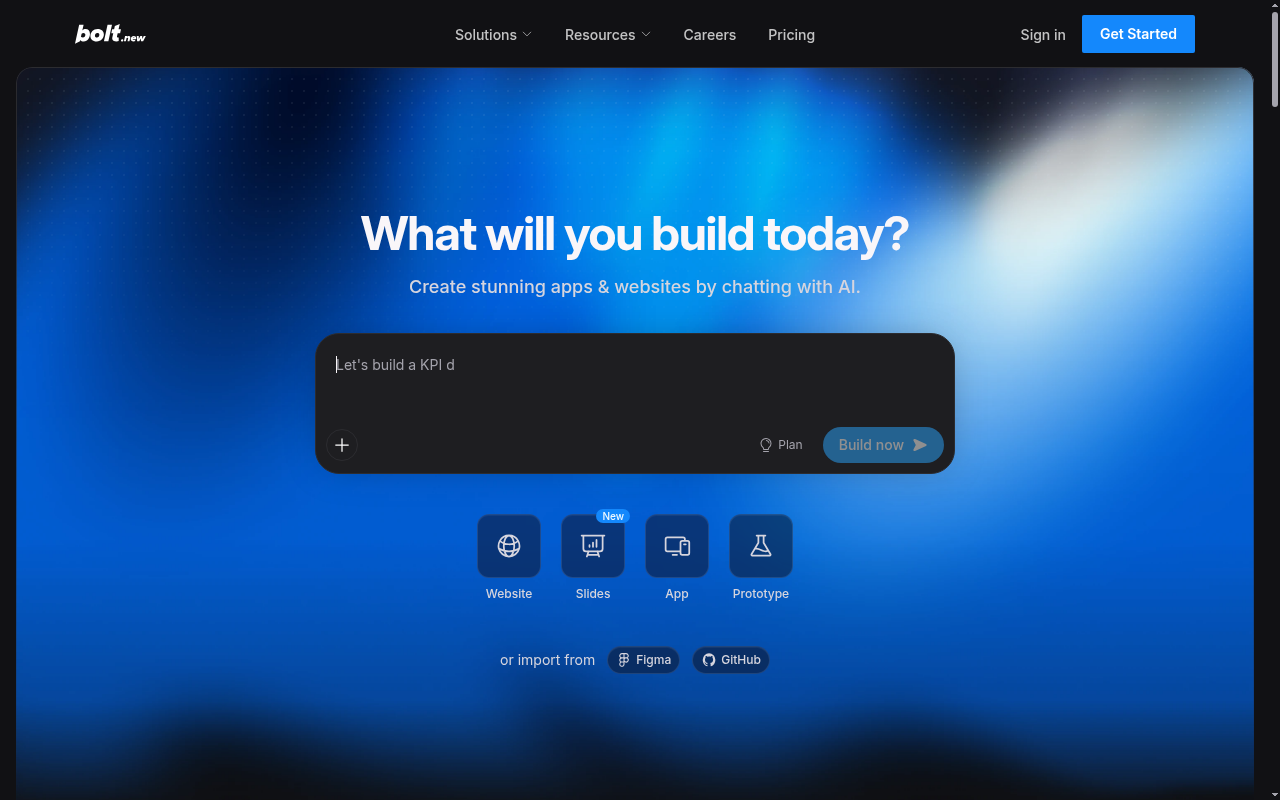
Bolt.new generates complete full-stack applications from single prompts. Unlike v0's component-focused approach, Bolt creates working apps with React frontend, Node.js backend, authentication, and database models.
The whole loop runs in the browser. You prompt, watch the app assemble in a live preview, and publish it to hosting with a custom domain on paid plans. Databases come unlimited on every plan.
Usage is measured in tokens, and larger projects burn more of them per message. The free plan includes a 300K daily allowance and one million tokens per month, with paid tokens rolling over for a month.
Teams plans add shared workspaces, and an enterprise tier covers SSO, audit logs and data governance. Pro starts at $25/month.
Pros:
- Full-stack output with hosting and unlimited databases built in
- Free plan is generous enough to evaluate real projects
- Custom domains and token rollover on paid plans
Cons:
- Token use climbs with project size, since each message syncs your files
- Free-plan sites carry Bolt branding
- No self-hosted option, everything runs in Bolt's cloud
Bottom line: Bolt is the closest like-for-like swap when v0's component scope runs out. It keeps the prompt-to-preview loop and adds the backend, auth and hosting that v0 leaves to you. Budget for tokens once projects grow.
Advanced AI coding assistants and IDEs
Cursor
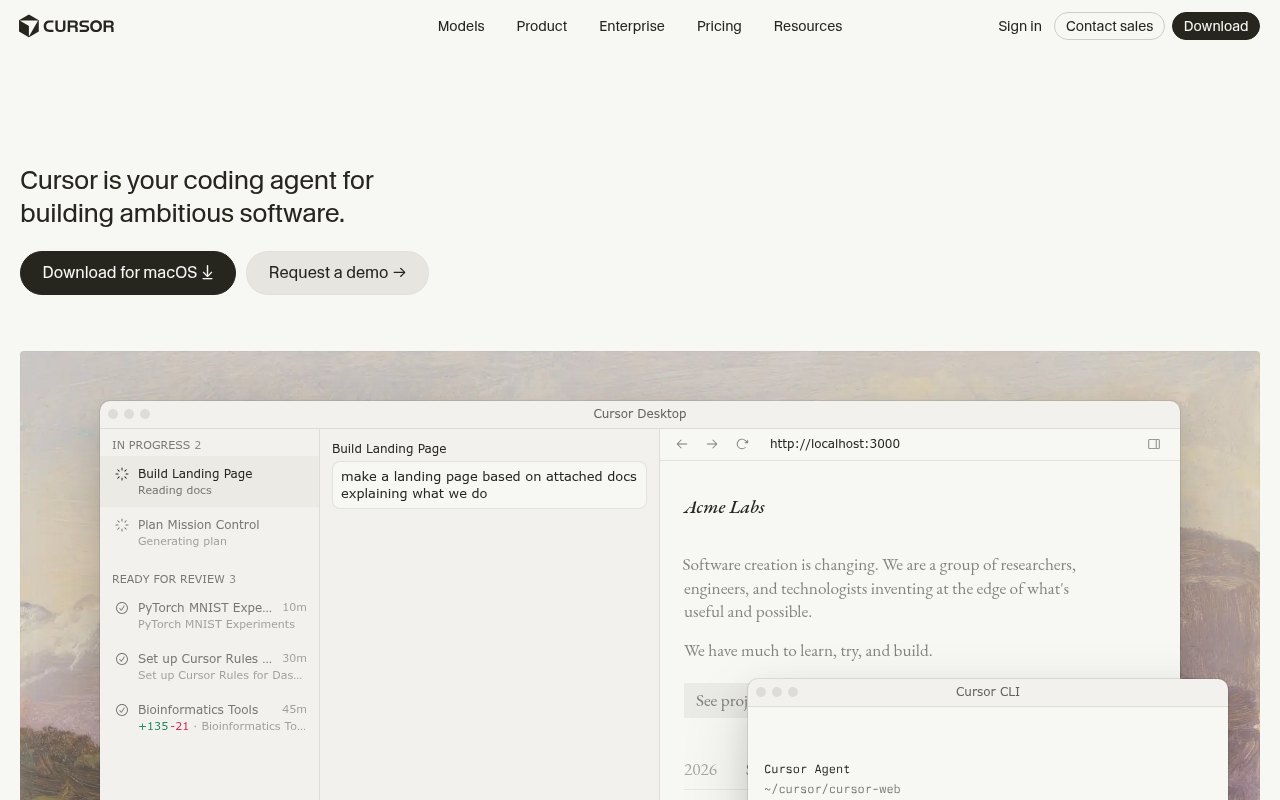
Cursor is a VS Code fork enhanced with AI capabilities. While v0 focuses on UI generation, Cursor provides comprehensive AI assistance for full development workflows including frontend and backend development.
Composer, its in-editor agent, works with full context on your codebase. Cloud agents move longer tasks into the background, and Bugbot picks up code review on usage-based billing.
MCP servers, skills and hooks connect your own tooling.
A free Hobby plan exists. Pro is $20/month with extended agent limits and frontier model access. Team seats layer on SAML and OIDC SSO, centralized administration, usage analytics and team-wide privacy mode. Enterprise adds SCIM, audit logs and repository-level access controls.
Pros:
- Full-codebase AI in an editor VS Code users already know
- Agents reach from the editor to the cloud, with code review included
- Enterprise tier covers SCIM, audit logs and repository access rules
Cons:
- Included usage runs out, and on-demand model use bills in arrears
- It edits code but does not host or deploy the result
- Aimed at professional developers, with little hand-holding for beginners
Bottom line: Cursor is the strongest pick here when the work is the code itself. Its agent stack now spans editor, cloud and review. The product ends where v0 begins, so shipping and hosting stay your job.
Windsurf (now Devin Desktop)
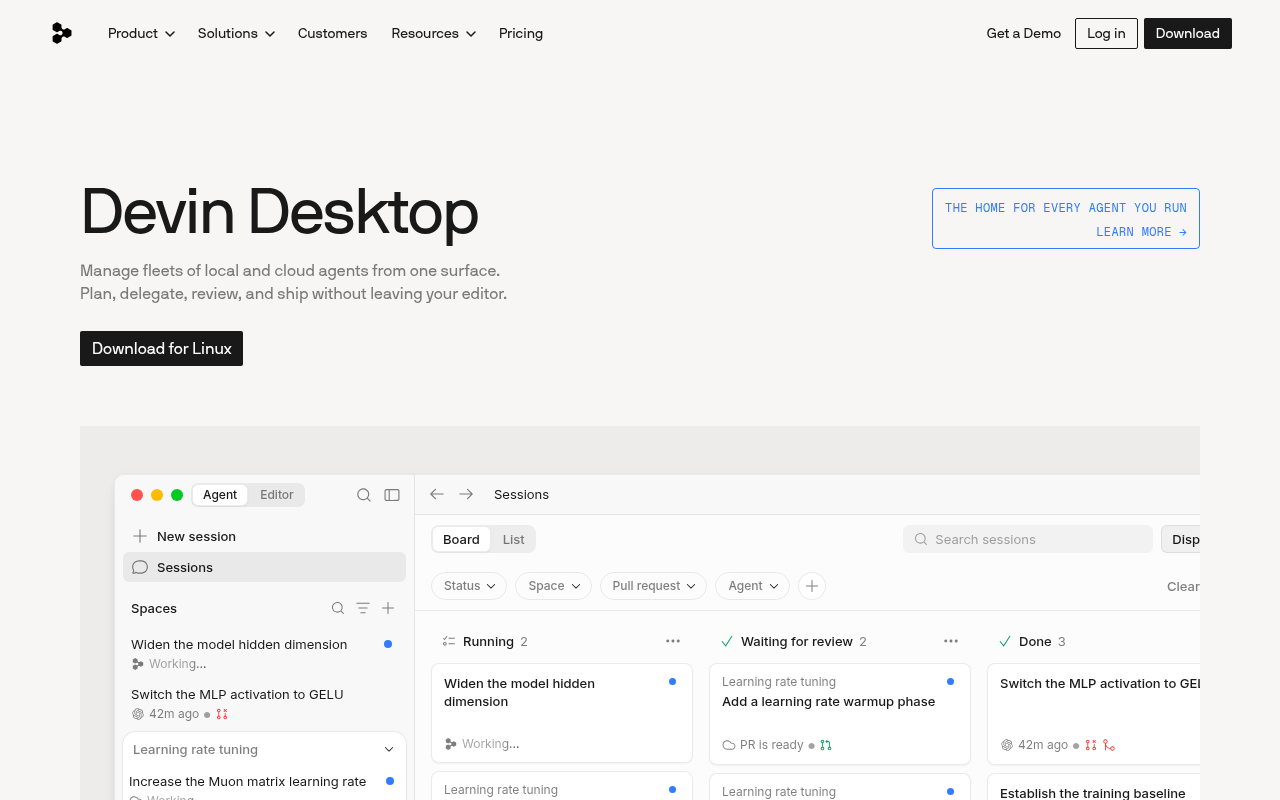
Windsurf, formerly Codeium, made its name offering Cursor-like features at a noticeably lower price. Both went away in 2026.
After Cognition acquired the company, the editor became Devin Desktop. windsurf.com now redirects to devin.ai, and existing plans, extensions and settings migrate over automatically.
Devin Desktop centers on a command center for running local and cloud agents side by side, with the full IDE underneath. Fast Context finds the files an agent needs in milliseconds. Supercomplete predicts whole next edits.
Every plan includes unlimited use of SWE-1.7, Cognition's own coding model. Outside agents such as Claude Agent and Codex connect through the Agent Client Protocol, and Windsurf for JetBrains remains a separate download.
A free plan is available. Pro costs $20/month for new users, and legacy Windsurf plans keep the terms they signed up on.
Pros:
- Polished agent workflows with unlimited SWE-1.7 use on every plan
- Existing Windsurf setups migrate to Devin Desktop automatically
- Agent Client Protocol opens the door to outside agents
Cons:
- The budget positioning that earned it this list entry is gone
- Two rebrands in two years make the roadmap harder to read
- JetBrains support lives in a separate plugin, outside the flagship app
Bottom line: Under the new name, the IDE gains a command center for running local and cloud agents side by side. No rival on this list manages agent fleets the way its command center does. The open question is direction, so start free.
Most affordable options for app development
GitHub Copilot
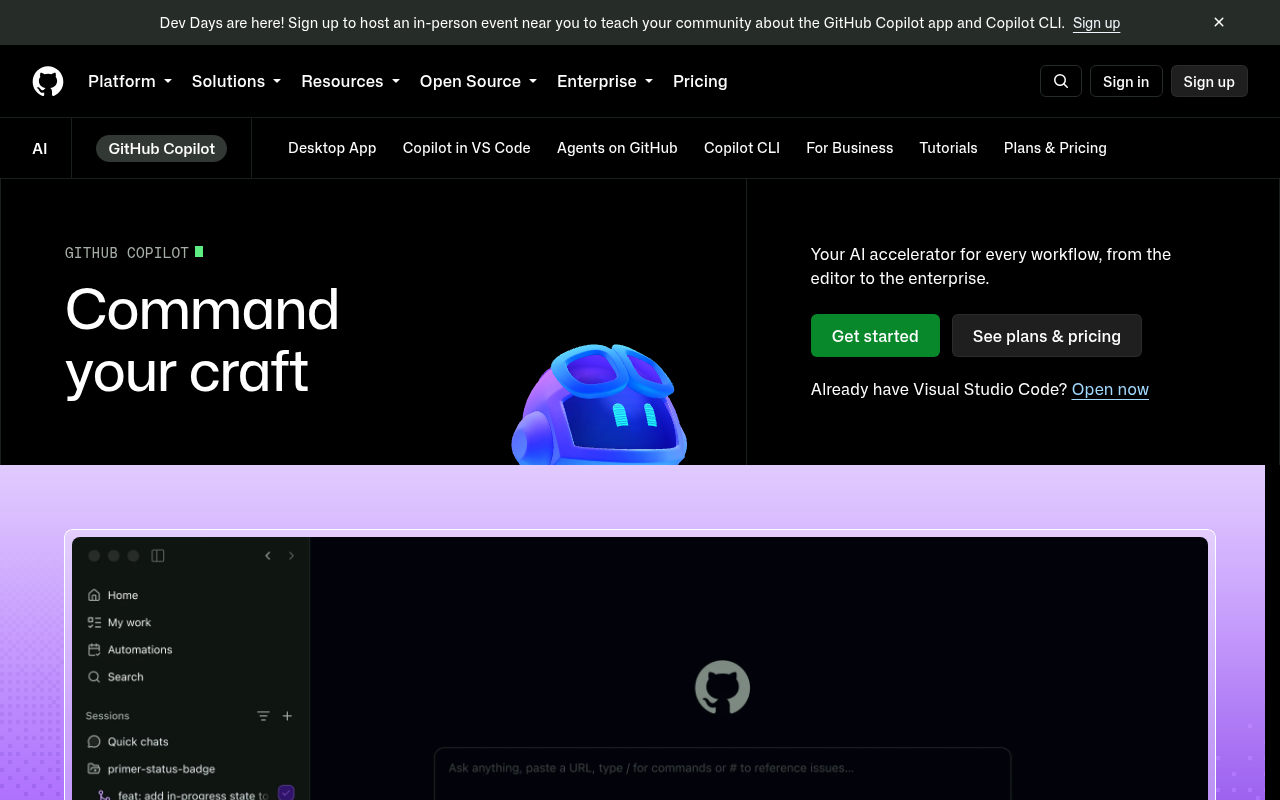
GitHub Copilot offers broad IDE compatibility across frameworks and tech stacks. The free tier now covers every GitHub account, with 2,000 completions per month and no card required.
Pro adds unlimited completions plus a cloud coding agent, AI code review and third-party agents such as Claude Code and Codex. A Copilot CLI brings the same assistant to the terminal.
Because GitHub builds it, context from your repositories and pull requests feeds every suggestion.
It stays an assistant. There is no app hosting or deployment of the kind Replit ships, and no v0-style UI generation from a prompt.
Pro is $10/month with monthly AI credits included, and higher tiers raise the allowance.
Pros:
- Works across VS Code, Visual Studio, JetBrains IDEs, Neovim, Xcode and Eclipse
- Free tier open to every account rather than students alone
- Deep GitHub integration, from repository context to pull requests
Cons:
- Agent use draws down monthly credits, so heavy use costs extra
- No path from generated code to a hosted, running application
- Least compelling outside GitHub-centric workflows
Bottom line: Copilot is the safest first step, since nothing about your setup changes. Trying it costs nothing. Just know it ends at suggestions, while the platforms above hand you working software.
Aider
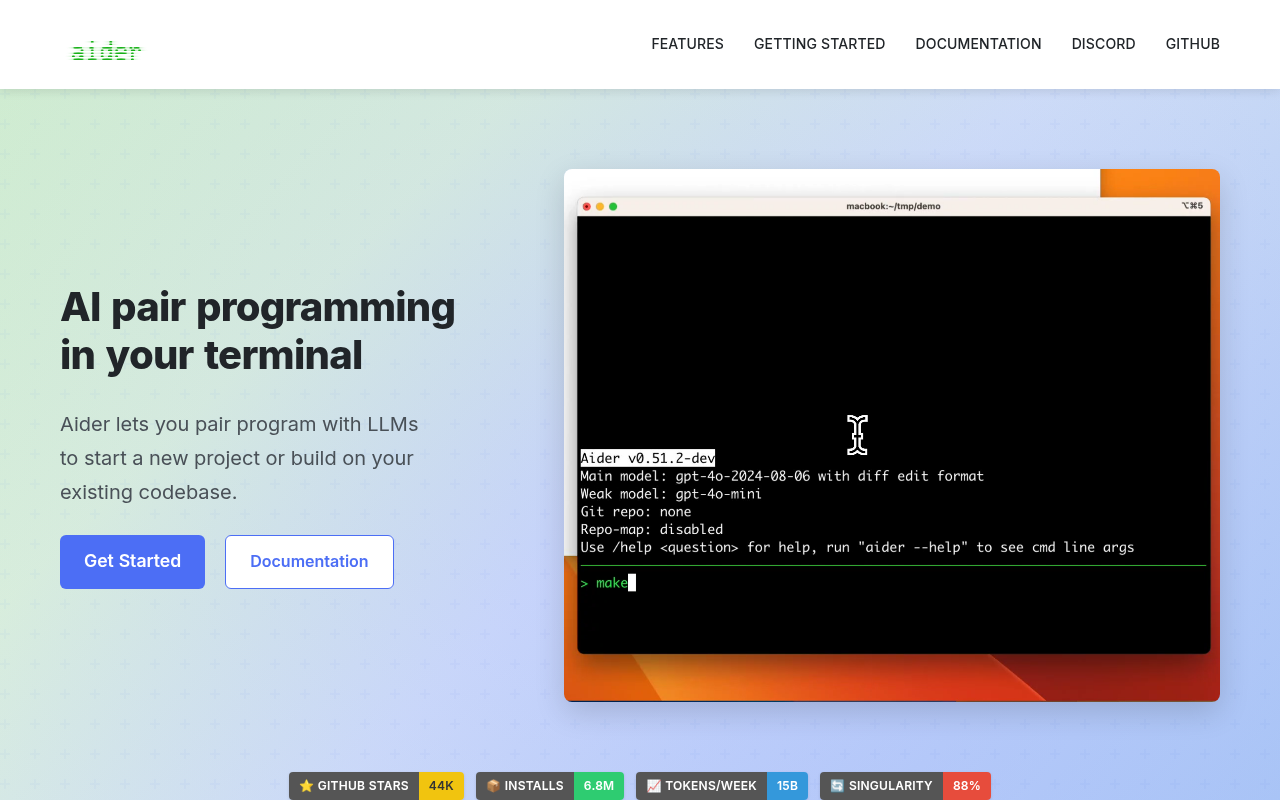
Aider provides free, open-source AI pair programming with support for multiple frameworks and automated debugging workflows. It lives in your terminal, next to whatever editor you prefer.
The numbers behind it are large: 44,000 GitHub stars and 6.8 million installs on PyPI.
A map of your codebase keeps it accurate in bigger projects, and every change lands as a Git commit you can review or undo. After each edit it can lint, test and fix what broke.
You bring your own API keys for cloud or local models, across more than 100 programming languages. It even takes voice input, screenshots and web pages as context. Model usage is the only cost.
Pros:
- Free and open source with no subscription anywhere
- Git-native edits stay reviewable and reversible
- Repo map holds up in large codebases
Cons:
- A terminal-first workflow will not suit everyone
- Setup means supplying and managing your own API keys
- It edits code and never generates UI, so it replaces v0 only for developers
Bottom line: Aider is the most disciplined of the free options. Every automated edit arrives as a Git commit, which builds the trust such changes need. In return it asks for comfort in a shell.
Specialized UI/UX platforms for frontend development
Claude Artifacts

Claude Artifacts by Anthropic offers a unique approach by blending dialogue with development, creating runnable apps directly in chat conversations.
Describe what you want, and the artifact renders beside the conversation. You then iterate in plain language. Interactive components, visualizations, small games and working prototypes all fit.
Nothing needs installing. The whole flow lives in the browser chat.
The free plan already includes artifacts, and paid plans from $17/month billed annually mainly raise the usage limits.
Conversation limits still cap project size. It suits prototypes, teaching examples and quick internal demos more than long-lived products.
Pros:
- Fastest route on this list from idea to interactive demo
- Artifacts are included on the free plan
- No environment to set up or maintain
Cons:
- No repository, file tree or real development environment
- Conversation limits cap how big a project can grow
- Shipping to production means rebuilding somewhere else
Bottom line: Artifacts is the lightest tool here. Nothing on this list gets you from thought to running demo faster. Treat it as a sketchpad and move real projects to a platform when they outgrow the chat.
No-code platforms for visual development
Lovable
Lovable combines visual development with AI functionality, offering a more design-centric approach compared to v0's code-focused generation.
Chat drives the build, while visual edits refine it. Credits meter the work, and a simple style tweak costs a fraction of what a new feature does.
Pricing follows credits, so collaborators are unlimited on every plan.
Hosting comes built in through Lovable Cloud, and custom domains arrive with the paid plans. A free plan grants daily build credits. Pro runs $25/month and includes 100 monthly credits that roll over.
Pros:
- Design-level control on top of AI generation
- Unlimited collaborators on every plan, priced by credits
- Hosting and custom domains without leaving the product
Cons:
- Credit burn varies by task, so budgeting takes practice
- Unused monthly credits expire after two months
- SSO and role-based access wait on the pricier Business tier
Bottom line: Lovable is the pick for anyone who thinks in screens. Where v0 generates a single component, Lovable generates, hosts and iterates on the entire app. Watch the credit meter early on.
Bubble
Bubble is the veteran of this list, a visual programming platform that predates the AI wave and now folds an AI App Generator into it.
It covers real breadth. One project can ship a web app plus native iOS and Android apps from a shared database, with the mobile side built on React Native.
Usage runs on workload units, one metric for the server resources an app consumes. A free plan includes 50K monthly units for development work.
Going live needs a paid plan. Starter is $59/month billed annually with a custom domain, and enterprise tiers add hosting location choice and dedicated support.
Pros:
- Visual depth for complex business logic without code
- Web and native mobile apps from one shared backend
- Free plan lasts through the whole build phase
Cons:
- Highest starting price on this list once you launch
- Workload units take time to learn to budget
- Apps run only on Bubble's hosted runtime, with no code export
Bottom line: Bubble rewards commitment more than dabbling. For deep business logic without code, it still out-builds the newer AI tools. Just price the plan you will actually launch on.
Emerging and innovative alternatives
Dyad
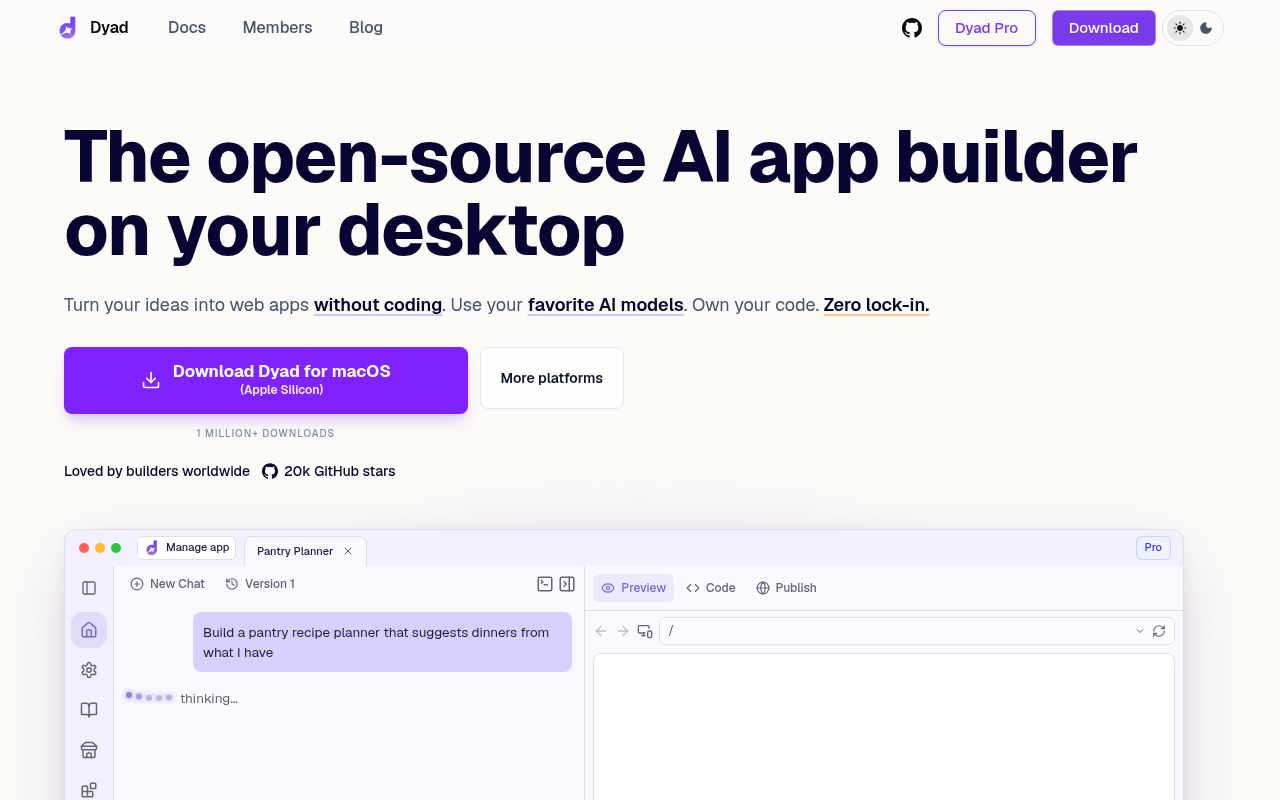
Dyad offers a free, local open-source alternative to v0 with support for any AI model including Gemini and local models.
The desktop app runs on macOS and Windows and has passed a million downloads. No account is required. You bring an API key, or run models fully offline through Ollama.
Full-stack pieces are one click away: Supabase or Neon for database and auth, a built-in security scan before you ship, and deployment out through GitHub or Vercel.
The core app is free forever. An optional Pro plan at $20/month adds credits and extra modes for working in bigger codebases.
Pros:
- Free, local and open source, with your code on your disk
- Any model works, including fully offline ones
- One-click database, auth and security scanning
Cons:
- Desktop only, with no hosted workspace to share
- AI needs your own keys or the Pro subscription
- Younger project with a smaller ecosystem than the platforms above
Bottom line: Dyad answers the privacy objection every cloud tool on this list raises. Local files, your keys, your models. For control-minded developers it is the free pick to beat.
Choosing the right v0 alternative
The quickest way to choose is to start from how you want to work.
| Use case | Recommended tools | Notes |
|---|---|---|
| Keeping your current editor | GitHub Copilot, Cursor | Copilot adds AI to existing IDEs, Cursor forks VS Code |
| Keeping costs low | Aider, Claude Artifacts | Aider is free and open source, Claude Artifacts starts free |
| Full control over models and code | Dyad | Runs on your machine with any model, including offline ones |
| One prompt to a whole app | Bolt.new, Lovable | Bolt.new attaches hosting, Lovable takes a design-first slant |
| Enterprise security and governance | Replit, Devin Desktop (formerly Windsurf), Bubble | Replit leads with SOC 2 Type II compliance and SAML SSO |
| Shipping a finished product | Replit | Agent builds, tests and publishes from one workspace |
You want to keep the editor you already use: GitHub Copilot adds completions, chat and agents to VS Code, JetBrains IDEs, Neovim and Visual Studio. Cursor goes further, swapping VS Code for an AI-first fork of itself.
Cost is the constraint: Aider is free and open source, so you pay only for the model calls you make. Claude Artifacts also starts free for quick prototypes in a chat window.
You want control over models, spend and the code itself: Dyad runs on your machine with any model you choose, including offline ones, and every file stays yours. The trade-off is bringing your own keys and setup.
You want a whole app generated from one prompt: Bolt.new turns a single prompt into a working full-stack app with hosting attached. Lovable plays the same role with a design-first slant.
Enterprise security and governance set the pace: Replit leads with SOC 2 Type II compliance, SAML SSO and a Microsoft Azure partnership, while Devin Desktop (formerly Windsurf) brings governed agent fleets to engineering organizations. Bubble covers the business-app side, with enterprise hosting choices and dedicated support.
The goal is a finished product running in production: Replit closes the loop, with our Agent taking a description and then building, testing and publishing the app from one workspace. Every other tool above accelerates part of the work.
Hosting, a database and deployments already live in that workspace, so nothing needs assembling afterward. Start free and see how far one prompt goes.
Conclusion
In 2026, we have alternatives to v0 across every use case. For you, the best v0 alternative depends on matching platform strengths to your development requirements, team size, and budget constraints.
We recommend that you prioritize specific needs: MVP to enterprise scalability and proven ROI (Replit), professional development workflows (Cursor, or Devin Desktop, formerly Windsurf), cost optimization (open-source options), or visual design preferences (no-code platforms).
If you want to skip the CLI entirely and go from a natural language prompt to a deployed, full-stack app, start with Replit.
Frequently asked questions
Who are v0's main competitors?
v0's main competitors include Replit, Bolt.new and Lovable among full-stack app builders, along with AI coding tools such as Cursor and GitHub Copilot. The right choice depends on whether you want components, a complete application, or AI inside the editor you already use.
Is there a free v0 alternative?
Yes. Aider and Dyad are free and open source, so you pay only for AI model usage. Bolt.new, Cursor, GitHub Copilot, Claude, Lovable and Bubble all offer free plans as well, which makes it easy to trial several tools before paying for one.
What is the best v0 alternative for full-stack apps?
Replit, Bolt.new and Lovable all generate complete applications with backend logic and databases included, where v0 centers on React components. Replit goes furthest, with hosting, a database and deployment inside the same workspace as the AI that builds the app.
Can tools like v0 build production apps?
Some can. v0 itself produces UI components you integrate into a codebase, while platforms such as Bolt.new and Bubble host and run the finished application. Check whether a tool deploys the app for you or hands you code to deploy somewhere else.