Bubble made visual app building mainstream, and it remains a strong way to validate an idea without code. The trade-offs appear as projects grow.
Every project sits on its own plan with a monthly workload allowance. Bubble's own manual recommends breaking complex processes into smaller chunks to minimize the risk of slowdowns and timeouts.
Bubble.io competitors now range from AI-native platforms that turn a plain-language prompt into a working full-stack app to specialized tools for mobile apps, internal dashboards, and marketing sites. This guide groups nine Bubble alternatives by use case, with pricing and a best-for line.
How we picked these tools
The list spans five lanes. AI-native builders generate the app from a prompt, visual editors keep the drag-and-drop canvas, mobile builders target the app stores, internal-tool platforms serve your own team, and a site builder covers projects that are really websites.
To make the cut, a tool had to be actively maintained, publicly priced, and independent of Bubble itself.
| Tool | Best for | Free plan | Paid plans from |
|---|---|---|---|
| Replit | Building and deploying full apps from prompts | Yes | $20/month |
| Lovable | AI-built web apps from a chat | Yes | $25/month |
| WeWeb | Visual building with code export | Yes | $20/month |
| Softr | Apps on Airtable, Notion, or Sheets data | Yes | $19/month |
| FlutterFlow | Native mobile apps with code ownership | Yes | $39/month |
| Adalo | Simple native apps with flat pricing | Yes | $36/month billed annually |
| Retool | Governed internal tools | Yes | $10/month per builder |
| Glide | Spreadsheets into internal apps | Yes | $25/month |
| Webflow | Marketing sites with a CMS | Yes | $15/month billed yearly |
Product and pricing information: vendor product and pricing pages, August 2026.
AI-Native App Builders
No canvas in this lane. You describe the app in plain language, and AI plans, builds, and ships it.
Replit
Replit takes a different approach from every visual builder on this list. Nothing gets assembled on a canvas. The whole environment lives in the browser: workspace, database, authentication, hosting, and deployment.
Agent 4 enables autonomous coding from natural language prompts. Describe what you want, and our Agent plans the build, writes the code, tests it, and deploys it while you follow each step.
The output goes well past prototypes: full web apps, internal tools and dashboards, data pipelines, automations, even slide decks. Design work comes out of the same workspace.
Browse the public gallery to see real user builds before you sign up. A partnership with Microsoft Azure brings SOC 2 Type 2 infrastructure, SAML SSO, and private deployments to enterprise workspaces. Enterprises like Rokt have built 135 internal applications in 24 hours.
Replit pricing is built on effort-based pricing, so simple tasks cost less than complex ones. Starter is free. Paid plans start at $20/month.
Pros:
- Ready-to-go output, from full web apps and dashboards to internal tools and slide decks
- Agent 4 delivers full working builds from a prompt, well beyond visual assembly
- Zero setup, with building, running, and deploying all in the browser
Cons:
- Builders who enjoy arranging every screen by hand will miss a drag-and-drop canvas
- Ambitious agent builds consume more credits under effort-based pricing
Bottom line: Replit is the only tool here that replaces the whole stack around the app, from workspace to hosting. Agent 4 makes that stack usable from a single prompt. If the goal is a working, deployed app, the free Starter plan is the fastest way to find out.
Lovable
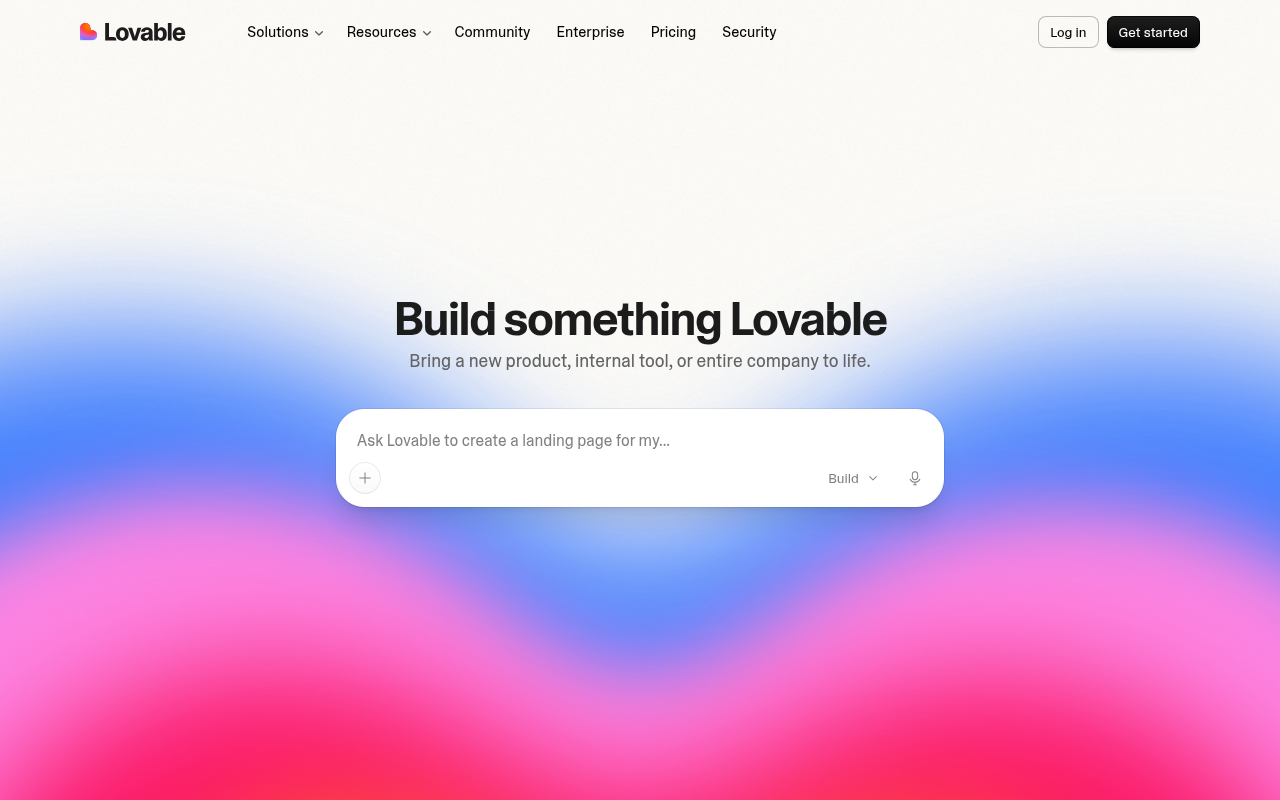
Lovable calls itself an AI software engineer: chat with it, and it builds the website or web app with no technical knowledge needed.
Credits meter the work. Each message shows its cost in your history. Simple style tweaks cost a fraction of a credit, while a landing page with generated images runs higher.
Workspaces hold unlimited collaborators on every plan. Pricing follows the credits a team shares, so inviting more people never raises the subscription itself. Per-member credit limits keep one heavy builder from draining the shared pool.
The code, the customer data, and the AI output all stay yours. Pro plans add custom domains and user roles, and the Business tier brings SSO and a security center.
The free plan includes a daily grant of five build credits. Pro starts the paid tiers at $25/month.
Pros:
- Chat-first building with per-message credit costs you can inspect
- Unlimited collaborators on every plan, sharing one credit pool
- You keep the code, data, and AI output you produce
Cons:
- Unused monthly credits expire after two months
- No visual canvas for pixel-level layout control
- Busy apps can outgrow the included hosting grant and draw down credits
Bottom line: Lovable is the quickest route on this list from a conversation to a polished, working web app. One shared credit pool makes team rollout easy. Build in bursts, though, and unused allowances can lapse before you spend them.
Visual Web App Builders
The closest like-for-like swaps keep the drag-and-drop canvas and price by seat or workspace instead of by project.
WeWeb
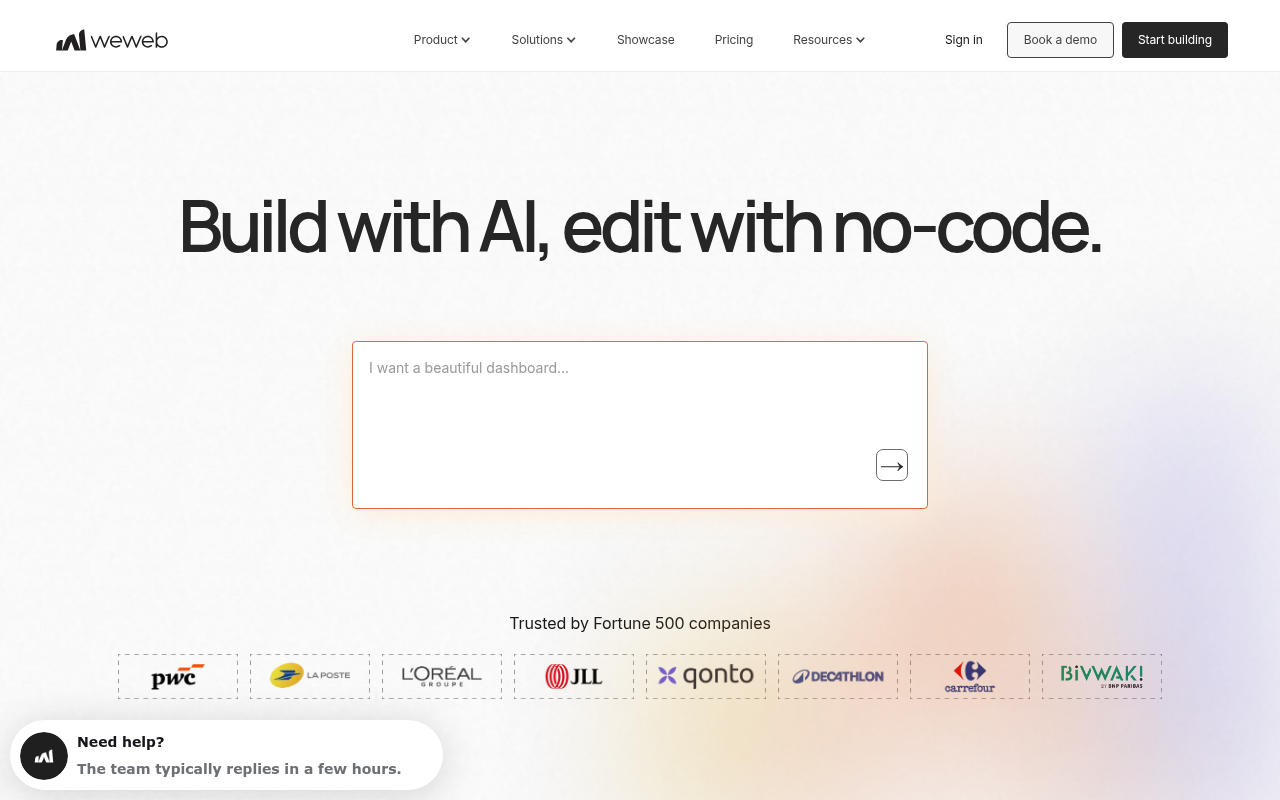
Of the nine tools here, WeWeb sits closest to Bubble. You get a visual drag-and-drop editor, API and data integration, and responsive web apps as the output.
The difference shows after launch. WeWeb lets you export your entire application, front end and back end, and host it on your own infrastructure. Self-hosted apps escape every WeWeb Cloud limit.
GitHub sync and daily editor backups arrive on the Essential plan. Coded components can be imported too. A separate WeWeb Cloud plan covers hosting, the database, and backend compute when you go live.
AI tokens fuel the built-in assistant. Each seat tier includes a monthly allowance, and the free plan carries 1 million tokens with cloud deploys for up to 1,000 sessions. Essential, the solo-developer plan, is $20/month.
Pros:
- Full code export and self-hosting with no platform limits afterward
- Editor and workflow familiar to anyone arriving from Bubble
- GitHub sync from the entry paid plan
Cons:
- Editor seats and cloud hosting are two separate subscriptions
- AI tokens reset monthly and do not roll over
- Smaller plugin marketplace than Bubble's ecosystem
Bottom line: WeWeb is the cleanest like-for-like swap on this list. Code export keeps a future migration on the table, which is exactly the reassurance teams want after outgrowing one platform. Just budget for the hosting plan alongside the seat.
Softr
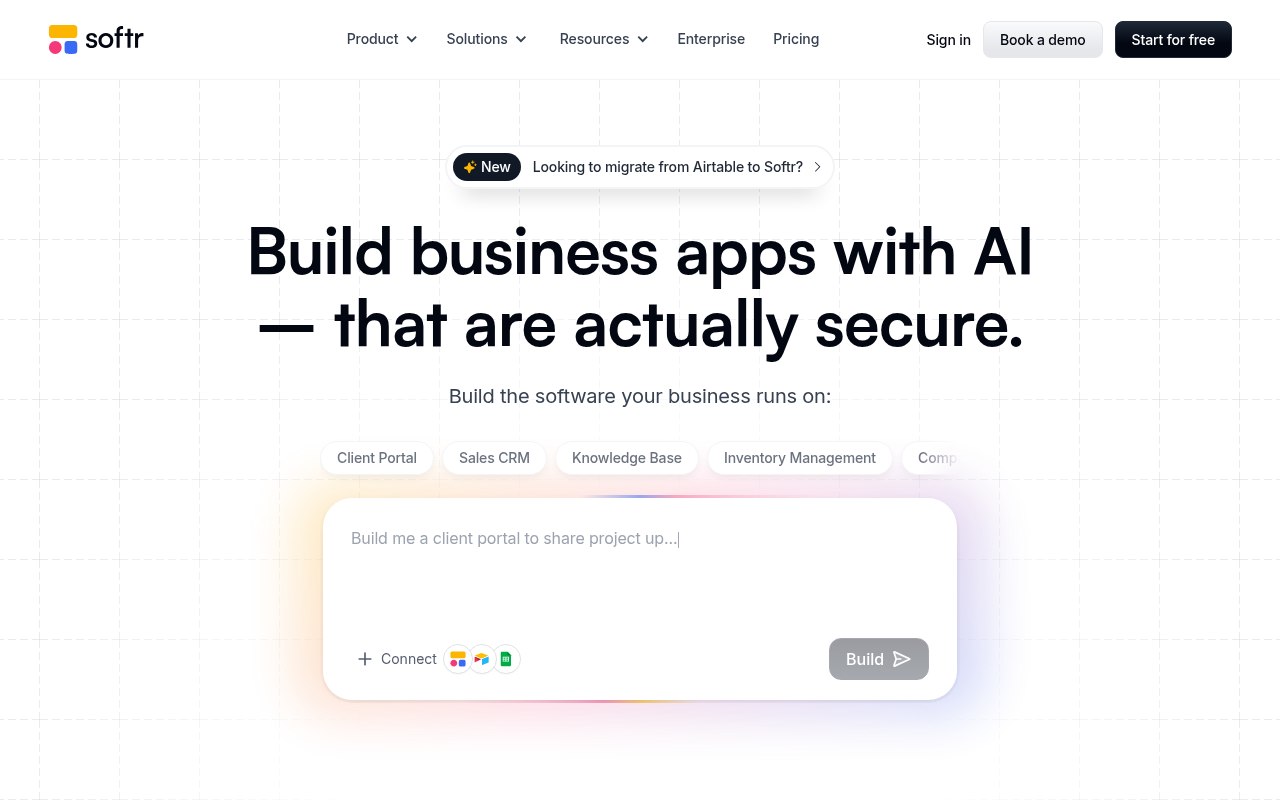
Softr builds apps, databases, workflows, and forms on the data you already keep in Airtable, Notion, and Google Sheets. All four are unlimited on every plan, including the free tier.
An AI co-builder drafts the app for you. Unlike AI-only builders, the no-code editor keeps working once your monthly credits run out, and 37+ integrations reach from spreadsheets to HubSpot and SQL databases.
Client portals and internal tools are the sweet spot. Plans meter builders and app users, with custom domains and conditional form logic starting on Basic. Softr counts more than 1 million businesses on the platform.
Pro adds granular permissions and custom code. The free plan includes up to three builders, five app users, and five thousand database records. Basic opens the paid plans at $19/month.
Pros:
- Unlimited apps, workflows, and forms on every tier, free included
- Builds directly on Airtable, Notion, and Google Sheets data
- Editor keeps working manually after AI credits are spent
Cons:
- App-user allowances can pinch as client portals grow
- Granular permissions and custom code wait until Pro
- Complex custom logic outgrows it faster than a full app platform
Bottom line: Softr is the shortest path from spreadsheet to working portal. Its paid entry sits near the bottom of this list's price range, and the free tier handles real projects. Push past portals and internal tools, and you will feel the ceiling.
Mobile App Builders
If the finished product must live in the iOS and Android stores, these two are built for exactly that.
FlutterFlow
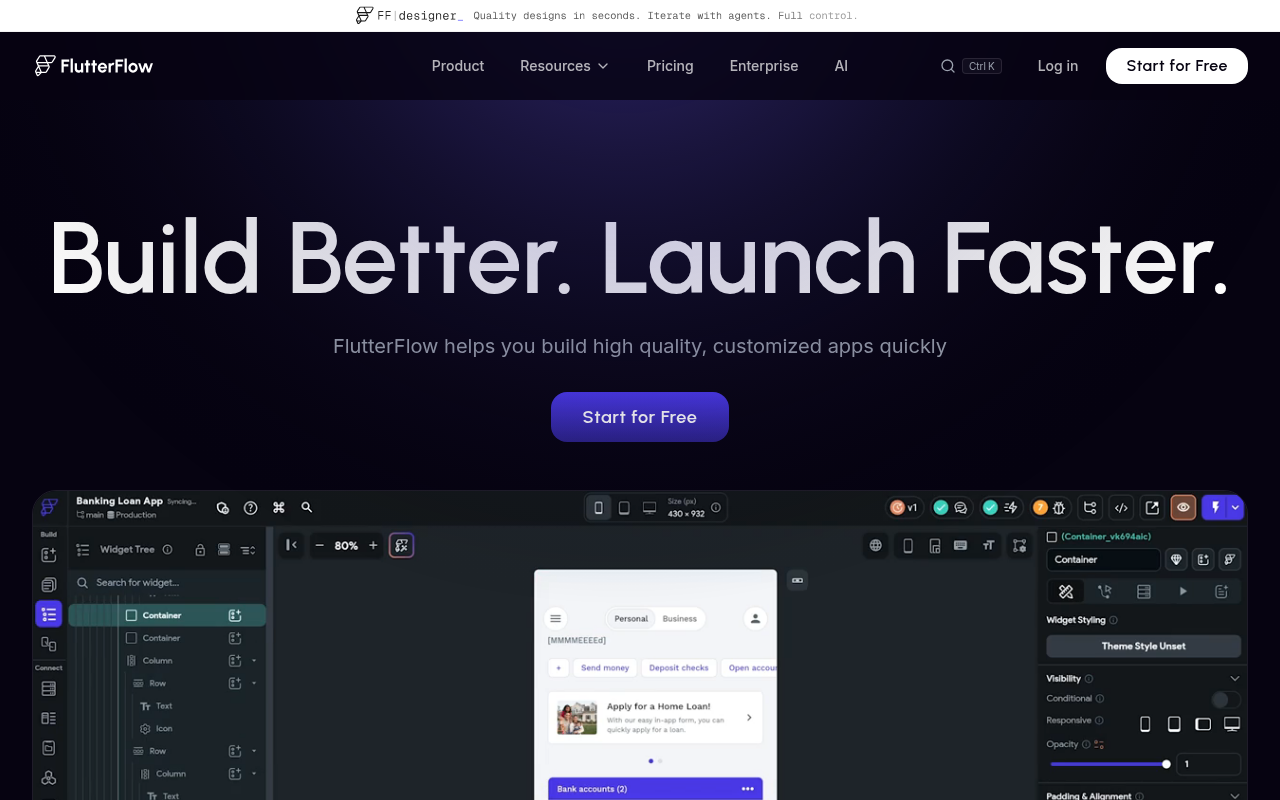
When the goal is a real native app in both stores, FlutterFlow is built for the job. Your visual design compiles into actual Flutter code, downloadable along with the APK. More than 3.3 million people build with it.
Basic, the first paid plan, unlocks one-click deployment to iOS and Android, plus custom-domain web publishing and local device testing.
Over 1,000 prebuilt templates shorten the start. Firebase and Supabase integrations cover backend and authentication, while the Growth tier adds GitHub integration and real-time collaboration.
Test Pilot ships on every paid plan, and a VS Code extension opens projects to hand-written code on the Growth tier.
Expect a steeper ramp than drag-and-drop tools, since FlutterFlow exposes state management, custom code, and API wiring. Two free projects cover building and testing. Basic is $39/month.
Pros:
- Code and APK download give you full ownership of what you build
- One-click deployment to both app stores
- Firebase and Supabase integrations handle backend and auth
Cons:
- Steeper learning curve than canvas-first builders aimed at non-developers
- No built-in relational database, so you bring Firebase or Supabase
- Real-time collaboration and GitHub push wait until Growth
Bottom line: FlutterFlow is the serious mobile pick once a Bubble project needs to live in the app stores. Exported Flutter code means a hired developer can continue exactly where you stopped. Plan for real learning time before it pays off.
Adalo
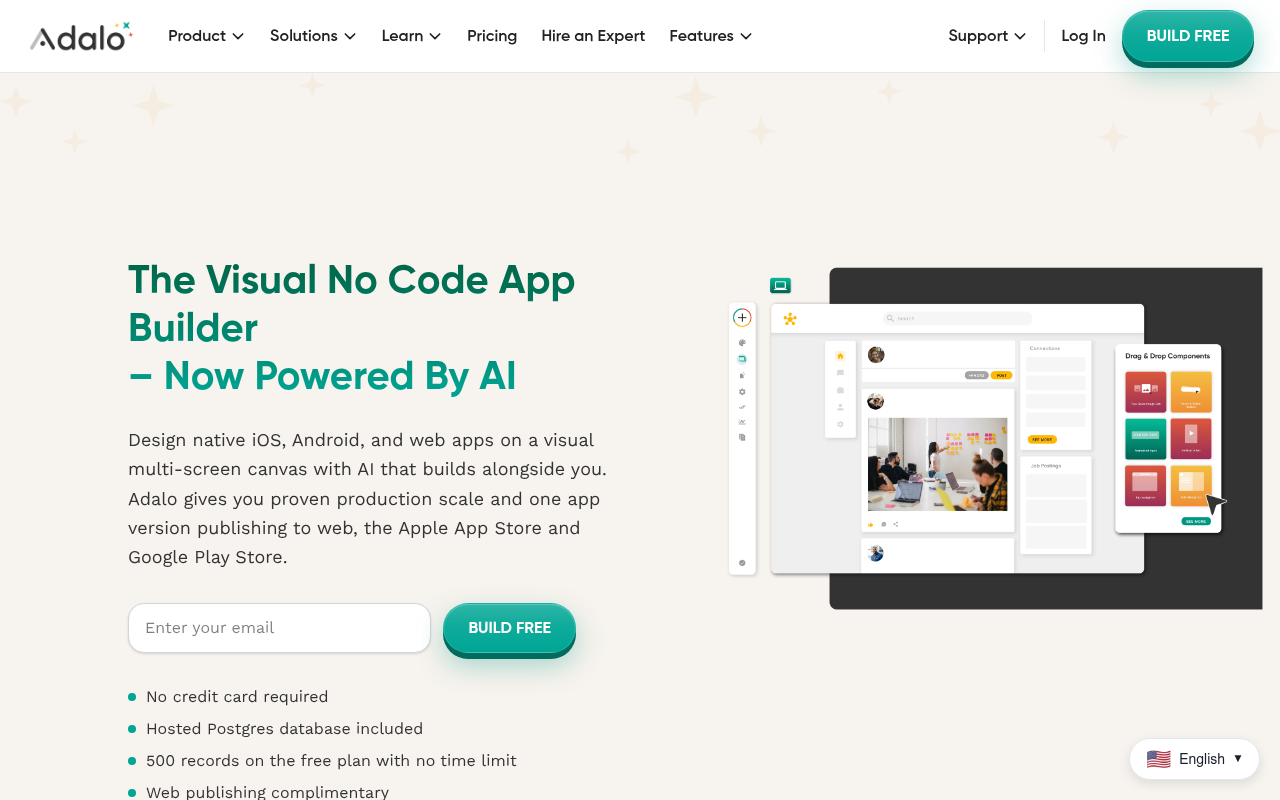
Flat pricing is Adalo's whole pitch. No plan meters usage, tokens, or workload, so a traffic spike never changes the bill. Even Ada, the built-in AI assistant, comes included on every plan.
Apps take shape on a multi-screen drag-and-drop canvas covering native iOS, Android, and the web. Ada builds and edits them from natural language prompts.
One version of your app publishes to the web, the Apple App Store, and Google Play. Every plan includes a hosted Postgres database, and automated app-store publishing arrives with the Starter tier, Adalo's first paid plan.
Higher tiers raise the published-app count and add custom integrations, geolocation, push notifications, and app analytics.
The free plan allows unlimited screens and test apps, with 500 records per app. Publishing starts at $36/month billed annually.
Pros:
- Flat monthly pricing with no usage metering on any plan
- One build publishes to web, iOS, and Android
- Hosted Postgres database and Ada AI included throughout
Cons:
- Published apps are capped per plan, starting at one
- Component depth trails developer-oriented mobile platforms
- Custom integrations and push notifications sit on the Professional tier
Bottom line: Adalo trades raw power for predictability. For a founder shipping one straightforward app to both stores, that is a fair exchange. Demanding apps will find its ceilings sooner than FlutterFlow's.
Internal Tools and Data Apps
For dashboards and operations apps your own team runs every day, these two are purpose-built.
Retool
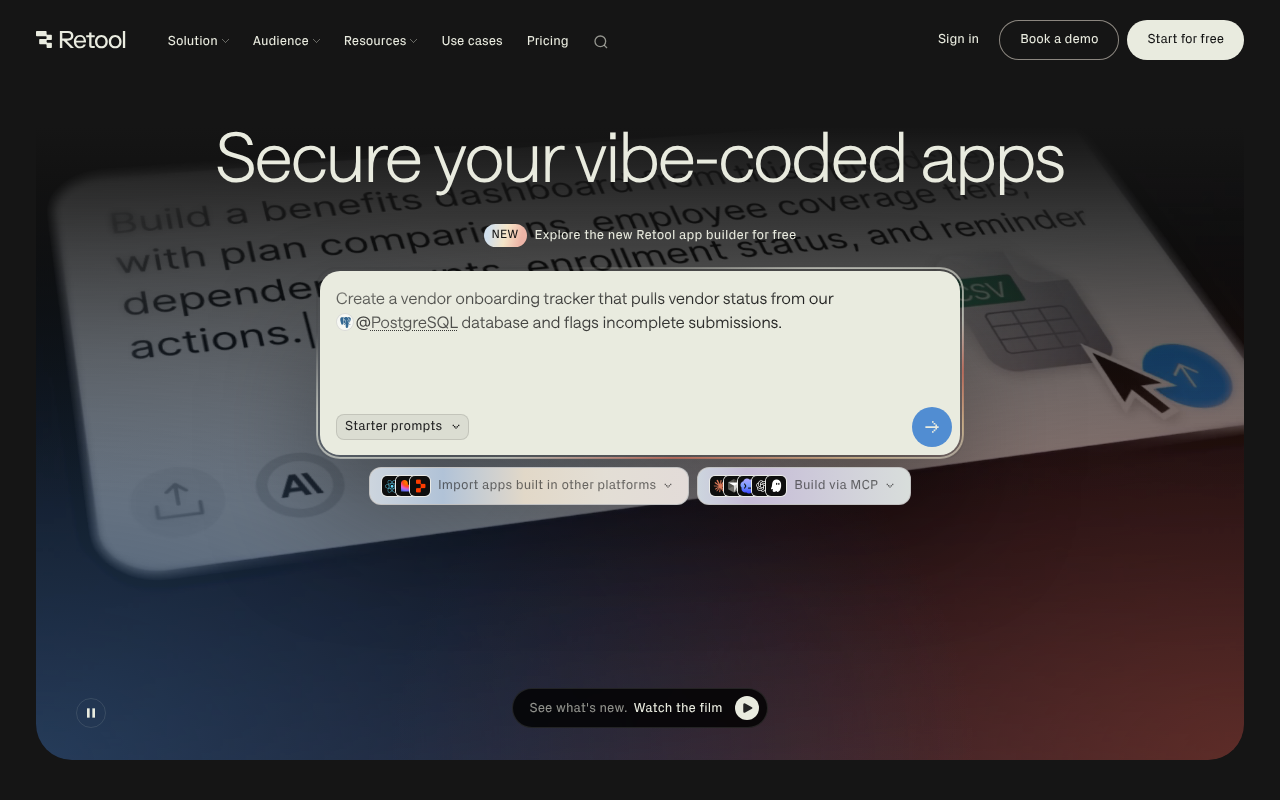
Retool is built around internal software. Builders create apps and workflows, internal users run them, and pricing and permissions follow that split.
The app builder is now AI-native. Describe the tool you need, and it generates a working app connected to your data, ready to refine.
Connections reach your own databases and APIs, and a query library shares reusable queries across the team.
Every plan includes a monthly pool of AI credits, plus agent hours for automation experiments. Even the free tier covers unlimited web and mobile apps, 500 monthly workflow runs, and up to five users.
Business adds audit logging, rich permission controls, and embedded apps. Enterprise goes further, up to self-hosted and air-gapped deployment, SSO, and Git-based source control. Team pricing opens at $10/month per builder.
Pros:
- Seat split keeps costs proportional to who actually builds
- Connects to your own databases and APIs, with self-hosting available
- AI credits and free agent hours included on every plan
Cons:
- Two seat types make cost forecasting more work than a flat plan
- Built for internal tools, so external-facing apps need Business-tier pricing
- Deep customization still assumes comfort with queries and code
Bottom line: Retool remains the default for governed internal tools, and the AI-native builder lowers its old learning curve. Audit logs and permission controls are the real product for larger teams. Look elsewhere on this list for consumer-facing apps.
Glide
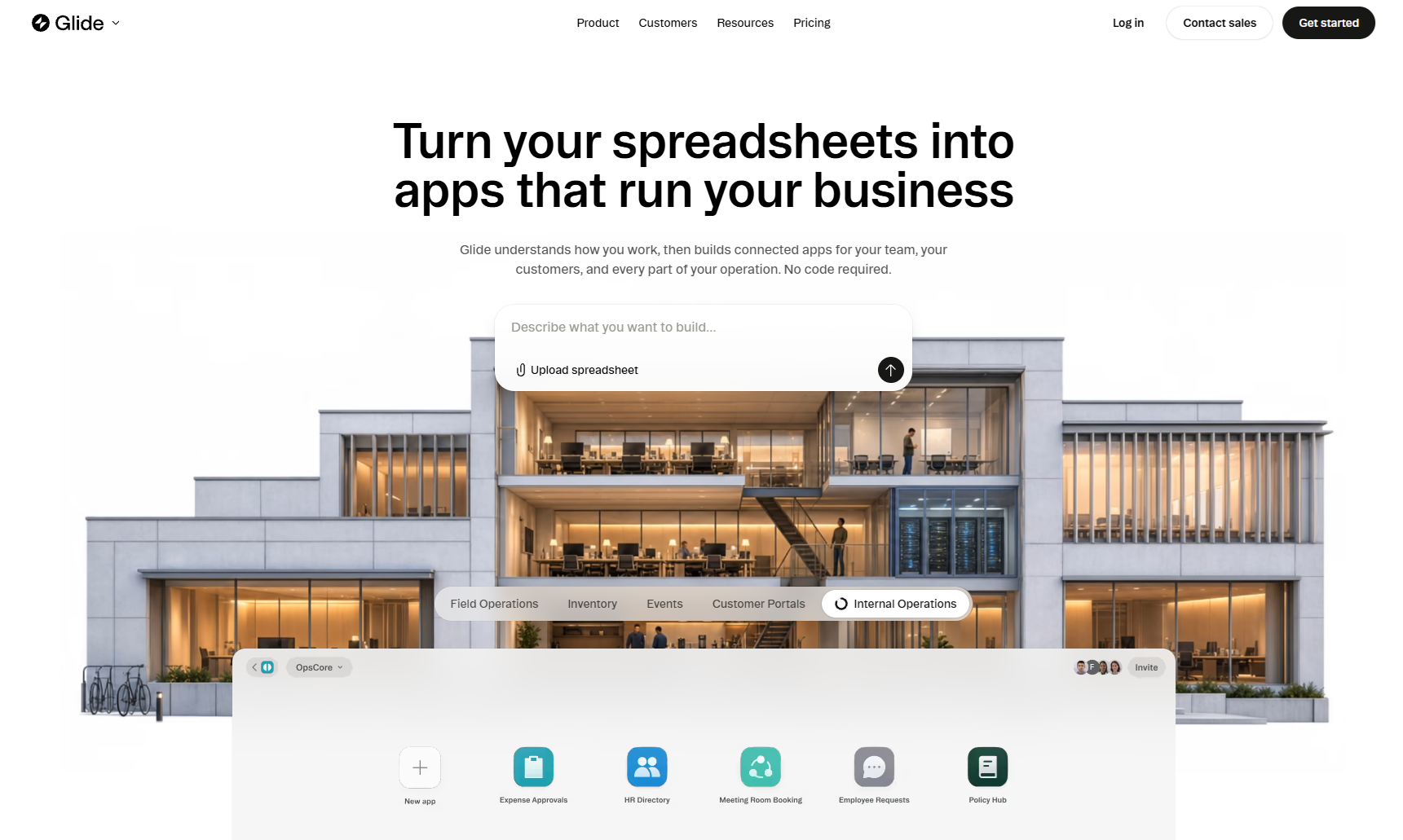
Drop a spreadsheet into Glide and it comes back as an app. The new GlideOS platform builds internal business tools from a spreadsheet, a prompt, or a file, with a database included.
By Glide's own account, work that took weeks with no-code tools now takes minutes. The customer list spans more than 100,000 companies.
Credits meter the Glide Agent's work. Allowances scale by plan and by team member, and the site carries SOC 2 Type 2, GDPR, and CCPA compliance badges.
GlideOS is a standalone product, so existing Glide Classic apps keep working while new building moves to a separate subscription.
Team plans add a shared dashboard and member-only sign-in, and single sign-on waits for Enterprise. A single free project gets you started, with limited credits. Solo is $25/month.
Pros:
- Working internal apps from spreadsheets, prompts, or files in minutes
- Database included from the first paid plan
- Team dashboard and member-only sign-in for company rollouts
Cons:
- GlideOS requires a subscription separate from Glide Classic
- Single sign-on is reserved for the Enterprise tier
- Aimed at internal operations, so public consumer apps fit poorly
Bottom line: Glide keeps its crown for spreadsheet-to-app speed. The GlideOS reboot doubles down on internal operations tools, with AI generation replacing hand-assembled screens. Teams on Glide Classic should plan that migration before renewing.
Website Builders
Sometimes the deliverable is a website. One dedicated site builder rounds out the list for exactly that case.
Webflow
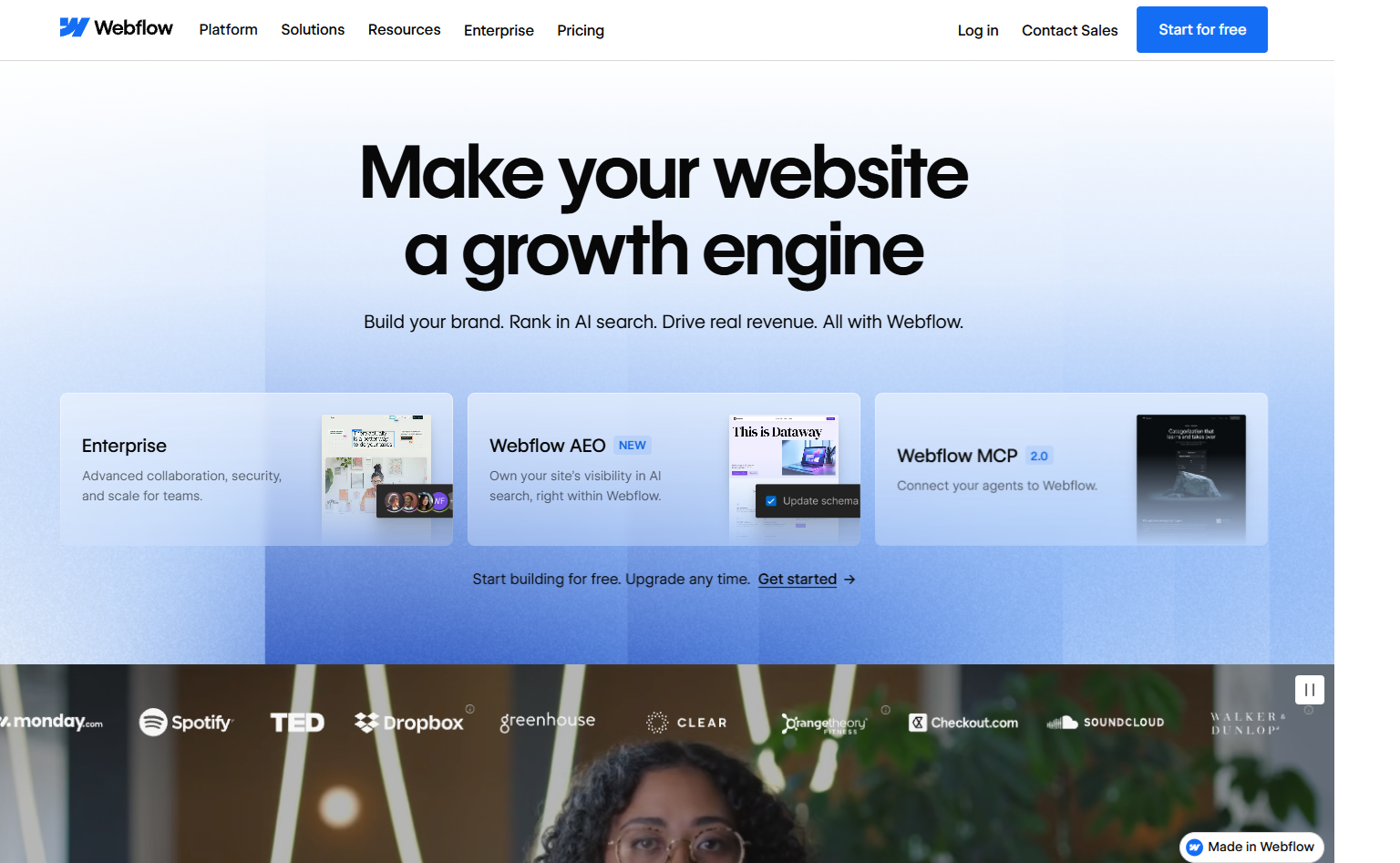
Marketing teams choose Webflow when the job is a professional site to design, manage, and host on an AI-native platform.
The visual designer gives you production-grade control over layout and type. On the Premium site plan, the Webflow CMS powers blogs, listings, and other structured content. Ecommerce plans handle full online stores.
Webflow AI and an MCP server now ship on every tier, and Webflow Cloud hosts web apps beside the site. Teams at The New York Times and Docusign build on it.
Code export comes with paid Workspace plans, so the site itself is portable if you ever leave.
A free Starter plan covers experimenting on a webflow.io domain. Paid site plans start at $15/month billed yearly, and the CMS arrives one tier above that.
Pros:
- Deep visual design control, down to type and layout systems
- CMS, hosting, and AI tooling in one platform
- Free Starter plan includes the full designer
Cons:
- A site builder at heart, so app-style logic is out of scope
- The CMS requires the Premium site plan
- Full design freedom brings a learning curve for non-designers
Bottom line: Webflow wins when the deliverable is a content-rich marketing site with real design standards. No general app builder matches its CMS and design workflows. A project that needs user accounts and heavy app logic belongs higher up this list.
Bubble vs the alternatives: how to choose
The quickest way to choose is to start from how you want to work.
| Use case | Recommended tools | Notes |
|---|---|---|
| Building on existing data | Softr, Glide | Turns Airtable, Notion, or spreadsheet records into portals and operations apps |
| Keeping costs low | Adalo | Flat plans with no usage metering, so bills stay predictable |
| Owning the code | WeWeb, Lovable | Code export and self-hosting, plus AI-generated code you own |
| Targeting a specific platform | FlutterFlow, Webflow | Native iOS and Android apps, or marketing sites with a CMS |
| Enterprise governance and security | Replit, Retool | SOC 2, SAML SSO, audit logs, and self-hosting options |
| Shipping a working product | Replit | Agent builds and publishes the app from the same workspace |
The data already lives in your tools: Softr turns the Airtable, Notion, or Google Sheets records you maintain into portals and internal tools. Glide plays the same role for operations apps, with GlideOS generating the app from a spreadsheet, a file, or a prompt.
Cost is the constraint: Adalo's plans are flat, with no usage metering, so the bill stays the same when traffic spikes. That predictability is the draw for anyone tired of watching a workload meter, though the entry plan publishes just one app.
You want control over the code itself: WeWeb couples its familiar visual editor with full code export and self-hosting. Lovable reaches the same ownership from the AI side, since the code, data, and output it generates are yours.
The destination decides the tool: FlutterFlow is the pick when the product must sit in the iOS and Android stores as a true native app. Webflow is its counterpart on the web, for marketing sites with a CMS behind them.
Procurement, security, and governance set the pace: Replit leads here, pairing SOC 2 Type 2 infrastructure, SAML SSO, and private deployments through its Microsoft Azure partnership. Retool is the strong second, with audit logs, rich permission controls, and self-hosting that reaches air-gapped deployment.
The point is to ship a working product: every tool above still leaves you to assemble the pieces around the finished app. That is the gap Replit fills, and our Agent takes a description, builds the app, and publishes it from the same workspace.
Hosting, a database, and deployments are already inside that workspace, so nothing needs setting up. Start free and see how far one prompt goes.
Conclusion
For idea validation, Bubble remains a fine starting point. If you have outgrown it, the strongest Bubble alternative depends on what you are building: WeWeb and Softr for like-for-like visual development, FlutterFlow and Adalo for mobile, Retool and Glide for internal tools, and Webflow for marketing sites. If you want to skip the setup entirely and go from a natural language prompt to a deployed, full-stack app, start with Replit.
Frequently asked questions
What is the best Bubble alternative?
That depends on what you are building. Replit is the strongest all-round option if you would rather describe your app in plain language and let Agent 4 build, test, and deploy it. WeWeb is the closest swap for visual building, and FlutterFlow leads for native mobile apps.
Is there a free Bubble alternative?
Yes. WeWeb, Softr, FlutterFlow, Adalo, Retool, Webflow, and Glide all offer free plans, and the AI-native builders include free tiers as well. Free plans usually cap projects, records, or credits, so use one to test a platform before you commit.
Why do teams look beyond Bubble?
Three reasons come up most often: pricing, performance planning, and the learning curve. Bubble prices per project, so a team running several apps carries several plans with workload allowances. Its documentation recommends breaking complex processes into smaller chunks, and you still design the app's logic yourself.
Which Bubble alternatives support native mobile apps?
FlutterFlow ships one-click app store deployment, and Adalo publishes a single app version to the web, the Apple App Store, and Google Play. Replit supports App Store publishing for production-ready mobile apps as well. Its Agent builds those from the same natural language workflow it uses for web apps.