Understanding the Lovable landscape
Lovable describes itself as an AI software engineer: you chat, and it builds a website or web app for you. No technical knowledge is needed to get something real working.
Different builders still hit different walls with it. Credits meter every change and expire within months if unused, and some teams simply want code they control in their own environment.
The ten tools below approach the same goal from different directions. Some generate and host full apps, some assist inside code editors, and others specialize in internal tools. Here is how they compare.
How we picked these tools
The list spans four lanes. Full-stack AI platforms build and deploy complete apps, no-code builders trade prompts for visual control, coding assistants speed up developers in the editor, and internal-tool platforms add governance.
To make the cut, a tool had to be actively maintained, publicly priced and independent of Lovable.
| Tool | Best for | Free plan | Paid plans from |
|---|---|---|---|
| Replit | Building and deploying full apps from prompts | Yes | $20/month |
| Bubble | Visual no-code web and mobile apps | Yes | $59/month billed annually |
| Cursor | AI-first coding in a familiar IDE | Yes | $20/month |
| Windsurf (now Devin Desktop) | Agent-first desktop IDE workflows | Yes | $20/month |
| GitHub Copilot | AI assistance in the IDE you already use | Yes | $10/month |
| Aider | Terminal pair programming with Git | Yes | Pay per model use |
| v0 by Vercel | Generating React UIs from prompts | Yes | $30/user/month |
| Glide | Turning spreadsheets into internal apps | Yes | $25/month |
| UI Bakery | Internal tools with self-hosting options | Yes | $20/developer/month billed annually |
| Superblocks | Governed enterprise app building | No | $100/month billed annually |
Product and pricing information: vendor product and pricing pages, August 2026.
Comprehensive Full-Stack Development Platforms
Replit
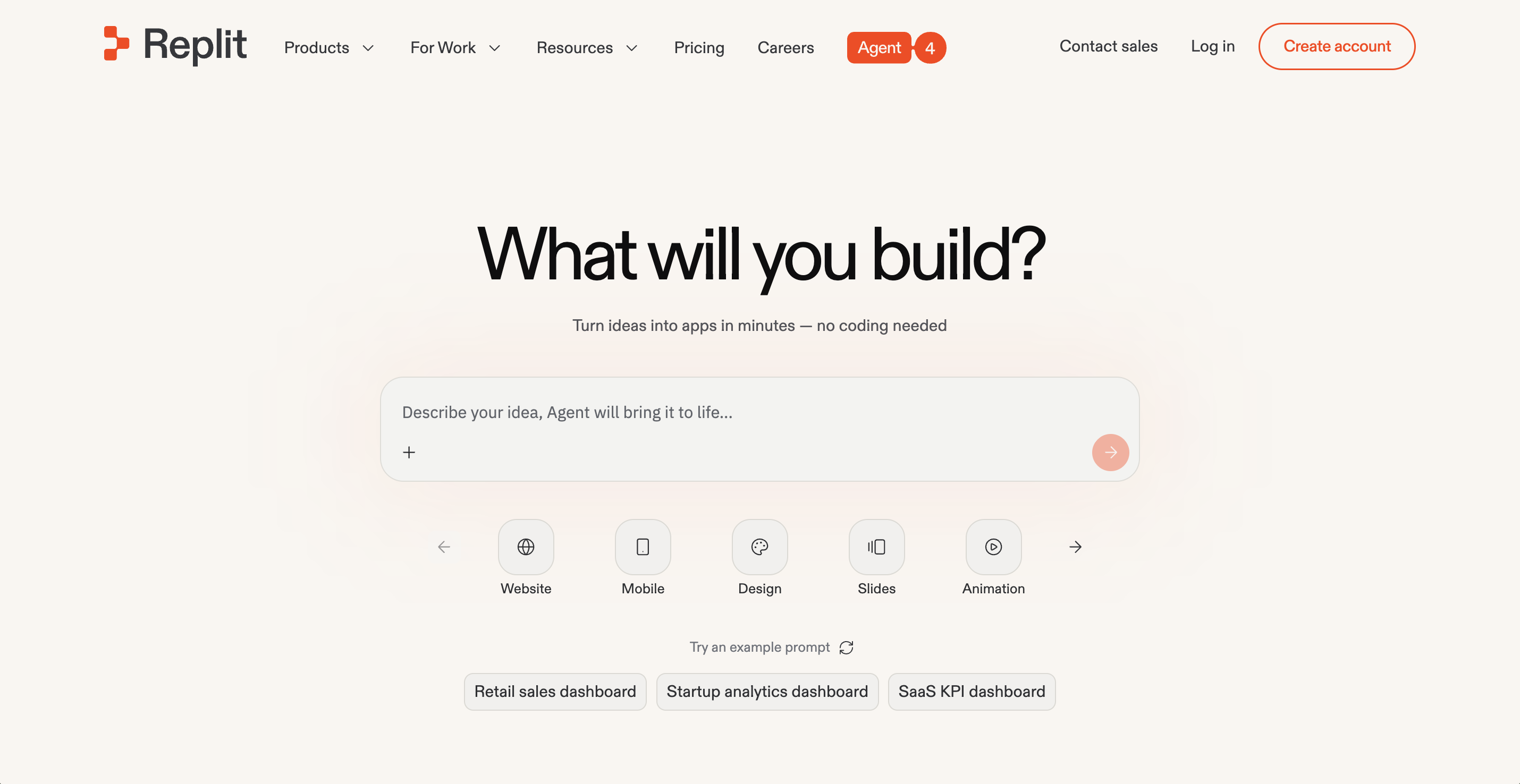
Replit covers more of the job than any other tool here. The workspace, the AI, the database and the hosting are one product in the browser. Nothing needs installing.
Describe what you want and Agent 4 plans the build, writes the code, tests it and deploys it while you follow along. Imports from Figma, Lovable and Bolt bring existing projects across.
The output reaches production scale: full web apps, internal tools and dashboards, data pipelines, automations, even slide decks and design work. The public gallery shows what our users actually ship.
Enterprise buyers get a partnership with Microsoft Azure, SOC 2 Type 2 infrastructure, SAML SSO and private deployments. Zinus built its own QA tool this way and saved $140,000. Development time fell by half.
Replit pricing is effort-based, so simple tasks cost less than complex ones. Starter is free. Paid plans start at $20/month.
Pros:
- Zero setup, with building, running and deploying in one browser workspace
- Agent 4 delivers working, deployed apps from a prompt, well past code suggestions
- Ready-to-go output spans full web apps, dashboards, internal tools and slide decks
Cons:
- A browser-first workflow takes adjustment for developers used to desktop IDEs
- Ambitious agent builds consume more credits under effort-based pricing
Bottom line: Replit is the closest match on this list for what Lovable promises, and it reaches further on deployment, data and enterprise controls. Agent 4 turns one prompt into a tested, running app. Starting free makes that easy to verify on a real project of your own.
Bubble
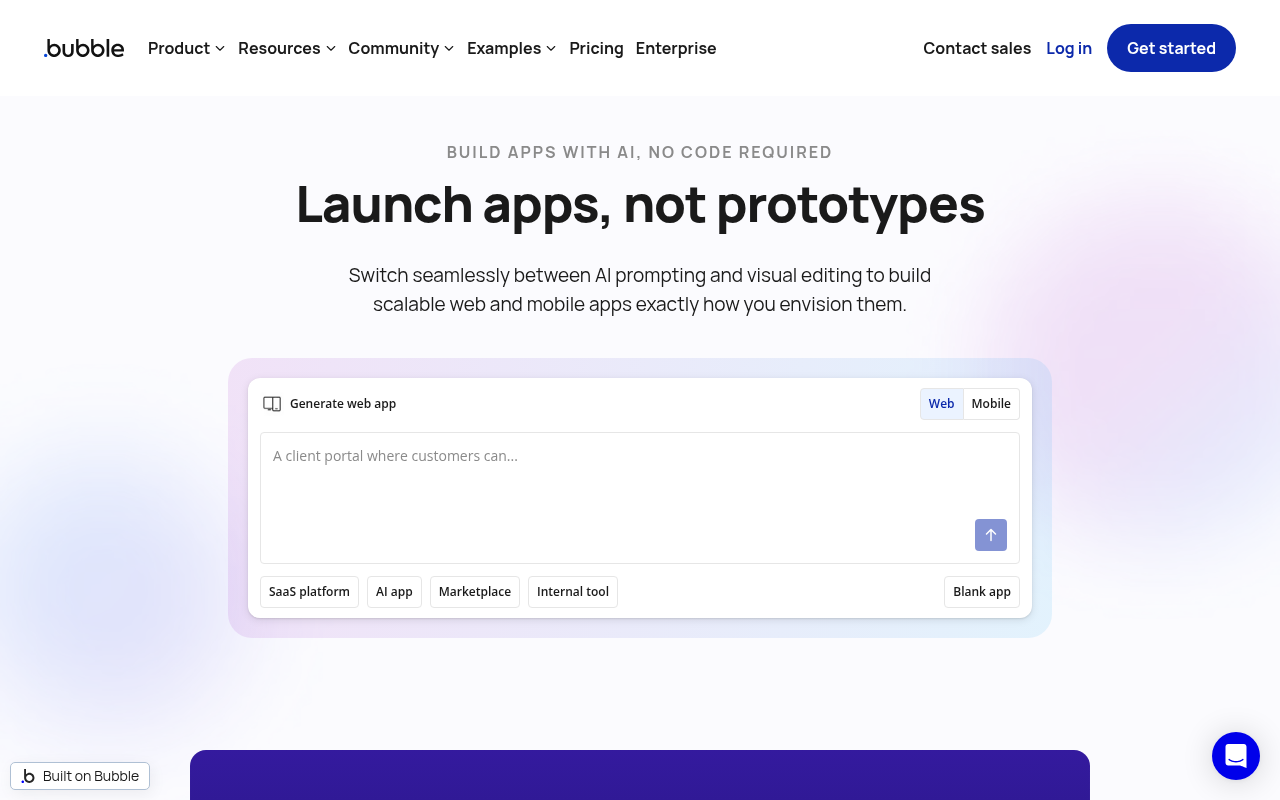
Bubble suits builders who want to shape the app visually instead of steering everything through chat. Design, logic and data all live in one drag-and-drop editor.
The platform now ships native mobile too. One project can produce a web app plus iOS and Android apps on React Native, sharing one backend and database.
An AI App Generator creates complete web apps from natural language prompts, and an extensive plugin marketplace covers integrations and automation. Recent updates keep it aimed at rapid prototyping and MVP work.
The visual workflow designer covers the logic layer, and hosting is production-ready with a real-time database underneath.
Usage is metered in workload units that bundle server resources. You can build for free indefinitely. Launching a live app starts with Starter at $59/month billed annually.
Pros:
- Visual control over design, workflows and data in one editor
- Web, iOS and Android output from a single project and backend
- Free plan with no deadline while the app is under construction
Cons:
- Going live requires a paid plan, and the entry price has climbed well past most tools here
- Workload-unit budgeting takes practice to forecast
- Choice of hosting location is reserved for the Enterprise tier
Bottom line: Bubble remains the strongest pure no-code platform on this list. Native mobile output makes it a one-stop shop for founders who never want to touch code at all. Price the paid tiers honestly before committing to launch.
Affordable AI Coding Assistants and IDEs
Cursor
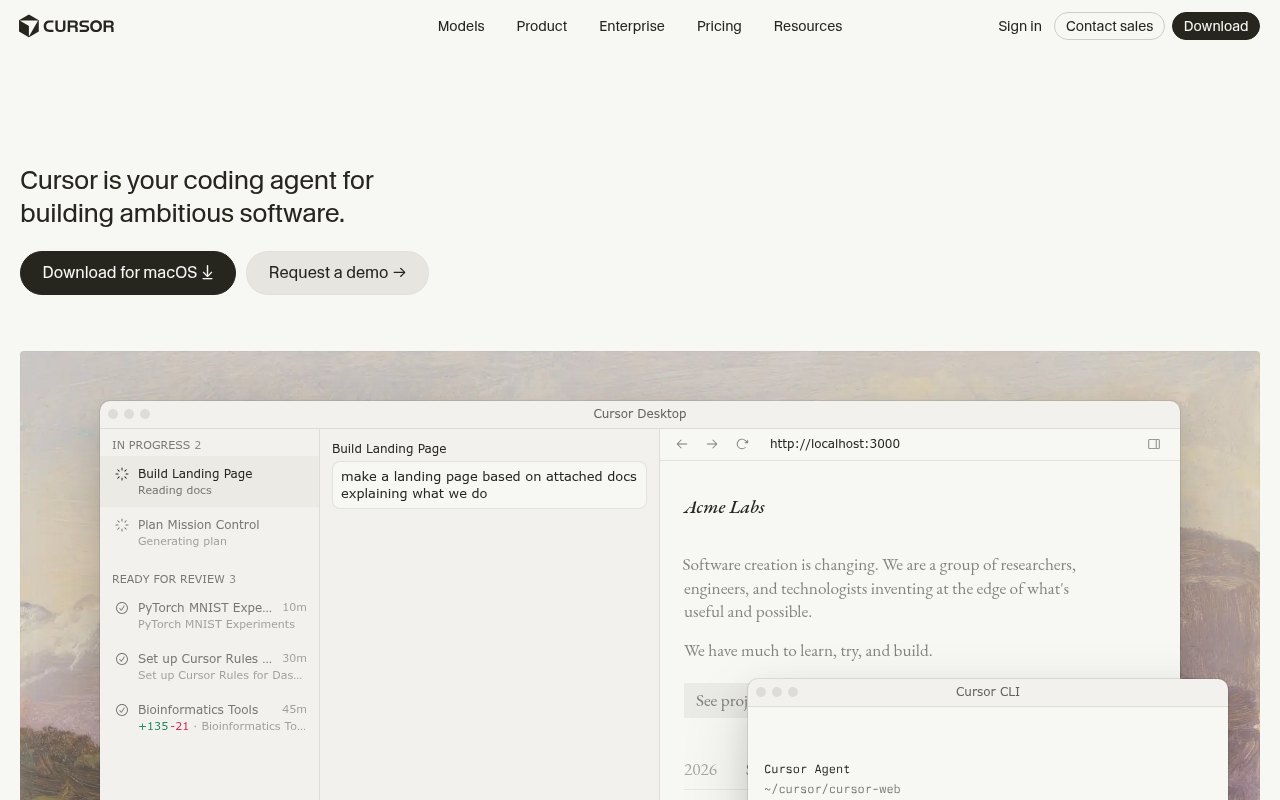
Cursor sits at the opposite pole from Lovable. It assumes you write code and concentrates on making you faster at it.
For Lovable graduates who want to own the code, it is the standard next step. Nothing about it will feel foreign after VS Code.
The editor is a VS Code fork, so themes, extensions and keybindings carry straight over. It has gained over 1 million users largely through word-of-mouth.
AI reaches every surface: tab completion that predicts your next edit, chat that understands the whole codebase, and agents that handle multi-file changes. Model choice spans the major providers.
SOC 2 certification and privacy options cover team concerns. A free Hobby tier handles light use, and Pro is $20/month with on-demand billing past the included allowance. Teams and Enterprise tiers sit above for organizations.
Pros:
- Familiar VS Code foundation with a mature AI layer
- Codebase-aware assistance across files, from completion to agents
- Free tier to evaluate before paying
Cons:
- Built for people who already code, a steep step for non-technical Lovable users
- No built-in hosting or deployment, so shipping stays your job
- Heavy use can spill into on-demand charges beyond the subscription
Bottom line: Cursor is the default landing spot for developers who outgrow app builders. Codebase awareness remains its signature strength. Just remember that everything Lovable handled around hosting and deployment becomes your responsibility again.
Windsurf (now Devin Desktop)
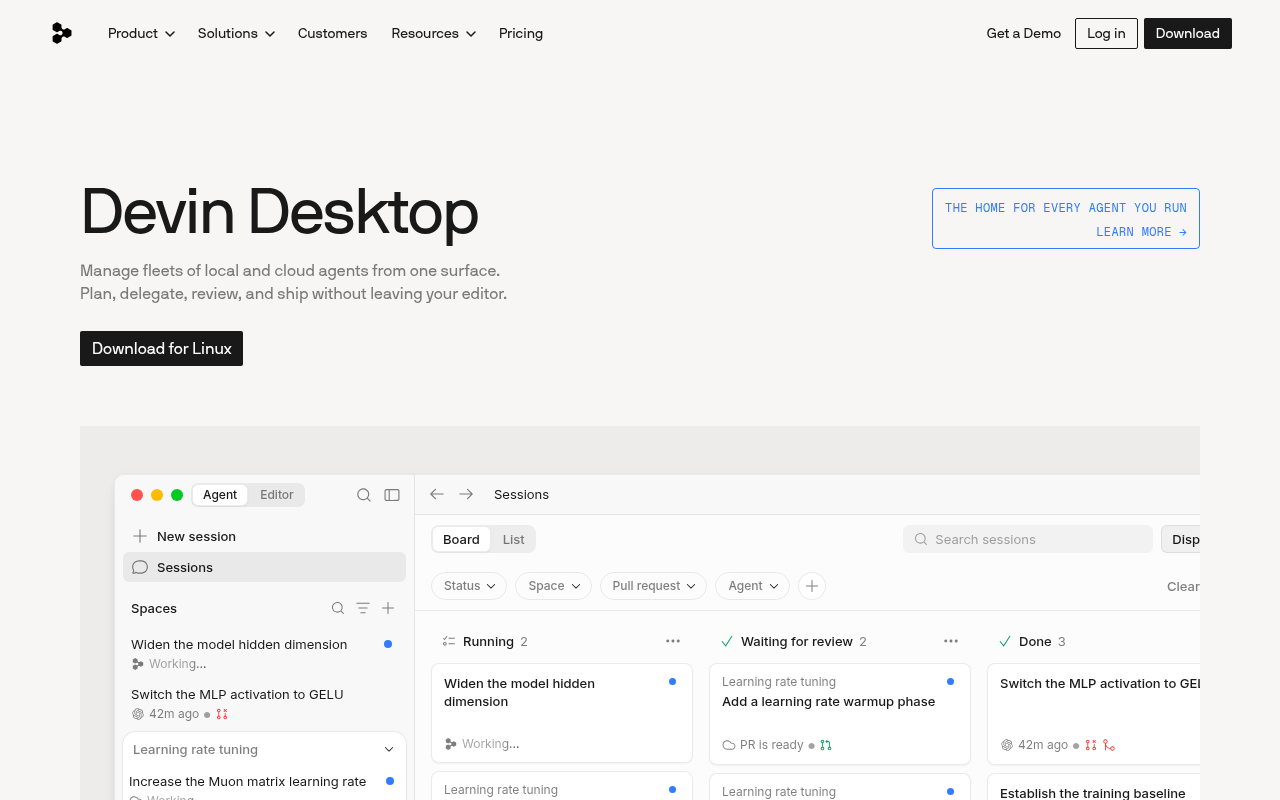
Windsurf no longer matches its old budget description. Cognition acquired the company in 2025, renamed the editor Devin Desktop, and windsurf.com now redirects to devin.ai. The product now sits inside the Devin agent family.
The IDE carries on. Plans, settings and extensions migrate on their own. A command center coordinates local and cloud agents side by side in one view.
Unlimited use of Cognition's SWE-1.7 coding model comes free. Fast Context pulls up the right files for an agent in milliseconds, and Supercomplete predicts whole next edits.
Windsurf for JetBrains remains available as a separate download, and legacy plans keep their existing terms.
The free plan keeps unlimited code completions and inline edits. Paid plans for new users now start at $20/month, which erases the old price advantage over Cursor.
Pros:
- Polished agent workflows with free unlimited SWE-1.7 usage
- Free plan keeps unlimited completions and inline edits
- Existing Windsurf setups migrate to Devin Desktop automatically
Cons:
- The former budget positioning is gone, with Pro now level with Cursor
- Two rebrands in two years make the roadmap harder to read
- Still a developer IDE, with no app hosting for non-coders
Bottom line: The editor remains one of the most capable agent-first IDEs available. The open question is identity. A month on the free plan will tell you whether the new direction fits.
Most Affordable Options for App Builders
GitHub Copilot
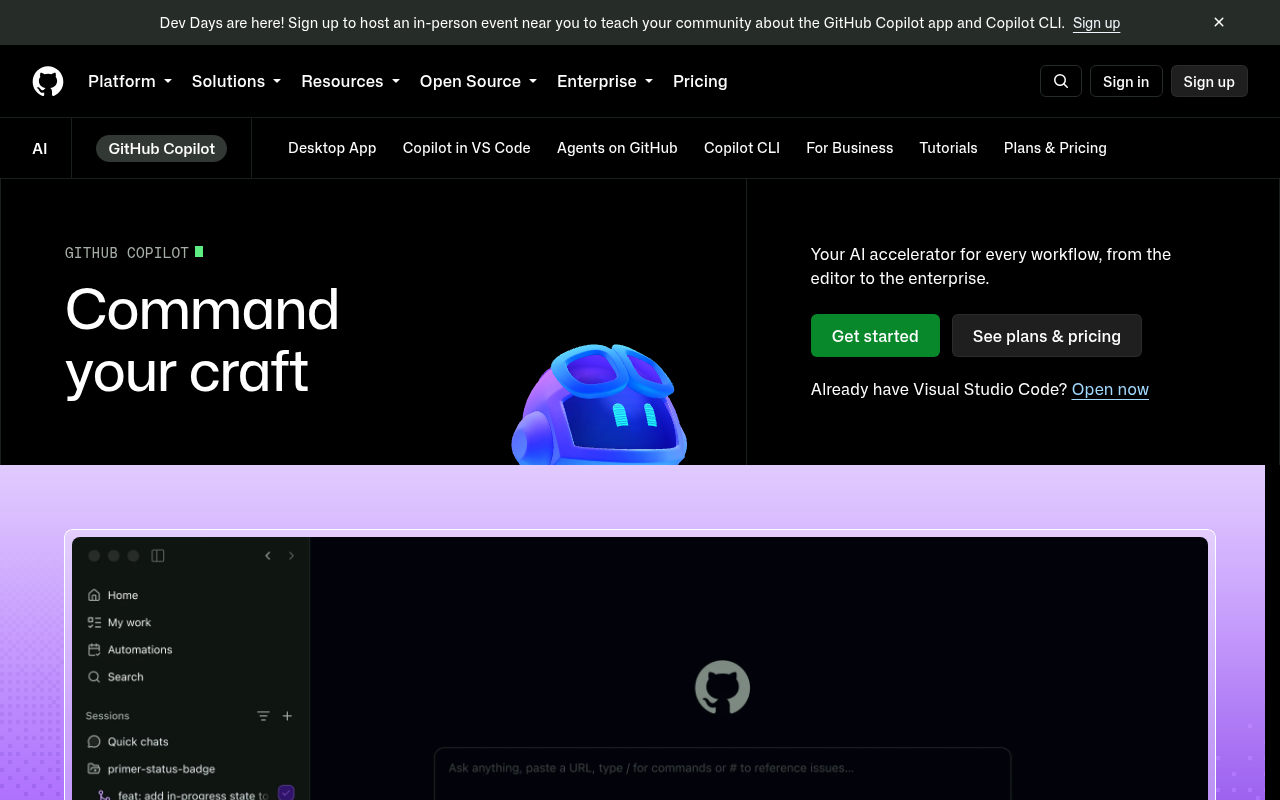
GitHub Copilot adds AI to the editors most developers already run: VS Code, JetBrains IDEs, Neovim and Visual Studio.
What began as autocomplete is now a full agent platform. Paid plans include a cloud coding agent and AI code review, and a Copilot CLI carries the assistant into the terminal. Third-party agents such as Claude Code and Codex plug in as well.
Repository context is the moat. Your issues, pull requests and code history feed every suggestion because GitHub builds the tool itself.
For teams, Business seats add organizational license management, policy controls and IP indemnity, so admins keep oversight.
The free tier includes 2,000 completions per month. Paid plans start at $10/month, still the lowest subscription entry on this list.
Pros:
- Works inside every major IDE with deep GitHub integration
- Lowest paid entry price on this roster, plus a free tier
- Agents hand back finished pull requests for review
Cons:
- Code assistance only, with no app building, hosting or visual editor
- Strongest inside GitHub-centric workflows and weaker outside them
- Heavy agent use draws down monthly credit allowances
Bottom line: Copilot is the safest add-on when your code already lives on GitHub. It improves the coding you already do. Pair it with separate hosting if a finished product is the goal.
Aider
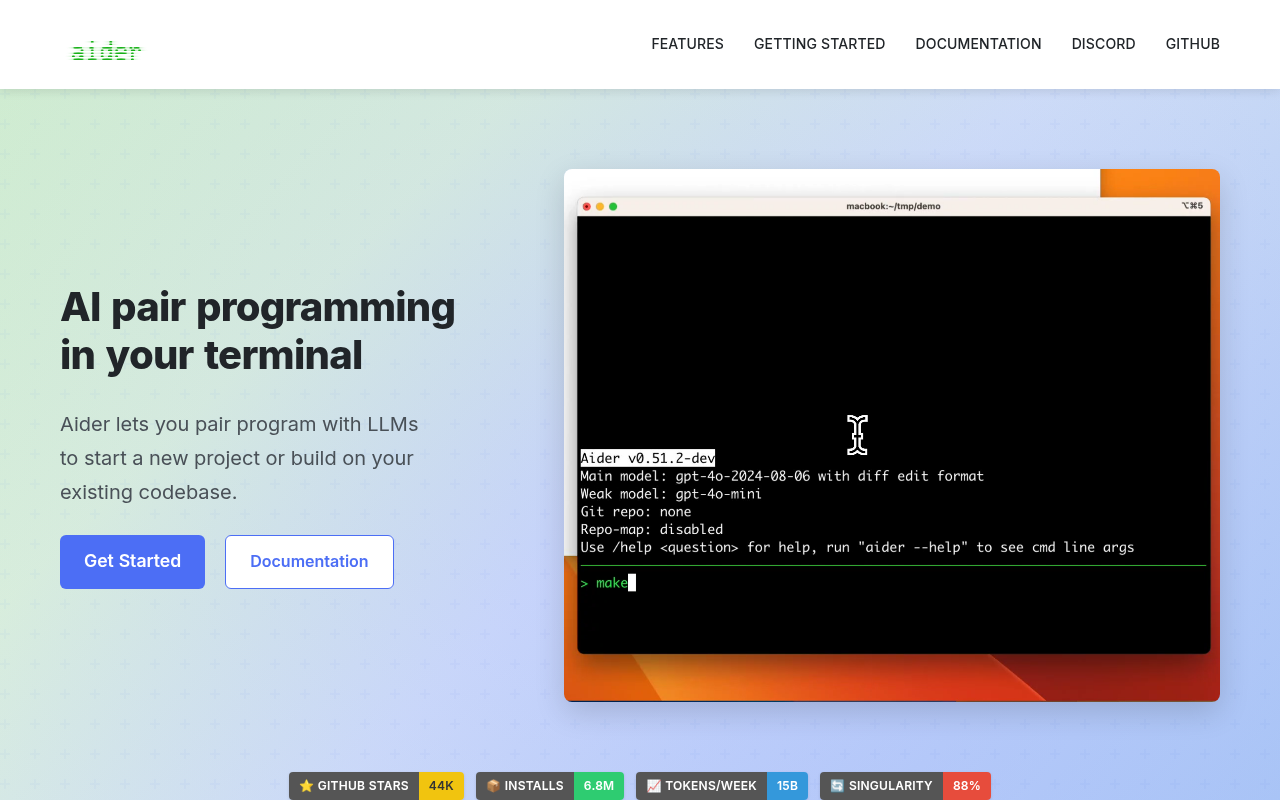
Point Aider at a Git repository from the terminal and ask for changes in plain language. It is free and open source.
The project counts about 44,000 GitHub stars, and installs have passed 6.8 million on PyPI.
Every edit lands as a Git commit with a clear message. Reviewing and reverting work through normal Git.
A map of your whole codebase keeps it effective on larger projects, and multi-file edits happen in one pass. After each change it can lint, test and fix whatever breaks. More than 100 programming languages are covered.
Model access runs through your own API keys, cloud or local. There is no subscription. The only cost is the usage you pay your provider.
Pros:
- Completely free, with automatic Git commits for clean review
- Runs with cloud or fully local models
- Lint-and-test loop catches breakage as it edits
Cons:
- Terminal-first workflow assumes command-line comfort
- Bring-your-own-key setup takes effort up front
- Nothing here hosts or deploys the finished app
Bottom line: Aider costs nothing beyond the model usage you pay your provider, making it the cheapest serious option here. Its Git-native workflow earns real trust. The best fit is a developer already fluent in the command line.
Specialized UI/UX Platforms for Frontend Development
v0 by Vercel
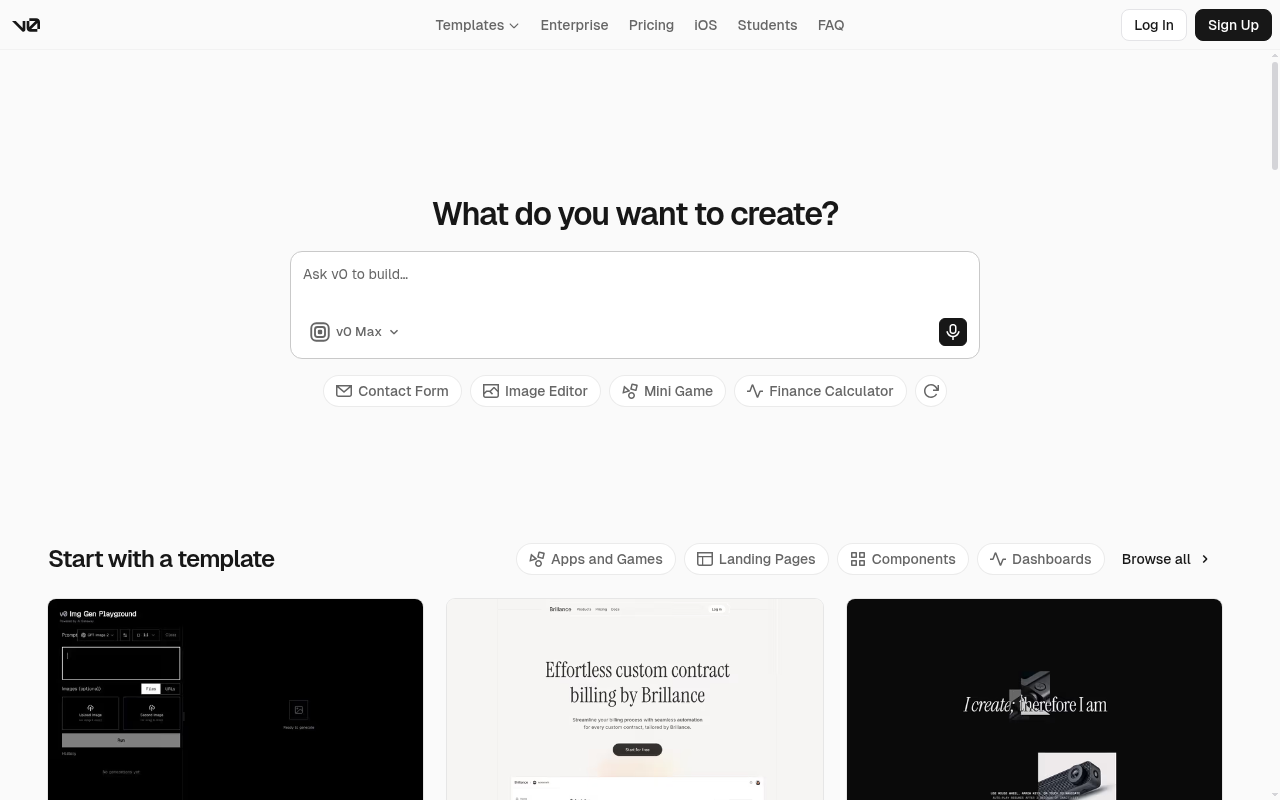
Frontend generation is v0's home turf. It produces working React and Next.js interfaces from a text prompt and has grown into a collaborative assistant for full-stack web apps.
Output follows modern design patterns from the first draft. A visual Design Mode lets you edit results directly, and projects sync with GitHub.
Chats can be shared with your team, and billing runs through your Vercel account.
Deployment is one click away because Vercel hosting sits underneath. Whatever you generate can go live on the same account without leaving the tool.
Pricing moved from pure usage to fixed plans at v0.app. A free tier includes monthly credits with a daily message cap, and Plus at $30/user/month unlocks every model. A Business tier adds training opt-out by default.
Pros:
- High-quality React and Next.js output with current design patterns
- Free tier with included credits and GitHub sync
- One-step deployment through Vercel hosting
Cons:
- React, Next.js and the Vercel stack are the sweet spot, and other stacks gain little
- Free tier caps usage at seven messages a day
- Token-and-credit metering takes attention as projects grow
Bottom line: v0 has pushed past component generation toward whole web apps, yet its center of gravity stays the React interface layer. Inside that lane the output quality leads. Teams standardized outside the Vercel ecosystem will notice the edges almost immediately.
Glide
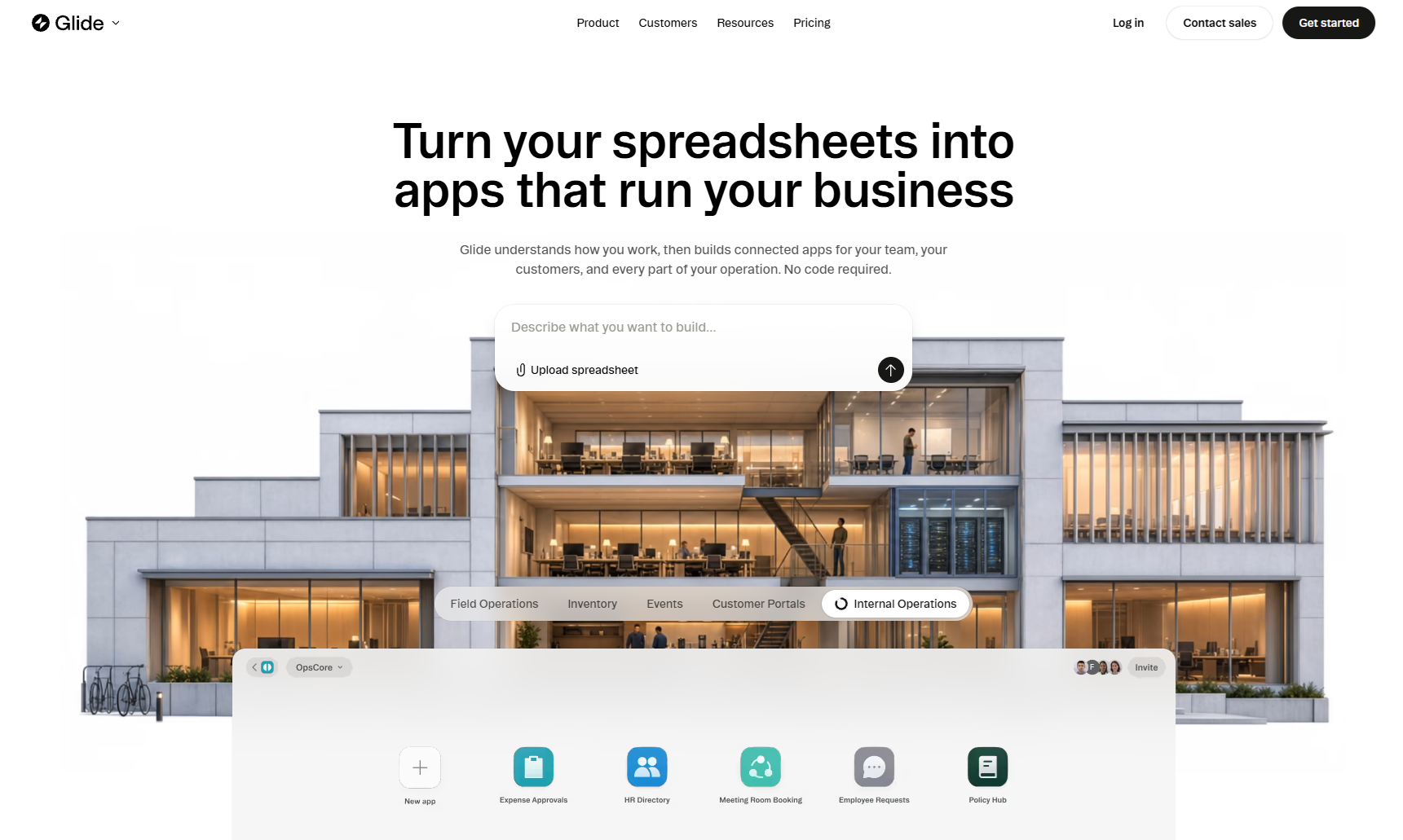
Glide has rebuilt itself around GlideOS, an AI platform that turns a spreadsheet, a prompt or a file into an internal business app.
The spreadsheet DNA survives. Data syncs in real time, layouts adapt across devices, and sign-in can be restricted to team members.
GlideOS is a standalone product, separate from Glide Classic, with plans of its own. Glide counts Airbus, Hilton and Coca-Cola among its customers.
Team plans add a shared dashboard and member-only sign-in, and the Enterprise tier brings single sign-on and 90-day backups. SOC 2 Type 2, GDPR and CCPA badges anchor the security story.
A free plan covers one project. Solo at $25/month adds five projects, an included database and direct support, with AI usage metered in credits.
Pros:
- Fastest route from existing spreadsheet data to a working app
- Real-time sync with responsive layouts across devices
- SOC 2 Type 2 credentials with an enterprise tier for scale
Cons:
- Aimed at internal business tools more than consumer products
- GlideOS is separate from Glide Classic, leaving older apps on a different platform
- AI agent usage runs on credits that vary by plan
Bottom line: When your data already lives in spreadsheets, Glide is the pragmatic pick here. GlideOS shortens the path from sheet to working app. For consumer-facing products, look to the full-stack platforms at the top of this page instead.
Enterprise-Ready Alternatives for Internal Tools
UI Bakery
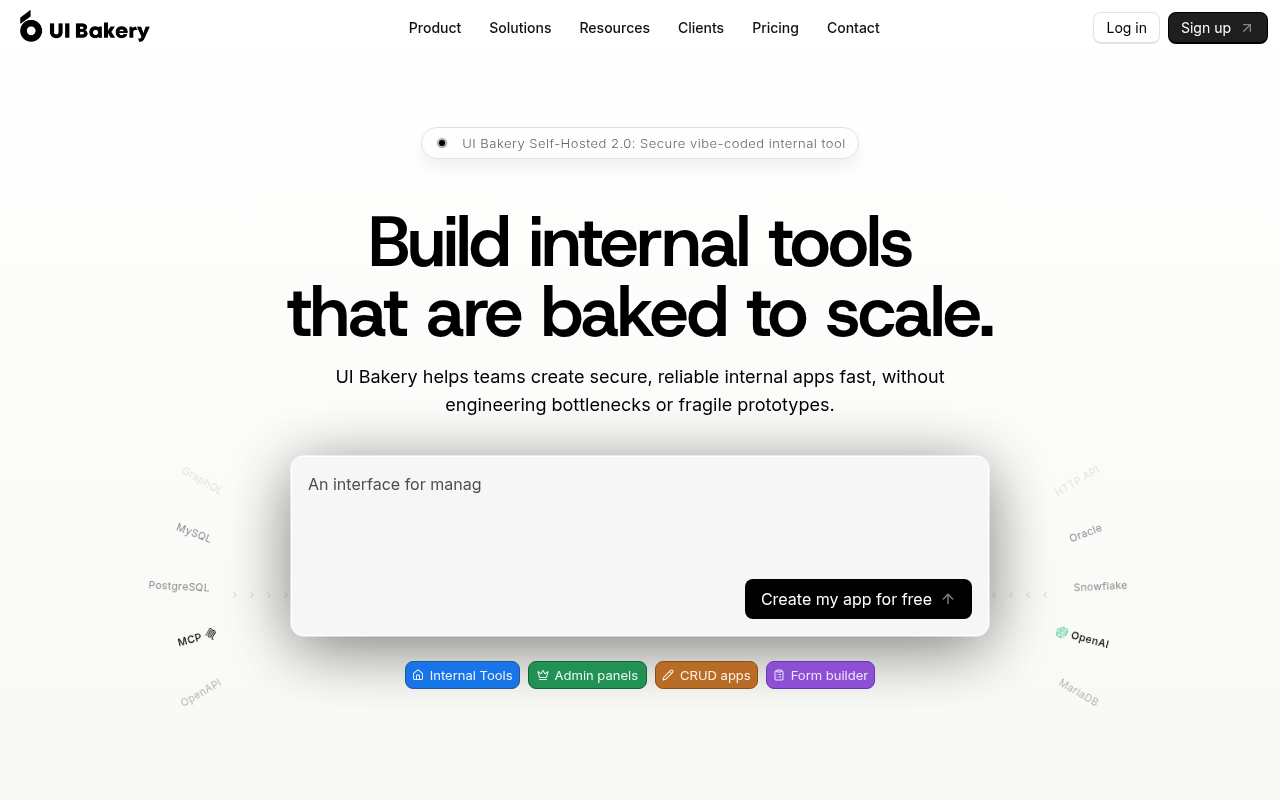
UI Bakery brings AI generation to the internal-tools lane. Its AI App Agent produces working apps that you can refine with drag-and-drop editing or direct source-code access.
Governance runs through the product. User roles, audit options and SSO support serve teams that answer to security reviews, and self-hosting reaches fully air-gapped deployments.
Custom JavaScript and Python drop in where visual editing stops, and scheduled jobs and webhooks handle automation.
Pricing now runs on developer seats. A free plan exists, and paid developer seats start at $20/month billed annually. AI credits meter agent usage per developer.
Apps, pages and data sources stay unlimited on every tier, and public apps serve unlimited end users. A hosted PostgreSQL database comes with the workspace.
Pros:
- AI-generated apps stay editable down to the source code
- Self-hosting options reach fully air-gapped environments
- Unlimited apps and public end users on every tier
Cons:
- Budgeting spans developer seats, viewer limits and AI credits
- SSO and SCIM provisioning sit on the Enterprise tier
- Built for internal tooling, so consumer apps are a stretch
Bottom line: UI Bakery fits teams that want governed internal tools without enterprise procurement. Read the seat-plus-credit model carefully first. Within its lane, the price-to-capability ratio is hard to beat.
Superblocks
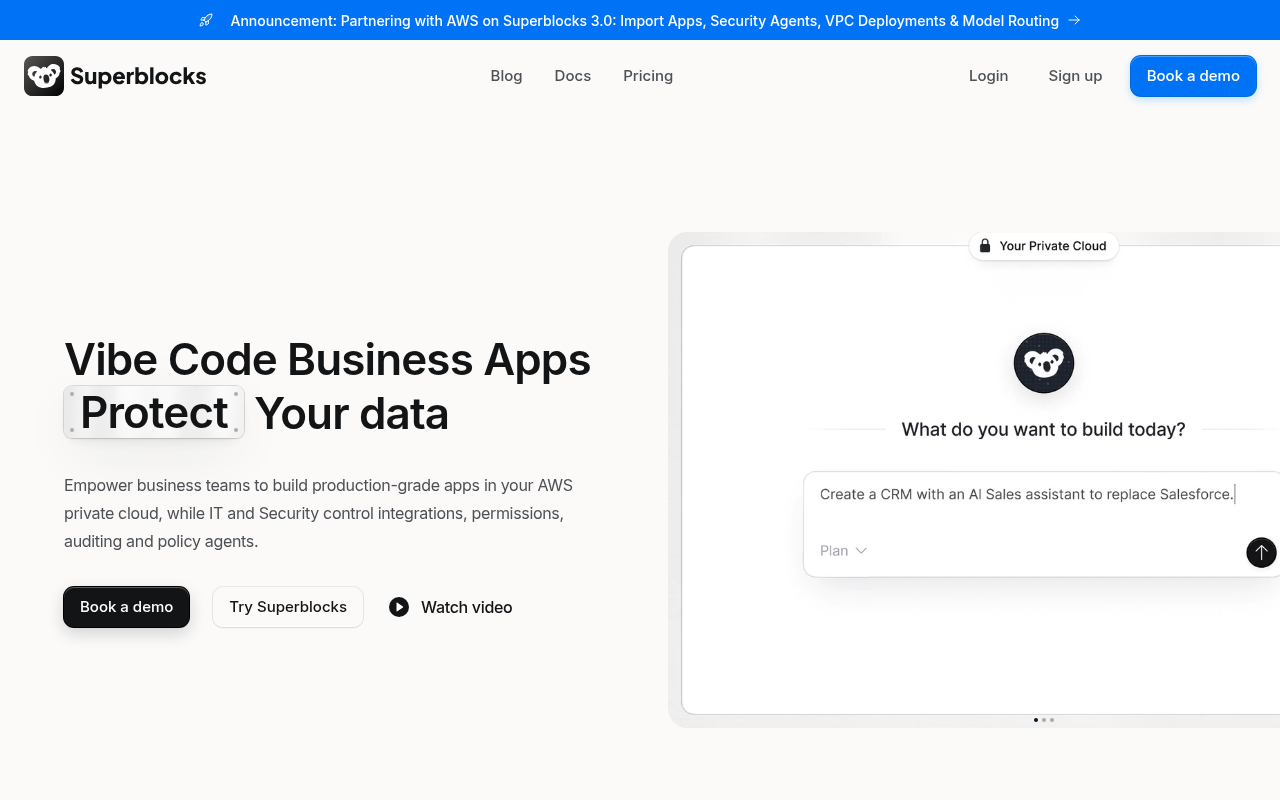
Clark, an AI coding agent, is the heart of Superblocks. Builders prompt internal apps in natural language while the platform enforces the organization's security, compliance and governance policies.
Admins set the guardrails: integrations, data access and permissions all stay under IT control. SOC 2 Type II certification and HIPAA compliance come standard.
Fifty-plus integrations and separate staging and production environments come on the entry plan.
Deployment can reach into your own cloud. VPC and hybrid options keep production data inside your AWS, GCP or Azure environment. Cloud-prem goes further and runs everything in your own cloud.
The quote-only era has ended. A self-serve Teams plan now starts at $100/month billed annually with a 14-day trial, while Enterprise pricing stays custom.
Pros:
- Governed AI app building on private enterprise data
- SOC 2 Type II and HIPAA compliance with VPC deployment options
- Public Teams pricing replaces the old sales-only path
Cons:
- No free tier beyond the 14-day trial
- SSO, audit logs and source control require the Enterprise plan
- Hosted apps beyond the first cost extra each month
Bottom line: Superblocks is the most enterprise-serious platform on this page, built for compliance teams as much as builders. The Teams plan finally lets smaller groups evaluate it without procurement. Hobby projects should look elsewhere.
Choosing the right alternative
The quickest way to choose is to start from how you want to work.
| Use case | Recommended tools | Notes |
|---|---|---|
| Keeping your current editor | GitHub Copilot, Cursor | Copilot fits your setup, Cursor rebuilds the editor around AI |
| Keeping costs low | Aider, Windsurf (now Devin Desktop) | Both start free, Aider is open source |
| Building without writing code | Bubble | Visual editor with native mobile output, going live needs a paid plan |
| Working inside one ecosystem | v0, Glide | v0 suits React and Vercel, Glide suits spreadsheet data |
| Passing security review | Replit, Superblocks, UI Bakery | Replit brings SOC 2 Type II certification and SAML SSO |
| Shipping a working product | Replit | Hosting and a database included, start free |
You want to keep the editor you already use: GitHub Copilot adds AI to VS Code, JetBrains IDEs, Neovim and Visual Studio without changing your setup. Cursor goes further and rebuilds the whole editor around AI.
Cost is the constraint: Aider is free and open source, and you pay only for the model calls you make. Windsurf, now Devin Desktop, also starts free with unlimited completions included.
You want control over the app without writing its code: Bubble gives you a visual editor for design, logic and data, plus native mobile output. The trade-off is that going live requires a paid plan.
You build inside one ecosystem: v0 earns its keep on React, Next.js and Vercel, where its output goes live in one step. Glide plays the same role when your data already lives in spreadsheets.
Security review sets the pace: Replit leads here with SOC 2 Type II certification, SAML SSO and a Microsoft Azure partnership behind its enterprise deployments. Superblocks and UI Bakery also serve governed teams, with self-hosting that reaches air-gapped environments.
The point is to ship a working product: Replit takes the whole job, turning your description into a built, tested and published app with hosting and a database included. Start free and see how far one prompt goes.
Conclusion
As you can see, 2026 is a great year for AI-enabled software development. If you're considering a move from Lovable, match your specific requirements, development workflows, budget and team collaboration needs to the platform that best serves your use case. If you want to skip the setup entirely and go from a natural language prompt to a deployed, full-stack app, start with Replit.
Frequently asked questions
What is the best Lovable alternative?
It depends on how you want to build. Replit is the strongest all-round option if you want to go from a natural language prompt to a deployed, full-stack app on one platform. Bubble focuses on visual, drag-and-drop development, and Cursor suits developers who want AI assistance inside a familiar IDE.
Is there a free Lovable AI alternative?
Yes. Replit starts free, so you can build and publish your first project without a paid plan. Aider is free and open source, with costs limited to AI API usage, and Windsurf, now Devin Desktop, offers unlimited code completion on its free tier.
What are the best sites like Lovable?
Sites like Lovable include Bubble, v0, and Glide, each with a different strength. When comparing Lovable.dev competitors, match the platform to how you build: visual app building, frontend UI generation, or spreadsheet-based internal tools. The full-stack platforms at the top of this list cover the widest range.