What makes a great Bolt.new alternative?
When evaluating Bolt.new AI alternatives, developers should focus on platforms providing comprehensive AI-powered development capabilities. The ideal alternative offers natural language code generation, strong API integrations, robust backend support and intuitive interfaces.
Bolt.new itself, StackBlitz's browser-based builder, turns prompts into working web apps and ships them fast. Its billing runs on tokens though, and larger projects burn through them quicker, since every message syncs more of the file system.
That is why builders shop around. The eight tools below range from no-code app platforms to developer IDEs, each with a clear best-for call.
How we picked these tools
The list spans three ways to replace Bolt.new. Prompt-to-app builders keep the no-code workflow, AI-first IDEs and editor assistants put you back in the code, and one cloud platform covers the whole path from prompt to production.
To make the cut, a tool had to be actively maintained, publicly priced and independent of Bolt.new itself.
| Tool | Best for | Free plan | Paid plans from |
|---|---|---|---|
| Replit | Building and deploying full apps from prompts | Yes | $20/month |
| Cursor | Professional AI coding in a dedicated editor | Yes | $20/month |
| Lovable | Chat-built web apps with design control | Yes | $25/month |
| v0 by Vercel | React interfaces and apps on Vercel | Yes | $30/user/month |
| Windsurf (now Devin Desktop) | Agent-first desktop IDE workflows | Yes | $20/month |
| Hostinger Horizons (now Hostinger AI Builder) | Small-business sites with hosting bundled | No | $2.99/month on a 48-month term |
| GitHub Copilot | AI inside the editor you already use | Yes | $10/month |
| Tabnine | Enterprise privacy and self-hosting | No | $39/user/month |
Product and pricing information: vendor product and pricing pages, August 2026.
Top 8 Bolt.new alternatives for 2026
1. Replit
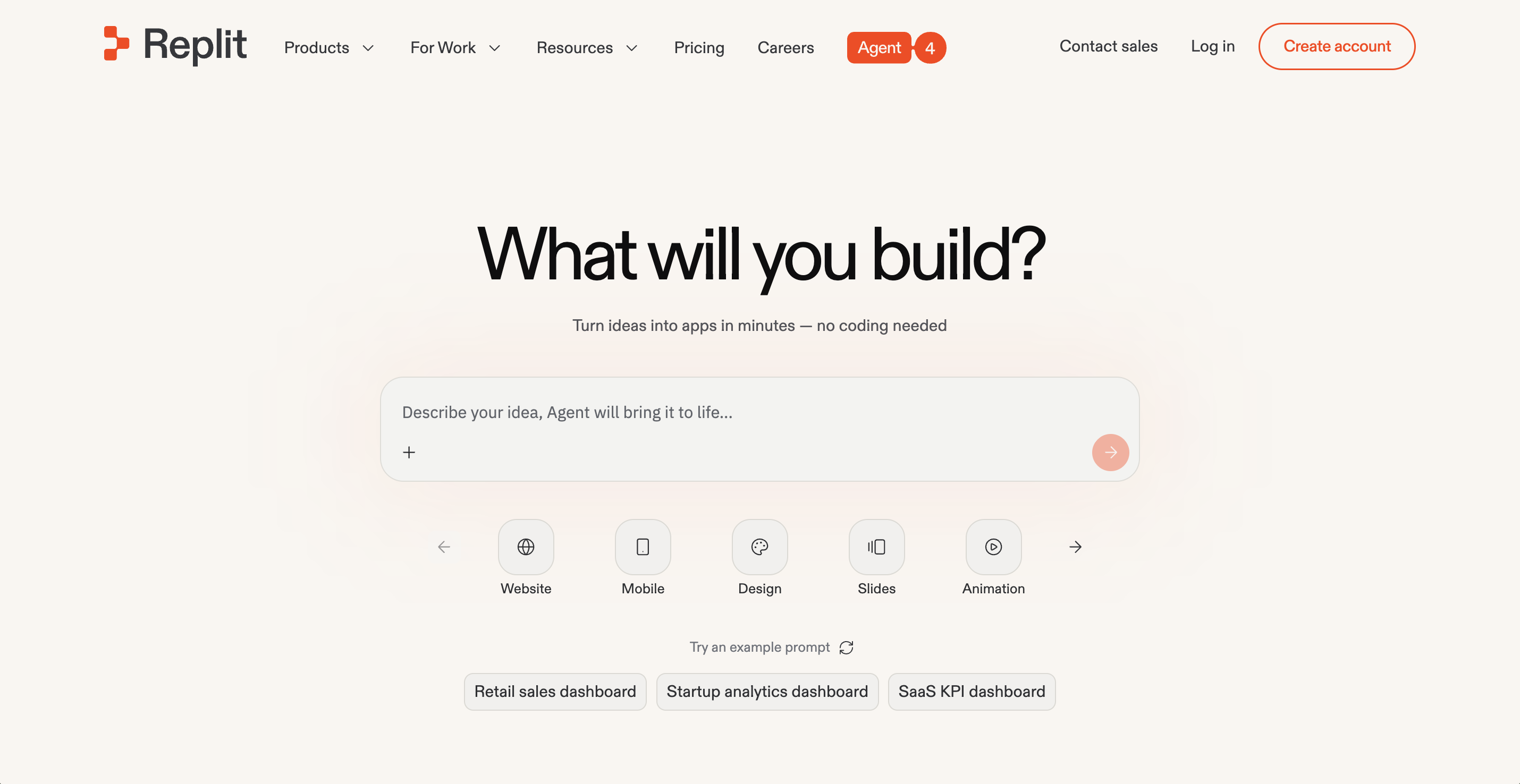
Replit treats the development environment, the AI and the deployment pipeline as a single product. Bolt.new gives you a builder in the browser. Replit gives you the whole workshop, with a real IDE, terminal access, a database and hosting in one workspace.
Agent 4 plans the build from a prompt, writes the code, tests it and publishes it. Our Agent shows every step as it works.
The output runs well past prototypes: full web apps, internal tools and dashboards, data pipelines, automations, even slide decks and design work. Browse our public gallery to see what users actually ship.
Enterprise teams get the same platform with harder edges. A partnership with Microsoft Azure brings SOC 2 Type 2 infrastructure, SAML SSO and private deployments. Rokt built 135 internal applications in 24 hours on Replit.
Replit pricing is built on effort-based pricing, so simple tasks cost less than complex ones. Starter is free. Paid plans start at $20/month.
Pros:
- Ready-to-go output, from full web apps and dashboards to internal tools and slide decks
- Agent 4 handles the whole loop from prompt to published app
- Hosting, database and deployments included, with nothing to wire up
Cons:
- Effort-based pricing means ambitious agent builds draw down more credits
- Developers who want a local desktop IDE will need to adjust to the browser
Bottom line: Replit covers the full journey this article's readers are on, from prompt to deployed product. Bolt.new made the workflow popular, and Replit carries it further, with a database, hosting and deployments already in the workspace. The free Starter plan is the quickest way to test that.
2. Cursor
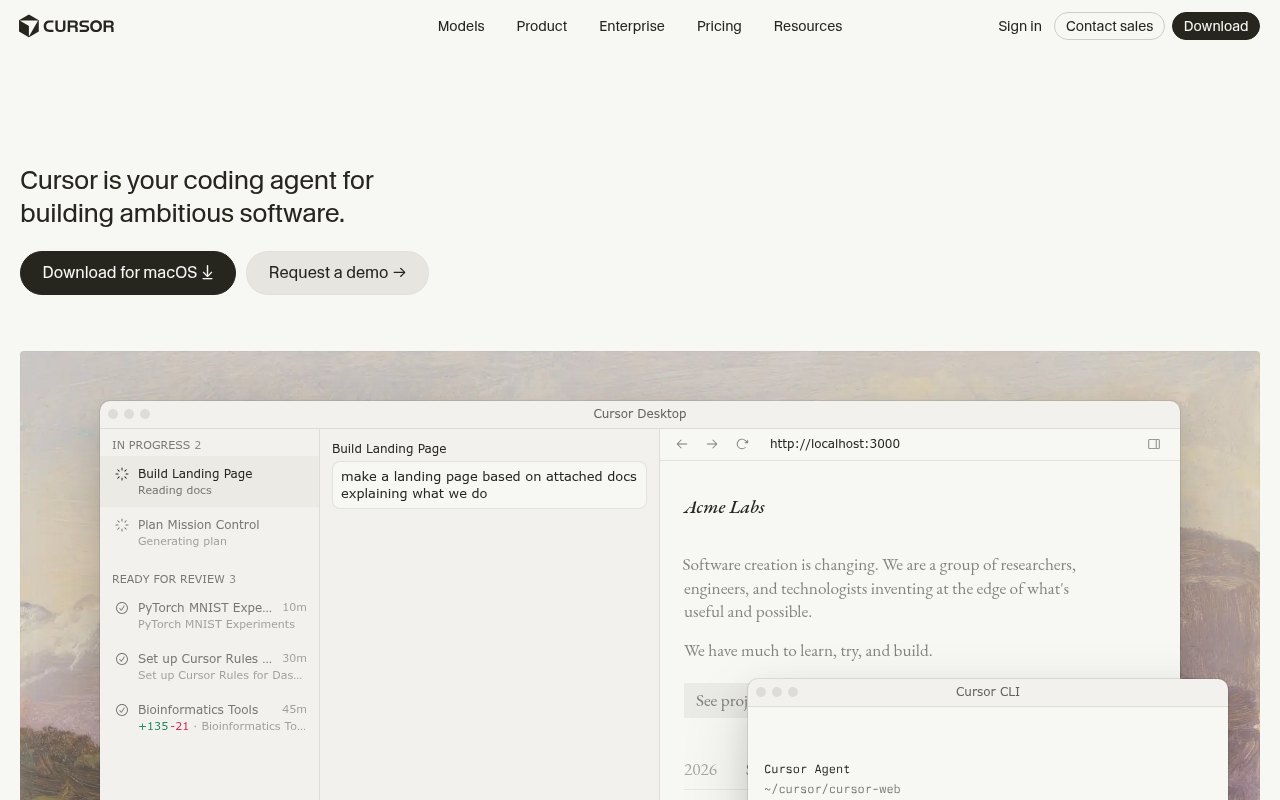
Cursor is the tool professional developers reach for when generated code needs serious follow-up work. It is a full AI coding environment, available as a desktop app and a CLI, with agents that take on tasks across your codebase.
Codebase indexing keeps its suggestions grounded in your project. Chat, debugging help and multi-file edits work against that same index, and a privacy mode covers sensitive repositories. Its Composer model handles agent runs at speed.
Model choice spans the major providers, so you pick the engine per task. Slack integration hands agent tasks to the team.
The catch for Bolt.new switchers is scope. Cursor edits and reasons about code well, but hosting, databases and deployment stay your job. It assumes you can read what it writes.
A free Hobby plan covers a trial, and Pro starts at $20/month with usage-based billing past the included allowance.
Pros:
- Deep codebase indexing that keeps suggestions grounded in large projects
- Desktop app and CLI, with agents that work across both
- Multi-model support with a privacy mode for sensitive code
Cons:
- No hosting or deployment, so shipping still needs your own stack
- Built for people who read code, which is a wall for no-code users
- Usage-based billing past the allowance makes heavy months hard to predict
Bottom line: Cursor is the strongest pure coding environment on this list. It rewards developers who want an agent inside a serious editor and repays the learning curve quickly. Non-coders who liked Bolt.new's simplicity should look at the builders instead.
3. Lovable
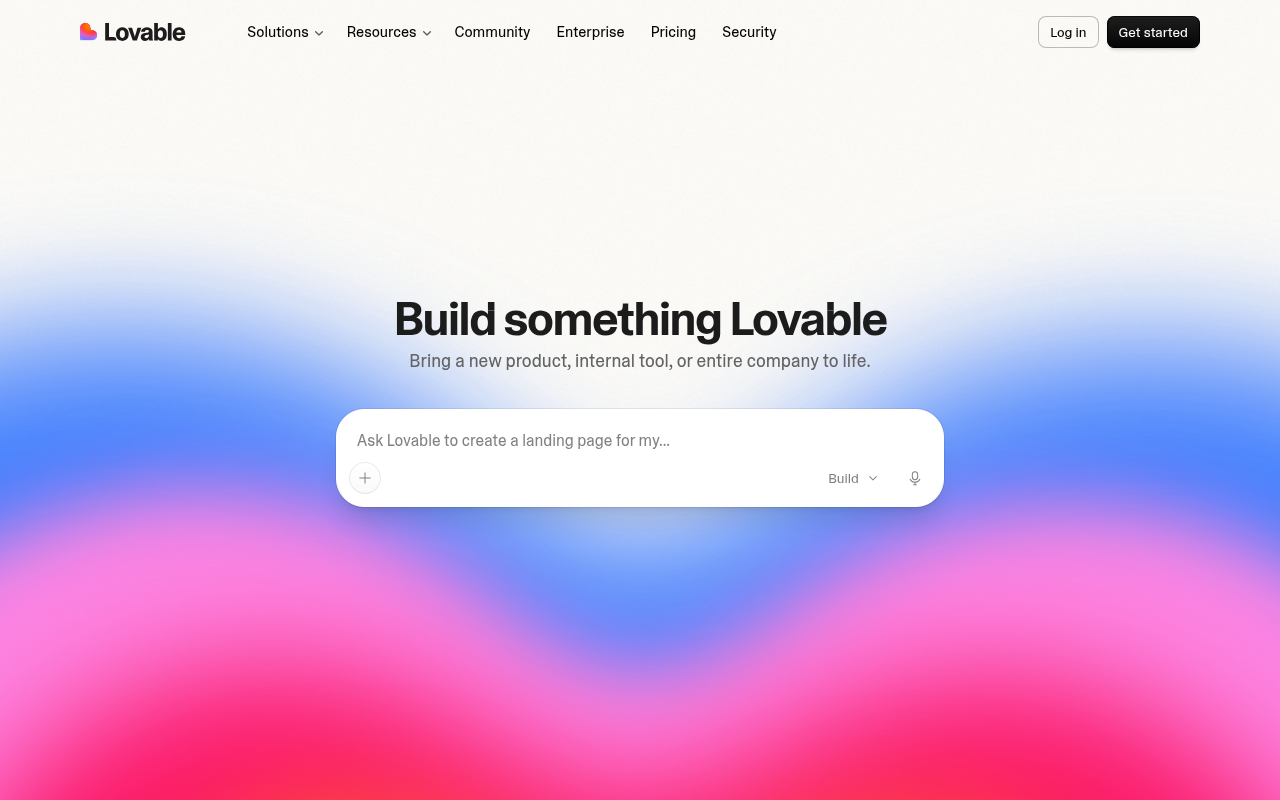
Of the eight tools here, Lovable is the closest match for how Bolt.new actually feels. You describe what you want in chat, it builds the full stack, and the finished screens look designed instead of generated.
Every plan supports unlimited collaborators. Pricing runs on credits instead of seats, so inviting your whole team costs nothing extra.
Hosting runs through Lovable Cloud, and you can build AI features straight into the apps you ship.
You own the code and can sync it to GitHub. Custom domains, design systems and role permissions arrive on the Pro plan, and Business adds SSO with a security center.
The free plan grants five build credits a day, capped at 30 each month. Paid plans start at $25/month with 100 monthly credits, and a complex request burns more of them than a small style tweak.
Pros:
- Closest like-for-like swap for Bolt.new's chat-to-app workflow
- Unlimited collaborators on every plan, with no per-seat charges
- You keep code ownership, with GitHub sync built in
Cons:
- Credits expire, and monthly ones lapse two months after they are issued
- Costs are hard to forecast because credit burn tracks task complexity
- High-traffic apps start drawing hosting costs from the same credit balance
Bottom line: Lovable has grown into the reference point for design-led AI app building. It suits teams that want the same speed plus more design polish and a workspace the whole company can join. Watch the credit meter on ambitious builds.
4. v0 by Vercel
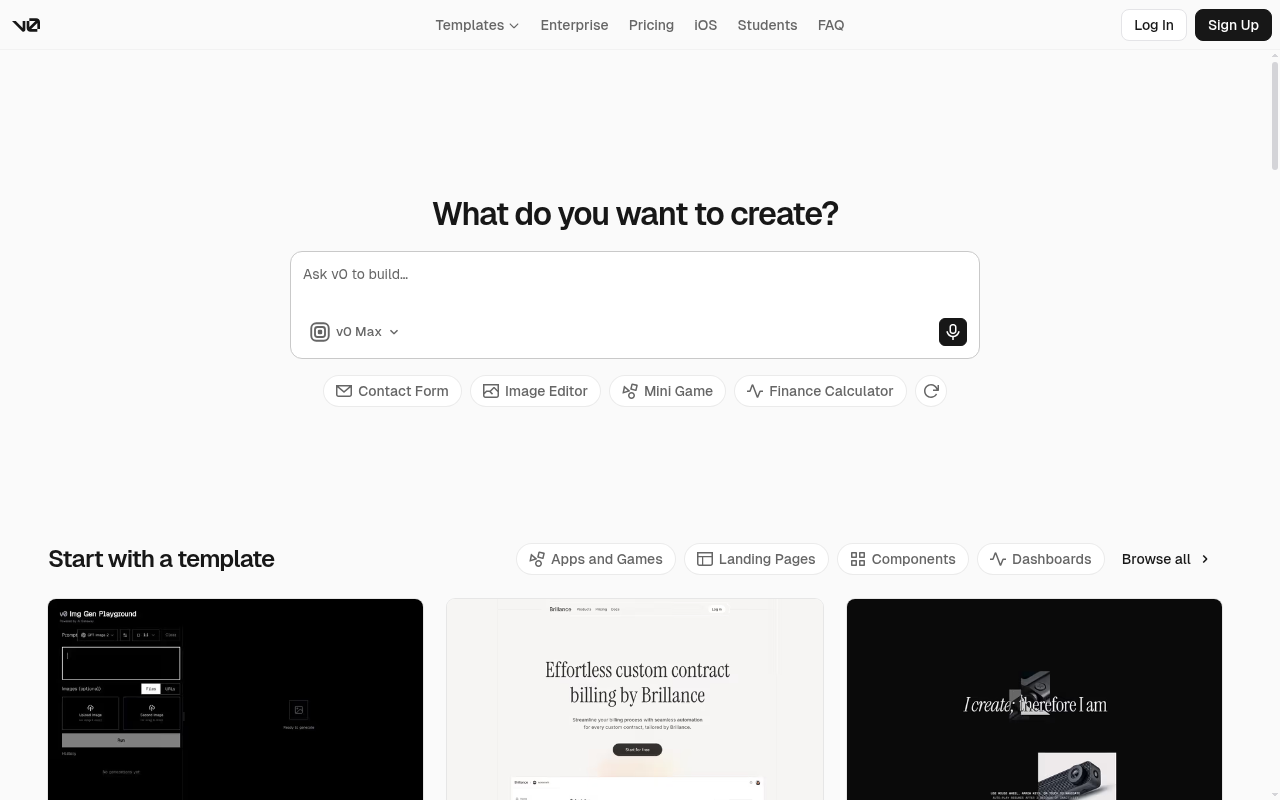
Give v0 by Vercel a prompt and it returns working React interfaces, styled with Tailwind and ready to drop into a Next.js project. Frontend generation remains its signature trick.
The product has moved to v0.app and widened its ambitions. It now bills itself as an assistant for full-stack applications, with a visual Design Mode, GitHub sync and direct deployment to Vercel.
Pricing changed with the move. The free tier includes monthly credits and a seven-message daily limit, and the old Premium plan is gone. Paid plans now start at $30/user/month with access to every model.
Teams on the Business tier get training opt-out by default, and Enterprise adds SAML SSO with role-based access.
The Vercel tie-in is the point. Deployments, previews and billing all run through the platform you may already host on, which is either the draw or the dealbreaker.
Pros:
- React and Tailwind output that drops straight into Next.js projects
- Free tier with monthly credits, Design Mode and GitHub sync
- Deploys to Vercel without leaving the chat
Cons:
- Paid entry now costs more than most builders on this list
- Output is tuned for the Vercel stack, so other hosts see less benefit
- Token-metered model usage makes heavy iteration costly
Bottom line: v0 is the specialist pick here. For React teams already deploying on Vercel, nothing else on the list produces cleaner frontend building blocks. Just plan on running the rest of the delivery pipeline yourself.
5. Windsurf (now Devin Desktop)
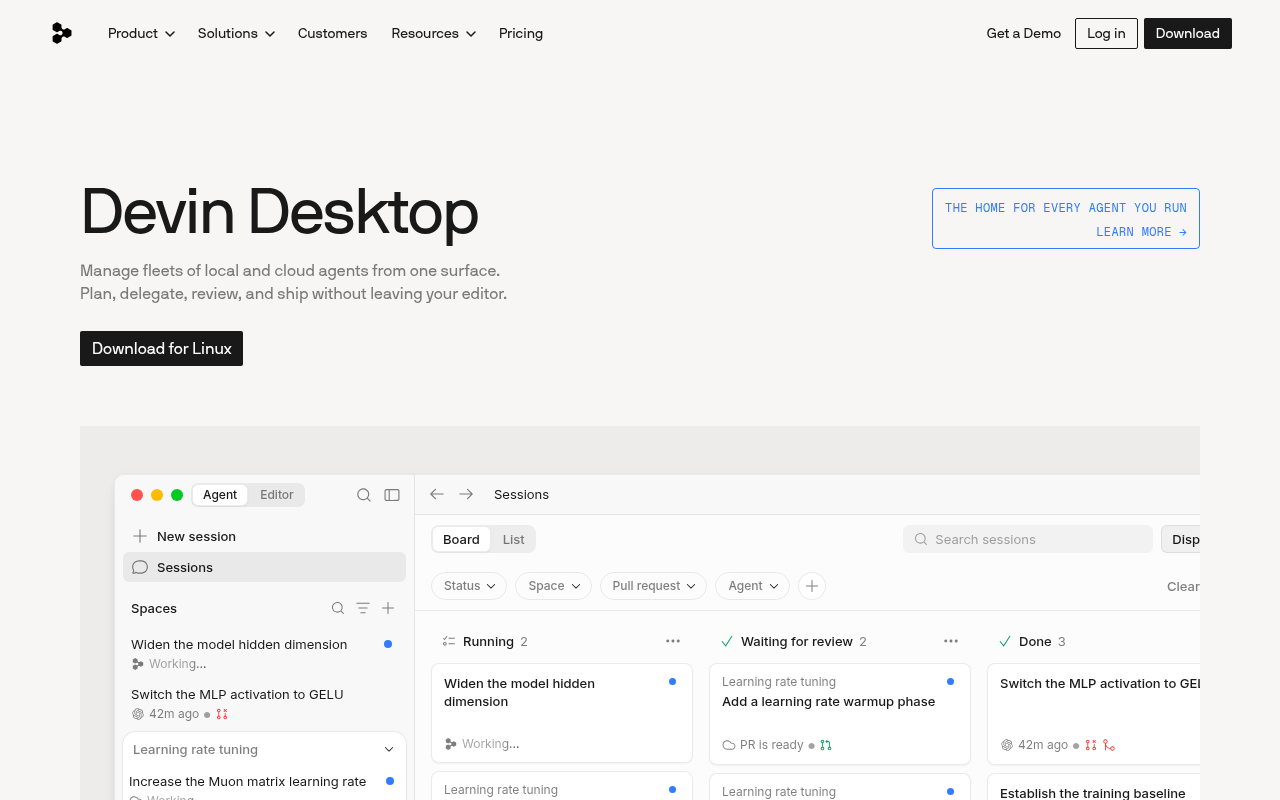
Start with the name change. Cognition, the company behind Devin, acquired Windsurf and folded the editor into its lineup as Devin Desktop, with windsurf.com now pointing at devin.ai.
Existing plans, settings and extensions migrate automatically. Windsurf for JetBrains stays available as a separate plugin, and legacy subscriptions keep their existing terms.
The product itself keeps the qualities that made Windsurf popular with startups. Cascade-style agent workflows carry whole tasks, and a new command center runs local and cloud agents side by side.
Cognition's SWE-1.7 coding model is free to use without limits. Fast Context retrieval feeds agents the right files in milliseconds, and Supercomplete predicts whole next edits.
Pricing moved with the brand. A free plan keeps unlimited completions and inline edits, and paid plans for new users start at $20/month.
Pros:
- Agent workflows stay among the most polished in the category
- Migration to Devin Desktop is automatic for existing setups
- Unlimited free use of the SWE-1.7 model
Cons:
- Its second rebrand in two years leaves the roadmap harder to read
- The old price advantage over rival IDEs is gone
- Like every IDE here, it leaves hosting and deployment to you
Bottom line: The editor under the new name remains one of the smoothest agent-first IDEs available. Cognition's backing adds a deep agent bench behind it. Let the free plan show whether the new direction suits you before paying.
6. Hostinger Horizons (now Hostinger AI Builder)
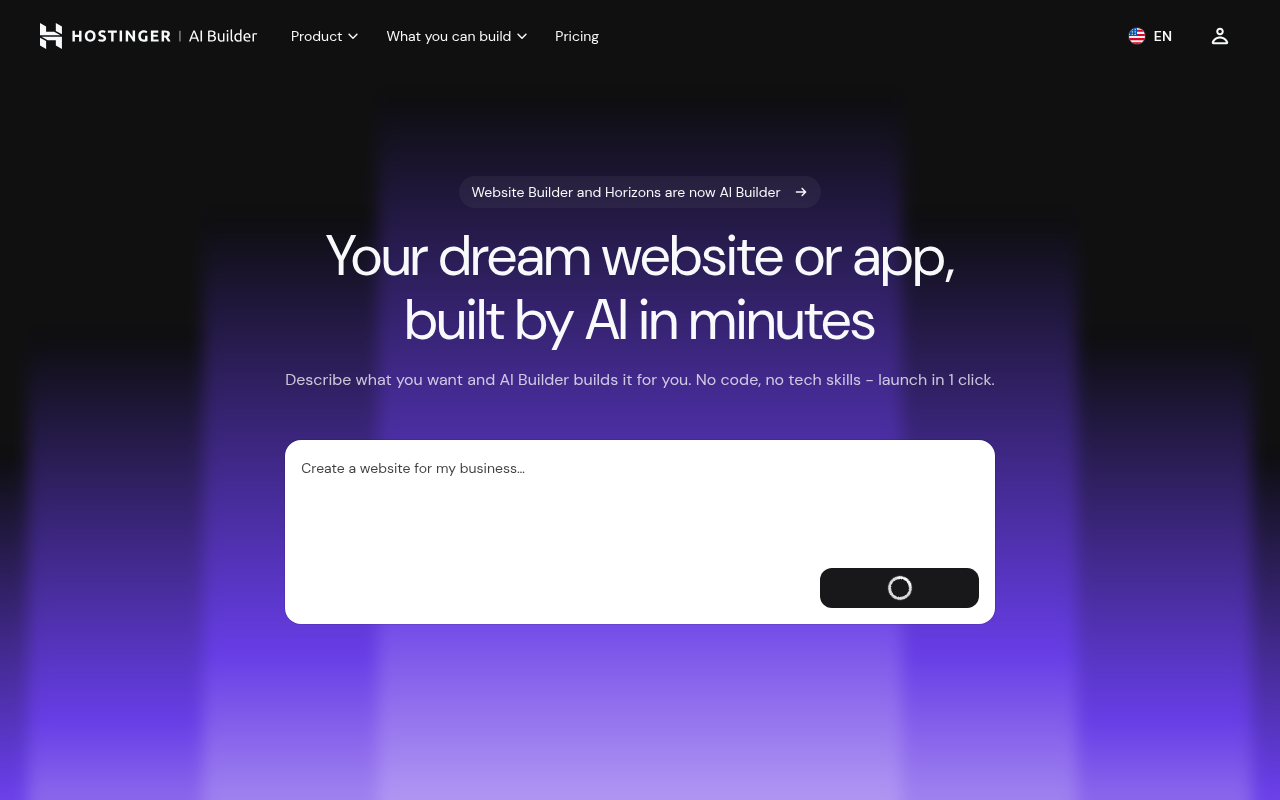
Small businesses that need a site live this week are the audience here. Hostinger has since folded Hostinger Horizons, together with its Website Builder, into a single product called Hostinger AI Builder.
The pitch is the bundle. Describe the site or app you want, and it arrives with hosting, a custom domain, mailboxes and an integrated backend for databases and user accounts. Stripe comes built in for selling.
More than 400 templates cover stores, portfolios and booking sites, and an agentic mode makes the edits you describe.
The platform sits on Hostinger's 20 years of hosting, with support around the clock.
Pricing works like hosting, because it is hosting. A free plan does not exist, though a 30-day money-back guarantee covers the risk. Plans start at $2.99/month on a 48-month term, renew higher after it, and cap AI credits by tier.
Pros:
- Hosting, domain, mailboxes and backend all arrive in one purchase
- Templates plus agentic editing keep non-technical owners moving
- The lowest entry price on this list
Cons:
- No free plan, and the headline price needs a 48-month prepay
- Small AI credit allowances limit how much you can build each month
- Better at business sites than at complex custom applications
Bottom line: The rename to Hostinger AI Builder signals where this product now sits, which is inside Hostinger's wider hosting business. For a small business wanting one bill and one dashboard, that bundling is the appeal. Builders chasing complex custom apps should look further up this list.
7. GitHub Copilot
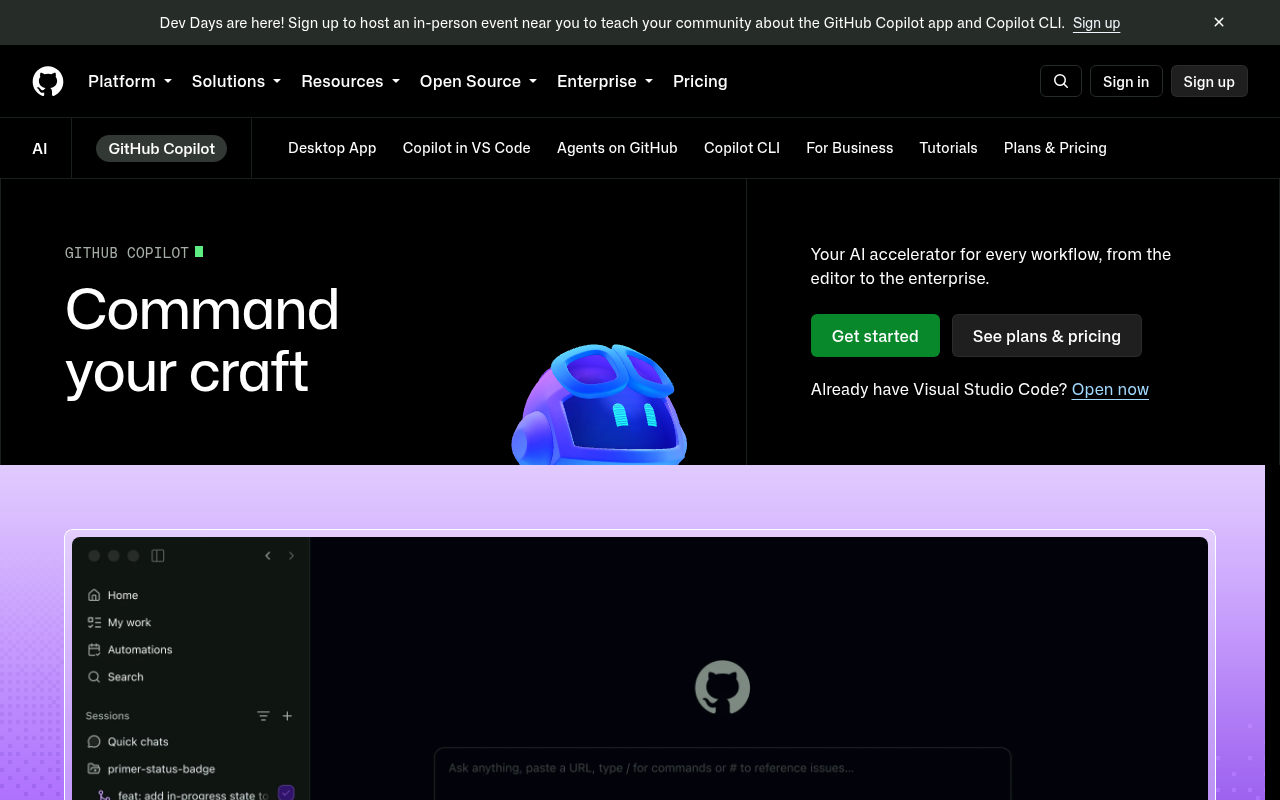
Adding AI to the editor you already use is GitHub Copilot's whole pitch. It runs in VS Code, JetBrains IDEs, Neovim and Visual Studio, and it has grown from autocomplete into a full agent platform with a CLI.
Completions, chat and multi-model support form the base. Paid plans add a cloud coding agent and AI code review, and the agent can turn an assigned issue into a finished pull request.
Context is the advantage. Because GitHub builds it, your repositories, issues and pull requests feed every suggestion.
For a Bolt.new switcher the question is intent. Copilot speeds up code you write inside a project you manage, and it never hosts or deploys anything for you.
A free tier includes 2,000 completions each month, enough for a real trial. Pro starts at $10/month, the lowest paid entry here.
Pros:
- Lives in the editors most developers already run
- Repository, issue and pull request context feeds its suggestions
- Free tier plus the lowest paid entry price in this lineup
Cons:
- It assists coding and leaves building, hosting and shipping to you
- Strongest inside GitHub workflows and weaker outside them
- Heavy agent use draws down monthly credit allowances
Bottom line: Copilot is the safest add-on choice for anyone who already codes. It layers modern agents onto a familiar editor and asks for almost no switching cost in return. Anyone who came to Bolt.new to escape code will find little here.
8. Tabnine
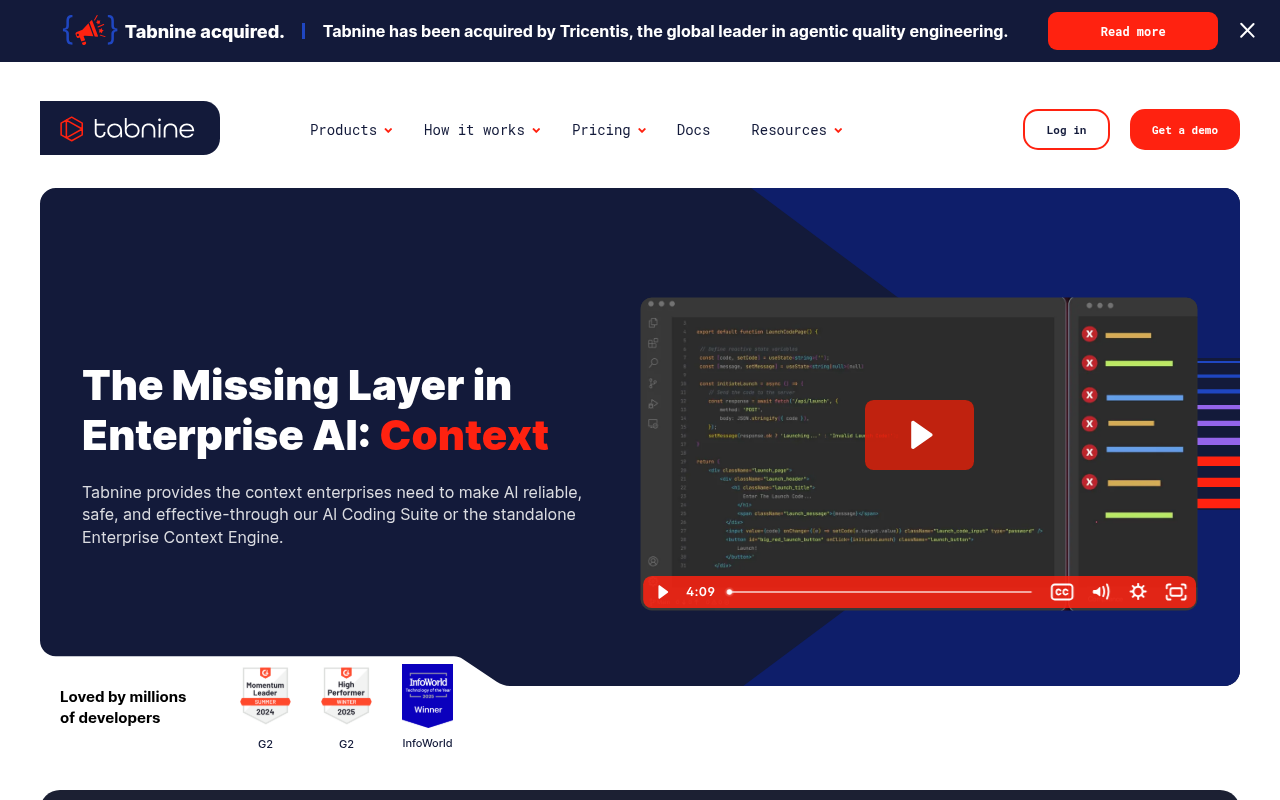
Tabnine now sells to one buyer, the security-conscious enterprise. Its acquisition by Tricentis in 2026 sharpened that focus, and the free tier and cheap Pro plan went away with it.
Plans are annual and per user, from $39/month. Gartner named it a Visionary in its 2025 Magic Quadrant for AI code assistants.
What that buys is deployment freedom the rest of this list never offers. Tabnine runs as SaaS, in your VPC, on-premises or fully air-gapped, with zero code retention as standard. SOC 2, ISO 27001 and IP indemnification are all included.
The product covers completions and codebase-aware chat, and an agentic tier adds autonomous agents with a context engine that reads your architecture and standards. Every major IDE is supported, with models drawn from several providers.
Individuals coming from Bolt.new have no real entry point anymore. Procurement teams do.
Pros:
- Deployment options run from SaaS all the way to air-gapped
- Zero code retention with SOC 2 and ISO 27001 certification
- Model choice across providers inside every major IDE
Cons:
- No free tier since the Tricentis acquisition
- Annual per-user pricing prices out individuals and small teams
- Plans are quoted through sales, with no self-serve signup
Bottom line: Tabnine stopped chasing hobbyists and doubled down on regulated industries. Nothing else in this group matches its air-gapped deployment paired with zero code retention. Start the shortlist here if security review decides your tooling.
Choosing the right Bolt.new alternative
The quickest way to choose is to start from how you want to work.
| Use case | Recommended tools | Notes |
|---|---|---|
| Keeping the prompt-first workflow | Lovable, Hostinger AI Builder | Closest like-for-like builders, with hosting bundled |
| Keeping costs low | GitHub Copilot | Free tier covers 2,000 completions a month |
| Control over models and code | Cursor and Windsurf (now Devin Desktop) | Model choice per task, with an agent-led option in Devin Desktop |
| Building in the Vercel ecosystem | v0 by Vercel | Generation, previews and deployment share one platform |
| Meeting security requirements | Replit, Tabnine | SOC 2 Type 2 and SAML SSO, Tabnine for air-gapped needs |
| Shipping a running product | Replit | Agent builds from prompt with database, hosting and deployments included |
You want to keep the prompt-first workflow: Among Bolt.new competitors, no-code options like Hostinger Horizons and Lovable provide user-friendly interfaces. Lovable is the closest like-for-like swap, while Hostinger's AI Builder fits small-business sites where hosting comes bundled.
Cost is the constraint: GitHub Copilot's free tier covers 2,000 completions a month, and its paid entry price is the lowest on this list. The trade-off is that it assists your coding instead of building the app for you.
Control over models and code matters most: Cursor gives you model choice per task and a privacy mode, all inside an editor built for developers. Windsurf, now Devin Desktop, plays the same role with a more agent-led workflow.
Your stack lives in one ecosystem: v0 by Vercel is the pick when your apps are React and your hosting is Vercel, since generation, previews and deployment share one platform. Nothing else here rewards a stack decision as directly.
Security review sets the pace: Replit clears enterprise procurement with SOC 2 Type 2 infrastructure, SAML SSO and private deployments through its Microsoft Azure partnership. Tabnine remains the pick when policy requires air-gapped deployment with zero code retention.
A running product is the point: the other tools either generate code for you to carry or assist the code you write. Replit closes that loop, with our Agent building from your prompt in a workspace where the database, hosting and deployments already live.
Starter is free, so trying it costs nothing. If you want to go from natural language prompt to deployed, full-stack app with no setup required, start with Replit.
Frequently asked questions
What can I use instead of Bolt.new?
Replit, Lovable and Hostinger AI Builder all build working apps from plain language prompts, while Cursor, Windsurf (now Devin Desktop) and GitHub Copilot bring AI into a code editor. The right pick depends on whether you want a finished, hosted app or help writing code.
Is there a free Bolt.new alternative?
Yes. Six of the eight tools here, including Lovable, v0 by Vercel, Cursor, Windsurf and GitHub Copilot, offer free plans you can build with today. Only Hostinger's AI Builder and Tabnine require payment up front, and Hostinger softens that with a 30-day money-back guarantee.
Is there an open-source version of Bolt.new?
Yes. bolt.diy is the official open-source variant of Bolt.new, maintained by the community under StackBlitz Labs, and you run it with your own model keys. The commercial tools in this guide are closed source, though most offer free plans that let you test the same prompt-to-app workflow.
Do Bolt.new alternatives include hosting?
Some do. Replit, Lovable and Hostinger's AI Builder publish and host what you build, and v0 deploys straight to Vercel. Cursor, GitHub Copilot and Tabnine assist your coding but leave hosting and deployment to you, so budget for your own stack alongside them.