Building an app used to take months of coding. Now it takes a conversation. The hard part has shifted from writing code to picking the platform that fits how you work.
Today's AI app builders turn simple descriptions into working prototypes. Some go much further, writing the backend and the database and then publishing to a live URL while you review each change in plain language.
This guide explores the top AI app builders reshaping how you build apps in 2026, from Replit's autonomous agents to specialized tools for mobile apps, internal dashboards, and e-commerce platforms.
What Is an AI App Builder?
An AI app builder uses artificial intelligence to automate app development processes, from generating user interfaces to writing backend logic and deploying functional apps. Unlike traditional no-code platforms that rely on drag-and-drop components, AI app builders interpret natural language descriptions and automatically create the necessary source code, APIs, and workflows.
These tools bridge three approaches: pure no-code builders for non-developers, AI-assisted coding tools that help developers write code faster, and autonomous AI agents that can architect entire applications from scratch. The best platforms combine visual interfaces with AI-powered automation, letting you describe your app and watch a working prototype appear.
Modern AI app builders integrate with popular frameworks, handle real-time data synchronization, and support deployment to app stores and web hosting platforms. They turn app development from a skill that required multiple programming languages into a creative process open to entrepreneurs, designers, and business professionals without coding experience.
Why AI App Builders Matter in 2026
The explosion of generative AI has reached a tipping point where AI agents can autonomously design, code, and deploy applications. What started with simple template generators has evolved into sophisticated systems that understand business logic, generate complex workflows, and create custom backends tailored to specific use cases.
This democratization matters because the barrier to software creation has collapsed. You can now build functional apps for your business without hiring development teams, while experienced developers use AI coding tools to focus on high-level architecture instead of repetitive tasks. Startups iterate faster, entrepreneurs test ideas without technical bottlenecks, and companies create internal tools without lengthy procurement cycles.
How we picked these tools
We evaluated AI app builders on cross-platform support (iOS, Android, web), AI sophistication, iteration speed, pricing flexibility, and integration depth. Lovable, Bolt, and Replit build from a prompt, and Glide, Softr, and AppSheet from a spreadsheet. Adalo and Bubble are visual builders, DronaHQ the enterprise pick.
Three cuts applied to every tool. Each of the nine AI app builders below is still maintained and publishes its prices. We also checked every product claim by hand against each vendor's own live pages during August 2026 as well. Tools that hide pricing behind a sales call were cut.
Best AI App Builders - Comparison Table
| Tool | Best for | Free plan | Paid plans from |
|---|---|---|---|
| Replit | Full web apps, internal tools, dashboards, and slides from one prompt | Yes (Starter) | $20/mo (Core) |
| Softr | Portals and internal tools on Airtable, Sheets, and Notion data | Yes | $19/mo |
| GlideOS | Internal business apps built from a spreadsheet, prompt, or file | Yes | $25/mo |
| Lovable | Full-stack web apps with real, exportable code | Yes | $25/mo |
| Adalo | Phone apps published to both app stores | Yes | $45/mo |
| Google AppSheet | Apps on Google Workspace data with Workspace admin controls | Free for testing (up to 10 users) | $5/user/mo |
| DronaHQ | Enterprise internal tools, workflows, and agents | Free trial only | $140/mo |
| Bolt | Websites and apps whose code you keep | Yes | $25/mo |
| Bubble | Visual no-code builder for web and phone apps | Yes | $59/mo (annual) |
Product and pricing information: vendor product and pricing pages, August 2026.
Detailed reviews of the best AI app builders in 2026
Replit
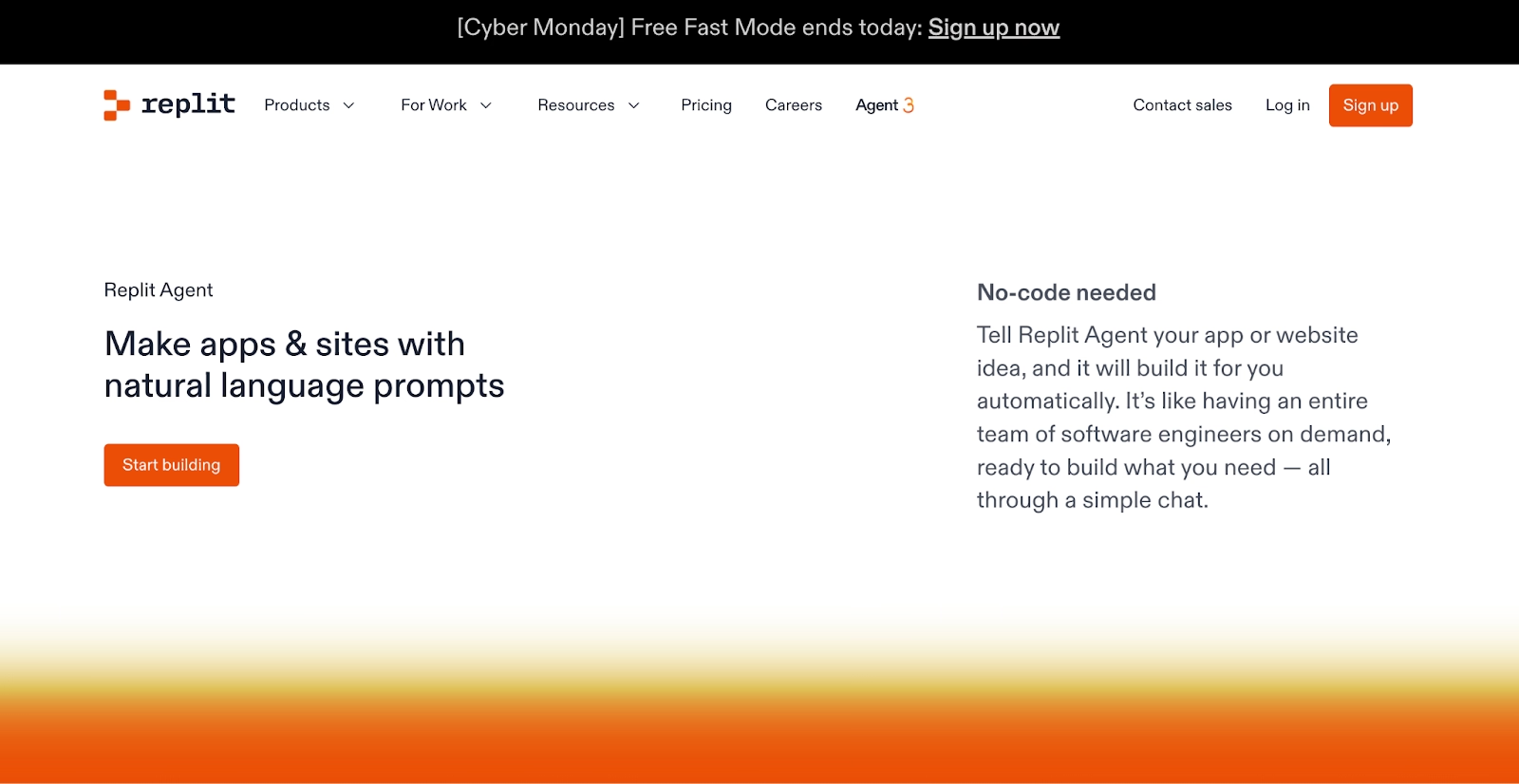
Replit is the one platform on this list where the coding environment, the AI, and the hosting are a single product. Describe the product, and Replit Agent builds and tests it in the workspace it publishes from.
The outputs are concrete. Full web apps, internal tools and dashboards, data pipelines, automations, and slide decks all come out of the same prompt box. Design frames do too. Our public gallery shows what people are shipping, with view and use counts on each template.
For larger teams, the Microsoft Azure partnership pairs Replit with Azure infrastructure, while Enterprise plans add SAML SSO and private deployments on top of SOC 2 Type II compliance.
At Rokt, more than 700 employees built 135 fully working internal apps in one 24-hour hackathon. At Plaid, one SLA dashboard saved 96 or more hours per person.
Starter is free with daily Agent credits, and Core starts at $20 per month, with Agent work beyond the included credits billed by effort.
Pros:
- Ready-to-run output across apps, dashboards, and slides from one prompt, with hosting, a database, and authentication included.
- Our Agent tests its own work in a browser and fixes what it finds before you see it.
- Native iOS apps, previewed on your phone and submitted to the App Store from the same workspace.
Cons:
- Full build mode and third-party connectors need a Core plan, so the free tier suits smaller projects.
- The first few effort-based requests take some getting used to before spend feels predictable.
Bottom line
Replit is the obvious choice when the goal is a live product with the database and hosting already attached. It suits people who ship whole products. If all you need is a UI mockup or one spreadsheet view, lighter tools on this list get there faster.
Softr
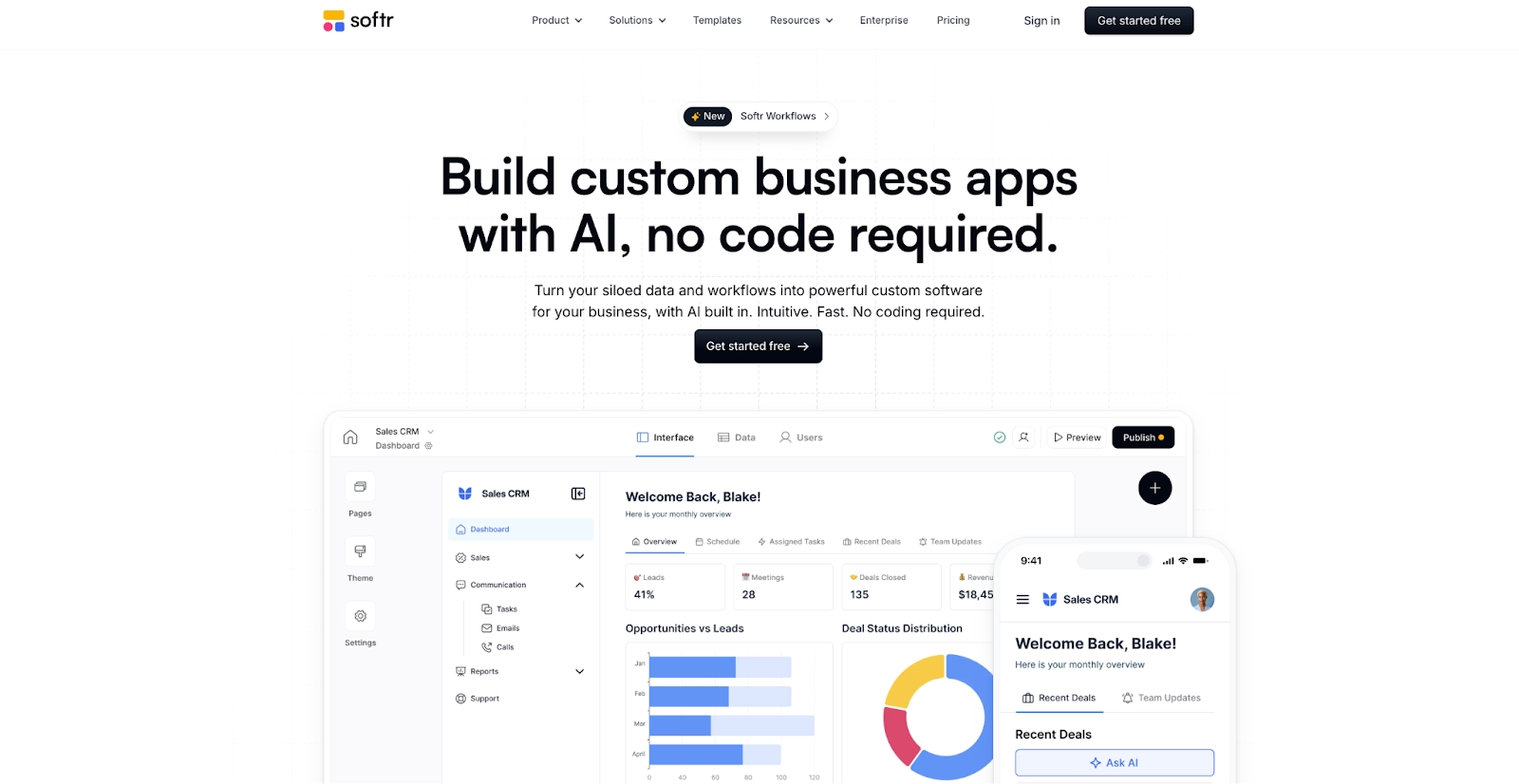
If your business already runs on Airtable, Google Sheets, or Notion, Softr is the fastest way to put a proper interface on top of that data. Client portals, sales CRMs, inventory trackers, and intranets are the typical builds.
The AI app generator creates the first draft from a description, and an AI co-builder edits the live app when you describe a change. Softr also offers its own database now, plus connectors for HubSpot, Supabase, MySQL, and PostgreSQL.
Logins and permissions come built in, which lets a client portal show each customer nothing but their own records.
The free plan carries Softr branding. The first paid plan, Basic, costs $19 per month and adds custom domains.
Everything ships as a web app, and since there is no native mobile build, heavier logic usually moves to automations or an outside tool.
Pros:
- Turns an Airtable base or Google Sheet into a client portal with logins in an afternoon.
- Tell the co-builder what to change and it applies the edit to the running app.
- Broad data connectors, from Notion and HubSpot to PostgreSQL and REST APIs.
Cons:
- Web apps only, with no native phone app output.
- Performance follows the speed of the connected data source.
- Complex business logic needs workarounds or a separate automation tool.
Bottom line
Softr stands out for portals and internal tools built on data you already keep in a spreadsheet or Airtable. It rewards operations teams who want logins, permissions, and a clean interface without a developer. Native mobile and heavy logic are where it stops.
GlideOS
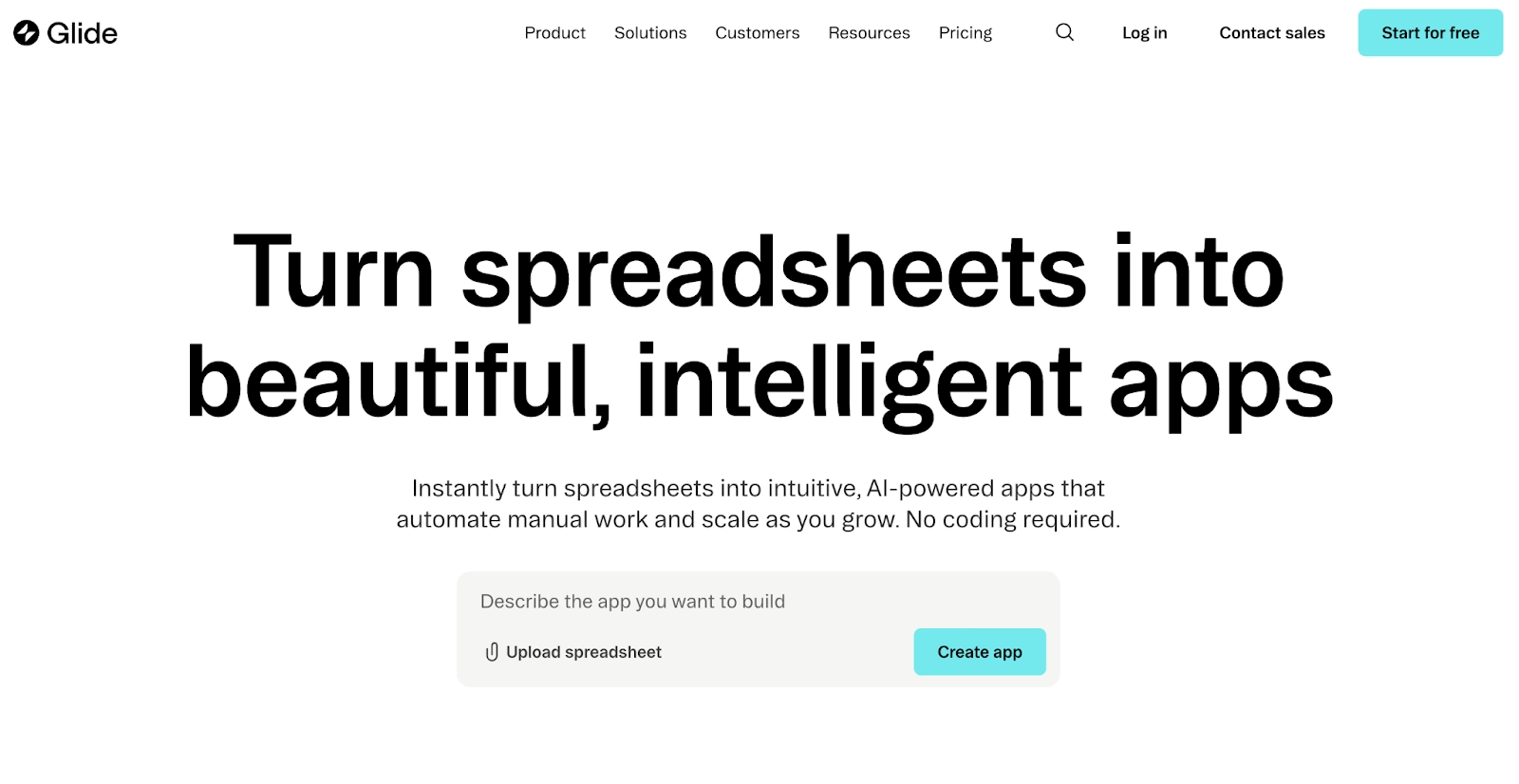
Drop a spreadsheet into GlideOS and it comes back as an app. GlideOS, the newer platform from the makers of Glide Classic, is an AI app maker that also accepts a prompt or a file as the starting point and builds internal business software around it.
Data sources go well beyond Google Sheets, with Airtable, Salesforce, Notion, and Postgres databases all connecting. A Glide Agent handles the AI work inside the app on a credit budget, while Glide Classic apps keep running on their original plans.
Apps work on phones and desktops from one build. That is why operations teams reach for it for inventory, work orders, field sales, and similar jobs.
The free plan covers one project with limited credits, and Solo adds five projects and a database for $25 per month.
GlideOS is built for internal tools first, so customer-facing apps are possible but the templates, use cases, and pricing all assume a team using it for operations.
Pros:
- Spreadsheet in, working app out, with navigation and forms generated for you.
- Reaches Postgres, Salesforce, and Airtable data as well as Sheets.
- Built-in database and a team dashboard on paid plans.
Cons:
- GlideOS is a separate product from Glide Classic, with its own subscription.
- App complexity is capped by how your data is structured.
- AI credits are metered, so heavy Agent use adds up.
Bottom line
GlideOS is the strongest spreadsheet-to-app option here, and it extends to prompts and files. Operations teams that keep their working data in a sheet and need an app around it by Friday get the most from it. Custom backend logic will hit the ceiling of the data model.
Lovable
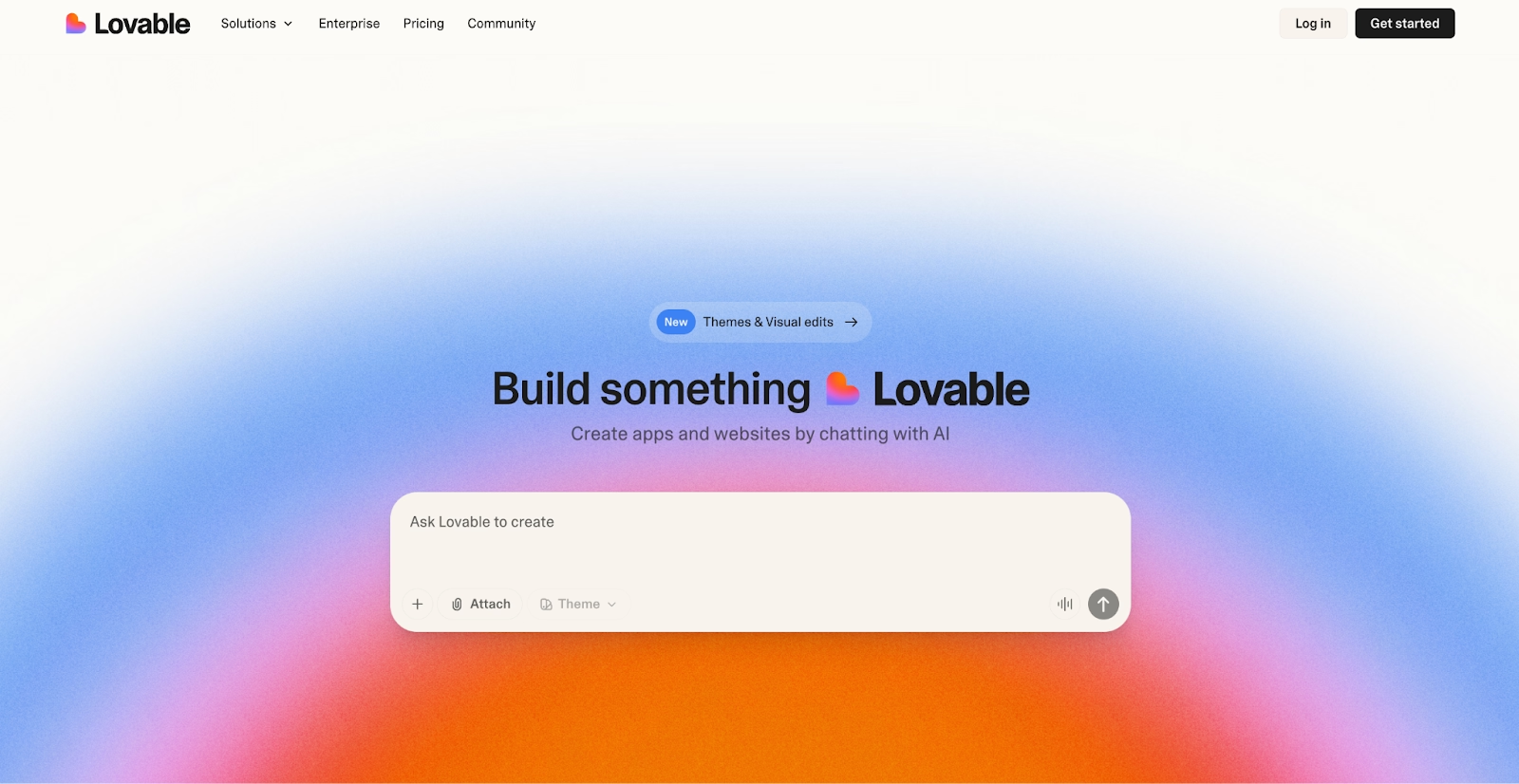
Every app Lovable builds is a real React codebase you can open, edit, or sync to GitHub. The whole thing comes from a chat. Lovable Cloud supplies the database, authentication, storage, and edge functions, or you can connect Supabase instead.
Payments, custom domains, and branded email come built in. A security scan runs over the app before you publish, checking API keys, database access rules, and dependencies. One click puts the app online.
Chat connectors let Lovable read your own tools while it works, and workspace skills store the instructions you want applied to every build.
Output is web only. Credits cover building, hosting, and the app's own AI features from one balance, so a long debugging session draws down the same pool.
The free plan gives you five build credits a day. Pro starts at $25 per month.
Pros:
- Real, exportable React code with two-way GitHub sync.
- Built-in backend, payments, and security scans, so a real product needs no extra services.
- One of the fastest first drafts in the category from a single prompt.
Cons:
- No native mobile output, only web.
- One credit pool covers building, hosting, and in-app AI, so usage is easy to underestimate.
- Design polish still takes several rounds of prompting.
Bottom line
Lovable is the reference point for prompt-to-web-app building, and its output holds up when you open the code. Founders who want a working MVP by tonight are its core audience. Native mobile is out of scope.
Adalo
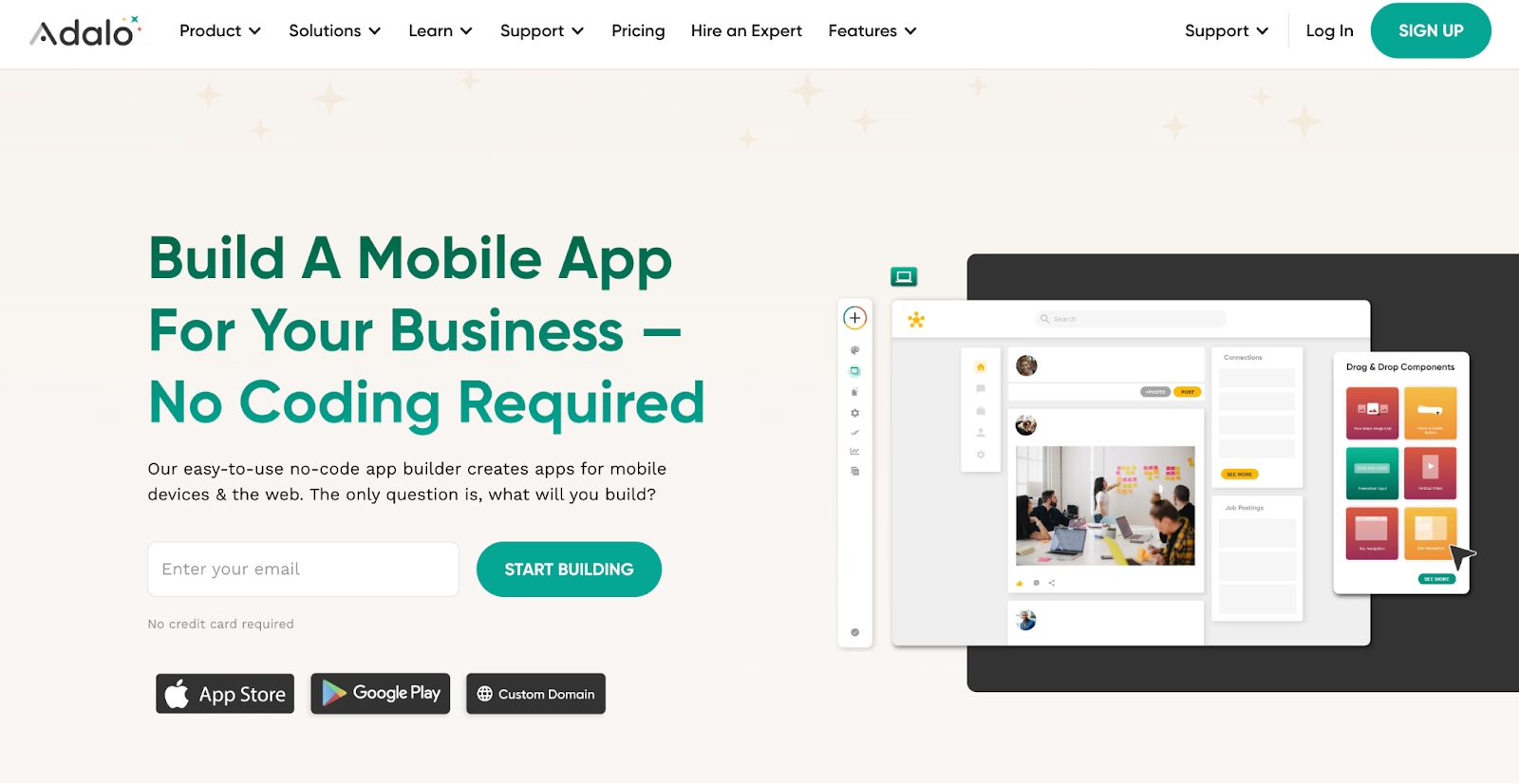
Adalo's whole builder assumes your users will open a phone first. One project publishes to iOS, Android, and the web, with push notifications and app store submission handled inside the builder.
AI app generation comes with every plan and drafts the first screens from a description, while Ada, the assistant that edits from prompts, is still marked beta.
The visual canvas is where most of the work happens after that first draft, and it follows mobile UX conventions closely, so a booking app or community app looks native without much tuning.
Records sit in Adalo's own database, with outside services connected through the integrations menu instead of code. Web output is the weaker side of the platform, and complex data logic strains that database once an app starts to grow.
Free to build and test with 500 records, then the Starter plan is $45 per month.
Pros:
- Ships to iOS and Android stores from one project.
- Store submission runs inside the builder, alongside push notifications.
- AI generation included on every tier, including the free one.
Cons:
- Web apps are secondary, so desktop-heavy products fit poorly.
- Performance drops on data-heavy screens.
- App store review adds days to every launch and update.
Bottom line
Adalo stands apart as the mobile-first builder on this list. Its best fit is a founder whose customers live on their phones, from booking apps to community apps. Desktop-first products and heavy data logic belong with another tool.
Google AppSheet
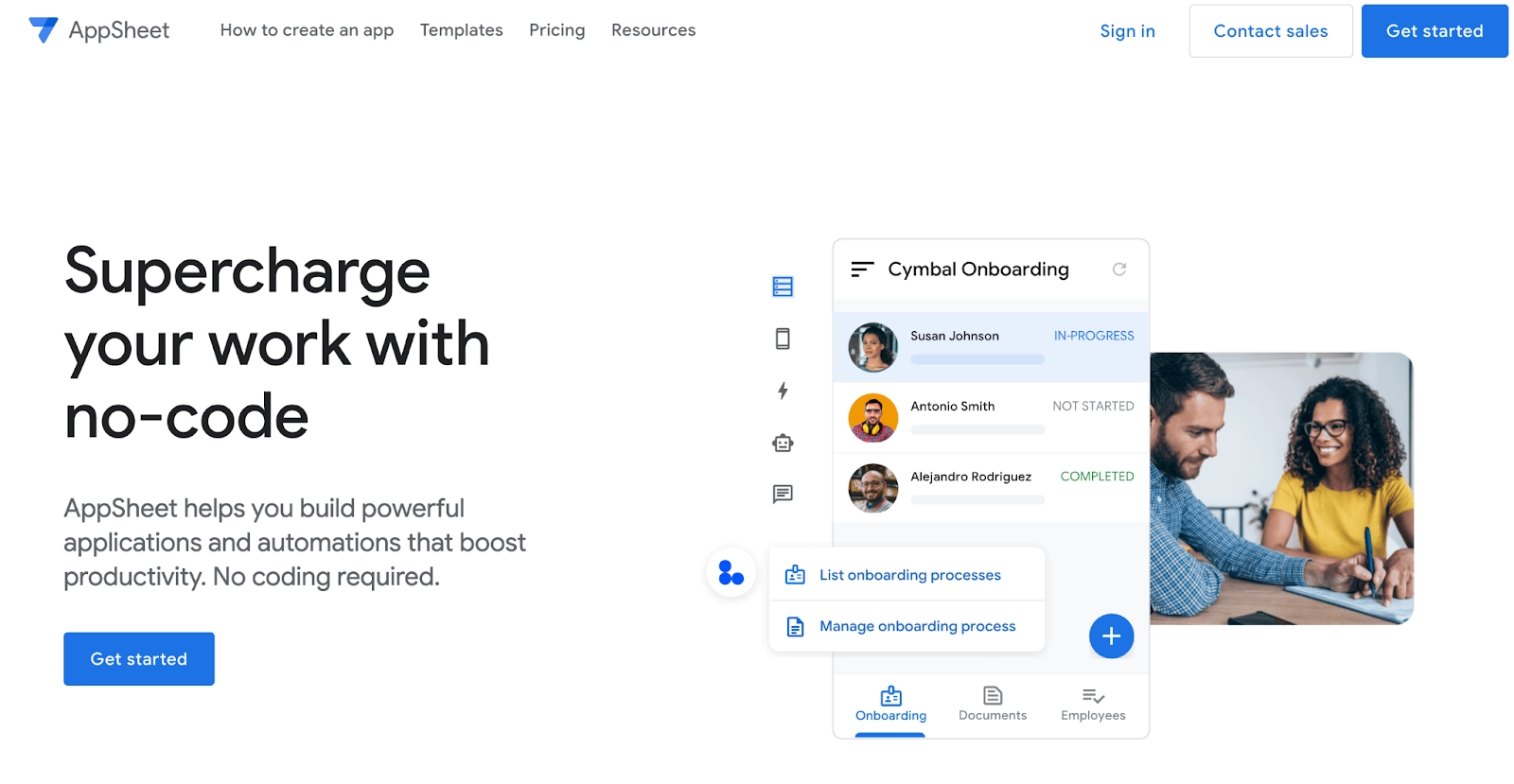
Google AppSheet lives inside Google Workspace, so the data, the logins, and the admin console are ones your team already uses. It reads Google Sheets, Excel, Cloud SQL, Salesforce, and Office 365 data and turns it into apps for phone and desktop, with Gemini drafting the structure from a description.
The strongest features are the ones Google owns. Intelligent document processing and optical character recognition pull data out of scanned forms, and everything inherits Workspace identity and admin controls.
Field teams are the classic fit. Offline mode keeps inspection and inventory apps running with no signal.
Customization is the trade-off. Expect a Google look throughout the interface, one you cannot fully escape. Teams outside Google's ecosystem gain little from it.
You can test with up to 10 users at no cost, and Starter is priced at $5 per user per month.
Pros:
- Bundled with some Google Workspace plans and governed by the same admin console.
- Offline mode for field and inventory apps.
- Document processing and OCR built on Google AI.
Cons:
- Little value outside the Google ecosystem.
- Less design freedom than dedicated builders.
- Per-user pricing climbs with large deployments.
Bottom line
AppSheet is the safe choice for organizations already standardized on Google Workspace. It rewards IT and operations groups that want apps on existing data under admin controls they already run. Everyone else will find the builders above more flexible.
DronaHQ
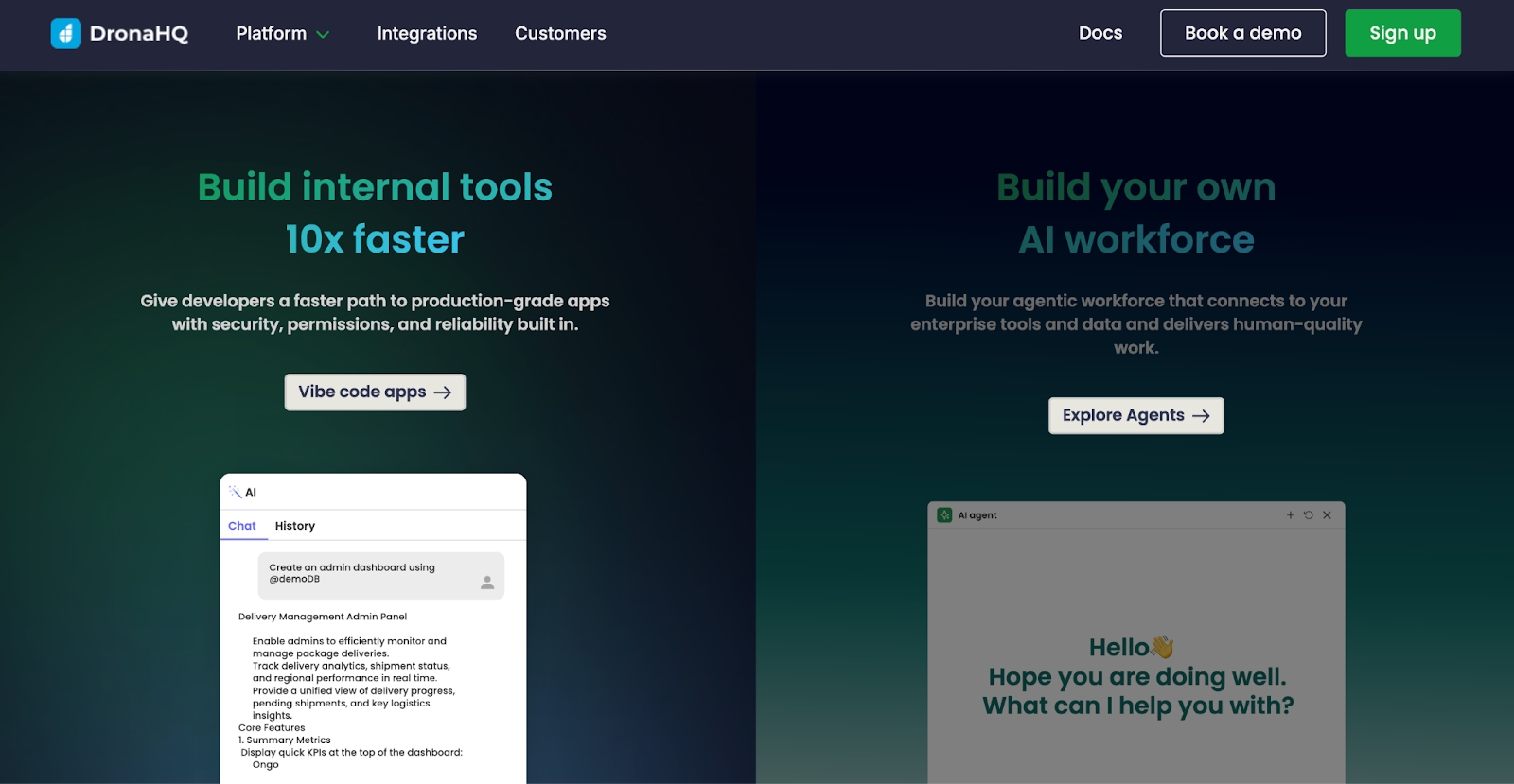
DronaHQ is aimed at IT teams that need an internal tool live this month and have to satisfy a security review to get there. It builds admin panels, dashboards, workflows, and AI agents on top of databases, APIs, SAP, and Salesforce.
You can run it in the cloud or self-host it, and that single option is the reason it shows up in regulated industries alongside SOC 2 compliance and role-based access.
The AI side now includes a coding agent for the builder, plus generative AI apps and voice agents.
Small teams find the setup heavy, since the permissions model, environments, and connectors all need configuring before the first app is useful.
There is a trial but no free plan, and Starter runs $140 per month, which puts DronaHQ firmly in team-level budget territory from the first day.
Pros:
- Self-hosted or cloud deployment, with SOC 2 in place.
- Connects to SAP, Salesforce, and legacy databases through one interface.
- Workflow automation and agent building ship on the same platform as the apps.
Cons:
- The entry price assumes a team budget, with only a trial before it.
- Setup and permissions take real IT time before the first useful app.
- Enterprise feature depth is overkill for simple projects.
Bottom line
DronaHQ is the enterprise internal-tool platform of the nine. Pick it if you have compliance sign-off to clear and a stack of legacy systems to connect. A solo builder will pay for depth that never gets used.
Bolt
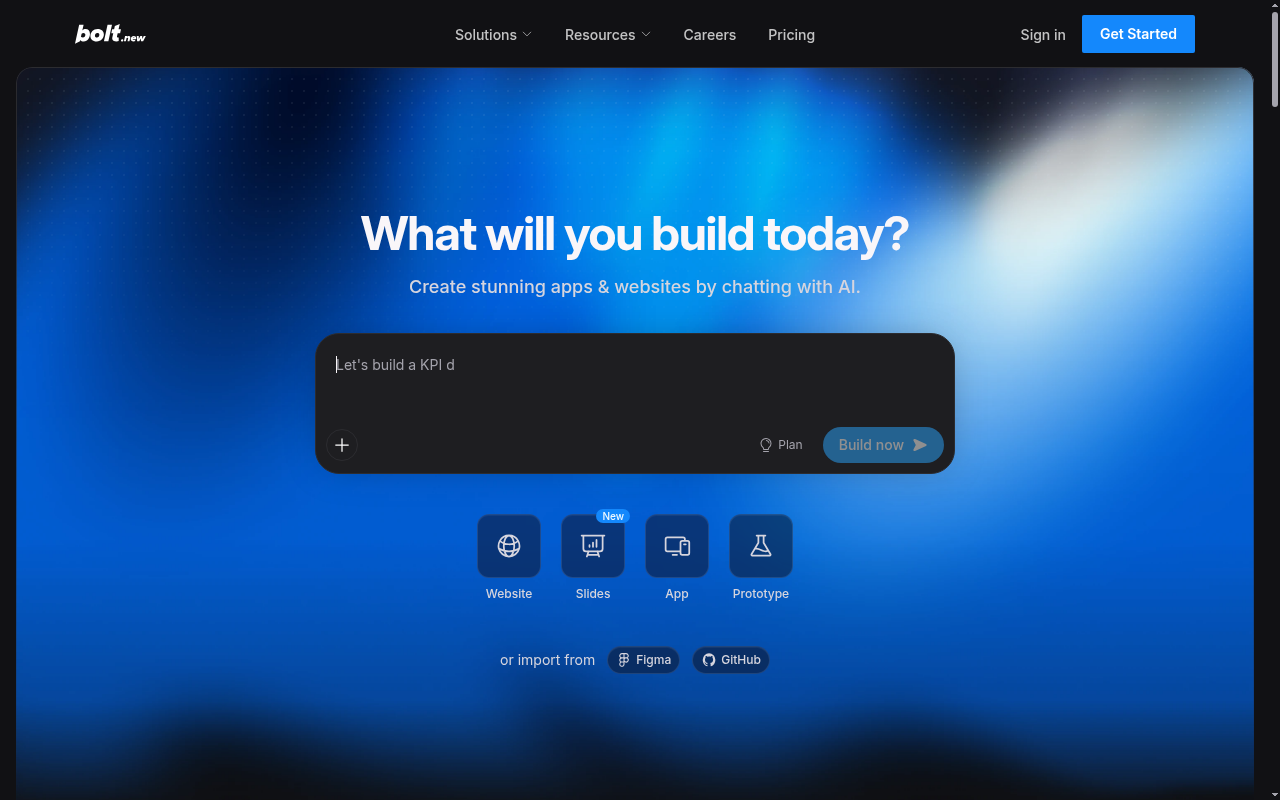
Bolt writes the website or web app in front of you while you chat, choosing a model for each task on its own. StackBlitz makes it, and the code stays yours through GitHub export.
Supabase covers the database, Netlify handles the hosting, and Stripe and Figma both connect through integrations. Mobile apps go through Expo, which turns the same project into something you can preview on a phone and later submit.
Bolt also tests and refactors its own output as it goes. When it edits the wrong file, a human still has to read the code and fix it.
A daily token allowance comes free, for public and private projects. Pro is $25 a month.
Bolt makes no claim to be a design tool, and it is at its best when you already know the target and need the scaffolding fast.
Pros:
- Routes each task to a model on its own and tests its own output.
- Code export and GitHub sync from the first prompt.
- Supabase, Netlify, and Stripe wired in without configuration.
Cons:
- Token-based usage runs out fast on long sessions.
- Mobile output depends on Expo and is less mature than the web path.
- Interface quality needs more prompting than design-first tools.
Bottom line
Bolt is the developer's version of the prompt-to-app tool, and it never hides the code from you. The people it pays off for pick their own framework and hosting and want the code within reach at every step. Lovable or Bubble suit builders who never open code.
Bubble
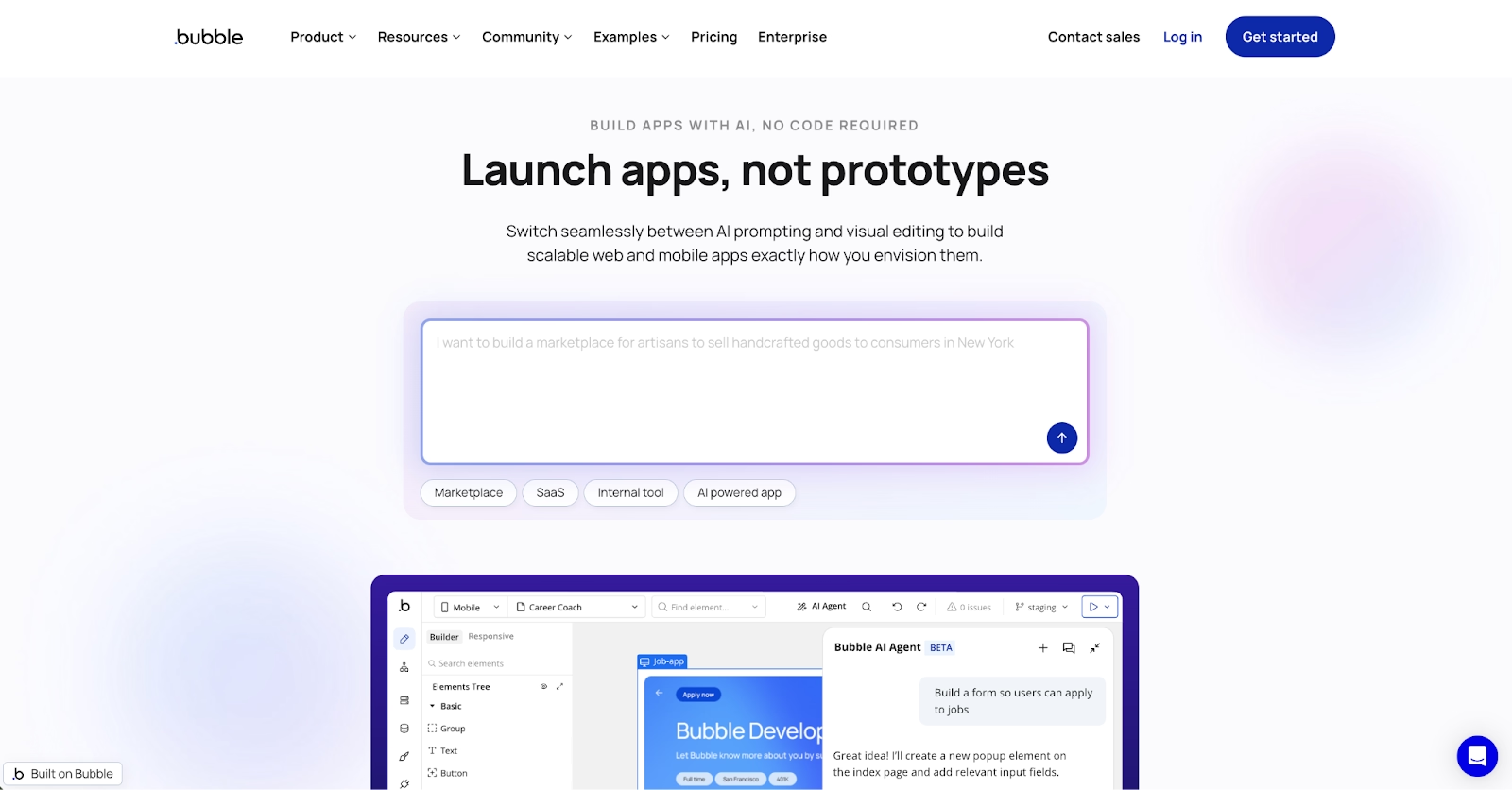
Bubble takes the opposite route from the chat-first tools. Its AI app creator generates the first version, and then a visual editor gives you direct control over design, database, workflows, and privacy rules.
That editor is the reason Bubble has outlasted most no-code platforms. Plugins extend a built-in database. Native mobile apps are now part of the platform. Privacy rules run on the server, which matters for anything with user data.
The learning curve is real, so expect a week before the editor's logic feels natural and some performance work once data grows.
Development is free, and Starter is $59 a month on annual billing, custom domain included.
For a marketplace, SaaS product, or membership site that needs precise logic, Bubble is the most complete no-code option on this whole list. Its plugin marketplace and agency ecosystem mean most integrations already exist.
Pros:
- Full visual control over design, data, logic, and access rules after AI drafts the app.
- A database comes built in, and plugins fill most gaps.
- Web and phone apps from one platform.
Cons:
- Steeper learning curve than chat-first builders.
- Performance tuning becomes your job as data grows.
- Apps live on Bubble's hosting, so there is no code export.
Bottom line
Bubble goes deeper than any other visual builder here once the AI draft is done. It rewards builders who have a complex product in mind and intend to own every workflow, permission rule, and screen themselves. Anyone allergic to editors belongs with Lovable or Bolt.
Benefits of AI App Builders
AI app builders compress development cycles from months to days, letting you move from concept to prototype faster than ever. The combination of AI-powered UI generation, automated workflows, and backend logic creation eliminates repetitive tasks and lets non-technical founders launch products independently. These AI app builders turn app development into a collaborative process where AI acts as your co-developer.
- Faster Time to Market: AI automation shortens the path from idea to working app by eliminating manual coding and setup. This works well for startups testing MVPs or enterprises deploying internal tools quickly.
- Reduced Cost and Complexity: By removing the need for specialized coding tools and full-stack engineers, no-code and AI-assisted builders cut development costs while staying agile.
- Accessibility for Non-Developers: Natural language interfaces and visual editors mean entrepreneurs and designers can build functional apps using prompts instead of programming syntax.
- Continuous Optimization: Many platforms learn from interaction data to iterate their models, updating templates, improving performance, and automating deployment.
- Cross-Platform Reach: Modern builders like Replit, Adalo, and Glide produce iOS, Android, and web apps from a single prototype, helping your idea scale across ecosystems with minimal adjustments.
- Automation and Integration: Native connections to tools like Zapier, OpenAI, and Gemini extend capabilities, letting apps automate business workflows, send real-time notifications, or connect to backend APIs without custom code.
Together, these benefits redefine what it means to build software, merging creativity with computational precision.
Limitations and Common Drawbacks
Even the best AI app builders come with trade-offs. Understanding these helps set expectations and identify when traditional development may still be necessary.
Customization Ceilings: Most platforms limit how deeply you can modify backend logic or integrate custom libraries. Advanced APIs or complex schema changes may require external coding.
Performance and Scalability: While great for MVPs and mid-scale deployments, no-code infrastructure can struggle with high concurrency, data-heavy workloads, or real-time requirements.
Vendor Lock-In: Many AI app builders store project definitions in proprietary formats, making migration difficult later. Always verify data export options before scaling.
Pricing Challenges: While entry tiers are often free, advanced usage and API integrations can increase costs quickly. Plan for variable pricing models, especially where compute or AI token usage applies.
Security and Privacy: Some builders rely on external AI models like OpenAI or Gemini, introducing potential data privacy concerns for regulated environments. Enterprise platforms like Replit or DronaHQ often mitigate this through private deployments.
How Replit addresses these limitations:
- Unlike most no-code platforms, Replit gives you full access to your code. Download projects as ZIP files or push directly to GitHub.
- Performance scales automatically through Autoscale Deployments that handle traffic spikes (tested up to 2.5M requests) and drop to zero when idle.
- For enterprises, the Azure partnership adds SOC 2 Type 2 compliance, SAML SSO, and role-based access controls.
- Pricing stays transparent with effort-based billing, and security features like AES-256 encryption and private deployments protect sensitive information.
Which AI App Builder Should You Choose?
The quickest way to choose is to start from how you want to work.
| Use case | Recommended tools | Notes |
|---|---|---|
| Staying in your current tools | Google AppSheet, Softr | Works where your Google Workspace, Airtable, or Notion data lives |
| Keeping costs low | Lovable, GlideOS | Both start free, Lovable on daily credits, GlideOS with one project |
| Control over models and code | Bolt, Bubble | Bolt syncs code to GitHub, Bubble offers a visual editor |
| Native iOS and Android apps | Adalo | Ships one project to both app stores with push notifications |
| Enterprise security and compliance | Replit, DronaHQ | SOC 2 Type II and SAML SSO, or self-hosted connectors |
| Shipping a working product | Replit Agent | Turns a description into a tested app with hosting wired up |
- You want to stay in the tools you already use: Google AppSheet is the pick if your data and logins already live in Google Workspace, since the apps sit under the admin console you already run. Softr plays the same role for teams whose records sit in Airtable or Notion.
- Cost is the constraint: Lovable lets you build a real app on its free daily credits before you pay anything, and Pro stays inexpensive once you do. GlideOS also starts free with one project, which is enough to test a spreadsheet-to-app build.
- You want control over models, spend, or the code itself: start with Bolt to see which model handles each task and sync the code to GitHub. Bubble covers the same need for builders who prefer a visual editor spanning layout, data, logic, and permissions.
- You need a native iOS and Android app in the stores: Adalo ships a single project to both app stores with push notifications already built in. Its web output is weaker, so desktop-first products fit better elsewhere.
- Enterprise, security, and compliance come first: Replit leads here, pairing SOC 2 Type II compliance and SAML SSO with private deployments through the Microsoft Azure partnership. DronaHQ is the alternative when you need self-hosting and connectors for SAP, Salesforce, and older internal systems.
- You want to ship a working product: Replit Agent is built for exactly this, turning a description into a tested app in a workspace where the database, authentication, and hosting are already wired up. Starter is free and includes one live published project.
Get Started with Replit
AI has turned app development from a months-long technical process into a conversation you can have in an afternoon. The entry ticket was a team of developers. The best AI app builders on this list have made that the norm.
Replit is one of the platforms making that shift real for people who have never written code. Replit Agent turns a description into a tested app and then publishes it with hosting, security controls, and GitHub export already in place.
In 2026, building apps means describing what you want and letting AI handle the rest. It applies to startup ideas and enterprise workflows alike. Start free on Replit and publish your first app before the day is out.
FAQ
Can you build an entire app with AI?
Yes. Modern AI app builders like Replit can create complete applications autonomously, including frontend, backend, and deployment. You describe the app in plain language, the agent writes and tests the code, and the finished product publishes to a live URL you can share the same day.
Are AI app builders good for production apps?
Many are. Replit, DronaHQ, and Adalo now support production-grade infrastructure, while simpler tools suit prototypes or internal workflows. Look for autoscaling, role-based access, and compliance certifications such as SOC 2 before you commit, since those separate platforms built for scale from prototyping tools.
Which AI is better than ChatGPT for app building?
For development, tools that integrate Gemini, Claude, or proprietary large AI models with API access often outperform general-purpose chat models like ChatGPT for structured coding tasks. Purpose-built builders wrap those models in testing, version control, and deployment steps, which is where a raw chat window falls short.
How do AI app builders compare to traditional frameworks?
Traditional frameworks offer deeper customization and performance optimizations. In contrast, AI-powered builders prioritize speed, automation, and low complexity, making them best for prototypes, MVPs, and automated business workflows. Many teams now combine the two, using a builder for the first version and moving to a framework once requirements harden.
What is the best AI app builder in 2026?
It depends on the job you need the AI app builder to do. Replit is built for shipping a complete product with hosting and a database, Lovable or Bolt for a fast web MVP, and Adalo for a native mobile app. The table above lists free plans and starting prices.